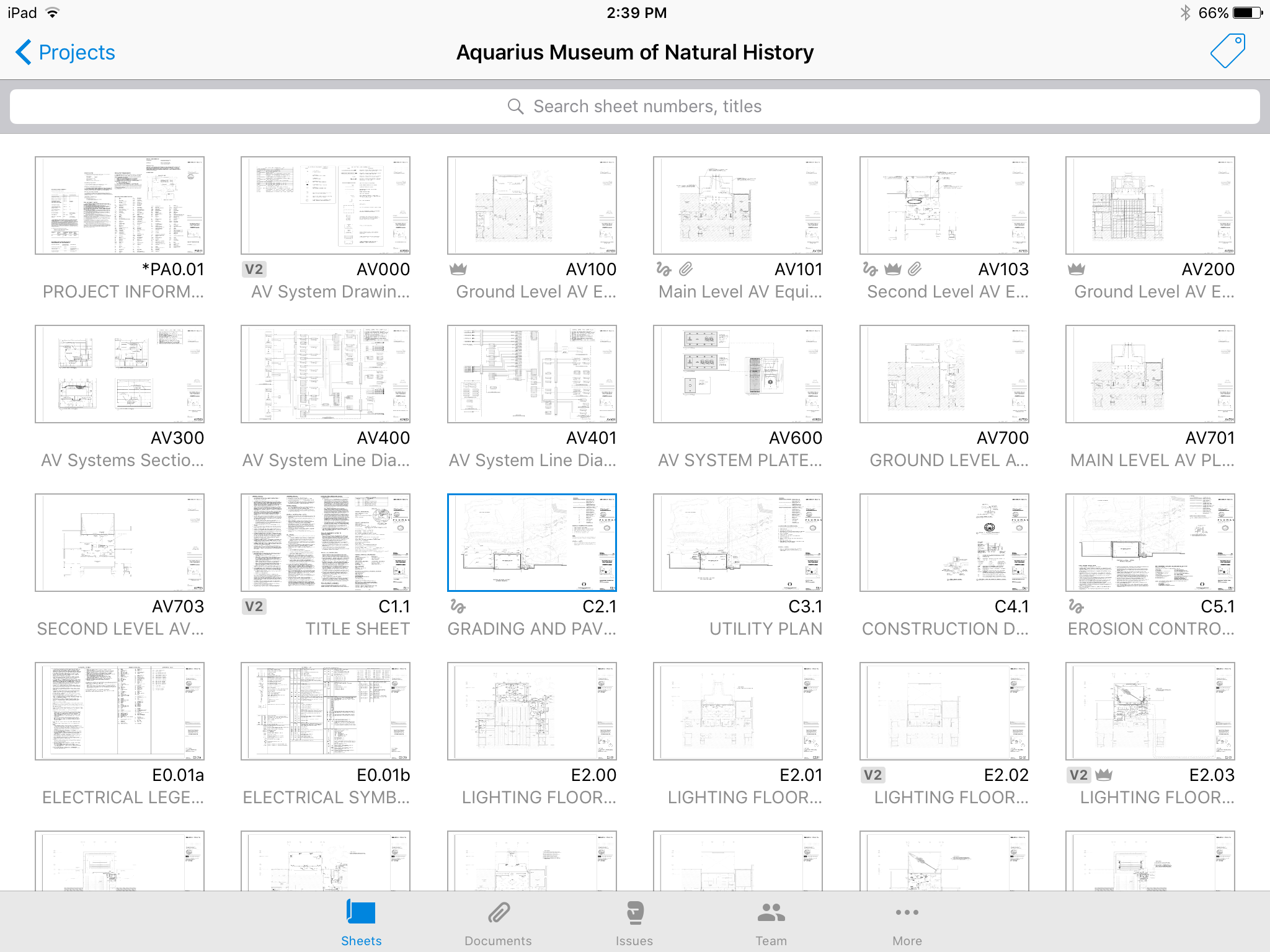
Autodesk Build, based on the former PlanGrid, is construction productivity software. It includes tools to collaborate, collect, and manage project information throughout the project’s construction and operations lifespan. It enables document centralization and tracking.
$39
user per month
KYRO
Score8.8 out of 10
N/A
KYRO is a unified construction management software that helps businesses bridge office teams with field crews on construction sites. Field crew members can utilize the voice notes functionality to record the day's updates in any language and share it instantly with reporting managers. The platform enables administrators to generate daily reports regarding expenditures, and invoices generated. Managers can use the optical character recognition (OCR) functionality to…
$95
per month per user
Pricing
Autodesk Build
KYRO
Editions & Modules
Nailgun
$39
user per month
Dozer
$59
user per month
Crane
$139
user per month
GROWTH
$95
per month per user
Offerings
Pricing Offerings
Autodesk Build
KYRO
Free Trial
Yes
No
Free/Freemium Version
No
No
Premium Consulting/Integration Services
Yes
Yes
Entry-level Setup Fee
No setup fee
No setup fee
Additional Details
—
**Kyro charges by the license or by the number of projects executed per year. Both pricing models require a minimum commitment of 50 (either licenses per month or projects per year). 20% discount for annual pricing.
More Pricing Information
Features
Autodesk Build
KYRO
Construction Project & Field Management
Comparison of Construction Project & Field Management features of Autodesk Build and KYRO
Feature
Autodesk Build
6.5
58 Ratings
16% below category average
KYRO
7.0
2 Ratings
9% below category average
Plan distribution & viewing
7.057 Ratings
7.32 Ratings
Plan markups & sharing
6.057 Ratings
8.22 Ratings
Issue tracking & punchlists
5.052 Ratings
5.82 Ratings
Photo documentation
9.049 Ratings
6.72 Ratings
Jobsite reports
9.037 Ratings
8.22 Ratings
Document sharing
8.056 Ratings
8.22 Ratings
RFI tools
5.039 Ratings
00 Ratings
Collaboration & approvals
8.043 Ratings
7.62 Ratings
As-built drawings
5.043 Ratings
6.41 Ratings
Mobile app
3.055 Ratings
8.22 Ratings
Checklists
00 Ratings
6.32 Ratings
Specifications
00 Ratings
6.32 Ratings
Change orders
00 Ratings
4.92 Ratings
Human Resource Management
Comparison of Human Resource Management features of Autodesk Build and KYRO
Feature
Autodesk Build
-
Ratings
KYRO
5.8
2 Ratings
27% below category average
Organization and location management
00 Ratings
5.82 Ratings
Payroll Management
Comparison of Payroll Management features of Autodesk Build and KYRO
Feature
Autodesk Build
-
Ratings
KYRO
5.8
2 Ratings
27% below category average
Support for external payroll vendors
00 Ratings
5.82 Ratings
Reporting & Analytics
Comparison of Reporting & Analytics features of Autodesk Build and KYRO
PlanGrid performs really well in all aspects of construction from the general to the sub/trade. The platform distributes and communicates project documentation in an extremely user-friendly manner. As with most software, it is cheaper the larger the scale of the project. In situations where the project is relatively small, and the trade contracts are also of relatively low dollar value, the product can be cost-prohibitive.
A de minimis incentive was given to thank the reviewer for their time. The incentive was not used to bias or drive a particular response, nor was the incentive contingent on a positive endorsement. More Info
I find KYRO to be an exceptionally well-designed product, ideally suited for both large and relatively smaller teams. Its ability to facilitate collaboration among multiple stakeholders on documents and plans is particularly impressive, making it an indispensable tool in managing diverse and complex construction projects. I appreciate KYRO's effectiveness in scenarios that demand meticulous tracking of labor hours and monitoring project progress to adhere to budget constraints. I perceive KYRO to be less suited for smaller residential projects that don't necessitate its extensive range of features. In such cases, simpler tools may suffice for effective management, making KYRO's advanced capabilities somewhat excessive for these smaller-scale projects.
A de minimis incentive was given to thank the reviewer for their time. The incentive was not used to bias or drive a particular response, nor was the incentive contingent on a positive endorsement. More Info
Plangrid is the best SaaS I have seen for ease of uploading construction plans and automated organization of those plans.
For companies that are not using other products for mobile access, the Plangrid mobile apps are perfect to allow people on and off site to share and collaborate in many phases of construction project documentation.
Plangrid has a very responsive technical support team (although it is pretty much email only).
Plangrid's website layout is easy to use and understand and allows new users to jump right in and do basic to moderate tasks without little training.
A de minimis incentive was given to thank the reviewer for their time. The incentive was not used to bias or drive a particular response, nor was the incentive contingent on a positive endorsement. More Info
Document Management: As a project manager, I've found KYRO's document management feature to be a game-changer. The ability to organize all project-related documents in one centralized location simplifies the workflow significantly. Their search functionality works well, allowing for quick and easy retrieval of documents from an extensive archive. This feature not only saves time but also enhances the overall efficiency of document handling in our projects
Time Management: The timesheet feature of KYRO has been instrumental in streamlining the process of recording and approving work hours. This functionality has been pivotal in efficiently tracking the hours logged by my crew, greatly aiding in effective time management and workforce coordination.
A de minimis incentive was given to thank the reviewer for their time. The incentive was not used to bias or drive a particular response, nor was the incentive contingent on a positive endorsement. More Info
The photo attachment process is a bit complicated. In ProCore (another similar software I've used), you can upload photos directly into RFIs for your reference, or into e-mails. For PlanGrid, you have to first upload the photo into the documents tab, then link them into the RFI. It's not intuitive and can add confusion to the documents tab.
Photos can't be directly uploaded. Between different devices and colleagues, it's possible you'll get an important photo outside of the PlanGrid photo capture feature within its app. Again, it's complicated for users to use.
In their new drawings viewer, the icons for actions do not have icons available. I had to use them all in order to understand what they meant, and I'm fairly tech savvy. I'm not sure if a new person to PlanGrid will pick up on each icon's abilities very easily.
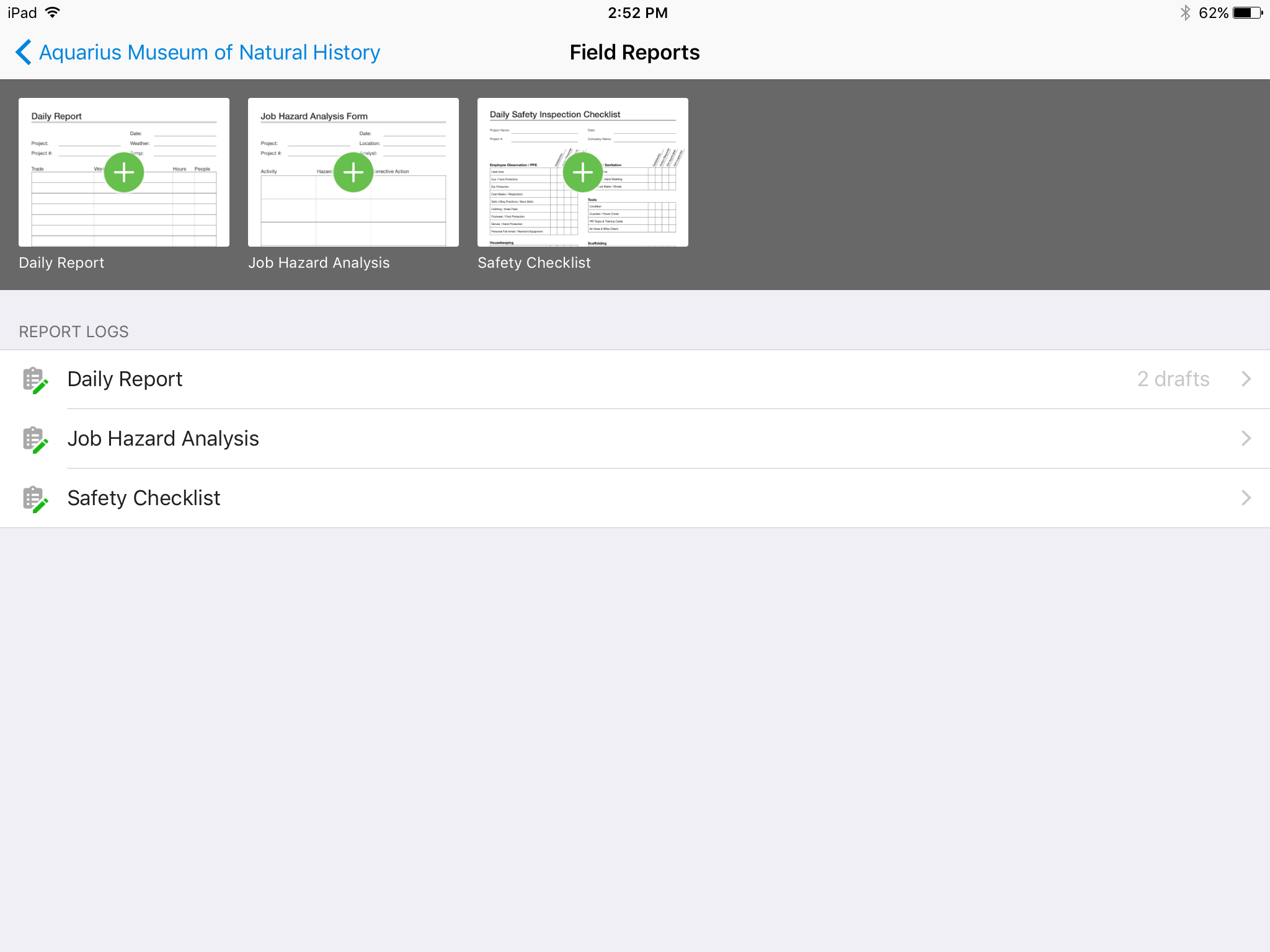
There's no all-in-one solution in CM, but PlanGrid is fairly barebones, and I don't believe it has any ability to connect to other software. There's no ability to take meeting munites; you can hack the field reports feature to accomplish this, but it's clear that was not the intent of the designers.
A de minimis incentive was given to thank the reviewer for their time. The incentive was not used to bias or drive a particular response, nor was the incentive contingent on a positive endorsement. More Info
We are at the point where we have shown our teams what is possible with this software. We cannot take it away and go back to the way we used to do things. I think that they would push back on us to give them access to something electronic. It is a good program that we will continue to use
A de minimis incentive was given to thank the reviewer for their time. The incentive was not used to bias or drive a particular response, nor was the incentive contingent on a positive endorsement. More Info
Hard to get the hang of this software, but with time it become very repetitive and easier to navigate. I have used this software for over a year now and the constant updates by Autodesk have made the software better and better to use at work. This allows me to use this tool more effectively
A de minimis incentive was given to thank the reviewer for their time. The incentive was not used to bias or drive a particular response, nor was the incentive contingent on a positive endorsement. More Info
Online chat during business hours is extremely helpful. The Plangrid staff has gone above and beyond many times to help us. One time they even offered to completely rebuild our 900+ sheet project so I could slip sheet a few old drawing revisions! This undoubtedly would have taken hours on Plangrid's end. They are always responsive and are continually improving, listening to user feedback.
A de minimis incentive was given to thank the reviewer for their time. The incentive was not used to bias or drive a particular response, nor was the incentive contingent on a positive endorsement. More Info
Plangrid, while not serving the external document distribution function, is unrivaled for internal document distribution and sharing in the construction industry. The speed at which documents are navigatable, the ability to download your projects for viewing without an internet connection, and the document mark-up and photo tools place it head and shoulders above the competition.
A de minimis incentive was given to thank the reviewer for their time. The incentive was not used to bias or drive a particular response, nor was the incentive contingent on a positive endorsement. More Info
It helped us "wow" a joint commission survey in 2016 and have a successful survey because he loved how we could access plans on an iPad, check suite sizes, and didn't have to carry around huge, heavy sets of life safety plans.
A de minimis incentive was given to thank the reviewer for their time. The incentive was not used to bias or drive a particular response, nor was the incentive contingent on a positive endorsement. More Info
KYRO has led to a significant reduction in man-hours. The platform has been instrumental in tracking progress across various projects, and it has also streamlined administrative tasks, eliminating the need for manual approvals
I've found KYRO extremely effective in reducing errors during report submissions for both daily logs and forms. Its system maintains a record of previous entries, which serves as a reference for future submissions.
A de minimis incentive was given to thank the reviewer for their time. The incentive was not used to bias or drive a particular response, nor was the incentive contingent on a positive endorsement. More Info