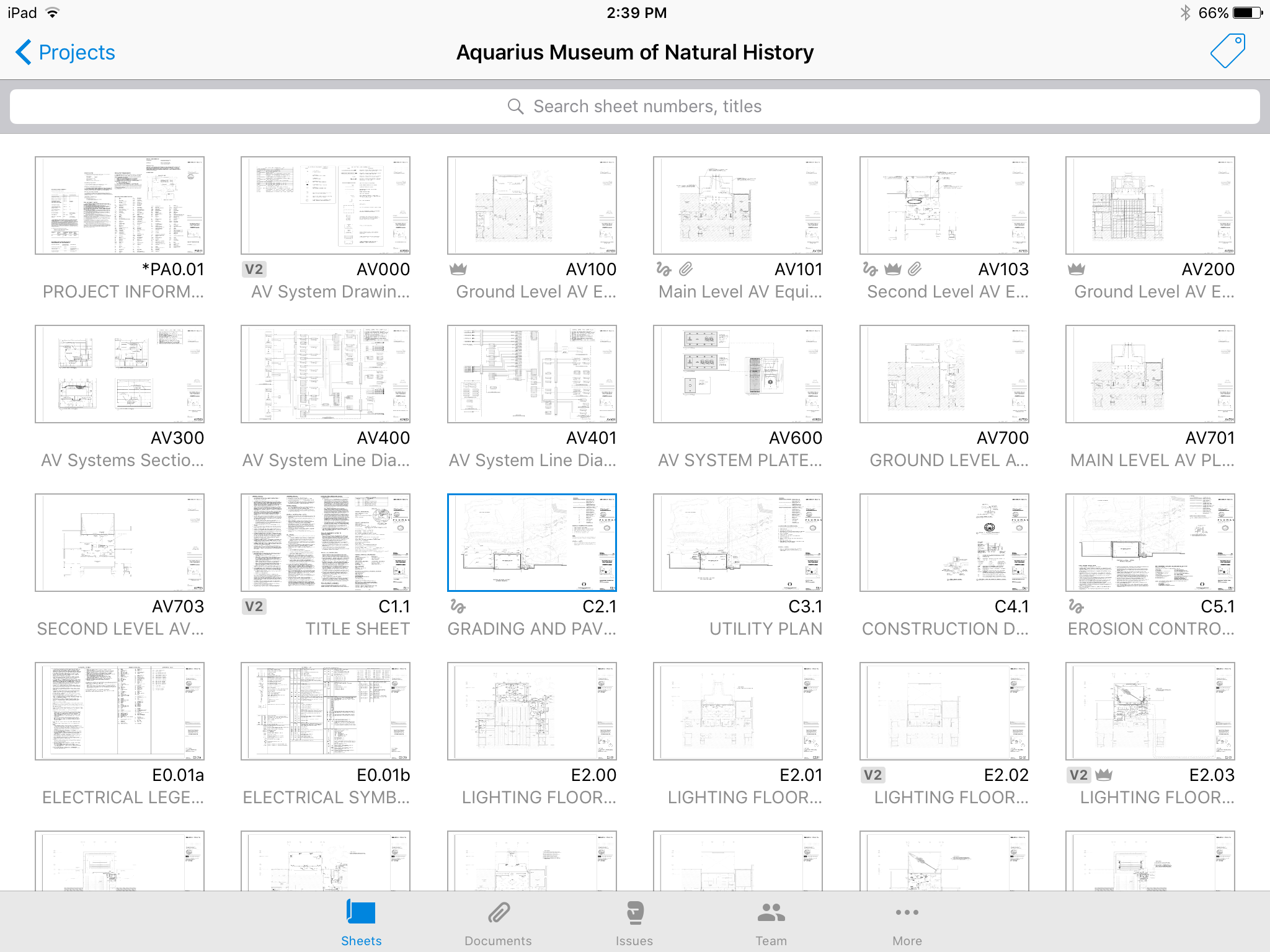
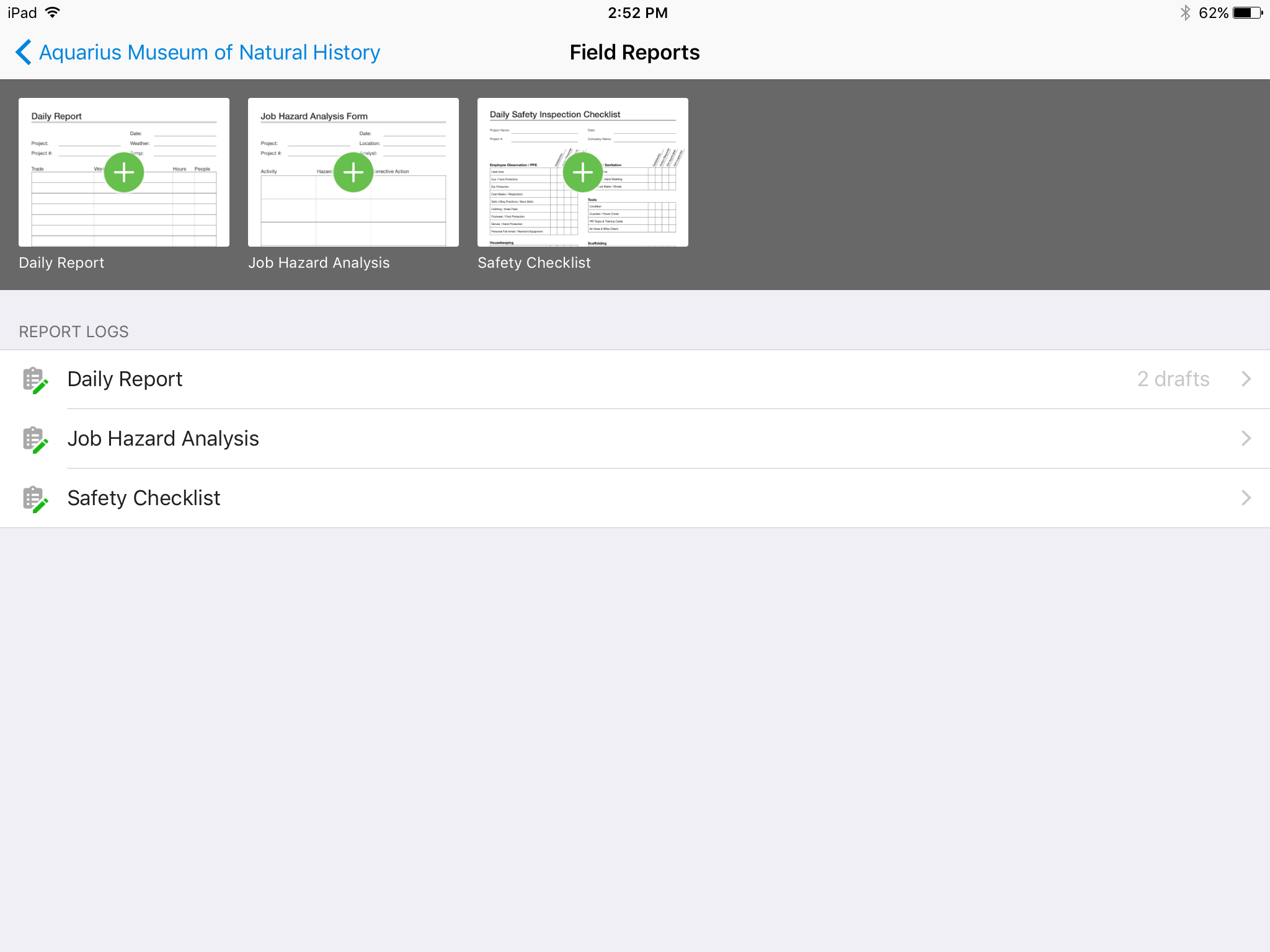
Autodesk Build, based on the former PlanGrid, is construction productivity software. It includes tools to collaborate, collect, and manage project information throughout the project’s construction and operations lifespan. It enables document centralization and tracking.
$39
user per month
EG Sigma
Score 9.1 out of 10
N/A
Sigma is a construction and estimation software offering from Sigma Estimates.
N/A
Pricing
Autodesk Build
EG Sigma
Editions & Modules
Nailgun
$39
user per month
Dozer
$59
user per month
Crane
$139
user per month
No answers on this topic
Offerings
Pricing Offerings
Autodesk Build
EG Sigma
Free Trial
Yes
Yes
Free/Freemium Version
No
No
Premium Consulting/Integration Services
No
No
Entry-level Setup Fee
No setup fee
No setup fee
Additional Details
—
—
More Pricing Information
Community Pulse
Autodesk Build
EG Sigma
Features
Autodesk Build
EG Sigma
Construction Project & Field Management
Comparison of Construction Project & Field Management features of Product A and Product B
Autodesk Build
6.5
Ratings
15% below category average
EG Sigma
9.3
Ratings
21% above category average
Plan distribution & viewing
7.00 Ratings
10.00 Ratings
Plan markups & sharing
6.00 Ratings
10.00 Ratings
Issue tracking & punchlists
5.00 Ratings
8.00 Ratings
Photo documentation
9.00 Ratings
00 Ratings
Jobsite reports
9.00 Ratings
00 Ratings
Document sharing
8.00 Ratings
10.00 Ratings
RFI tools
5.00 Ratings
00 Ratings
Collaboration & approvals
8.00 Ratings
8.00 Ratings
As-built drawings
5.00 Ratings
00 Ratings
Mobile app
3.00 Ratings
00 Ratings
Specifications
00 Ratings
10.00 Ratings
Human Resource Management
Comparison of Human Resource Management features of Product A and Product B
Autodesk Build
-
Ratings
EG Sigma
8.4
Ratings
9% above category average
Employee demographic data
00 Ratings
10.00 Ratings
Employment history
00 Ratings
8.00 Ratings
Job profiles and administration
00 Ratings
8.00 Ratings
Workflow for transfers, promotions, pay raises, etc.
00 Ratings
8.00 Ratings
Organizational charting
00 Ratings
8.00 Ratings
Organization and location management
00 Ratings
9.00 Ratings
Compliance data (COBRA, OSHA, etc.)
00 Ratings
8.00 Ratings
Reporting & Analytics
Comparison of Reporting & Analytics features of Product A and Product B
Plangrid is well suited for companies (that are not currently using a different SaaS construction package) to make their construction document management more collaborative and mobile friendly. Companies requiring/wanting their subs and owners to collaborate with them as part of the life of a construction project will find Plangrid very helpful in fulfilling this goal. On the negative side, companies that are fully entrenched in using other construction suites will struggle to fully use Plangrid to its potential as pre-built integration between Plangrid and other packages is limited
Sigma is very quick and easy to create reports with for internal and external uses. Their customer support is great, it has a simple interface that is easy to learn and manipulate, and it is an excellent tool for finding data on existing customers within your org. I am not aware of a better competitor to Sigma
It'd be nice to have access to upload and edit documents from the app. Only for certain users.
A small business billing option that addresses multiple users of a single account would make managing access simpler. Being able to load unlimited sheets, but only access a specific limit on your team's devices.
Allow users to integrate their own RFI templates into the app, so RFIs can be generated in your own format right from the field, immediately ready to ship.
We are at the point where we have shown our teams what is possible with this software. We cannot take it away and go back to the way we used to do things. I think that they would push back on us to give them access to something electronic. It is a good program that we will continue to use
Hard to get the hang of this software, but with time it become very repetitive and easier to navigate. I have used this software for over a year now and the constant updates by Autodesk have made the software better and better to use at work. This allows me to use this tool more effectively
Online chat during business hours is extremely helpful. The Plangrid staff has gone above and beyond many times to help us. One time they even offered to completely rebuild our 900+ sheet project so I could slip sheet a few old drawing revisions! This undoubtedly would have taken hours on Plangrid's end. They are always responsive and are continually improving, listening to user feedback.
Procore and PlanGrid are the most direct competitors. The pricing structures are very dynamically different between PlanGrid and Procore. Procore tends to succeed better in the "project management" realm, while PlanGrid succeeds far beyond Procore in its ability to deal with project documentation (plans and specs). Bim360 is a great product, but it is limited in its use due to the modeling requirement; while PlanGrid bridges that gap and plays in both 2D and 3D spaces. Buildertrend has some aspects of plan distribution, but it is limited in functionality.
The only other data platform we have tried or had experience with was Tableau which I personally felt was much more confusing and difficult to use for the everyday user. We have lots of people in sales, who have no background in data, and who need to be able to access the client's data on a day-to-day basis. Sigma makes this easy!
Positive: Syncing drawings. As I said, keeping an up-to-date set of drawings is seamless on ProCore, as compared to a traditional server or even the cloud. The software is designed to see and mark-up drawings. Though markup tools aren't as robust as, say, Bluebeam Revu (I wouldn't expect all of that from a web app, anyway), it's very nice to easily see all the newest drawings.
Positive: Saved time. Documents are updated at the same time, across all devices, with only one upload.
Positive: Punch list is easy. ProCore punch lists are quite complicated. In PlanGrid, with 1-tap we can add items and give a brief description. When doing a walk-thru, it should be easy to jot down notes. These can be detailed once you're sitting at a desk, and PlanGrid allows for that. But for field personnel, punch lists are an easy and efficient use of time.
Negative: Photo management. For us, there should be a way to just upload photos, and not require to use the photo tool within the app.