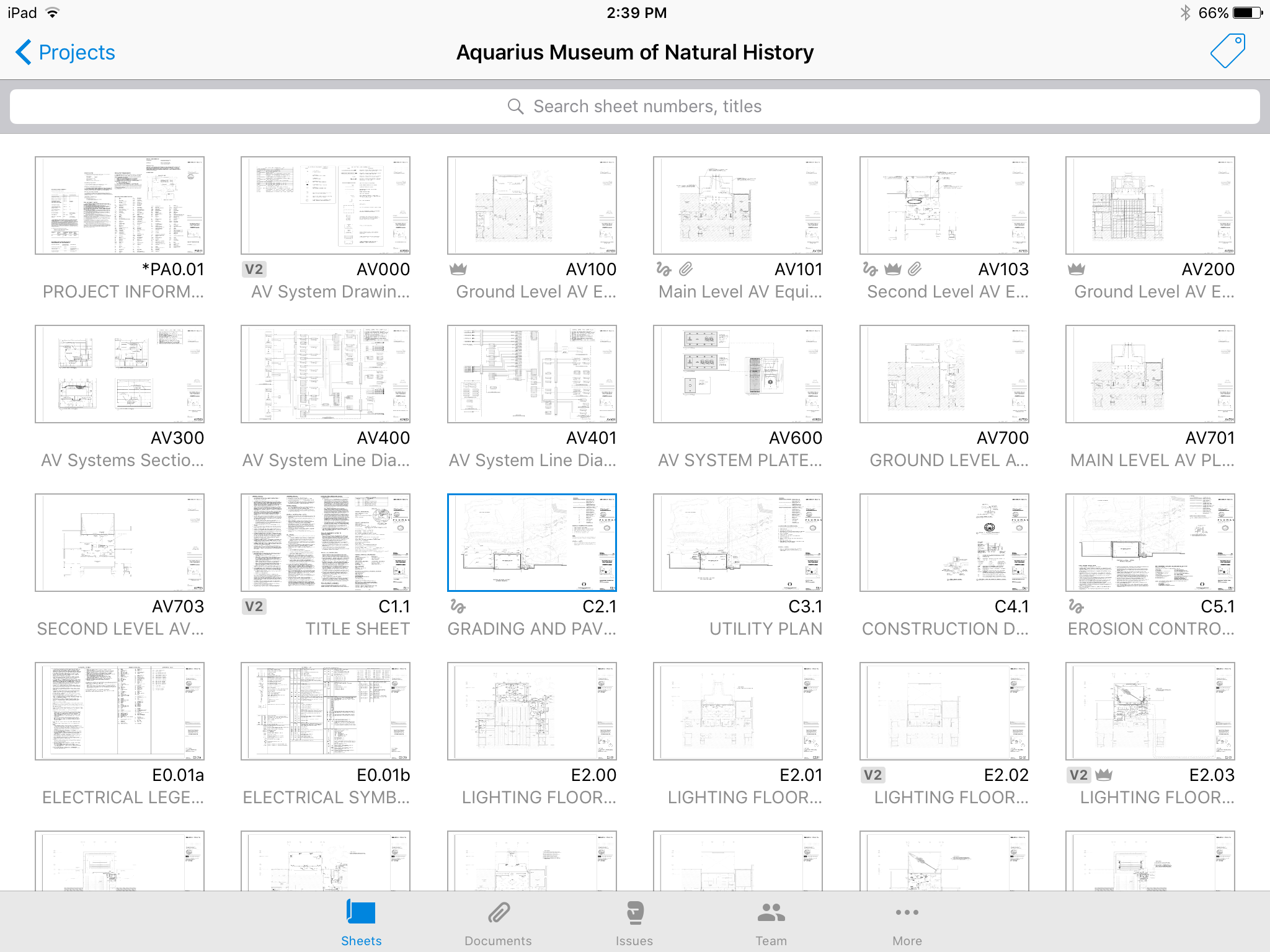
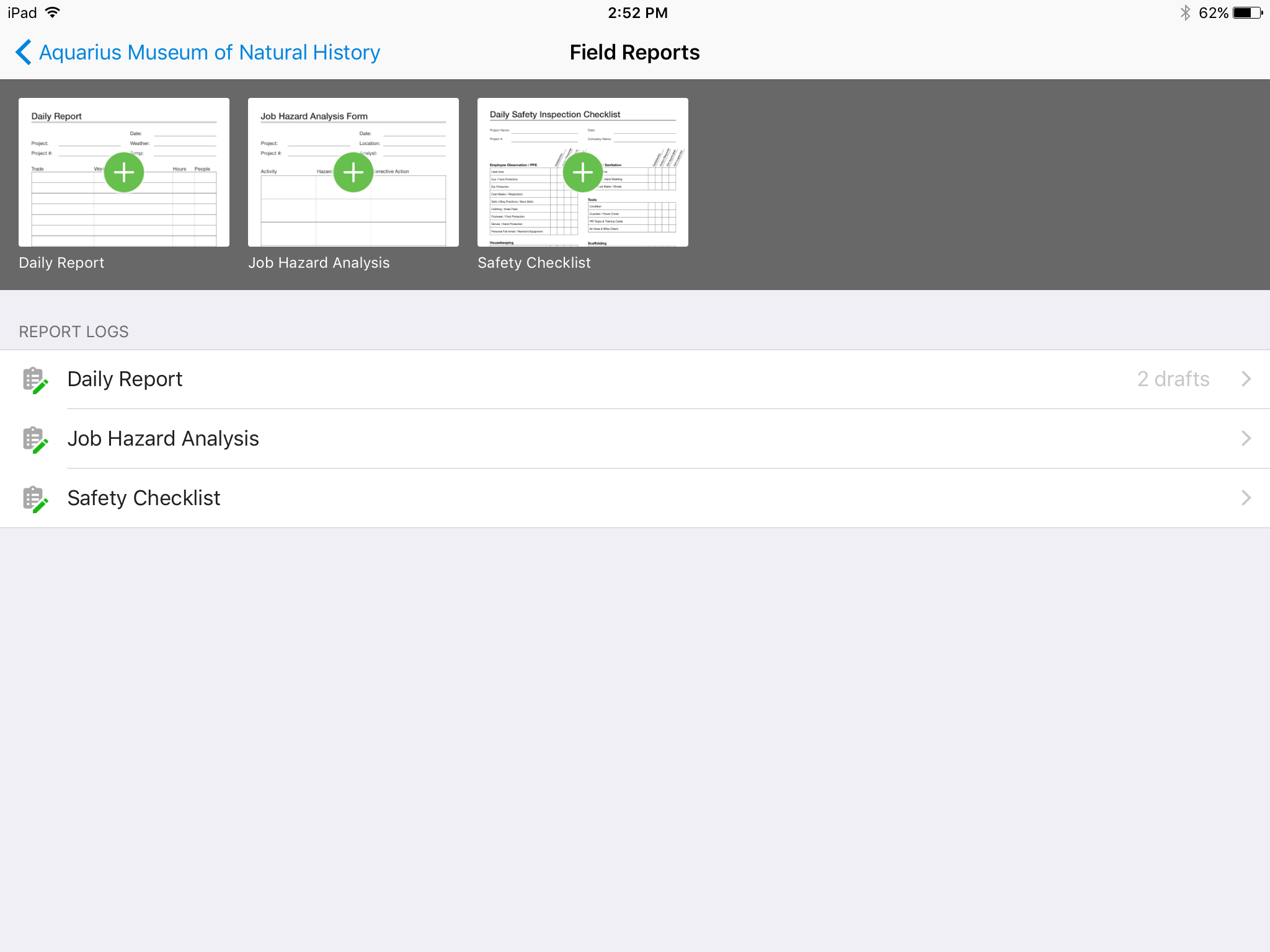
Autodesk Build, based on the former PlanGrid, is construction productivity software. It includes tools to collaborate, collect, and manage project information throughout the project’s construction and operations lifespan. It enables document centralization and tracking.
$39
user per month
Contractor Foreman
Score 6.9 out of 10
N/A
Contractor Foreman is an online construction management software for contractors and boasts users among contractors in more than 75 countries.
$588
per year
Pricing
Autodesk Build
Contractor Foreman
Editions & Modules
Nailgun
$39
user per month
Dozer
$59
user per month
Crane
$139
user per month
Basic
$588
per year
Standard
$948
per year
Plus
$1,497
per year
Pro
$1,990
per year
Unlimited
$2,988
per year
Offerings
Pricing Offerings
Autodesk Build
Contractor Foreman
Free Trial
Yes
Yes
Free/Freemium Version
No
No
Premium Consulting/Integration Services
No
No
Entry-level Setup Fee
No setup fee
No setup fee
Additional Details
—
Plans are based on features and licenses needed. Plus, Pro, and Unlimited plans include a 100-day money back guarantee.
More Pricing Information
Community Pulse
Autodesk Build
Contractor Foreman
Features
Autodesk Build
Contractor Foreman
Construction Project & Field Management
Comparison of Construction Project & Field Management features of Product A and Product B
Autodesk Build
6.5
Ratings
15% below category average
Contractor Foreman
7.1
Ratings
6% below category average
Plan distribution & viewing
7.00 Ratings
6.90 Ratings
Plan markups & sharing
6.00 Ratings
6.50 Ratings
Issue tracking & punchlists
5.00 Ratings
6.80 Ratings
Photo documentation
9.00 Ratings
6.80 Ratings
Jobsite reports
9.00 Ratings
6.90 Ratings
Document sharing
8.00 Ratings
6.80 Ratings
RFI tools
5.00 Ratings
8.90 Ratings
Collaboration & approvals
8.00 Ratings
6.80 Ratings
As-built drawings
5.00 Ratings
00 Ratings
Mobile app
3.00 Ratings
6.50 Ratings
Submittal design and management
00 Ratings
6.70 Ratings
Checklists
00 Ratings
6.90 Ratings
Meeting Minutes
00 Ratings
8.10 Ratings
Specifications
00 Ratings
7.40 Ratings
Change orders
00 Ratings
6.90 Ratings
Human Resource Management
Comparison of Human Resource Management features of Product A and Product B
Autodesk Build
-
Ratings
Contractor Foreman
7.1
Ratings
7% below category average
Employee demographic data
00 Ratings
7.50 Ratings
Employment history
00 Ratings
5.50 Ratings
Job profiles and administration
00 Ratings
6.50 Ratings
Workflow for transfers, promotions, pay raises, etc.
00 Ratings
7.80 Ratings
Organizational charting
00 Ratings
7.30 Ratings
Organization and location management
00 Ratings
8.40 Ratings
Compliance data (COBRA, OSHA, etc.)
00 Ratings
6.50 Ratings
Payroll Management
Comparison of Payroll Management features of Product A and Product B
Autodesk Build
-
Ratings
Contractor Foreman
6.5
Ratings
16% below category average
Pay calculation
00 Ratings
6.10 Ratings
Support for external payroll vendors
00 Ratings
6.30 Ratings
Off-cycle/On-Demand payment
00 Ratings
4.50 Ratings
Benefit plan administration
00 Ratings
8.00 Ratings
Direct deposit files
00 Ratings
8.00 Ratings
Salary revision and increment management
00 Ratings
6.40 Ratings
Reimbursement management
00 Ratings
6.50 Ratings
Asset Management
Comparison of Asset Management features of Product A and Product B
Autodesk Build
-
Ratings
Contractor Foreman
7.5
Ratings
4% above category average
Tracking of all physical assets
00 Ratings
7.50 Ratings
Reporting & Analytics
Comparison of Reporting & Analytics features of Product A and Product B
Autodesk Build
-
Ratings
Contractor Foreman
6.7
Ratings
13% below category average
Dashboards
00 Ratings
6.80 Ratings
Standard reports
00 Ratings
6.60 Ratings
Custom reports
00 Ratings
6.60 Ratings
Data exportability
00 Ratings
6.60 Ratings
Estimating
Comparison of Estimating features of Product A and Product B
Plangrid is well suited for companies (that are not currently using a different SaaS construction package) to make their construction document management more collaborative and mobile friendly. Companies requiring/wanting their subs and owners to collaborate with them as part of the life of a construction project will find Plangrid very helpful in fulfilling this goal. On the negative side, companies that are fully entrenched in using other construction suites will struggle to fully use Plangrid to its potential as pre-built integration between Plangrid and other packages is limited
Contractor Foreman works well for subcontractors and GC’s who don’t have the budget for higher-priced platforms (like Procore) but still need estimating, scheduling, daily logs, change orders, and job costing in one system. For example, a 10–25 person construction company can replace separate tools (Excel, QuickBooks, text messaging, and whiteboard schedules) with Contractor Foreman and immediately improve organization and accountability.
It'd be nice to have access to upload and edit documents from the app. Only for certain users.
A small business billing option that addresses multiple users of a single account would make managing access simpler. Being able to load unlimited sheets, but only access a specific limit on your team's devices.
Allow users to integrate their own RFI templates into the app, so RFIs can be generated in your own format right from the field, immediately ready to ship.
We are at the point where we have shown our teams what is possible with this software. We cannot take it away and go back to the way we used to do things. I think that they would push back on us to give them access to something electronic. It is a good program that we will continue to use
Hard to get the hang of this software, but with time it become very repetitive and easier to navigate. I have used this software for over a year now and the constant updates by Autodesk have made the software better and better to use at work. This allows me to use this tool more effectively
Mostly great, especially for the price. The features appear to have definitely been designed by a team with a depth of construction specific experience. I also highly rate the usability because of the vast vast amount of customizability inherent in the system. It appears that almost all forms and features are customabizable on the company level and even specific to different individual users.
Many times we had issues that turned out to be errors and bugs. At first, we would be told forcefully that there were no bugs, then we would document them, and we would get an acknowledgement but no apology for essentially either gaslighting us or being ignorant of their system
Online chat during business hours is extremely helpful. The Plangrid staff has gone above and beyond many times to help us. One time they even offered to completely rebuild our 900+ sheet project so I could slip sheet a few old drawing revisions! This undoubtedly would have taken hours on Plangrid's end. They are always responsive and are continually improving, listening to user feedback.
Absolutely top notch! They were always there to help and immediately. Very happy with the communication they provided and the knowledge they had of their product. I would venture to say that they are one of the best in terms of support in their space.
Procore and PlanGrid are the most direct competitors. The pricing structures are very dynamically different between PlanGrid and Procore. Procore tends to succeed better in the "project management" realm, while PlanGrid succeeds far beyond Procore in its ability to deal with project documentation (plans and specs). Bim360 is a great product, but it is limited in its use due to the modeling requirement; while PlanGrid bridges that gap and plays in both 2D and 3D spaces. Buildertrend has some aspects of plan distribution, but it is limited in functionality.
I used Projul and Buildium when I was primarily managing rental properties rather than full home builds. Projul was great for estimating and invoicing, while Buildium served its purpose well at the time. Now, as a small construction company, Contractor Foreman provides everything we need in one platform, making project management much more efficient.
Positive: Syncing drawings. As I said, keeping an up-to-date set of drawings is seamless on ProCore, as compared to a traditional server or even the cloud. The software is designed to see and mark-up drawings. Though markup tools aren't as robust as, say, Bluebeam Revu (I wouldn't expect all of that from a web app, anyway), it's very nice to easily see all the newest drawings.
Positive: Saved time. Documents are updated at the same time, across all devices, with only one upload.
Positive: Punch list is easy. ProCore punch lists are quite complicated. In PlanGrid, with 1-tap we can add items and give a brief description. When doing a walk-thru, it should be easy to jot down notes. These can be detailed once you're sitting at a desk, and PlanGrid allows for that. But for field personnel, punch lists are an easy and efficient use of time.
Negative: Photo management. For us, there should be a way to just upload photos, and not require to use the photo tool within the app.
Cost Savings. Integration with QuickBooks and Bills improved financial control. 0-15% cost savings per project.
Time Savings: Streamlined project management led to a 20-30% reduction in administrative time, boosting on-site productivity, and with project tracking a 15-20% reduction in project delays.
Enhanced Collaboration: Centralized documentation and real-time updates improved team communication, increasing collaboration by 5-10%.
Overall, CF has provided a 10-15% return on investment annually through increased efficiency and cost control.