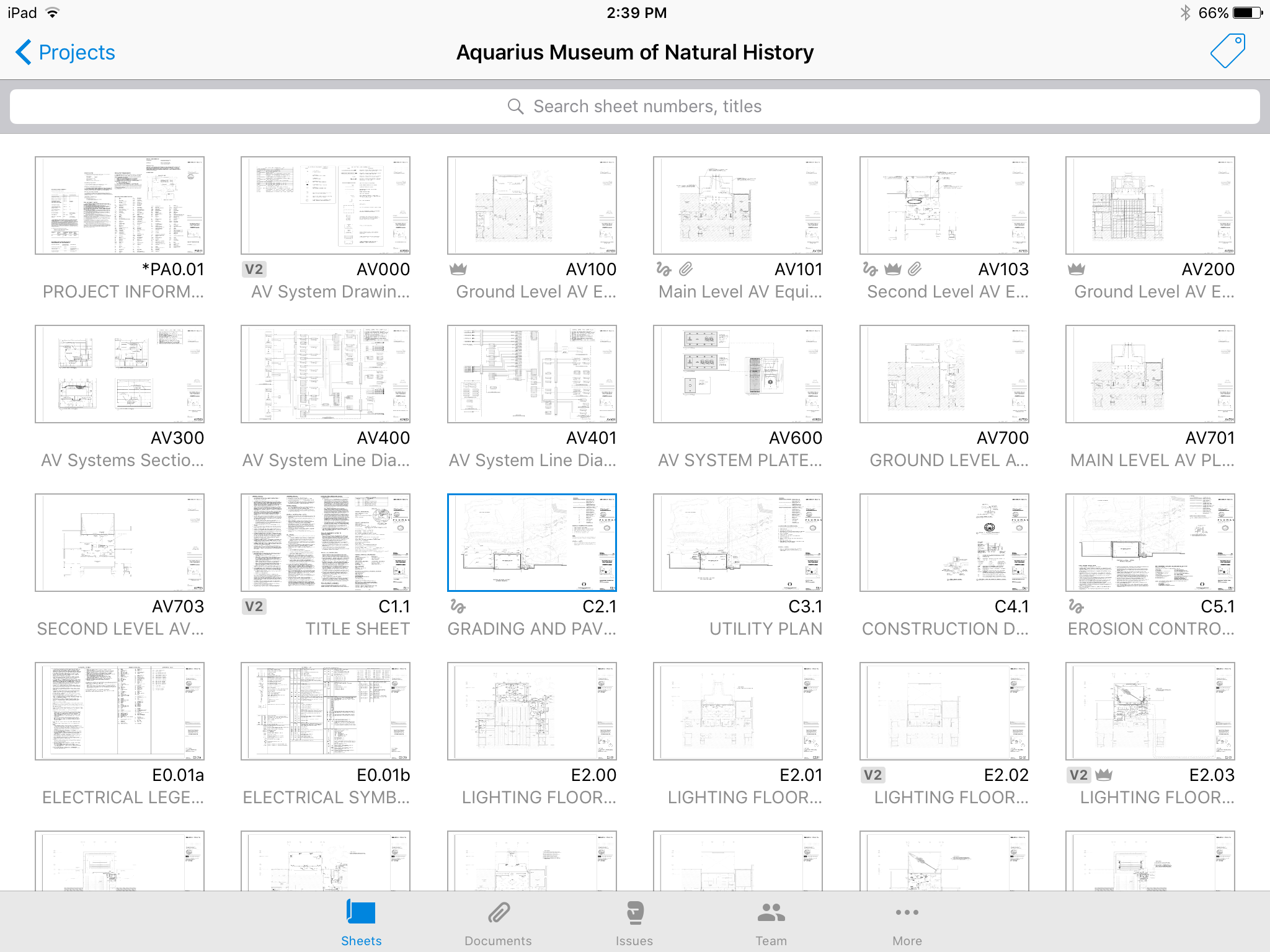
Autodesk Build, based on the former PlanGrid, is construction productivity software. It includes tools to collaborate, collect, and manage project information throughout the project’s construction and operations lifespan. It enables document centralization and tracking.
$39
user per month
CMiC Construction Platform
Score 7.2 out of 10
Mid-Size Companies (51-1,000 employees)
CMiC Project Management is a construction project collaboration and management solution. It centralizes project-related communications and documents onto one platform, and connects the job site with the back-end office.
N/A
Pricing
Autodesk Build
CMiC Construction Platform
Editions & Modules
Nailgun
$39
user per month
Dozer
$59
user per month
Crane
$139
user per month
No answers on this topic
Offerings
Pricing Offerings
Autodesk Build
CMiC Construction Platform
Free Trial
Yes
No
Free/Freemium Version
No
No
Premium Consulting/Integration Services
No
No
Entry-level Setup Fee
No setup fee
No setup fee
Additional Details
—
—
More Pricing Information
Community Pulse
Autodesk Build
CMiC Construction Platform
Features
Autodesk Build
CMiC Construction Platform
Construction Project & Field Management
Comparison of Construction Project & Field Management features of Product A and Product B
Autodesk Build
6.5
Ratings
15% below category average
CMiC Construction Platform
8.0
Ratings
6% above category average
Plan distribution & viewing
7.00 Ratings
8.00 Ratings
Plan markups & sharing
6.00 Ratings
7.90 Ratings
Issue tracking & punchlists
5.00 Ratings
7.90 Ratings
Photo documentation
9.00 Ratings
7.90 Ratings
Jobsite reports
9.00 Ratings
8.00 Ratings
Document sharing
8.00 Ratings
8.00 Ratings
RFI tools
5.00 Ratings
8.00 Ratings
Collaboration & approvals
8.00 Ratings
9.00 Ratings
As-built drawings
5.00 Ratings
7.90 Ratings
Mobile app
3.00 Ratings
8.00 Ratings
Submittal design and management
00 Ratings
8.00 Ratings
Checklists
00 Ratings
7.90 Ratings
Meeting Minutes
00 Ratings
7.90 Ratings
Specifications
00 Ratings
8.00 Ratings
Change orders
00 Ratings
8.00 Ratings
Human Resource Management
Comparison of Human Resource Management features of Product A and Product B
Autodesk Build
-
Ratings
CMiC Construction Platform
8.0
Ratings
5% above category average
Employee demographic data
00 Ratings
8.00 Ratings
Employment history
00 Ratings
8.00 Ratings
Job profiles and administration
00 Ratings
8.00 Ratings
Workflow for transfers, promotions, pay raises, etc.
00 Ratings
8.00 Ratings
Organizational charting
00 Ratings
8.00 Ratings
Organization and location management
00 Ratings
8.00 Ratings
Compliance data (COBRA, OSHA, etc.)
00 Ratings
8.00 Ratings
Payroll Management
Comparison of Payroll Management features of Product A and Product B
Autodesk Build
-
Ratings
CMiC Construction Platform
8.0
Ratings
5% above category average
Pay calculation
00 Ratings
8.00 Ratings
Support for external payroll vendors
00 Ratings
8.00 Ratings
Off-cycle/On-Demand payment
00 Ratings
8.00 Ratings
Benefit plan administration
00 Ratings
8.00 Ratings
Direct deposit files
00 Ratings
8.00 Ratings
Salary revision and increment management
00 Ratings
8.00 Ratings
Reimbursement management
00 Ratings
8.00 Ratings
Asset Management
Comparison of Asset Management features of Product A and Product B
Autodesk Build
-
Ratings
CMiC Construction Platform
8.0
Ratings
11% above category average
Tracking of all physical assets
00 Ratings
8.00 Ratings
Reporting & Analytics
Comparison of Reporting & Analytics features of Product A and Product B
Autodesk Build
-
Ratings
CMiC Construction Platform
8.0
Ratings
5% above category average
Dashboards
00 Ratings
8.00 Ratings
Standard reports
00 Ratings
8.00 Ratings
Custom reports
00 Ratings
8.00 Ratings
Data exportability
00 Ratings
8.00 Ratings
Estimating
Comparison of Estimating features of Product A and Product B
Plangrid is well suited for companies (that are not currently using a different SaaS construction package) to make their construction document management more collaborative and mobile friendly. Companies requiring/wanting their subs and owners to collaborate with them as part of the life of a construction project will find Plangrid very helpful in fulfilling this goal. On the negative side, companies that are fully entrenched in using other construction suites will struggle to fully use Plangrid to its potential as pre-built integration between Plangrid and other packages is limited
CMiC is a robust platform best suited for large companies with resources for implementation and management of the program. One analogy is CMiC is like a droid phone where the user must decide how to use all the features of the program (as opposed to an iPhone where most configuration decisions are made for the user). Smaller companies with limited resources can struggle with CMiC both with the expense and configuration.
The user interface is similar to that of other project management software applications so folks in our company that had previously used other applications have been able to switch over fairly easily.
I really like the software and it was much less expensive than other applications.
I like the mobile application so that our superintendents can view the documentation on their phones.
I really like the punch list capability mobile field, however, we have a hard time getting our superintendents to use it for some reason.
It'd be nice to have access to upload and edit documents from the app. Only for certain users.
A small business billing option that addresses multiple users of a single account would make managing access simpler. Being able to load unlimited sheets, but only access a specific limit on your team's devices.
Allow users to integrate their own RFI templates into the app, so RFIs can be generated in your own format right from the field, immediately ready to ship.
Entering a code of the vendor instead of the company name while recording an invoice takes time and seems counter intuitive
Editing an invoice created through Image Management on the AP side is limited to description and address field. When changing the rest (invoice# or a date or an amount) - the whole trace of who entered/submitted/approved disappears. The way it works now is: deleting an invoice from the batch, locating it through Registry/invoice search, unsubmitting it, making changes, submitting, adding back to batch - time consuming
In Multiple distribution pop up window, when entering a new invoice, I'd make the field "Company" to be autofilled once "Job" is entered. It takes time to memorize what job number belongs to what company.
There is only web version available and it is limited compare to a desktop client. For instance I can only make one change at a time and save it. Multiple changes don't get saved in one click
We are at the point where we have shown our teams what is possible with this software. We cannot take it away and go back to the way we used to do things. I think that they would push back on us to give them access to something electronic. It is a good program that we will continue to use
I can't even begin to imagine the thought of going through another software conversion so I do not think I would even consider switching at this point. It does everything we need it to do so I don't have any reason to recommend not renewing at this point in time
Hard to get the hang of this software, but with time it become very repetitive and easier to navigate. I have used this software for over a year now and the constant updates by Autodesk have made the software better and better to use at work. This allows me to use this tool more effectively
I believe it isn't easy to use and is unintuitive. Undecipherable error messages appear throughout the application without indicating what is wrong or how to correct it, in my experience. The terminology on the screens is specific to Canada, which adds to the confusion.
Sometimes since this is a cloud based product the system can become slow but we haven’t had any issues of availability without CMiC first letting us know it would be down
Online chat during business hours is extremely helpful. The Plangrid staff has gone above and beyond many times to help us. One time they even offered to completely rebuild our 900+ sheet project so I could slip sheet a few old drawing revisions! This undoubtedly would have taken hours on Plangrid's end. They are always responsive and are continually improving, listening to user feedback.
The support team [has] been in touch with our deployment team and has given them effective guidance up to completion. It has helped us in [the] best methods of resource allocation and secure record-keeping process. We have tracked all our billing information and made the right payments with documentation and avoided [unnecessary losses]. [The] support team has [to] lead our teams to the right channels and empowering our team with the right skills for maximum production.
The training was on system functions and not really how best to use it for our business. It would have been nice to be provided recommendations for use rather than just a blank slate of functionality.
Lots of confusion between sales and implementation regarding what was included and not included...the security encountered a "bug" and made it extremely difficult to set up roles and individual responsibilities
Procore and PlanGrid are the most direct competitors. The pricing structures are very dynamically different between PlanGrid and Procore. Procore tends to succeed better in the "project management" realm, while PlanGrid succeeds far beyond Procore in its ability to deal with project documentation (plans and specs). Bim360 is a great product, but it is limited in its use due to the modeling requirement; while PlanGrid bridges that gap and plays in both 2D and 3D spaces. Buildertrend has some aspects of plan distribution, but it is limited in functionality.
CMiC Construction Platform is the best price point in the market. Others are revenue-based billings, and the annual fees reflect as such. CMiC Construction Platform support staff is generally amazing and offers real-time support on critical issues. The imaging and workflow functions are real-time savers. CMiC Construction Platform is generally a smaller and in touch organization that treats your team like their own and stays with you after the purchase.
Positive: Syncing drawings. As I said, keeping an up-to-date set of drawings is seamless on ProCore, as compared to a traditional server or even the cloud. The software is designed to see and mark-up drawings. Though markup tools aren't as robust as, say, Bluebeam Revu (I wouldn't expect all of that from a web app, anyway), it's very nice to easily see all the newest drawings.
Positive: Saved time. Documents are updated at the same time, across all devices, with only one upload.
Positive: Punch list is easy. ProCore punch lists are quite complicated. In PlanGrid, with 1-tap we can add items and give a brief description. When doing a walk-thru, it should be easy to jot down notes. These can be detailed once you're sitting at a desk, and PlanGrid allows for that. But for field personnel, punch lists are an easy and efficient use of time.
Negative: Photo management. For us, there should be a way to just upload photos, and not require to use the photo tool within the app.
We've knocked days, if not weeks, off of our timeline to getting invoices paid using Image manager and workflow approvals.
Because we have real time cost and budget information all in one place, we've knocked a day or two off of each project for their monthly forecasts, and we're much more consistent and accurate than we were before CMiC.
Because we pull a large chunk of project information into our BI reports, we've never had better visibility into projects and their potential issues. We're able to compare current project progress with past similar projects to determine if we are going to have an issue before it actually happens.