Autodesk BIM Collaborate Pro (formerly BIM360) is a construction software for project managers, site managers, and Building Information Modelling (BIM) managers. It is designed to connect the office and site components of construction, providing cloud-based access to plans and models.
$480
per user/per year
Autodesk Build
Score 7.9 out of 10
N/A
Autodesk Build, based on the former PlanGrid, is construction productivity software. It includes tools to collaborate, collect, and manage project information throughout the project’s construction and operations lifespan. It enables document centralization and tracking.
$39
user per month
Pricing
Autodesk BIM Collaborate Pro
Autodesk Build
Editions & Modules
Autodesk Bim 360
$480.00
per user/per year
Nailgun
$39
user per month
Dozer
$59
user per month
Crane
$139
user per month
Offerings
Pricing Offerings
Autodesk BIM Collaborate Pro
Autodesk Build
Free Trial
No
Yes
Free/Freemium Version
No
No
Premium Consulting/Integration Services
No
Yes
Entry-level Setup Fee
No setup fee
No setup fee
Additional Details
—
—
More Pricing Information
Community Pulse
Autodesk BIM Collaborate Pro
Autodesk Build
Considered Both Products
Autodesk BIM Collaborate Pro
Verified User
Engineer
Chose Autodesk BIM Collaborate Pro
Integration with glue and field is the primary reason why Docs is better than PlanGrid. I would like for them to remove those silos however and have it under one platform. Unfortunately, it seems like Autodesk swallows up all the small companies so you are more likely to have …
Procore and PlanGrid are the most direct competitors. The pricing structures are very dynamically different between PlanGrid and Procore. Procore tends to succeed better in the "project management" realm, while PlanGrid succeeds far beyond Procore in its ability to deal with …
We use Bluebeam and PlanGrid on a daily basis for different purposes. Bluebeam does some things better than PlanGrid, but these are things that PlanGrid was not really designed to do. However, Plangrid is the best when it come to punchlists, and no other product that I have …
Autodesk Bim 360 is well suited to the majority of construction projects in my opinion. On the construction side I could see how the straightforward nature of the platform would be well liked. The new update with the widgets is a great touch and allows for ease of site visits by showcasing good to know info like project location on a map and the local weather. You can also customize the "widgets" as you see fit to add more information if necessary to the home screen. From my experience as a LEED consultant, Bim 360 does not differ much from other platforms used for submittal review like Procore. It is easy enough to search for what you want but searches do take a while and you need to move the cursor over every time you search and do not find what you're looking for, which seems very unnecessary. Overall it is fine for reviewing documentation but isn't anything extraordinary.
PlanGrid performs really well in all aspects of construction from the general to the sub/trade. The platform distributes and communicates project documentation in an extremely user-friendly manner. As with most software, it is cheaper the larger the scale of the project. In situations where the project is relatively small, and the trade contracts are also of relatively low dollar value, the product can be cost-prohibitive.
Plangrid is the best SaaS I have seen for ease of uploading construction plans and automated organization of those plans.
For companies that are not using other products for mobile access, the Plangrid mobile apps are perfect to allow people on and off site to share and collaborate in many phases of construction project documentation.
Plangrid has a very responsive technical support team (although it is pretty much email only).
Plangrid's website layout is easy to use and understand and allows new users to jump right in and do basic to moderate tasks without little training.
Bim360 is extremely unintuitive and frequently confusing to end users.
There are multiple avenues of sharing and collaboration for models and information. The advantages/disadvantages of each and how to perform even the most basic of tasks requires extensive training and mentoring for even the most advanced of users.
There are many enormous limitations and constraints to BIM 360 that are not immediately obvious and even contrary to published marketing materials and even product naming.
Development cycles of the product are seemingly monthly, but incredibly minor. This makes the desperately-needed and glaringly obvious massive usability, capability, and performance improvements into deal-breakers and hair pulling events. Change cannot come fast enough.
There are no integrations into Microsoft's Azure AD SSO or other 3rd party SSOs available for SMBs. This makes the provided MFA a huge headache for all SMBs.
There are no integrations into the Microsoft 365 ecosystem for SharePoint/OneDrive or Outlook. This is desperately needed for most organizations using Bim360.
The photo attachment process is a bit complicated. In ProCore (another similar software I've used), you can upload photos directly into RFIs for your reference, or into e-mails. For PlanGrid, you have to first upload the photo into the documents tab, then link them into the RFI. It's not intuitive and can add confusion to the documents tab.
Photos can't be directly uploaded. Between different devices and colleagues, it's possible you'll get an important photo outside of the PlanGrid photo capture feature within its app. Again, it's complicated for users to use.
In their new drawings viewer, the icons for actions do not have icons available. I had to use them all in order to understand what they meant, and I'm fairly tech savvy. I'm not sure if a new person to PlanGrid will pick up on each icon's abilities very easily.
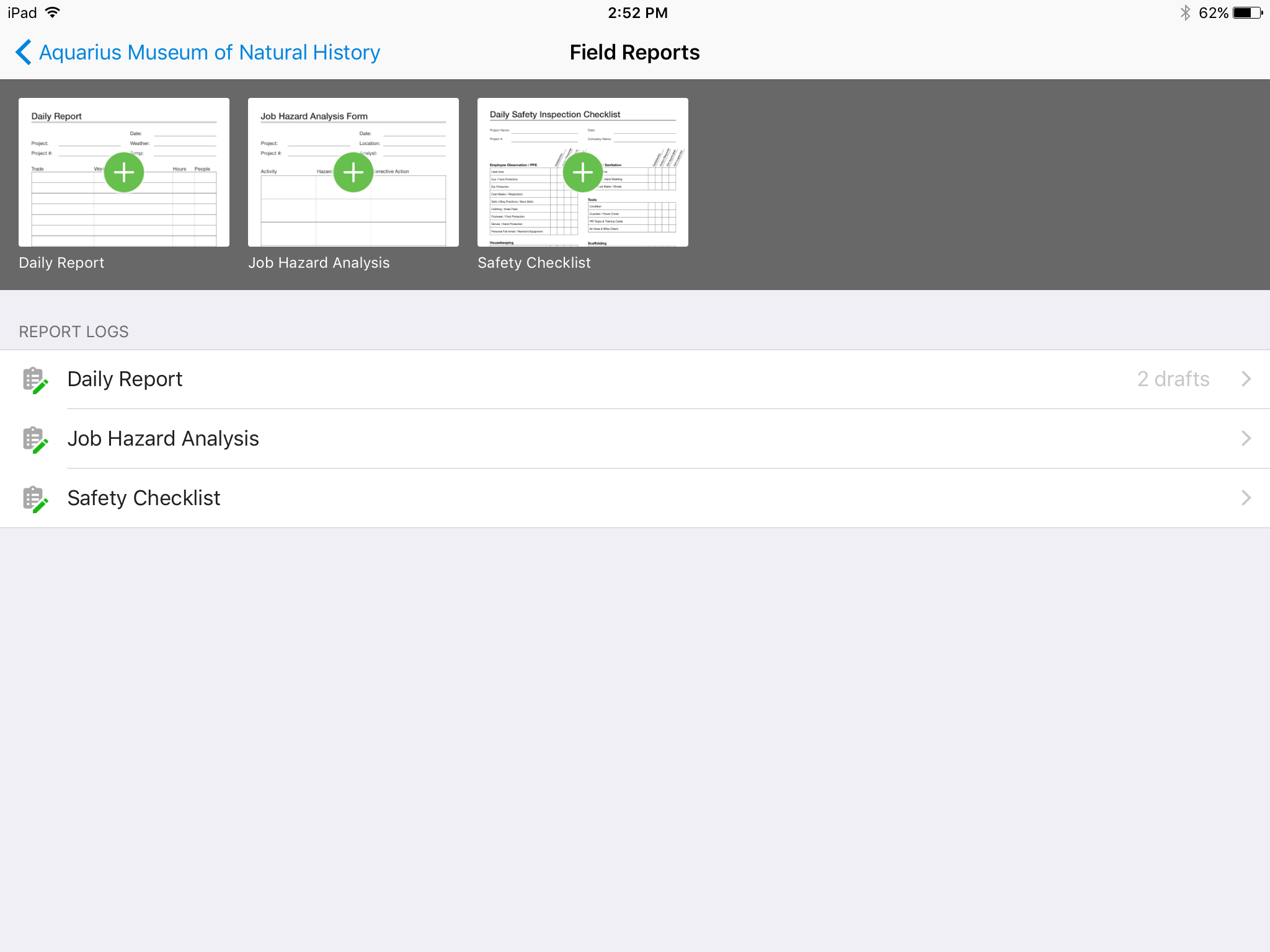
There's no all-in-one solution in CM, but PlanGrid is fairly barebones, and I don't believe it has any ability to connect to other software. There's no ability to take meeting munites; you can hack the field reports feature to accomplish this, but it's clear that was not the intent of the designers.
We are at the point where we have shown our teams what is possible with this software. We cannot take it away and go back to the way we used to do things. I think that they would push back on us to give them access to something electronic. It is a good program that we will continue to use
It's not very difficult to use for majority of all our users. We really like storing and managing all our project data in one location so users have only one option to access the requested information. Managing our architectural engineering projects with two workflows in one system is really a good asset
Hard to get the hang of this software, but with time it become very repetitive and easier to navigate. I have used this software for over a year now and the constant updates by Autodesk have made the software better and better to use at work. This allows me to use this tool more effectively
AutoDesk support is slow and if you are not an enterprise customer they will likely tell you to go to forums and post for help pushing the support on the high-level end-users (some of which are AutoDesk employees). I haven't actually had issues requiring support with docs altough there are some features I wish it had
Online chat during business hours is extremely helpful. The Plangrid staff has gone above and beyond many times to help us. One time they even offered to completely rebuild our 900+ sheet project so I could slip sheet a few old drawing revisions! This undoubtedly would have taken hours on Plangrid's end. They are always responsive and are continually improving, listening to user feedback.
The saving in reduced field changes/mistakes quickly paid for the license plus some. The software allows for easy data collection, especially at project completion for field software by checklist creation. Furthermore, the internal punch-list tracking, tracking completion lists and punch lists created for us by others is optimal compared to the competition. We chose Bim360 over other options due to its ability to import out of other software programs directly into the system, adding reports in one location and then distributing it to subcontractors and internally from there to fix deficiencies. It does the tracking, importing, markups of pictures and document viewing well and fulfills our needs.
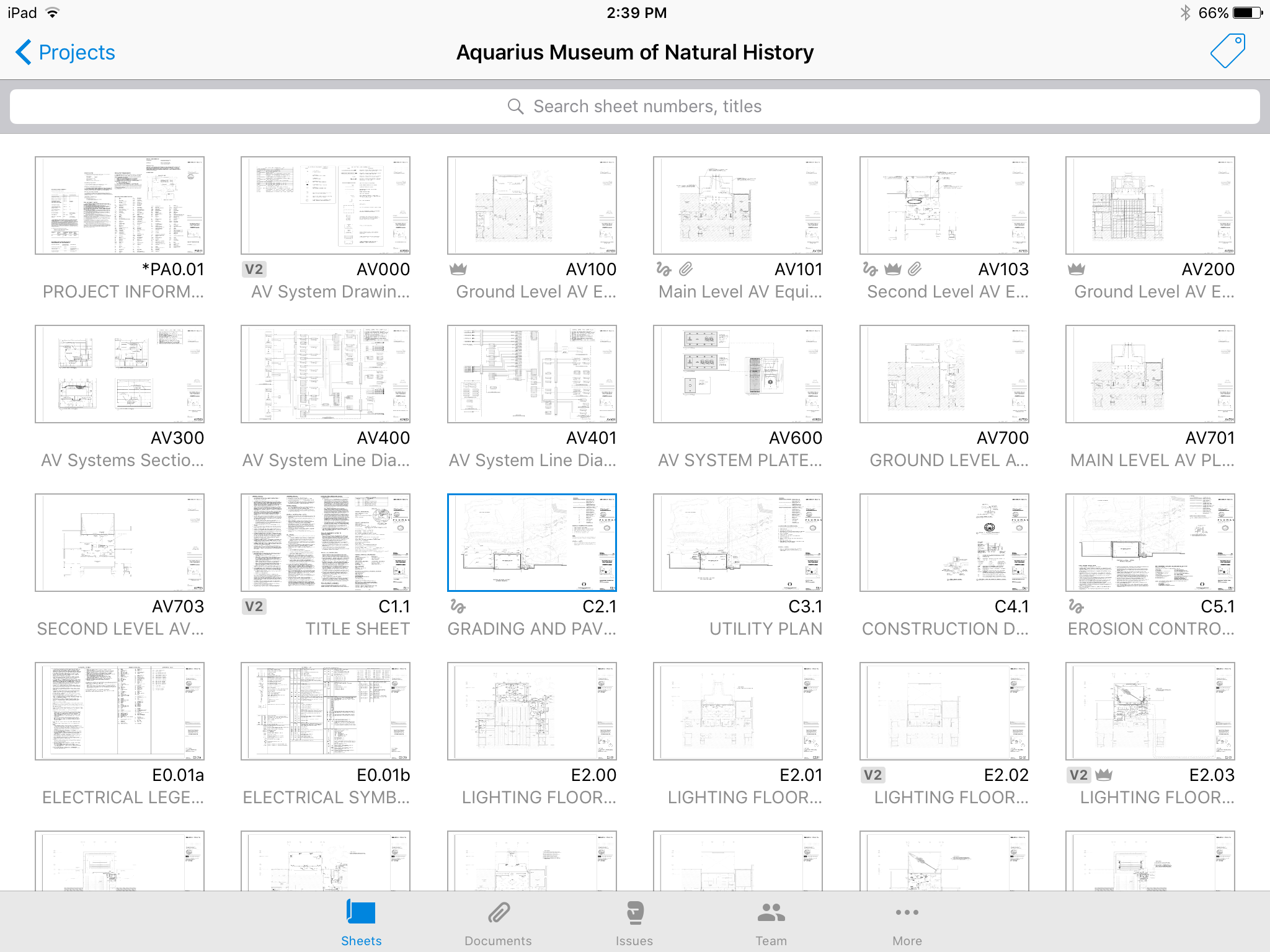
Plangrid, while not serving the external document distribution function, is unrivaled for internal document distribution and sharing in the construction industry. The speed at which documents are navigatable, the ability to download your projects for viewing without an internet connection, and the document mark-up and photo tools place it head and shoulders above the competition.
The fact that your files are not on your servers. Anytime that the Autodesk servers go down you are down; it does not happen very often but when it does there is nothing you can do about it except wait.
Because of how BIM360 licensing is setup it does force you to manage the personnel on a project closer. This can at times be viewed as a negative but in the long run is positive because with better management comes better profit.
It helped us "wow" a joint commission survey in 2016 and have a successful survey because he loved how we could access plans on an iPad, check suite sizes, and didn't have to carry around huge, heavy sets of life safety plans.