
CADSIM Plus vs. Navisworks
| Product | Rating | Most Used By | Product Summary | Starting Price |
|---|---|---|---|---|
 CADSIM Plus | N/A | N/A | Aurel Systems Inc. is the distributor of CADSIM Plus, a dynamic process simulator based on first principles and heat and mass balancing, boasting high accuracy. CADSIM Plus was conceived for use in the Pulp and Paper industry and has found applications in other domains such as clean tech, chemical and mineral processing, food processing and oil and gas. CADSIM Plus is unique in that it is supported by a CAD front end that enables process engineers to draw a simulation anyway they… | N/A |
 Navisworks | Score9.5 out of 10 | N/A | Autodesk's Navisworks is a 3D model and construction project review and coordination software allowing the user to combine design and construction data into a single model, and identify and resolve clash and interference problems before construction. | $135 per month |
| CADSIM Plus | Navisworks | |||||||||||||||
|---|---|---|---|---|---|---|---|---|---|---|---|---|---|---|---|---|
| Editions & Modules | No answers on this topic |
| ||||||||||||||
| Offerings |
| |||||||||||||||
| Entry-level Setup Fee | No setup fee | No setup fee | ||||||||||||||
| Additional Details | — | — | ||||||||||||||
| More Pricing Information | ||||||||||||||||
| CADSIM Plus | Navisworks | |
|---|---|---|
| Considered Both Products | No answer on this topic | No answer on this topic |
| Key User Insights | ||
| Would buy again | ||
No answers on this topic | 100% Would buy again 16 Answers | |
| Delivers good value for the price | ||
No answers on this topic | 100% Delivers good value for the price 14 Answers | |
| Happy with the feature set | ||
No answers on this topic | 94% Happy with the feature set 15 Answers | |
| Lived up to sales and marketing promises | ||
No answers on this topic | 100% Lived up to sales and marketing promises 12 Answers | |
| Implementation went as expected | ||
No answers on this topic | 100% Implementation went as expected 13 Answers | |
| CADSIM Plus | Navisworks | |
|---|---|---|
| Small Businesses | No answers on this topic |  Autodesk Maya Score9.2 out of 10 |
| Medium-sized Companies | No answers on this topic |  Blender Score9.3 out of 10 |
| Enterprises | No answers on this topic | No answers on this topic |
| All Alternatives | View all alternatives | View all alternatives |
| CADSIM Plus | Navisworks | |
|---|---|---|
| Likelihood to Recommend | - | 10.0 |
| Usability | - | 10.0 |
| Support Rating | - | 7.4 |
| CADSIM Plus | Navisworks | |
|---|---|---|
| Likelihood to Recommend | No answers on this topic |
|
| Pros | No answers on this topic |
|
| Cons | No answers on this topic |
|
| Usability | No answers on this topic |
|
| Support Rating | No answers on this topic |
|
| Alternatives Considered | No answers on this topic |
|
| Return on Investment | No answers on this topic |
|
| ScreenShots | CADSIM Plus Screenshots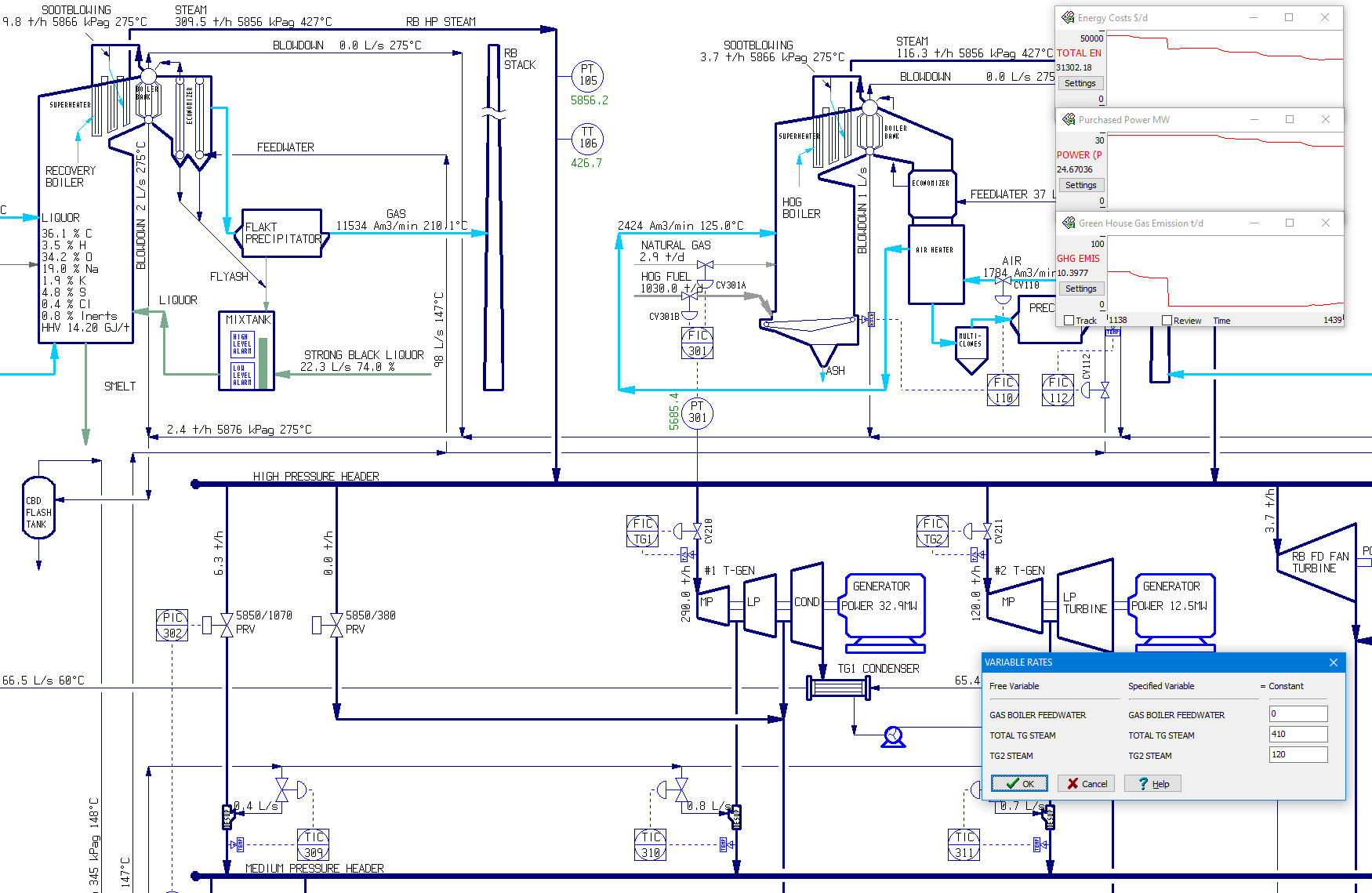 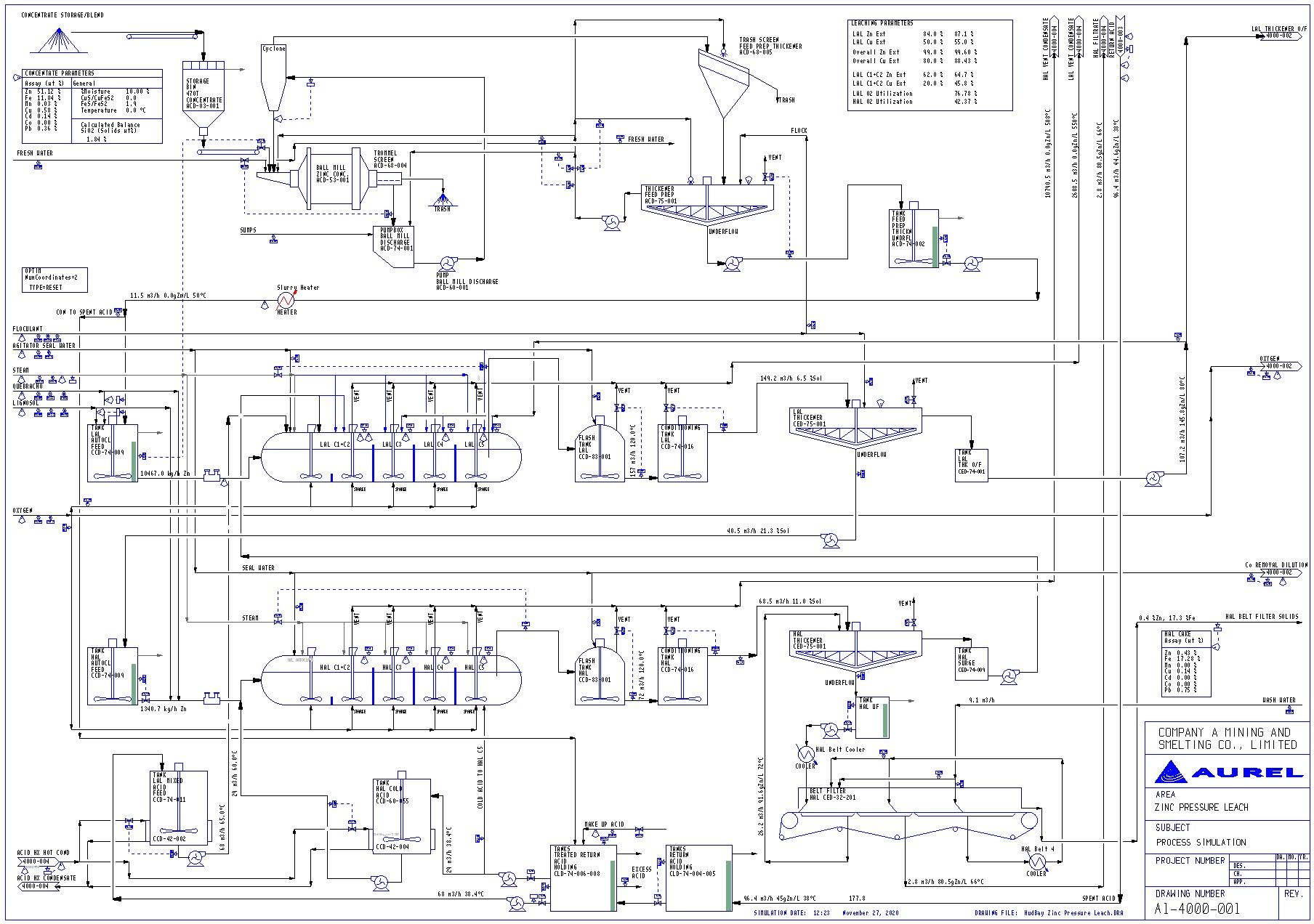  |



