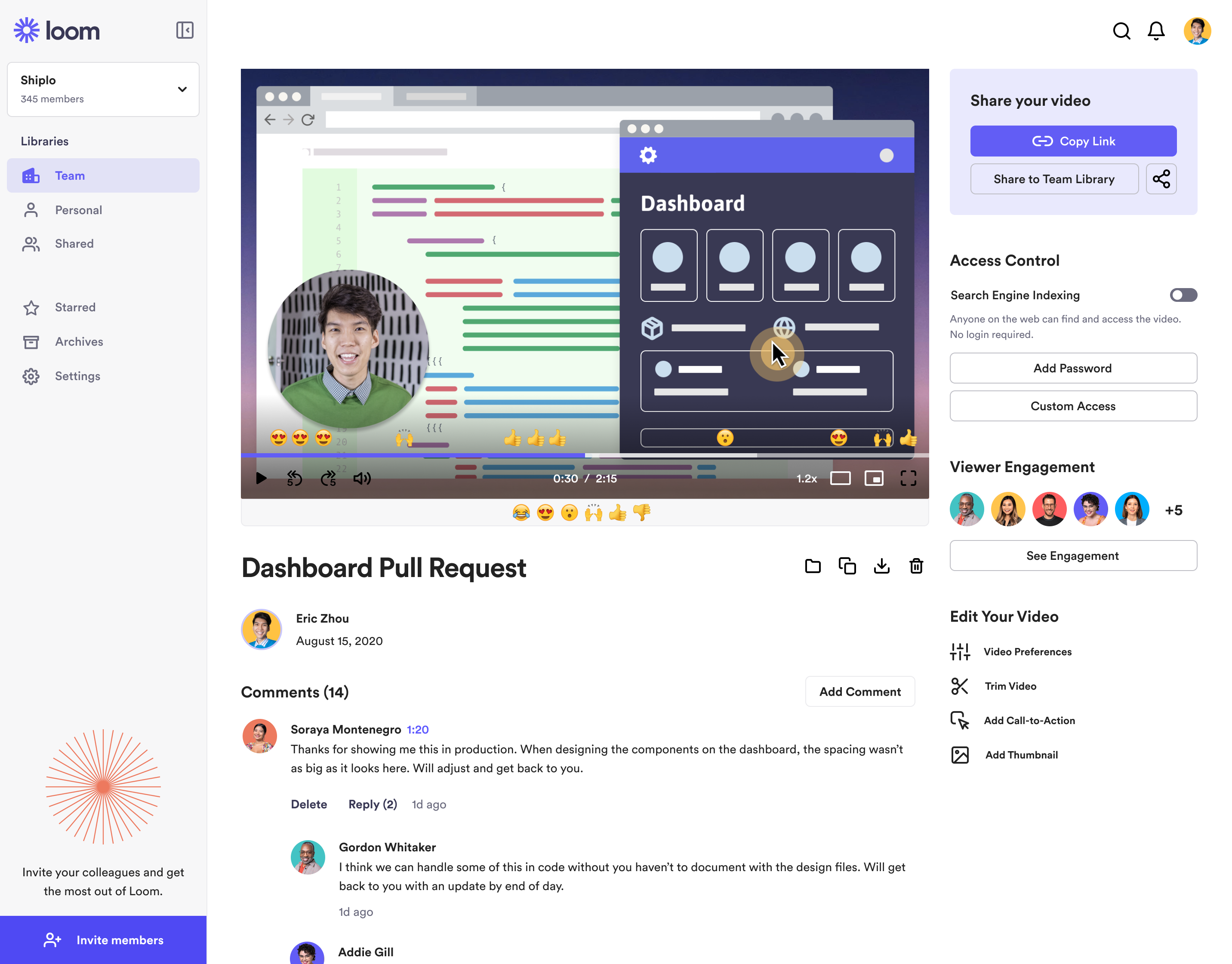
Loom is a screen recorder for Chrome, Mac, Windows, and iOS from Atlassian, presented as quick to install, easy to use, and boasting a functional free edition.
$8
per month
vidIQ
Score10 out of 10
N/A
vidIQ is a YouTube audience development and management suite that helps brands and agencies grow their views and subscribers, from the company of the same name in San Franciso. vidIQ's solution assists YouTube Marketers through their workflows, including uploading their videos at the best time of day, connecting brands with their top influencers, YouTube SEO, monitoring viewer and engagement analytics across Twitter and Facebook, bulk description editing, comment moderation, and Facebook fan…
Loom is a must, I am not sure how many other tools like this one there are but Loom really becomes a key player in a team collaboration, specially if that team collaborates remotely or internationally. You can use the video links to embedded these in other places or downloadthem for editing
It is amazing to see the power of using keywords suggestions from VideoIQ. Our team had a great experience using it and wil definitely recommend it to those who really believe in keywords targeting & optimization
A de minimis incentive was given to thank the reviewer for their time. The incentive was not used to bias or drive a particular response, nor was the incentive contingent on a positive endorsement. More Info
Loom is valuable for creating video tutorials and onboarding materials.
It allows trainers to record step-by-step instructions, share best practices, and provide visual demonstrations, facilitating the learning process for new employees or team members.
Sales teams can create personalized video pitches or product demonstrations to engage prospects effectively.
Collaborating between timezones and replacing meetings/ emails with quick videos.
A de minimis incentive was given to thank the reviewer for their time. The incentive was not used to bias or drive a particular response, nor was the incentive contingent on a positive endorsement. More Info
A de minimis incentive was given to thank the reviewer for their time. The incentive was not used to bias or drive a particular response, nor was the incentive contingent on a positive endorsement. More Info
The still screenshot feature should let us edit/mark up the images.
I work on 3 X monitors and the desktop version of Loom still can't seem to know that I always want to record on the screen from which I open the app. Short of that, it should ask us what screen we want to record on instead of making us catch the fact that it's set to record on some other screen. This causes me to have to stop the recording and restart because it was recording the wrong screen.
You can't yet transfer a video seamlessly between workspaces. This causes you to have to download and then re-upload to the other workspace if you happen to work for numerous companies using Loom.
A de minimis incentive was given to thank the reviewer for their time. The incentive was not used to bias or drive a particular response, nor was the incentive contingent on a positive endorsement. More Info
A de minimis incentive was given to thank the reviewer for their time. The incentive was not used to bias or drive a particular response, nor was the incentive contingent on a positive endorsement. More Info
It's dirt easy for the one thing it does exceptionally well. If you think, "hmmm, I should make a quick screen capture of this thing on screen, you can start recording in seconds with almost no additional effort." Once you're done, the recording is automatically uploaded to your account site, and automatically creates a URL you can copy and share with your target audience. From IDEA to EXECUTION to DISTRIBUTION is literally seconds.
A de minimis incentive was given to thank the reviewer for their time. The incentive was not used to bias or drive a particular response, nor was the incentive contingent on a positive endorsement. More Info
Loom is one of my favorite solutions and I've been a raving fan since they first launched. The value of quickly sharing videos in seconds is amazing. Our customers love it so much that they have even downloaded the Loom Chrome extension for their own use with their clients! It's so simple, and nothing else compares or competes.
A de minimis incentive was given to thank the reviewer for their time. The incentive was not used to bias or drive a particular response, nor was the incentive contingent on a positive endorsement. More Info
I use Loom for simple tasks. Never used customer support really. It's so simple to use. I haven't had any real issue with Loom which would require customer support to help me out. So I just put 5 because I don't know if the customer support is good or bad since I never used, so I'm kind of neutral.
A de minimis incentive was given to thank the reviewer for their time. The incentive was not used to bias or drive a particular response, nor was the incentive contingent on a positive endorsement. More Info
When we evaluated the alternatives, Loom was by far the most advanced tool, with multiple types of integrations. Additionally, Loom also provided a Free plan, which made it easy to consider as an alternative. Vidyard and similar tools integrated better with certain other tools (Vidyard + HubSpot), but Loom had better overall integrations with most tools we use.
A de minimis incentive was given to thank the reviewer for their time. The incentive was not used to bias or drive a particular response, nor was the incentive contingent on a positive endorsement. More Info
I was told that it will really help you optimizing the video views so i tried it. Results were amazing. I would definitely encourage people who are on brands & media side to really look into it and get benefit out of it
A de minimis incentive was given to thank the reviewer for their time. The incentive was not used to bias or drive a particular response, nor was the incentive contingent on a positive endorsement. More Info
Loom has increased my efficiency and value to clients so much. I save a ton of time by being able to send them video recordings walking through their website rough drafts and final tutorials.
Loom is incredibly affordable. I am satisfied with their subscription cost.
Loom has helped me communicate clearly to clients, so there's less room for error/misunderstanding (especially when talking about design decisions).
A de minimis incentive was given to thank the reviewer for their time. The incentive was not used to bias or drive a particular response, nor was the incentive contingent on a positive endorsement. More Info
A de minimis incentive was given to thank the reviewer for their time. The incentive was not used to bias or drive a particular response, nor was the incentive contingent on a positive endorsement. More Info