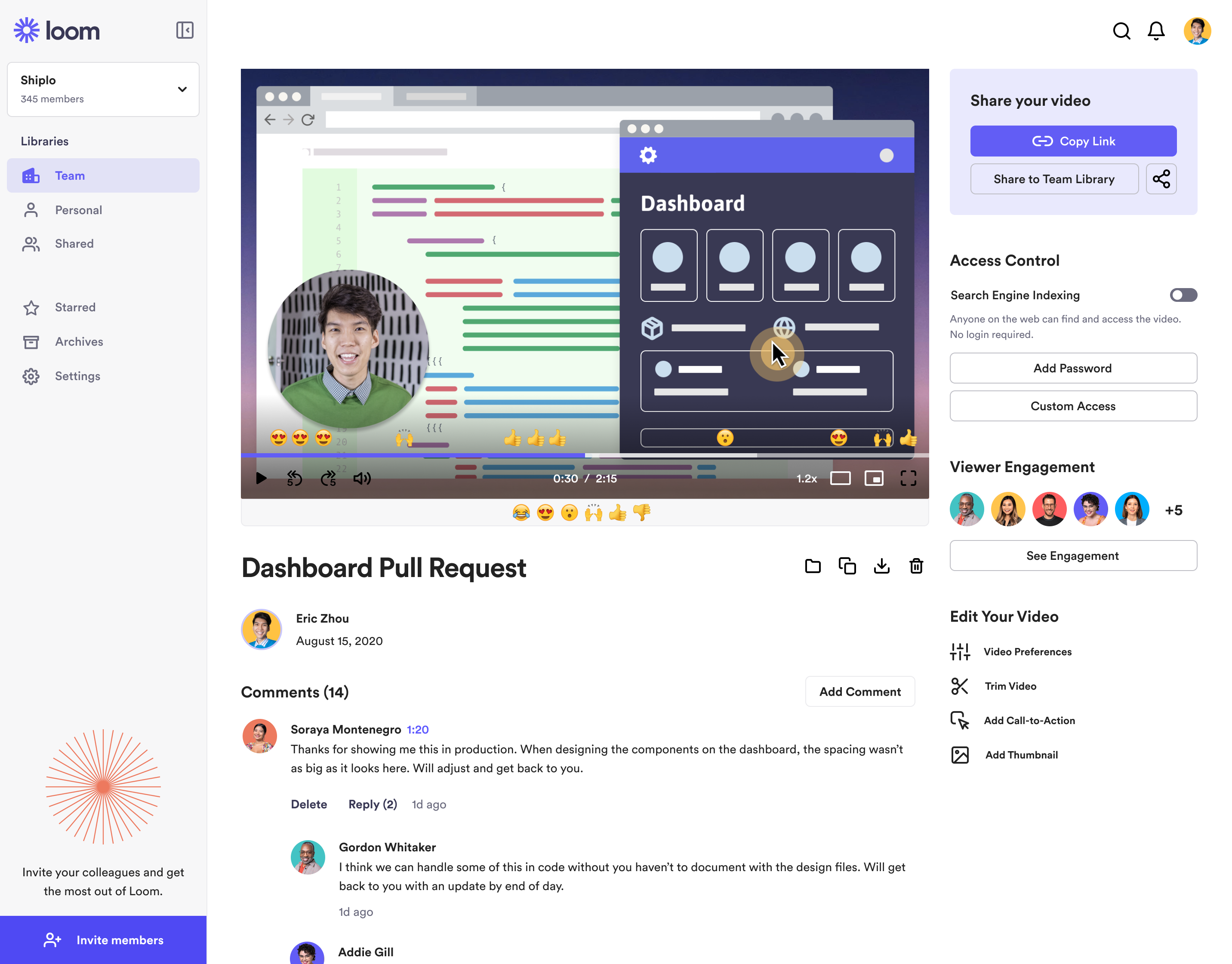
Loom is a screen recorder for Chrome, Mac, Windows, and iOS from Atlassian, presented as quick to install, easy to use, and boasting a functional free edition.
$10
per creator/per month
UiPath Task Capture
Score 8.0 out of 10
N/A
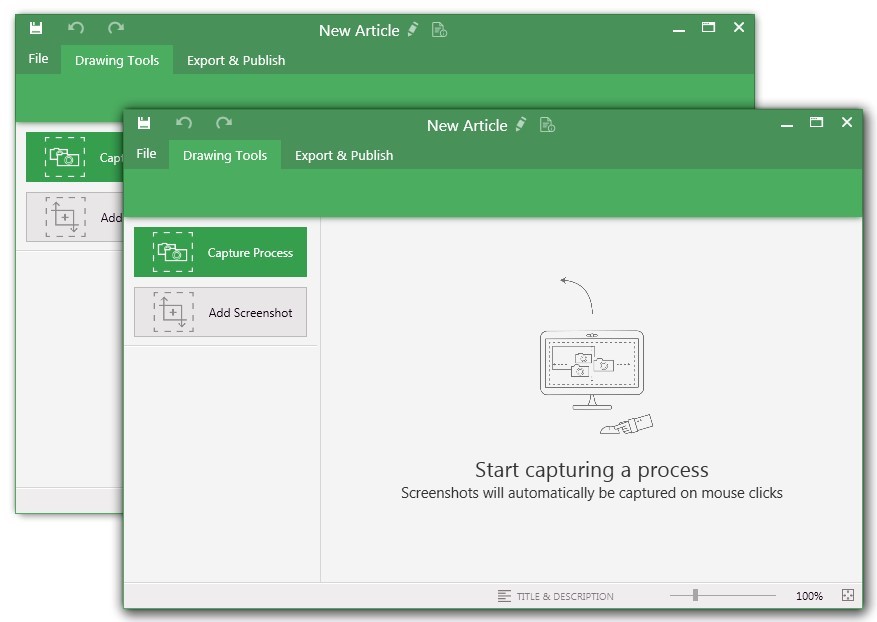
UiPath Task Capture (formerly StepShot, acquired October 2019) is a tool designed for quick and easy step-by-step documentation. During a recording mode, the software creates a separate screenshot on every click, groups them into a manual with automatically added metadata. Users can annotate captured images and structure documents in the way they want them to look.
N/A
Pricing
Atlassian Loom
UiPath Task Capture
Editions & Modules
Business
$10
per creator/per month
Starter
Free
Enterprise
Custom Pricing
No answers on this topic
Offerings
Pricing Offerings
Atlassian Loom
UiPath Task Capture
Free Trial
No
Yes
Free/Freemium Version
Yes
Yes
Premium Consulting/Integration Services
No
No
Entry-level Setup Fee
Optional
No setup fee
Additional Details
—
We have some discounts available all the time depending on the amount of ordered licenses.
Loom is literally the best free (or depending on your team size) tool that I have found in recent years honestly. I have a consulting practice on the side where we work in multiple timezones. Im not the best with words or explaining things over email, and im a much more visual person. being able to show somehow how to do something rather than explain it via email is HUGE. Its literall creating the office culture vibe over video, and its exactly what i need to help scale my consulting while also help provide training at my current job.
StepShot is excellent for organizations of any size. Whether you're a solo-entrepreneur who has contractors occasionally help out or a Fortune 500 company, StepShot can help. It offers options to export to Word, PDF, PowerPoint, HTML, WordPress, and even Confluence. With so many output options available, StepShot is excellent for any organization, no matter how simple or complex their document structure is.
The annotations options are fantastic. You can adjust exactly where you want your mouse cursor to show up (if at all) and can create all images for step-by-step
It has a really nice interface, simple to use.
It's customizable - you can choose full screen, active area, etc.
The video trim feature has improved a lot recently, but it's still not perfect. Sometimes when I trim a video clip, it distorts other parts of the video.
It would be nice if they had a referral/affiliate program. I would get all my friends to sign up!
It's dirt easy for the one thing it does exceptionally well. If you think, "hmmm, I should make a quick screen capture of this thing on screen, you can start recording in seconds with almost no additional effort." Once you're done, the recording is automatically uploaded to your account site, and automatically creates a URL you can copy and share with your target audience. From IDEA to EXECUTION to DISTRIBUTION is literally seconds.
Loom is one of my favorite solutions and I've been a raving fan since they first launched. The value of quickly sharing videos in seconds is amazing. Our customers love it so much that they have even downloaded the Loom Chrome extension for their own use with their clients! It's so simple, and nothing else compares or competes.
I use Loom for simple tasks. Never used customer support really. It's so simple to use. I haven't had any real issue with Loom which would require customer support to help me out. So I just put 5 because I don't know if the customer support is good or bad since I never used, so I'm kind of neutral.
I have only run into an issue once, which I believe was due to a newly released feature (cloud storage). I was running into issues with the functionality on my Mac. The team was incredibly helpful in both troubleshooting the issue by jumping on screen sharing sessions, as well as providing multiple releases for me to test to fix the problem!
We have used zoom, Google Meet or youtube to manage our videos in the past. But both did not seem to be as seamless for everyone to use it. Loom came in to provide an easy way for everyone to use video and share screens or communicate in general. Loom integrates with Slack and that is another cool feature
While StepShot provides us with more options for modifying our screen recording and adding helper information for our audience, iSpring is a little more accessible since you can connect directly to YouTube for videos. Since most of our work doesn't require a video tutorial, we are happy with StepShot, but iSpring, like many other screen recorders, is a little more "well rounded" when it comes being able to connect our guides with our intended audience.
It gives me back 2-3 hours per week in time saved fussing with typing out long emails.
Our team and vendors understand us faster and better when we offer revisions and training using Looms vs. trying to type it out - causing better client satisfaction.
We still have to use Snagit, though, until Loom gives us still screenshot edit/markup abilities!
This has saved us MANY HOURS in either walking clients through processes in person or having to create a one-off guide through taking screenshots and creating our own documents with the screenshots hand placed.
Client satisfaction is high when they receive these guides. It is documentation that they can refer to at anytime that is personalized to their use or individual needs.