Bitbucket is a Git repository and code collaboration platform, featuring automated testing and code deployment. Bitbucket Cloud Premium provides AI-powered development, more granular access controls, and enforced code quality, and Bitbucket Data Center provides a self-hosted option.
$0
for up to 5 users
Octopus Deploy
Score 10.0 out of 10
Mid-Size Companies (51-1,000 employees)
Australian company Octopus Deploy offers their eponymous automated deployment and release management software that integrates with the user's preferred CI server and adds deployment & ops automation capabilities. Octopus Deploy enables developers, release managers, and operations folks to bring all automation into a single place. The vendor states that by reusing configuration variables, environment definition, API keys, connection strings, permissions, service principals, and automation logic,…
$12
Pricing
Atlassian Bitbucket
Octopus Deploy
Editions & Modules
Free
$0
for up to 5 users
Standard
$3.30
per month per user
Premium
$6.60
per month per user
Bitbucket Data Center
starting at $44,000
per year 1 - 500
Cloud
Free 30 day trial
unlimited targets/users/projects
Server
Free 30 day trial
unlimited targets/users/projects
Enterprise
Starting at $18 per month
Enterprise
Starting at $18 per month
Server
Starting at $12 per month
Cloud
Starting at $12 per month
Offerings
Pricing Offerings
Bitbucket
Octopus Deploy
Free Trial
Yes
Yes
Free/Freemium Version
Yes
Yes
Premium Consulting/Integration Services
No
No
Entry-level Setup Fee
No setup fee
Optional
Additional Details
—
Octopus Server edition is available as a 30 day free trial on our unlimited tier for any scenario, including production, and commercial use. After the trial period ends you can keep your working configuration and upgrade to a paid license and continue deploying uninterrupted.
Octopus Cloud is an alternative that is hosted by us, and is also available as a 30 day unlimited trial. No credit card is needed to create a Octopus Cloud trial instance. You can convert the Cloud trial to a paid instance at any time during or after the trial period, and keep all of your instance configuration.
Octopus also offers an Enterprise tier which offers advanced features for teams at scale including, advanced high availability, insights & DORA metrics, ServiceNow & Jira Service Management integration, unlimited instances, 24/7 support & service credits, and a Customer Success Manager.
Volume discounts are available above 500 targets, and temporary bursting for certain scenarios is supported.
More Pricing Information
Community Pulse
Atlassian Bitbucket
Octopus Deploy
Features
Atlassian Bitbucket
Octopus Deploy
Version Control Software Features
Comparison of Version Control Software Features features of Product A and Product B
As a team we need to push code into the repo on daily basis, Bitbucket has proven that is a reliable and secure server to save and get the code available in no time. The administration part is really easy and there's an extra tool for every developer profile either if you want to use the console or a GUI like Sourcetree.
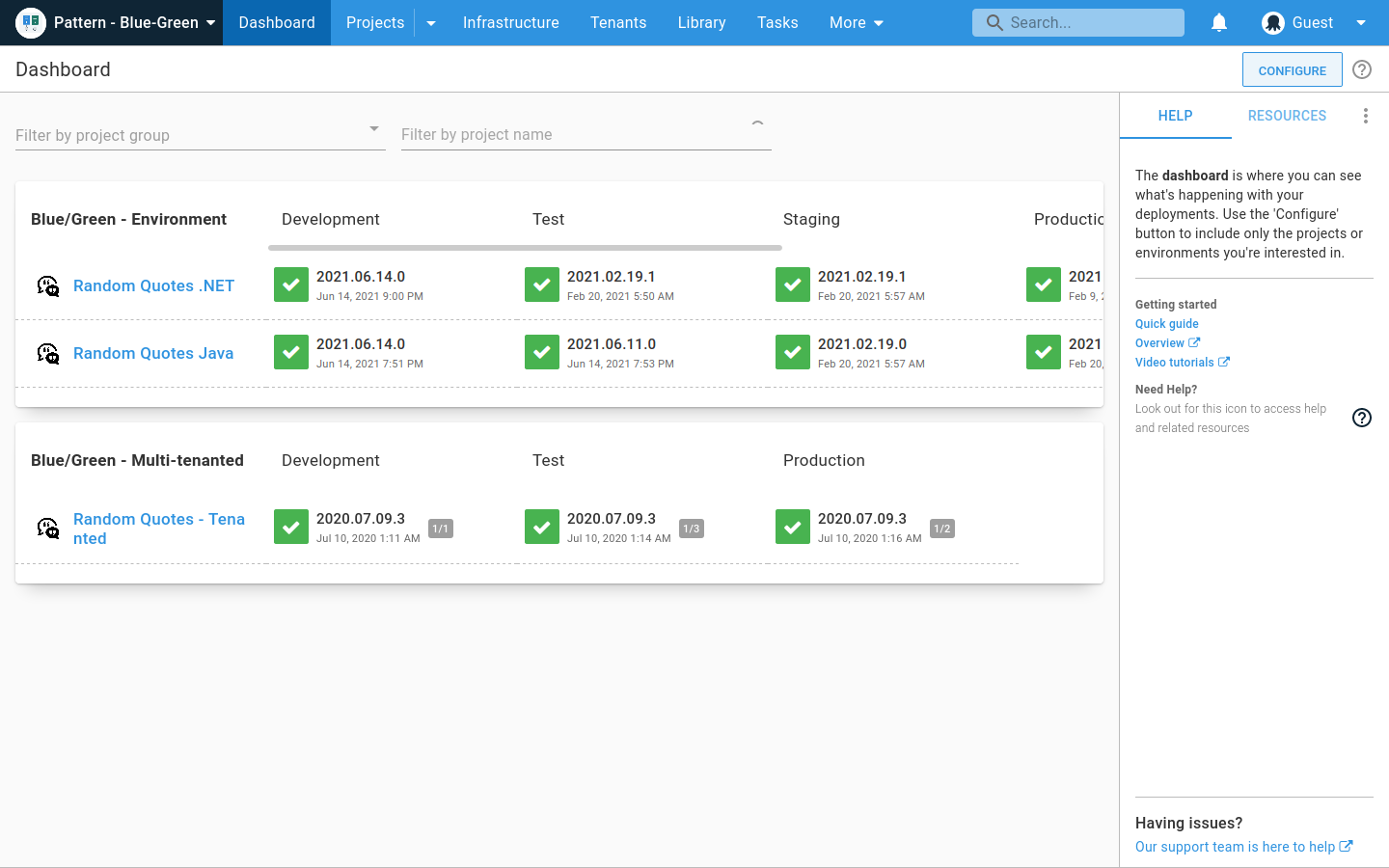
The ability to manage different stages and define a workflow is very useful for ops troubleshooting as well as deployment. You can see which version each environment has for each project, and promote or redeploy versions.
You can view deployment logs and dig deep into problems or long deployment steps.
Finding old releases can be a pain, and there isn't a good way to compare releases.
It does not really lend itself well to viewing what the content of a release is further than the version number. Ideally, you would be able to tie a deployment to the builds from the build server as well as specific commits from source control.
Many different platforms, languages, and operating systems are supported. You can deploy to your own server or the cloud. You can deploy to Windows, Linux, etc.
Many different "step templates" are included, which make it very easy to deploy what you want, how you want. Such as deploying over SSH, FTP, etc.
Support is very responsive and personable. You won't just be talking to a robot or a script. They will either solve your problem or understand it enough to solve it in a future release.
Their documentation is well thought-out and very helpful. I have found very few missing pieces.
While it integrates flawlessly with other Atlassian products, it's lacking in 3rd party integrates, especially compared to competitors like GitHub and GitLab
Using Jira for issues gives a lot of power, but it's also a lot of overhead and complexity that may or may not be necessary for your organization. It also puts issues in another tool, adding a little friction when it comes to addressing issues in your code
Searching for and discovering other projects and GitHub isn't quite as intuitive or easy to use as competitors
Support for non-Microsoft applications needs to be improved to bring it on par with other comparable automation tools.
It doesn't yet provide integration options with other IT management tools like JIRA and HP Support to implement continuous delivery and true DevOps processes.
Support for AWS/Azure has been included very recently and it's not still very mature and feature rich and is expected to improve further in upcoming releases.
All products have room for improvement. The system improves over time with better and better integrations and I look forward to even more features without paying extra! The system has increased transparency across my organization and with this transparency comes increased throughput on projects. I don't think I can go back to any other system and we are definitely married to this product.
The architecture of Bitbucket makes it more easily scalable than other source code management repositories. Also, administration and maintaining the instance is very easy. It integrates with JIRA and other CI/CD applications which makes it more useful to reduce the efforts. It supports multiple plugins and those bring a lot of extra functionality. It increases the overall efficiency and usefulness of Bitbucket.
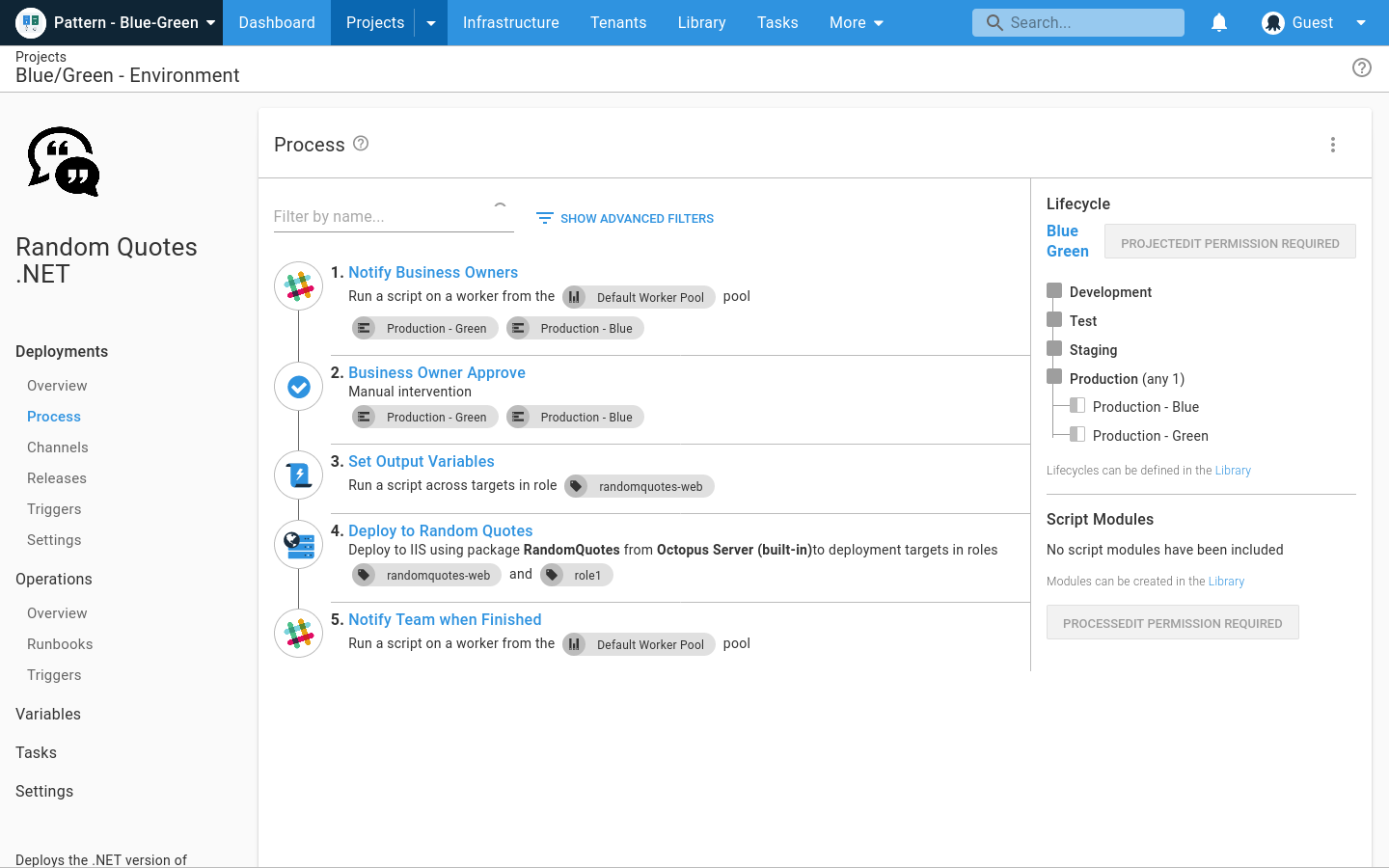
Some functionality feels slightly hidden in the menu system. For example: script modules are in the same menu as packages, where I feel that are not related entities. One is code for the deployment, the other is the thing that you are deploying...
Octopus Deploy is a software that runs very effectively, is easy to use, does not require such a high learning curve, provides the necessary tools to carry out the functions it offers, making it a very flexible software, it also allows that can be configured according to the needs of the user and provides integrations with other very advantageous tools since they are carried out in a very favorable way.
The customer support provided by Atlassian (Bitbucket's parent company that also makes Jira, Confluence, etc.) is very helpful. They seem to be very concerned about any issues reported with their products and even just questions about functionality. They are constantly improving the products with new features in nearly every release. Plus they have a plethora of online documentation to reference.
Octopus Deploy support has always been there for us, even when using the free tier, we get responsive hands-on help. We haven't needed to use that level of support since the documentation is clearly written, and help is readily available within the interface itself. Using Octopus Deploy is a truly joyful experience.
For the features we were looking at, Bitbucket, GitHub and GitLab were all at par and were in a similar price range. We found that GitHub was the most full featured should we need to scale very quickly. GitLab was at par with GitHub for our future needs, but GitHub was a more familiar tool compared to GitLab. Bitbucket won out because of its close integration with Jira and being in the Atlassian family. It was also cheaper than GitHub. As we started with Jira, Bitbucket addition became a natural next step for us. We really liked Bitbucket and stayed with it but we do know we have great options in the form of GitHub and GitLab should we need to scale fast.
Octopus Deploy was the obvious choice at the time, its strong .net support, robustness, ease of use, and integration into an existing process was a big plus. Also, Octopus Deploy was kind enough to give my organization a not for profit community licence. In addition, the product comes from a local Brisbane based company and it is always good to support local businesses when you can.
The overall return on investment is very high compared to other source code management tools.
Having a subscription model only is making BitBucket's cost of ownership very high over the years. There should be an alternative option for the purchase of a license permanently (like proprietary software).
Paying separately for premium support is not a good idea. Premium support should be part of the package itself.
No local or on-call support available in Singapore and many other countries is also painful. There should be some local presence, at least in their leading market countries like Singapore.
Any automated deployment process will save your company a ton of money on testing and bugs. When you don't automate your deployments, you can't be certain that what you are moving between environments is the exact same code with the same or appropriate configuration. What you tested might not be what got deployed.
We've saved a lot of money using Octopus over the mostly manual process we were using before. We've removed a lot of the errors that come from manual, human intervention.
Octopus has also allowed us to accomplish more with fewer people. It is easy to bring new people up to speed on the deployment process, and we can be confident of success after very little training.