Bitbucket is a Git repository and code collaboration platform, featuring automated testing and code deployment. Bitbucket Cloud Premium provides AI-powered development, more granular access controls, and enforced code quality, and Bitbucket Data Center provides a self-hosted option.
$0
for up to 5 users
CodeStream
Score 8.6 out of 10
N/A
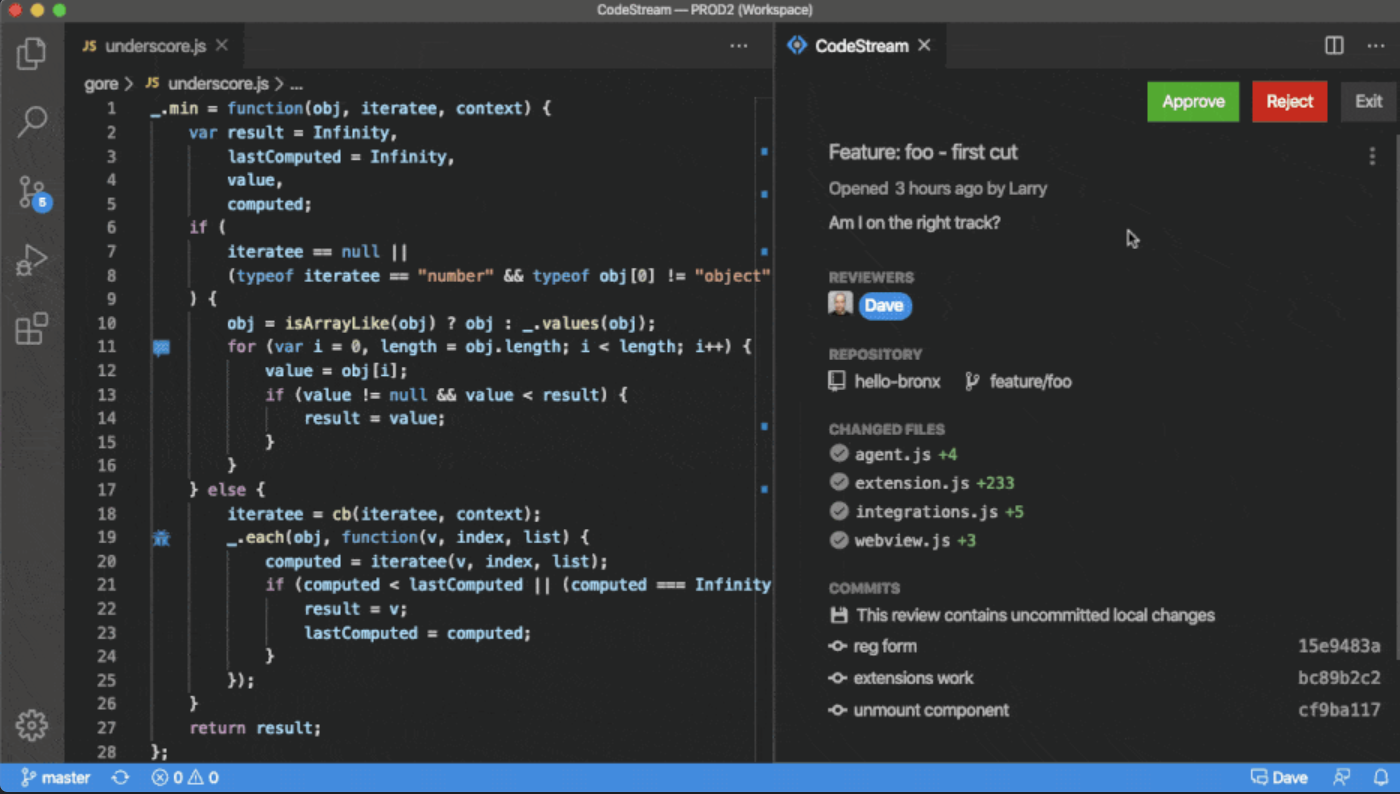
The vendor states CodeStream helps development teams resolve issues faster, and improve code quality by streamlining code reviews inside an IDE. CodeStream enables asynchronous communication among developers on a team, anywhere. Review changes in the context of the full source tree, using preferred keybindings and environments. Use a simple shortcut to highlight code and CodeStream will automatically assign a reviewer based on context and history. Comment and code review threads are…
$10
Per Seat / Per Month
Pricing
Atlassian Bitbucket
CodeStream
Editions & Modules
Free
$0
for up to 5 users
Standard
$3.30
per month per user
Premium
$6.60
per month per user
Bitbucket Data Center
starting at $44,000
per year 1 - 500
Basic
$10.00
Per Seat / Per Month
Enterprise
$49.00
Per Seat / Per Month
Offerings
Pricing Offerings
Bitbucket
CodeStream
Free Trial
Yes
Yes
Free/Freemium Version
Yes
Yes
Premium Consulting/Integration Services
No
No
Entry-level Setup Fee
No setup fee
No setup fee
Additional Details
—
Enterprise tier includes admin console with advanced usage analytics, realtime merge conflict detection, API access, Single sign-on (SSO), premium support and success services
More Pricing Information
Community Pulse
Atlassian Bitbucket
CodeStream
Features
Atlassian Bitbucket
CodeStream
Version Control Software Features
Comparison of Version Control Software Features features of Product A and Product B
As a team we need to push code into the repo on daily basis, Bitbucket has proven that is a reliable and secure server to save and get the code available in no time. The administration part is really easy and there's an extra tool for every developer profile either if you want to use the console or a GUI like Sourcetree.
CodeStream is well suited for all developments where two or more people are developing something and I feel there's rarely any project which is been developed and maintained by a single developer. So in short codestream is suitable for almost every development team: - More than one person is developing the code. - People need to get frequent reviews for efficient development. - Best suitable for the teams where new people are there very often. - Collaborations are part of every day to day activities. - Without raising PR and branch management reviews are been incorporated.
While it integrates flawlessly with other Atlassian products, it's lacking in 3rd party integrates, especially compared to competitors like GitHub and GitLab
Using Jira for issues gives a lot of power, but it's also a lot of overhead and complexity that may or may not be necessary for your organization. It also puts issues in another tool, adding a little friction when it comes to addressing issues in your code
Searching for and discovering other projects and GitHub isn't quite as intuitive or easy to use as competitors
All products have room for improvement. The system improves over time with better and better integrations and I look forward to even more features without paying extra! The system has increased transparency across my organization and with this transparency comes increased throughput on projects. I don't think I can go back to any other system and we are definitely married to this product.
The architecture of Bitbucket makes it more easily scalable than other source code management repositories. Also, administration and maintaining the instance is very easy. It integrates with JIRA and other CI/CD applications which makes it more useful to reduce the efforts. It supports multiple plugins and those bring a lot of extra functionality. It increases the overall efficiency and usefulness of Bitbucket.
The customer support provided by Atlassian (Bitbucket's parent company that also makes Jira, Confluence, etc.) is very helpful. They seem to be very concerned about any issues reported with their products and even just questions about functionality. They are constantly improving the products with new features in nearly every release. Plus they have a plethora of online documentation to reference.
For the features we were looking at, Bitbucket, GitHub and GitLab were all at par and were in a similar price range. We found that GitHub was the most full featured should we need to scale very quickly. GitLab was at par with GitHub for our future needs, but GitHub was a more familiar tool compared to GitLab. Bitbucket won out because of its close integration with Jira and being in the Atlassian family. It was also cheaper than GitHub. As we started with Jira, Bitbucket addition became a natural next step for us. We really liked Bitbucket and stayed with it but we do know we have great options in the form of GitHub and GitLab should we need to scale fast.
When compared to Bitbucket, CodeStream is a luck lustre. Even though the overall features are more with CodeStream like customisation of API and more control of triggers across the designed pipeline, Bitbucket and Visual Studio score better in terms of faster implementation and dedicated and proven support system . Apart from that CodeStream fairs better than AWS CodePipeline in overall features
The overall return on investment is very high compared to other source code management tools.
Having a subscription model only is making BitBucket's cost of ownership very high over the years. There should be an alternative option for the purchase of a license permanently (like proprietary software).
Paying separately for premium support is not a good idea. Premium support should be part of the package itself.
No local or on-call support available in Singapore and many other countries is also painful. There should be some local presence, at least in their leading market countries like Singapore.