
ARYHost Cloud vs. Google Compute Engine
| Product | Rating | Most Used By | Product Summary | Starting Price |
|---|---|---|---|---|
 ARYHost Cloud | N/A | Mid-Size Companies (51-1,000 employees) | **ARYHost Cloud Linux Hosting** delivers a scalable hosting environment tailored for websites and businesses of all sizes. Leveraging **CloudLinux OS**, these hosting services are designed to maximize server performance, enhance security, and provide stability. #### **Key Features of ARYHost Cloud Linux Hosting:** 1. **Enhanced Server Stability** - CloudLinux OS isolates each hosting account, preventing resource overuse and… | $1 per month |
 Google Compute Engine | Score8.3 out of 10 | N/A | Google Compute Engine is an infrastructure-as-a-service (IaaS) product from Google Cloud. It provides virtual machines with carbon-neutral infrastructure which run on the same data centers that Google itself uses. | $0 per month GB |
| ARYHost Cloud | Google Compute Engine | |||||||||||||||
|---|---|---|---|---|---|---|---|---|---|---|---|---|---|---|---|---|
| Editions & Modules |
|
| ||||||||||||||
| Offerings |
| |||||||||||||||
| Entry-level Setup Fee | No setup fee | No setup fee | ||||||||||||||
| Additional Details | ### ARYHost Cloud Linux Hosting — Pricing Starting at Just $1/Month! Experience reliable, high-performance cloud hosting without breaking the bank. **ARYHost** offers **Cloud Linux Hosting** plans starting at an unbeatable price of just **$1 per month**, making it the ideal choice for individuals, startups, and businesses looking for affordable, secure, and scalable hosting solutions. #### **Why Choose ARYHost Cloud Linux Hosting?** 1. **Budget-Friendly Plans**: - Get started with hosting at just $1 per month. Perfect for small websites, blogs, and personal projects. 2. **Enhanced Security**: - Protect your data with CloudLinux OS, featuring advanced security measures like CageFS and SecureLinks to safeguard against potential threats. 3. **Superior Performance**: - Enjoy faster website loading times and reduced downtime, powered by SSD storage and optimized server configurations. 4. **Flexible and Scalable**: - Easily upgrade your plan as your business grows. Scale your resources with no disruptions or downtime. 5. **24/7 Expert Support**: - Our dedicated support team is available around the clock to assist with any technical issues, ensuring a hassle-free experience. 6. **Free SSL and cPanel**: - Get a free SSL certificate and easy-to-use cPanel for simplified website management and enhanced security. #### **Plan Features:** - **CloudLinux OS for Stability and Security** - **SSD Storage for Faster Data Access** - **Free Daily Backups** - **Unlimited Bandwidth Options** - **One-Click App Installer** - **Free Website Migration** Don’t compromise on quality for affordability. With ARYHost, you get top-tier cloud hosting services at an entry-level price, starting at just **$1/month**. Kickstart your online journey today with ARYHost’s unbeatable value and performance. **Sign Up Now** and experience the power of Cloud Linux Hosting for less! | Prices vary according to region (i.e US central, east, & west time zones). Google Compute Engine also offers a discounted rate for a 1 & 3 year commitment. | ||||||||||||||
| More Pricing Information | ||||||||||||||||
| ARYHost Cloud | Google Compute Engine | |
|---|---|---|
| Considered Both Products | No answer on this topic | No answer on this topic |
| Key User Insights | ||
| Would buy again | ||
No answers on this topic | 98% Would buy again 39 Answers | |
| Delivers good value for the price | ||
No answers on this topic | 100% Delivers good value for the price 39 Answers | |
| Happy with the feature set | ||
No answers on this topic | 95% Happy with the feature set 38 Answers | |
| Lived up to sales and marketing promises | ||
No answers on this topic | 90% Lived up to sales and marketing promises 27 Answers | |
| Implementation went as expected | ||
No answers on this topic | 92% Implementation went as expected 35 Answers | |
| ARYHost Cloud | Google Compute Engine | |||||||||||||||||||||||||||||||
|---|---|---|---|---|---|---|---|---|---|---|---|---|---|---|---|---|---|---|---|---|---|---|---|---|---|---|---|---|---|---|---|---|
| Infrastructure-as-a-Service (IaaS) |
| |||||||||||||||||||||||||||||||
| ARYHost Cloud | Google Compute Engine | |
|---|---|---|
| Small Businesses |  SiteGround Score9.8 out of 10 |  DigitalOcean Droplets Score8.8 out of 10 |
| Medium-sized Companies | No answers on this topic |  IBM Cloud Bare Metal Servers Score8.7 out of 10 |
| Enterprises |  AccuWebHosting.Com Score9.9 out of 10 |  SAP on IBM Cloud Score9.5 out of 10 |
| All Alternatives | View all alternatives | View all alternatives |
| ARYHost Cloud | Google Compute Engine | |
|---|---|---|
| Likelihood to Recommend | - | 7.6 |
| Likelihood to Renew | - | 9.0 |
| Usability | - | 9.0 |
| Availability | - | 8.6 |
| Performance | - | 8.3 |
| Support Rating | - | 10.0 |
| ARYHost Cloud | Google Compute Engine | |
|---|---|---|
| Likelihood to Recommend | No answers on this topic |
|
| Pros | No answers on this topic |
|
| Cons | No answers on this topic |
|
| Likelihood to Renew | No answers on this topic |
|
| Usability | No answers on this topic |
|
| Reliability and Availability | No answers on this topic |
|
| Performance | No answers on this topic |
|
| Support Rating | No answers on this topic |
|
| Alternatives Considered | No answers on this topic |
|
| Scalability | No answers on this topic |
|
| Return on Investment | No answers on this topic |
|
| ScreenShots | ARYHost Cloud Screenshots 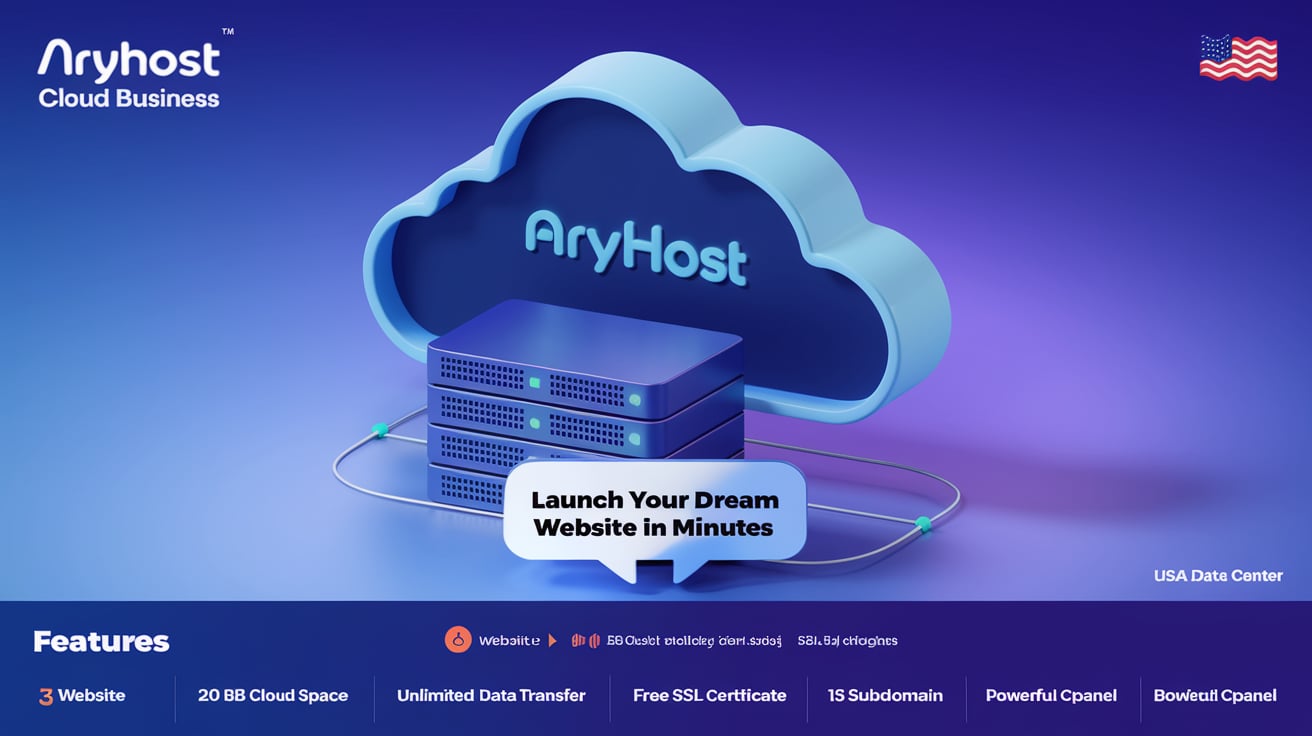     | Google Compute Engine Screenshots  |


