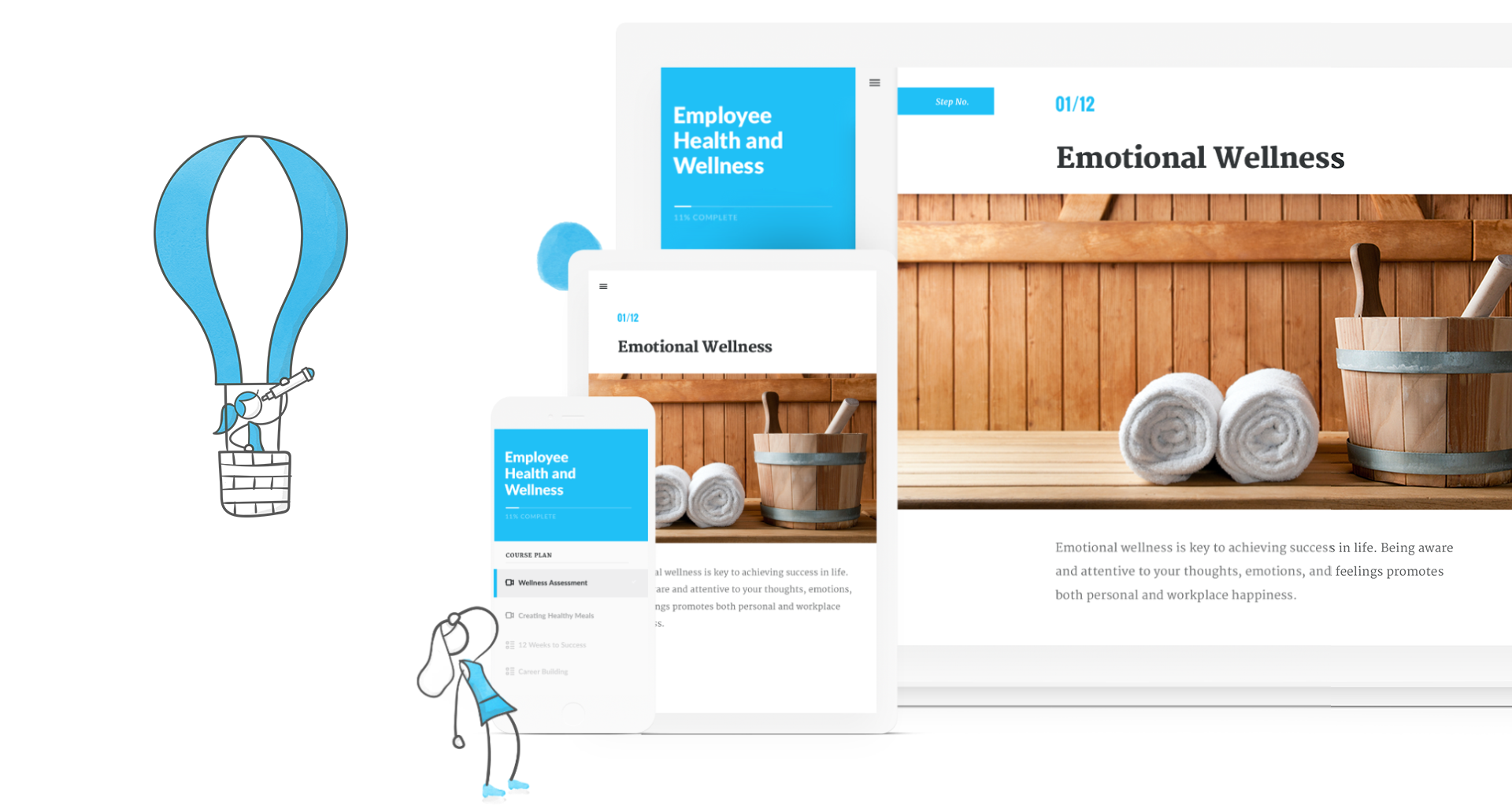
Articulate 360 is an e-learning platform for creating workplace training. Users can build engaging courses with AI-enhanced authoring, simplify collaboration, and quickly share content. A subscription includes robust onboarding resources and access to a community of 1.5M pros.
$1,124
per year
Vyond
Score8.7 out of 10
N/A
Vyond (formerly GoAnimate) is a cloud-based platform for producing custom animated videos. It is used by educators as well as in business contexts by advertisers and content marketers, and for demos and presentations.
$99
per month single user
Pricing
Articulate 360
Vyond
Editions & Modules
Articulate 360 Standard - Academic - Teams Plan
$1,124
per year
Articulate 360 Standard - Personal Plan
$1,199
per year
Articulate 360 AI - Personal Plan
$1,449
per year
Articulate 360 Standard - Teams Plan
$1,499
per year
Articulate 360 AI - Teams Plan
$1,749
per year
Starter
$99
per month
Professional
$199
per month
Enterprise
$1649
per year per user
Agency
$1999
per year per user
Offerings
Pricing Offerings
Articulate 360
Vyond
Free Trial
Yes
Yes
Free/Freemium Version
No
No
Premium Consulting/Integration Services
No
No
Entry-level Setup Fee
Optional
No setup fee
Additional Details
If you’re new to Articulate 360, you can try it out free of charge for 30 days. After the trial period is over, you can subscribe to one of our packages.
Articulate 360 is available on the Articulate website and through Articulate Authorized Resellers.
Discount available for annual billing on Starter and Professional plans.
Instructional Designer in Professional Services at Brinker International (Food & Beverages, 201-500 employees)
Chose Articulate 360
We use Vyond in conjunction with Rise obviously. They work well together. Captivate I always found clunky and, like many Adobe products, unintuitive as all their products don’t have the same interface. Makes no sense.
A de minimis incentive was given to thank the reviewer for their time. The incentive was not used to bias or drive a particular response, nor was the incentive contingent on a positive endorsement. TR verified that a representative sample of customers was invited. More Info
Verified User
Chose Articulate 360
Vyond is great for rapid video development but it doesn't come close to all the functionality that Articulate 360 has. I have used Vyond videos in Articulate 360 and would love if Articulate 360 made their own version of Vyond for easy integration.
A de minimis incentive was given to thank the reviewer for their time. The incentive was not used to bias or drive a particular response, nor was the incentive contingent on a positive endorsement. TR verified that a representative sample of customers was invited. More Info
Verified User
Chose Articulate 360
I have accounts for Camtasia, Vyond, and Synthesia, but I go to Articulate 360 for 90% of the projects I work on because it can do all of the things and with less steps! The other poducts are great, but I find myself piece-milling a lot when I use those. use the others …
A de minimis incentive was given to thank the reviewer for their time. The incentive was not used to bias or drive a particular response, nor was the incentive contingent on a positive endorsement. TR verified that a representative sample of customers was invited. More Info
A de minimis incentive was given to thank the reviewer for their time. The incentive was not used to bias or drive a particular response, nor was the incentive contingent on a positive endorsement. More Info
A de minimis incentive was given to thank the reviewer for their time. The incentive was not used to bias or drive a particular response, nor was the incentive contingent on a positive endorsement. TR verified that a representative sample of customers was invited. More Info
Instructional Designer in Human Resources at Cupertino Electric (Construction, 1001-5000 employees)
Chose Articulate 360
Compared to other products I’ve used such as Adobe Captivate, uPerform, Articulate Studio and more, Articulate 360 strikes the best balance between pre-built (yet customizable) interactions as well as having open-ended development capabilities, all in a very user-friendly …
A de minimis incentive was given to thank the reviewer for their time. The incentive was not used to bias or drive a particular response, nor was the incentive contingent on a positive endorsement. TR verified that a representative sample of customers was invited. More Info
Verified User
Chose Articulate 360
Articulate 360 is more helpful to use from Captivate because it's more widely used. If you are going to work with any vendors or cross share working files, it's far more likely you'll work with people using Articulate 360. The other products we use complement Articulate 360.
A de minimis incentive was given to thank the reviewer for their time. The incentive was not used to bias or drive a particular response, nor was the incentive contingent on a positive endorsement. TR verified that a representative sample of customers was invited. More Info
A de minimis incentive was given to thank the reviewer for their time. The incentive was not used to bias or drive a particular response, nor was the incentive contingent on a positive endorsement. TR verified that a representative sample of customers was invited. More Info
Verified User
Chose Articulate 360
Trigger wizard is easier to use than advanced actions in Captivate. Storyline feel more seamless than Captivate.
A de minimis incentive was given to thank the reviewer for their time. The incentive was not used to bias or drive a particular response, nor was the incentive contingent on a positive endorsement. TR verified that a representative sample of customers was invited. More Info
A de minimis incentive was given to thank the reviewer for their time. The incentive was not used to bias or drive a particular response, nor was the incentive contingent on a positive endorsement. TR verified that a representative sample of customers was invited. More Info
Verified User
Chose Articulate 360
I would use Storyline over other solutions almost always.
A de minimis incentive was given to thank the reviewer for their time. The incentive was not used to bias or drive a particular response, nor was the incentive contingent on a positive endorsement. TR verified that a representative sample of customers was invited. More Info
A de minimis incentive was given to thank the reviewer for their time. The incentive was not used to bias or drive a particular response, nor was the incentive contingent on a positive endorsement. TR verified that a representative sample of customers was invited. More Info
A de minimis incentive was given to thank the reviewer for their time. The incentive was not used to bias or drive a particular response, nor was the incentive contingent on a positive endorsement. TR verified that a representative sample of customers was invited. More Info
Verified User
Chose Articulate 360
Some of the features work better in the other programs and are easier to use. For example, in Camtasia you can layer way more things such as imagery, text, recordings, etc. I actually love Camtasia way more than I like Replay. Replay could actually learn a LOT from Camtasia and …
A de minimis incentive was given to thank the reviewer for their time. The incentive was not used to bias or drive a particular response, nor was the incentive contingent on a positive endorsement. TR verified that a representative sample of customers was invited. More Info
A de minimis incentive was given to thank the reviewer for their time. The incentive was not used to bias or drive a particular response, nor was the incentive contingent on a positive endorsement. TR verified that a representative sample of customers was invited. More Info
Verified User
Chose Articulate 360
Articulate 360 is far superior in its layouts and intuitive nature. I find more flexibility and design considerations with Articulate 360.
A de minimis incentive was given to thank the reviewer for their time. The incentive was not used to bias or drive a particular response, nor was the incentive contingent on a positive endorsement. TR verified that a representative sample of customers was invited. More Info
A de minimis incentive was given to thank the reviewer for their time. The incentive was not used to bias or drive a particular response, nor was the incentive contingent on a positive endorsement. TR verified that a representative sample of customers was invited. More Info
Verified User
Chose Articulate 360
Articulate 360 is the best design tool in the industry
A de minimis incentive was given to thank the reviewer for their time. The incentive was not used to bias or drive a particular response, nor was the incentive contingent on a positive endorsement. TR verified that a representative sample of customers was invited. More Info
Vyond (formerly GoAnimate)
Verified User
Chose Vyond
Biteable is great for real-world footage. It is also easy to use and they have templates. However, Biteable is not as easy to use as Vyond and doesn't have customization options. It takes me a lot longer to use Biteable and the program is a little bit "clunkier".
A de minimis incentive was given to thank the reviewer for their time. The incentive was not used to bias or drive a particular response, nor was the incentive contingent on a positive endorsement. More Info
Verified User
Chose Vyond
Before signing up with Go Animate (now Vyond) I also tested Pow Toons and My Simple Slide Show. My Simple Slide Show simply wasn't dynamic enough for my audience and I felt that it didn't provide anything I couldn't achieve through other tools I already possessed such as …
A de minimis incentive was given to thank the reviewer for their time. The incentive was not used to bias or drive a particular response, nor was the incentive contingent on a positive endorsement. More Info
I've been using Articulate for about 13 years and it has continually improved over the years. I appreciate all of the updates/changes that have occurred. For me, Articulate products are super easy to learn and use. The more you use them the better you become. When I began my current job the training modules were in Lectora, which I found to be extremely archaic and cumbersome. I was able to get Articulate and transferred all 56 modules over to Storyline because it is so much easier to use. I recently moved all of my modules over to Rise and use Storyline to create the module scenarios. It works like a charm. I cannot imagine using a different application to do what I do.
A de minimis incentive was given to thank the reviewer for their time. The incentive was not used to bias or drive a particular response, nor was the incentive contingent on a positive endorsement. More Info
As long as money isn't a major issue (this application is pretty expensive!), it's the best solution I've used so far for creating short explainer videos. It's pretty robust/full-featured and relatively easy to learn to use. Vyond is constantly adding assets and features, too. It would not really appropriate for making full-fledged e-learning, as there's no way to add any interactivity to it, and it's not something I'd used to create long, complex presentations.
A de minimis incentive was given to thank the reviewer for their time. The incentive was not used to bias or drive a particular response, nor was the incentive contingent on a positive endorsement. More Info
So Articulate does very well with usability, so it's a very easy product to use. I've had to onboard an employee who was able to learn the program within a month, I think was amazing, and they were able to create the first course within five months of working at the company. So if that's not a testament to how easy it is to use, I don't know what is.
A de minimis incentive was given to thank the reviewer for their time. The incentive was not used to bias or drive a particular response, nor was the incentive contingent on a positive endorsement. TR verified that a representative sample of customers was invited. More Info
In the newest version, the timeline allows you to control each asset individually in a way that mimics video auditing software like Adobe Premiere Pro or Camtasia
I love the way you can replace an object and the new object will automatically take on the formatting of the object it is replacing including, location, size, expression, duration on the timeline, etc.
I really enjoy the spotlights on other user's videos. Even when I don't have time to read the full article, watch the full video, or attend the webinars, this is usually enough to give me new ideas to try out when making my own videos
I appreciate the ample notice when things are changing. For example, the platform will be updated at the end of the year, but I have had access to the new format since June(ish) so I've had time to play around with it and get used to it. By the time the legacy format is retired I won't have any problems adjusting to the new format or functionality.
A de minimis incentive was given to thank the reviewer for their time. The incentive was not used to bias or drive a particular response, nor was the incentive contingent on a positive endorsement. More Info
I'd love to have Rise have a little more engaging interactivity blocks available. It'd be nice to have more of those just ready to choose from with them rather than us having to create them. Yeah, that's always the challenge with Rise is just making the course more engaging to the learner and more, whereas Storyline does that easily, but with Rise it takes a little more thinking on our end.
A de minimis incentive was given to thank the reviewer for their time. The incentive was not used to bias or drive a particular response, nor was the incentive contingent on a positive endorsement. TR verified that a representative sample of customers was invited. More Info
The fact that it's on a cloud server means that sometimes the software can get clunky/slow.
There may be extra work involved if you have multiple characters talking in one audio file and you want them to sync their mouths with their appropriate lines.
Characters having multiple actions/expressions means multiple scenes, which can be very cumbersome to manage.
A de minimis incentive was given to thank the reviewer for their time. The incentive was not used to bias or drive a particular response, nor was the incentive contingent on a positive endorsement. More Info
I haven't seen any other platform for developing learning materials that is as comprehensive or as reliable as Articulate has proven to be for our use. Because our group has a number of PowerPoint power users, the PowerPoint integration with Articulate is particularly beneficial.
A de minimis incentive was given to thank the reviewer for their time. The incentive was not used to bias or drive a particular response, nor was the incentive contingent on a positive endorsement. TR verified that a representative sample of customers was invited. More Info
I was recently at a conference where I learned that many of my peers also use Vyond, solidifying my opinion that it is the right tool for out needs. Further more, one of our content vendors also uses it, ensuring that I will continue to use it as I believe this will facilitate our collaborations in the future
A de minimis incentive was given to thank the reviewer for their time. The incentive was not used to bias or drive a particular response, nor was the incentive contingent on a positive endorsement. More Info
I rate Articulate 360's usability at a 10 because. First, the UI is easy to understand. I don't spend precious time searching for the right tool. The UI is laid out beautifully and simple. If there is hidden features, I have not needed them or looked for them. In my opinion, anyone used to working with software will have no trouble using Articulate.
A de minimis incentive was given to thank the reviewer for their time. The incentive was not used to bias or drive a particular response, nor was the incentive contingent on a positive endorsement. More Info
This program is great when you have no video experience! There's only a little of a learning curve to the program. In general, the user interface is great and easier than using a program like Adobe premier. It's a great resource to use as a marketer.
A de minimis incentive was given to thank the reviewer for their time. The incentive was not used to bias or drive a particular response, nor was the incentive contingent on a positive endorsement. More Info
A de minimis incentive was given to thank the reviewer for their time. The incentive was not used to bias or drive a particular response, nor was the incentive contingent on a positive endorsement. TR verified that a representative sample of customers was invited. More Info
A de minimis incentive was given to thank the reviewer for their time. The incentive was not used to bias or drive a particular response, nor was the incentive contingent on a positive endorsement. More Info
A de minimis incentive was given to thank the reviewer for their time. The incentive was not used to bias or drive a particular response, nor was the incentive contingent on a positive endorsement. TR verified that a representative sample of customers was invited. More Info
Vyond is just an animated video creation tool. You have to use your video content and track its performance through other means. Because it is an online tool it doesn't hog your resources or slow down any other tools that I use. It is a stand-alone product and it doesn't need to integrate with any of our other tools. It does what it does and that is all we need.
A de minimis incentive was given to thank the reviewer for their time. The incentive was not used to bias or drive a particular response, nor was the incentive contingent on a positive endorsement. More Info
I rate the overall support for Articulate 360 with a 9. On the one hand because of the smooth and accurate support from Articulate's support team (usually within 24 hours) and on the other because of the commitment / use of a community (e-learning Heroes) where I have all kinds of insights from other helpful users.
I haven’t had any issues that required me to contact their support team. However, I believe support in any product starts before you have to call for help. Vyond provides an option for priority queue when you have their professional option. This is great for folks who need things done faster, especially when businesses can’t afford any downtime. Their Live chat feature is also reassuring, because I don’t always want to spend time on the phone or on hold if their call volume is high and I need to solve an issue.
A de minimis incentive was given to thank the reviewer for their time. The incentive was not used to bias or drive a particular response, nor was the incentive contingent on a positive endorsement. More Info
A de minimis incentive was given to thank the reviewer for their time. The incentive was not used to bias or drive a particular response, nor was the incentive contingent on a positive endorsement. TR verified that a representative sample of customers was invited. More Info
The online training options given by the online tutorials, forums, and "E-Learning Heroes" community are simply awesome. Examples galore, easy to understand descriptions including step-by-step guides, images, occasionally videos, and the "Articulate Insiders" sub-community give you more materials to learn about Storyline than you are likely to be able to read.
Outside of having to dedicate a powerful enough PC for the installation and having to update Flash in our browsers there really isn't much pain involved in using Articulate. For the most part this is an easy to implement and roll-out product. The installation occurs quickly and smoothly with no additional steps needed.
A de minimis incentive was given to thank the reviewer for their time. The incentive was not used to bias or drive a particular response, nor was the incentive contingent on a positive endorsement. More Info
Articulate is vastly superior to Microsoft Powerpoint in many ways. Obviously, for computer-based training, Articulate is in a category of its own, but even for facilitated training, the different features like variables, layers, and states give it an edge over PowerPoint. The recent addition of the morph function to articulate really eliminated the last function in which PowerPoint was superior.
A de minimis incentive was given to thank the reviewer for their time. The incentive was not used to bias or drive a particular response, nor was the incentive contingent on a positive endorsement. More Info
Vyond is the best tool our company has used for creating animated explainer videos and social content. We have tried many other software solutions but Vyond offers the most options for animating characters, text, and scenes. Despite the lack of options for overall styles, it offers a consistent and professional video every time. Plus, Vyond it's constantly adding new templates to their already expanding library
A de minimis incentive was given to thank the reviewer for their time. The incentive was not used to bias or drive a particular response, nor was the incentive contingent on a positive endorsement. More Info
A de minimis incentive was given to thank the reviewer for their time. The incentive was not used to bias or drive a particular response, nor was the incentive contingent on a positive endorsement. More Info
More accessible course creation. We actually built our business strategy training, which is kind of unique for our line of business that we even have this arm. The strategy is to essentially maximize Rise, maximize Storyline, and its ability to quickly customize slide by slide and voiceover to build a base library of content that kind of goes along within 80 20, what most of our users use as a process. Then approach new customers and be able to turn around content relatively quickly because we can go side by side and make updates as needed, whether that's quickly to screenshots, adding their policy points, just altering a couple of layers and we can create custom content. So I guess risk mitigation, but really it's our primary strategy.
A de minimis incentive was given to thank the reviewer for their time. The incentive was not used to bias or drive a particular response, nor was the incentive contingent on a positive endorsement. TR verified that a representative sample of customers was invited. More Info
A de minimis incentive was given to thank the reviewer for their time. The incentive was not used to bias or drive a particular response, nor was the incentive contingent on a positive endorsement. More Info