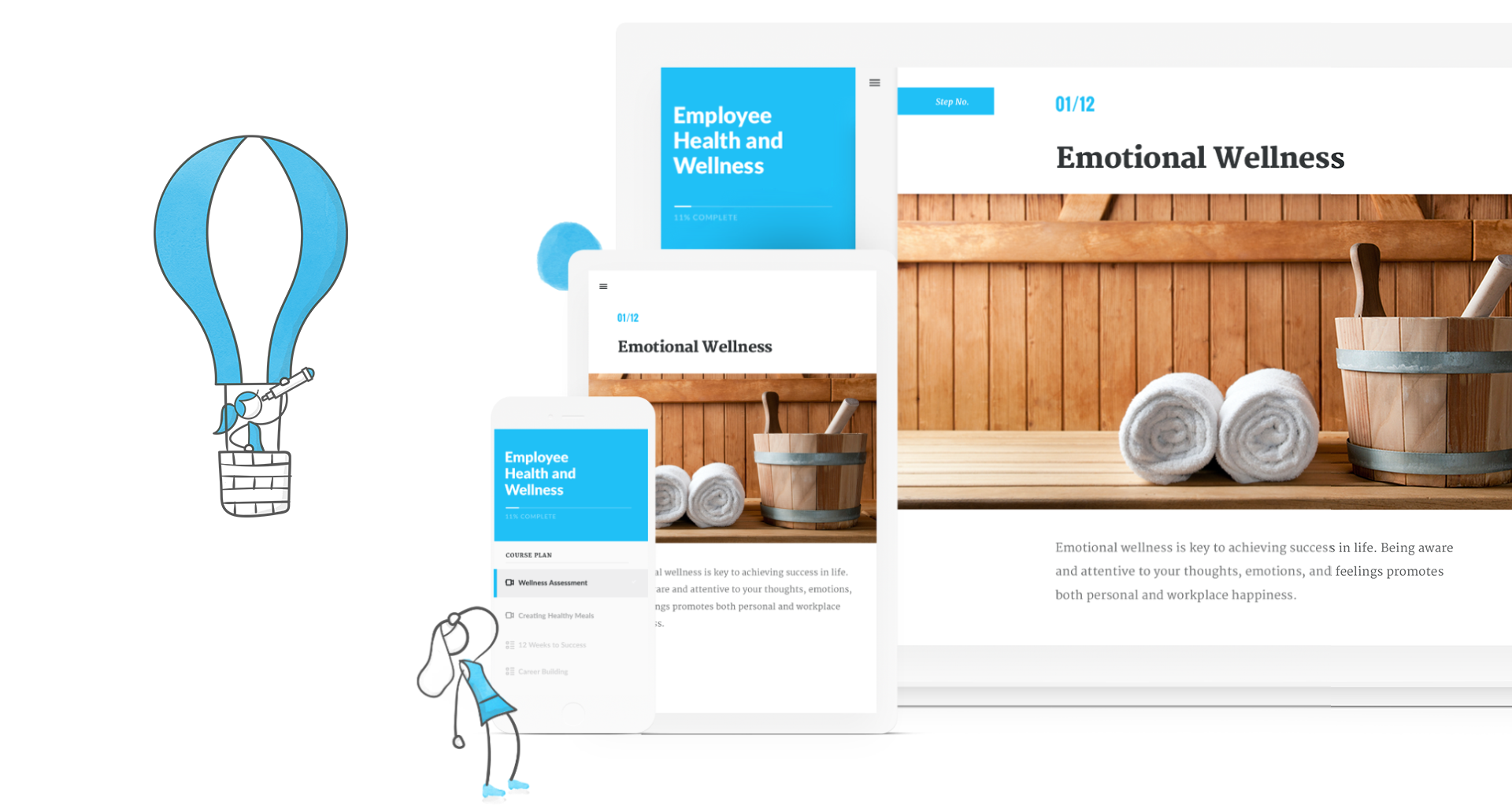
Articulate 360 is an e-learning platform for creating workplace training. Users can build engaging courses with AI-enhanced authoring, simplify collaboration, and quickly share content. A subscription includes robust onboarding resources and access to a community of 1.5M pros.
$1,124
per year
ITProTV
Score6.2 out of 10
Small Businesses (1-50 employees)
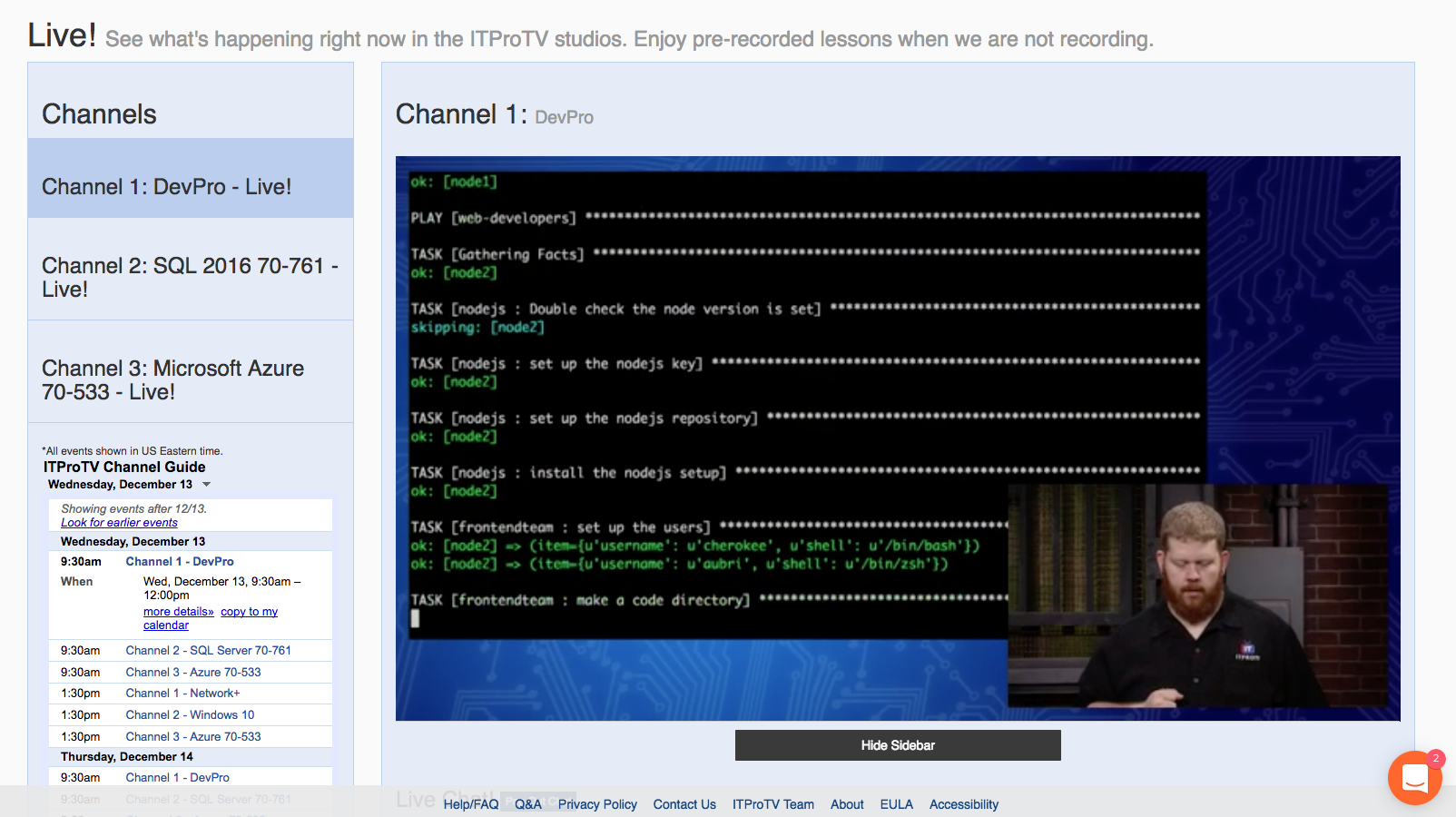
ITProTV is an elearning platform that aims to allow you to ditch the boring slide shows and start really learning IT. The training is more like a talk show -- you’ll watch your ‘edutainer’ engage with a host and an online audience to create a better-than-classroom experience that you and your team will look forward to watching. The vendor says new content is added every day and the course library has more than 3,300 hours covering all of the major certification courses (e.g. CompTIA,…
N/A
Pricing
Articulate 360
ITProTV
Editions & Modules
Articulate 360 Standard - Academic - Teams Plan
$1,124
per year
Articulate 360 Standard - Personal Plan
$1,199
per year
Articulate 360 AI - Personal Plan
$1,449
per year
Articulate 360 Standard - Teams Plan
$1,499
per year
Articulate 360 AI - Teams Plan
$1,749
per year
No answers on this topic
Offerings
Pricing Offerings
Articulate 360
ITProTV
Free Trial
Yes
Yes
Free/Freemium Version
No
Yes
Premium Consulting/Integration Services
No
No
Entry-level Setup Fee
Optional
No setup fee
Additional Details
If you’re new to Articulate 360, you can try it out free of charge for 30 days. After the trial period is over, you can subscribe to one of our packages.
Articulate 360 is available on the Articulate website and through Articulate Authorized Resellers.
Corporate memberships are available. Individual memberships are monthly or annual.
I've been using Articulate for about 13 years and it has continually improved over the years. I appreciate all of the updates/changes that have occurred. For me, Articulate products are super easy to learn and use. The more you use them the better you become. When I began my current job the training modules were in Lectora, which I found to be extremely archaic and cumbersome. I was able to get Articulate and transferred all 56 modules over to Storyline because it is so much easier to use. I recently moved all of my modules over to Rise and use Storyline to create the module scenarios. It works like a charm. I cannot imagine using a different application to do what I do.
A de minimis incentive was given to thank the reviewer for their time. The incentive was not used to bias or drive a particular response, nor was the incentive contingent on a positive endorsement. More Info
I've encouraged co-workers and non-coworkers to watch the live streams of ITProTV. Unfortunately, my company currently uses CBT Nuggets (none of the people I've asked like it/utilize it), but those who do take the suggestion often ask the same question: Why do we not use ITProTV instead of CBT? I met a young man who was in his final year of college pursuing an accounting degree. He asked me about the IT industry. I suggested he look at ITProTV in order to see if there is a subject he's interested in. He immediately signed up, and while working two jobs and going to school, he managed to get his CCNA and pass the Microsoft 70-410 within 6 months. We hired him. If you just want to hone your skills, ITProTV delivers. If you are seeking certifications, ITProTV delivers. The only demographic that I can imagine where it would be unsuited, is simply for those who are ignorant that nearly every industry involves some form of technological understanding. ITProTV is good for end users "non-IT personnel", as well as those supporting end users.
So Articulate does very well with usability, so it's a very easy product to use. I've had to onboard an employee who was able to learn the program within a month, I think was amazing, and they were able to create the first course within five months of working at the company. So if that's not a testament to how easy it is to use, I don't know what is.
A de minimis incentive was given to thank the reviewer for their time. The incentive was not used to bias or drive a particular response, nor was the incentive contingent on a positive endorsement. TR verified that a representative sample of customers was invited. More Info
I'd love to have Rise have a little more engaging interactivity blocks available. It'd be nice to have more of those just ready to choose from with them rather than us having to create them. Yeah, that's always the challenge with Rise is just making the course more engaging to the learner and more, whereas Storyline does that easily, but with Rise it takes a little more thinking on our end.
A de minimis incentive was given to thank the reviewer for their time. The incentive was not used to bias or drive a particular response, nor was the incentive contingent on a positive endorsement. TR verified that a representative sample of customers was invited. More Info
The episode download feature could use a little work (speaking about the Android experience). When you download the episode, you need to go to downloaded in ITProTV instead of just playing on the normal episode content screen. It works well for what it is, but it would be nice to have the downloaded content play straight from the episode screen.
I've had a few little issues with the Roku. It works great, but there have been a couple times when I needed to contact support because the Roku kept saying I wasn't a subscriber. The problem mostly resolved itself, but I still occasionally get the message. It isn't a huge deal since I can still access the content on Android or through a web browser.
I would like to see an al la carte for school education. Currently, we must contact a sales rep for one-off trainings, like A+, Network+, etc. (the sales reps are phenomenal... so that isn't much of an issue!)
I haven't seen any other platform for developing learning materials that is as comprehensive or as reliable as Articulate has proven to be for our use. Because our group has a number of PowerPoint power users, the PowerPoint integration with Articulate is particularly beneficial.
A de minimis incentive was given to thank the reviewer for their time. The incentive was not used to bias or drive a particular response, nor was the incentive contingent on a positive endorsement. TR verified that a representative sample of customers was invited. More Info
Using ITProTV has been a cakewalk. Not once have I wished that we went with a different vendor. The content stays updated. My technicians are improving their skills. We can train when we need it and access the content required. We are improving all the way around.... why wouldn't I want to renew?
I rate Articulate 360's usability at a 10 because. First, the UI is easy to understand. I don't spend precious time searching for the right tool. The UI is laid out beautifully and simple. If there is hidden features, I have not needed them or looked for them. In my opinion, anyone used to working with software will have no trouble using Articulate.
A de minimis incentive was given to thank the reviewer for their time. The incentive was not used to bias or drive a particular response, nor was the incentive contingent on a positive endorsement. More Info
A de minimis incentive was given to thank the reviewer for their time. The incentive was not used to bias or drive a particular response, nor was the incentive contingent on a positive endorsement. TR verified that a representative sample of customers was invited. More Info
A de minimis incentive was given to thank the reviewer for their time. The incentive was not used to bias or drive a particular response, nor was the incentive contingent on a positive endorsement. TR verified that a representative sample of customers was invited. More Info
I rate the overall support for Articulate 360 with a 9. On the one hand because of the smooth and accurate support from Articulate's support team (usually within 24 hours) and on the other because of the commitment / use of a community (e-learning Heroes) where I have all kinds of insights from other helpful users.
Let me start with... their chat really works. You aren't chatting with a bot. When we first looked into purchasing ITProTV, I opened a chat on their site. One of their sales people, Brandon, contacted me quickly and by phone. I totally thought I was chatting with a computer, then the phone rang and Brandon introduced himself. I was blown away. Then, on the two occasions when I contact support, I did it through the chat. Not only did my problem get resolved quickly, a tech named Jessica followed up via email a couple days later to make sure the issues hadn't continued. Fantastic!
A de minimis incentive was given to thank the reviewer for their time. The incentive was not used to bias or drive a particular response, nor was the incentive contingent on a positive endorsement. TR verified that a representative sample of customers was invited. More Info
The online training options given by the online tutorials, forums, and "E-Learning Heroes" community are simply awesome. Examples galore, easy to understand descriptions including step-by-step guides, images, occasionally videos, and the "Articulate Insiders" sub-community give you more materials to learn about Storyline than you are likely to be able to read.
Outside of having to dedicate a powerful enough PC for the installation and having to update Flash in our browsers there really isn't much pain involved in using Articulate. For the most part this is an easy to implement and roll-out product. The installation occurs quickly and smoothly with no additional steps needed.
Articulate is vastly superior to Microsoft Powerpoint in many ways. Obviously, for computer-based training, Articulate is in a category of its own, but even for facilitated training, the different features like variables, layers, and states give it an edge over PowerPoint. The recent addition of the morph function to articulate really eliminated the last function in which PowerPoint was superior.
A de minimis incentive was given to thank the reviewer for their time. The incentive was not used to bias or drive a particular response, nor was the incentive contingent on a positive endorsement. More Info
Previously my team used the Microsoft on demand training which has everything you could ever dream of from Microsoft in the same format as ITProTV. It did have the latest and greatest Microsoft training because it is Microsoft, but it only had Microsoft and nothing more. The cost was the other issue. The On demand workshops subscription cost a lot more than my budget would allow. I would have been forced to pick who was getting training and who was not which would most likely cause some friction between the team members.
More accessible course creation. We actually built our business strategy training, which is kind of unique for our line of business that we even have this arm. The strategy is to essentially maximize Rise, maximize Storyline, and its ability to quickly customize slide by slide and voiceover to build a base library of content that kind of goes along within 80 20, what most of our users use as a process. Then approach new customers and be able to turn around content relatively quickly because we can go side by side and make updates as needed, whether that's quickly to screenshots, adding their policy points, just altering a couple of layers and we can create custom content. So I guess risk mitigation, but really it's our primary strategy.
A de minimis incentive was given to thank the reviewer for their time. The incentive was not used to bias or drive a particular response, nor was the incentive contingent on a positive endorsement. TR verified that a representative sample of customers was invited. More Info
A de minimis incentive was given to thank the reviewer for their time. The incentive was not used to bias or drive a particular response, nor was the incentive contingent on a positive endorsement. More Info