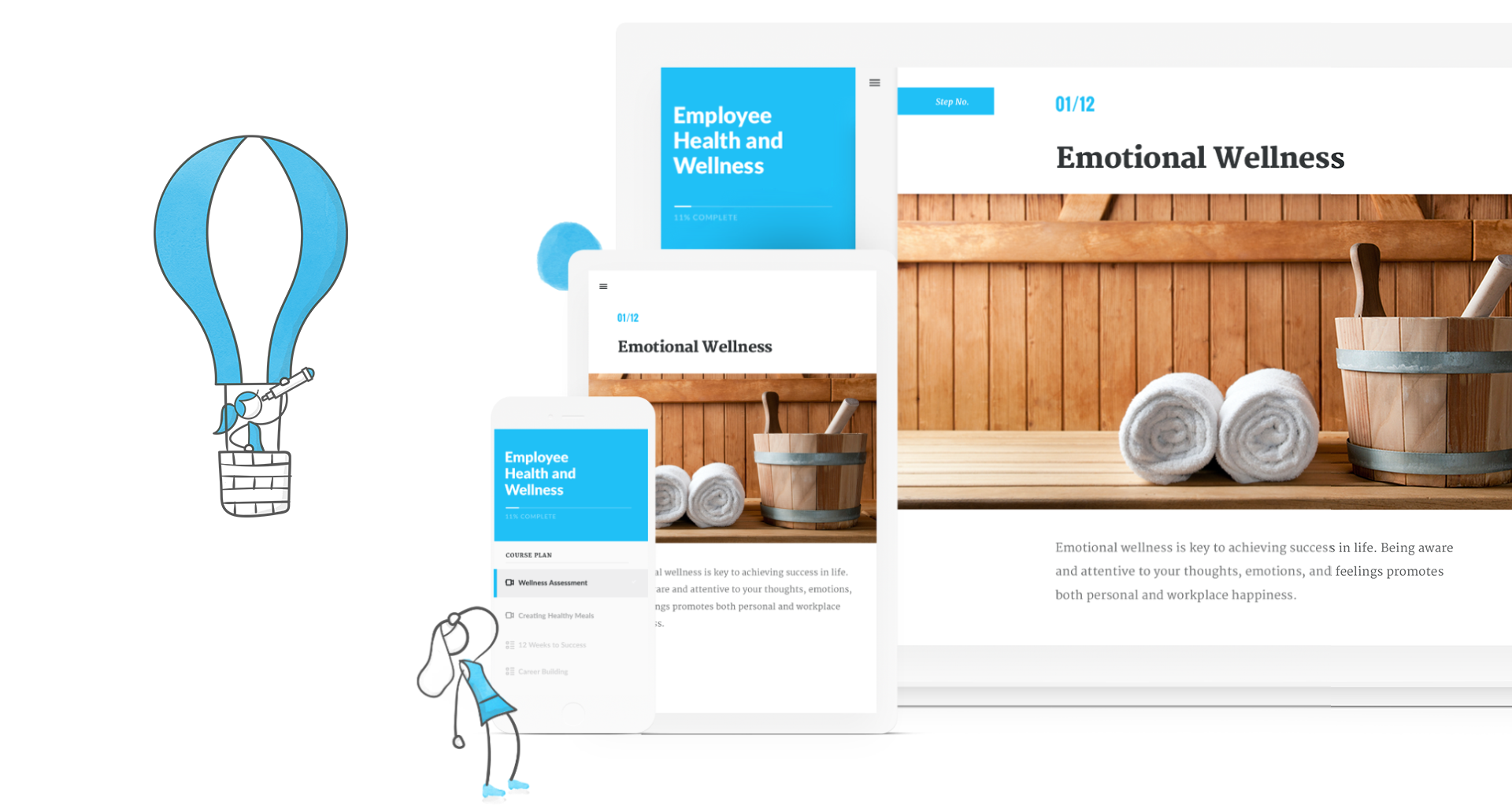
Articulate 360 is an e-learning platform for creating workplace training. Users can build engaging courses with AI-enhanced authoring, simplify collaboration, and quickly share content. A subscription includes robust onboarding resources and access to a community of 1.5M pros.
$1,124
per year
Canvas
Score8.2 out of 10
N/A
Instructure is an educational software company based in Sandy, Utah. It is the developer of the Canvas learning management system, which is a comprehensive software package that competes with such systems as Blackboard Learning System, SumTotal and Saba.
N/A
Pricing
Articulate 360
Canvas
Editions & Modules
Articulate 360 Standard - Academic - Teams Plan
$1,124
per year
Articulate 360 Standard - Personal Plan
$1,199
per year
Articulate 360 AI - Personal Plan
$1,449
per year
Articulate 360 Standard - Teams Plan
$1,499
per year
Articulate 360 AI - Teams Plan
$1,749
per year
No answers on this topic
Offerings
Pricing Offerings
Articulate 360
Canvas
Free Trial
Yes
Yes
Free/Freemium Version
No
Yes
Premium Consulting/Integration Services
No
No
Entry-level Setup Fee
Optional
No setup fee
Additional Details
If you’re new to Articulate 360, you can try it out free of charge for 30 days. After the trial period is over, you can subscribe to one of our packages.
Articulate 360 is available on the Articulate website and through Articulate Authorized Resellers.
HS Teacher at The Village School (Education Management, 51-200 employees)
Chose Articulate 360
I love Articulate 360 and prefer to use it over Canvas which my company currently uses. In my opinion, when comparing Canvas to Articulate 360, Canvas has a more archaic interface and is not very appealing to myself and my students. Articulate 360 on the other hand, is very …
A de minimis incentive was given to thank the reviewer for their time. The incentive was not used to bias or drive a particular response, nor was the incentive contingent on a positive endorsement. More Info
I've been using Articulate for about 13 years and it has continually improved over the years. I appreciate all of the updates/changes that have occurred. For me, Articulate products are super easy to learn and use. The more you use them the better you become. When I began my current job the training modules were in Lectora, which I found to be extremely archaic and cumbersome. I was able to get Articulate and transferred all 56 modules over to Storyline because it is so much easier to use. I recently moved all of my modules over to Rise and use Storyline to create the module scenarios. It works like a charm. I cannot imagine using a different application to do what I do.
A de minimis incentive was given to thank the reviewer for their time. The incentive was not used to bias or drive a particular response, nor was the incentive contingent on a positive endorsement. More Info
It is really well suited for school situations like knowing what [assignments] need to be done when, getting feedback, getting points, finding the slides that the teacher used for explaining an [assignment] or theory. I think It would be less suited in business situations because it's [primarily] made to be a [one-way] communication tool for schools. Businesses need more control on individual levels I think[.]
A de minimis incentive was given to thank the reviewer for their time. The incentive was not used to bias or drive a particular response, nor was the incentive contingent on a positive endorsement. More Info
So Articulate does very well with usability, so it's a very easy product to use. I've had to onboard an employee who was able to learn the program within a month, I think was amazing, and they were able to create the first course within five months of working at the company. So if that's not a testament to how easy it is to use, I don't know what is.
A de minimis incentive was given to thank the reviewer for their time. The incentive was not used to bias or drive a particular response, nor was the incentive contingent on a positive endorsement. TR verified that a representative sample of customers was invited. More Info
Creativity options for teachers to create a virtual space that still has fun graphics and accessibility options.
Canvas has versatility in viewing options for assignment due dates such as the calendar built in feature as well as the dashboard options to display upcoming and due assignments.
Allowing teachers to create community with each other and collaborate in each-other's space.
Discussion platforms within classrooms for students to communicate with each-other and with their teachers.
Easy messaging portal within each virtual classroom.
A de minimis incentive was given to thank the reviewer for their time. The incentive was not used to bias or drive a particular response, nor was the incentive contingent on a positive endorsement. More Info
I'd love to have Rise have a little more engaging interactivity blocks available. It'd be nice to have more of those just ready to choose from with them rather than us having to create them. Yeah, that's always the challenge with Rise is just making the course more engaging to the learner and more, whereas Storyline does that easily, but with Rise it takes a little more thinking on our end.
A de minimis incentive was given to thank the reviewer for their time. The incentive was not used to bias or drive a particular response, nor was the incentive contingent on a positive endorsement. TR verified that a representative sample of customers was invited. More Info
A de minimis incentive was given to thank the reviewer for their time. The incentive was not used to bias or drive a particular response, nor was the incentive contingent on a positive endorsement. More Info
I haven't seen any other platform for developing learning materials that is as comprehensive or as reliable as Articulate has proven to be for our use. Because our group has a number of PowerPoint power users, the PowerPoint integration with Articulate is particularly beneficial.
A de minimis incentive was given to thank the reviewer for their time. The incentive was not used to bias or drive a particular response, nor was the incentive contingent on a positive endorsement. TR verified that a representative sample of customers was invited. More Info
The other LMS tools have fallen behind. One reason is they are not able to update their systems, features, toolsets in a timely manner. While other LMS providers release bug fixes and new features several times a year, schools struggle to install and implement them in a timely manner. It is not uncommon for a school to take 6 months to a year to fully install and implement new releases on other LMS platforms. With Canvas, those features are released every 3 weeks, and there is nothing for a school to do other than choose to turn them on once released. This has allowed Instructure to innovate faster, and get new features and tools to customers quicker. Other factors include great pricing, customer support, and the innovative way in which LTI is implemented in the tool.
A de minimis incentive was given to thank the reviewer for their time. The incentive was not used to bias or drive a particular response, nor was the incentive contingent on a positive endorsement. More Info
I rate Articulate 360's usability at a 10 because. First, the UI is easy to understand. I don't spend precious time searching for the right tool. The UI is laid out beautifully and simple. If there is hidden features, I have not needed them or looked for them. In my opinion, anyone used to working with software will have no trouble using Articulate.
A de minimis incentive was given to thank the reviewer for their time. The incentive was not used to bias or drive a particular response, nor was the incentive contingent on a positive endorsement. More Info
The functions in Canvas are well integrated and consistent across the application, and mostly intuitive. Overall navigation and setup is streamlined through integrated features and navigation. The feedback we've gotten from our program participants is that it is easy to learn to use. It also integrates well with third party software like Google Docs and Blackboard Collaborate web conferencing software
A de minimis incentive was given to thank the reviewer for their time. The incentive was not used to bias or drive a particular response, nor was the incentive contingent on a positive endorsement. More Info
A de minimis incentive was given to thank the reviewer for their time. The incentive was not used to bias or drive a particular response, nor was the incentive contingent on a positive endorsement. TR verified that a representative sample of customers was invited. More Info
A de minimis incentive was given to thank the reviewer for their time. The incentive was not used to bias or drive a particular response, nor was the incentive contingent on a positive endorsement. TR verified that a representative sample of customers was invited. More Info
I rate the overall support for Articulate 360 with a 9. On the one hand because of the smooth and accurate support from Articulate's support team (usually within 24 hours) and on the other because of the commitment / use of a community (e-learning Heroes) where I have all kinds of insights from other helpful users.
I do not personally use Canvas support since we have a central office that helps us. However, our central office always has the answers we need and are always able to solve our issues - so I would assume that get great support from the Canvas team on their end. They also offer great training, which uses materials directly from Canvas
A de minimis incentive was given to thank the reviewer for their time. The incentive was not used to bias or drive a particular response, nor was the incentive contingent on a positive endorsement. More Info
A de minimis incentive was given to thank the reviewer for their time. The incentive was not used to bias or drive a particular response, nor was the incentive contingent on a positive endorsement. TR verified that a representative sample of customers was invited. More Info
A de minimis incentive was given to thank the reviewer for their time. The incentive was not used to bias or drive a particular response, nor was the incentive contingent on a positive endorsement. More Info
The online training options given by the online tutorials, forums, and "E-Learning Heroes" community are simply awesome. Examples galore, easy to understand descriptions including step-by-step guides, images, occasionally videos, and the "Articulate Insiders" sub-community give you more materials to learn about Storyline than you are likely to be able to read.
A de minimis incentive was given to thank the reviewer for their time. The incentive was not used to bias or drive a particular response, nor was the incentive contingent on a positive endorsement. More Info
Outside of having to dedicate a powerful enough PC for the installation and having to update Flash in our browsers there really isn't much pain involved in using Articulate. For the most part this is an easy to implement and roll-out product. The installation occurs quickly and smoothly with no additional steps needed.
Once you purchase and sign the contract there is nothing to install or hardware to buy. You can almost immediately start using it and have courses up and going within weeks. We signed in December and had pilot courses online ready to go for the start of school in January
A de minimis incentive was given to thank the reviewer for their time. The incentive was not used to bias or drive a particular response, nor was the incentive contingent on a positive endorsement. More Info
Articulate is vastly superior to Microsoft Powerpoint in many ways. Obviously, for computer-based training, Articulate is in a category of its own, but even for facilitated training, the different features like variables, layers, and states give it an edge over PowerPoint. The recent addition of the morph function to articulate really eliminated the last function in which PowerPoint was superior.
A de minimis incentive was given to thank the reviewer for their time. The incentive was not used to bias or drive a particular response, nor was the incentive contingent on a positive endorsement. More Info
Canvas is more secure, has a cleaner design, and has more features. For the features, they have in common canvas still stacks up against [Smart school] by going for the extra mile. Besidfor e that, [the] canvas looks a lot more [professional] than [Smart school]. I didn't make the decision myself to get canvas instead of [Smart school] but I'm happy they did.
More accessible course creation. We actually built our business strategy training, which is kind of unique for our line of business that we even have this arm. The strategy is to essentially maximize Rise, maximize Storyline, and its ability to quickly customize slide by slide and voiceover to build a base library of content that kind of goes along within 80 20, what most of our users use as a process. Then approach new customers and be able to turn around content relatively quickly because we can go side by side and make updates as needed, whether that's quickly to screenshots, adding their policy points, just altering a couple of layers and we can create custom content. So I guess risk mitigation, but really it's our primary strategy.
A de minimis incentive was given to thank the reviewer for their time. The incentive was not used to bias or drive a particular response, nor was the incentive contingent on a positive endorsement. TR verified that a representative sample of customers was invited. More Info
A de minimis incentive was given to thank the reviewer for their time. The incentive was not used to bias or drive a particular response, nor was the incentive contingent on a positive endorsement. More Info