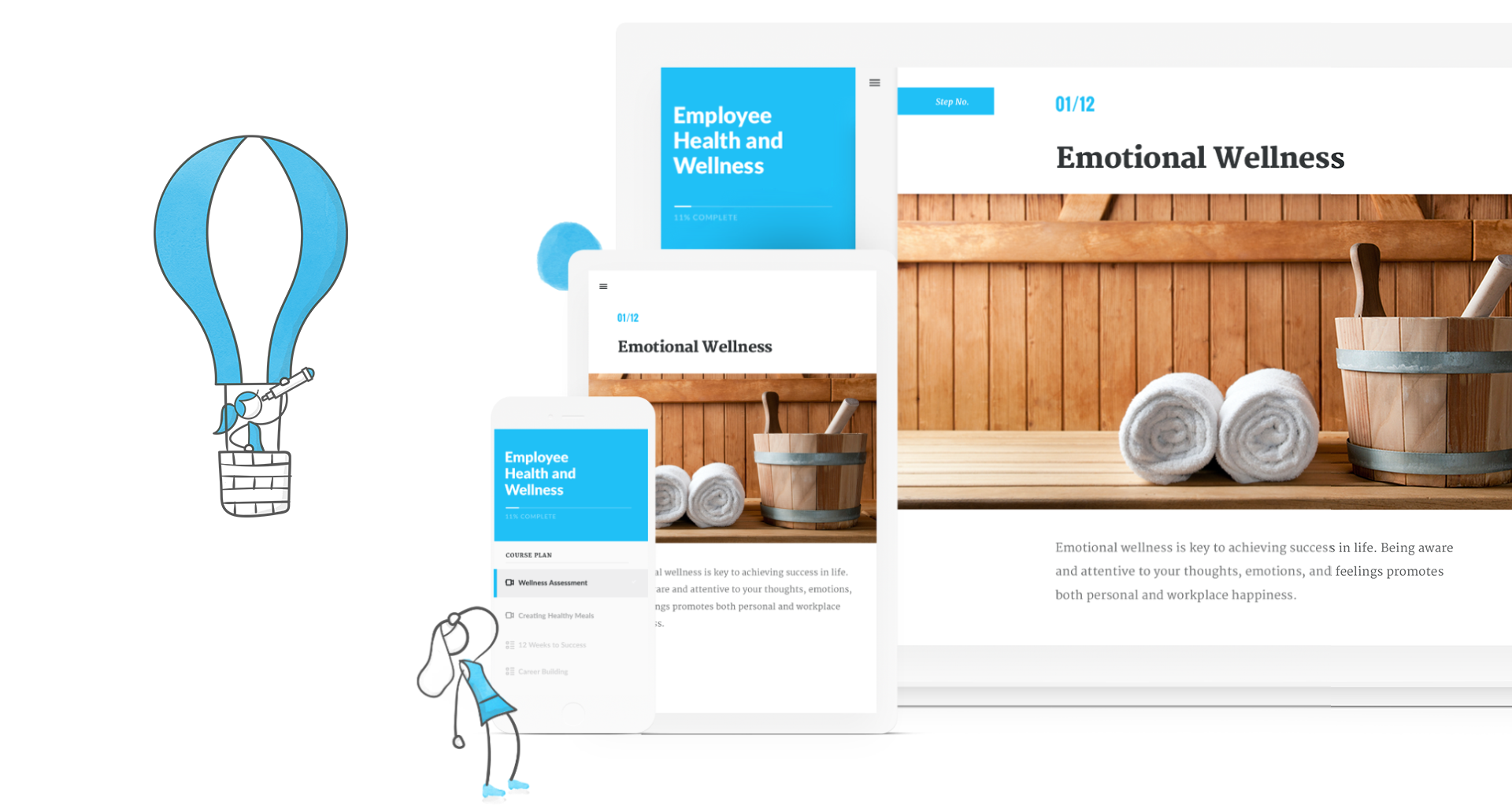
Articulate 360 is an e-learning platform for creating workplace training. Users can build engaging courses with AI-enhanced authoring, simplify collaboration, and quickly share content. A subscription includes robust onboarding resources and access to a community of 1.5M pros.
$1,124
per year
D2L Brightspace
Score 8.7 out of 10
N/A
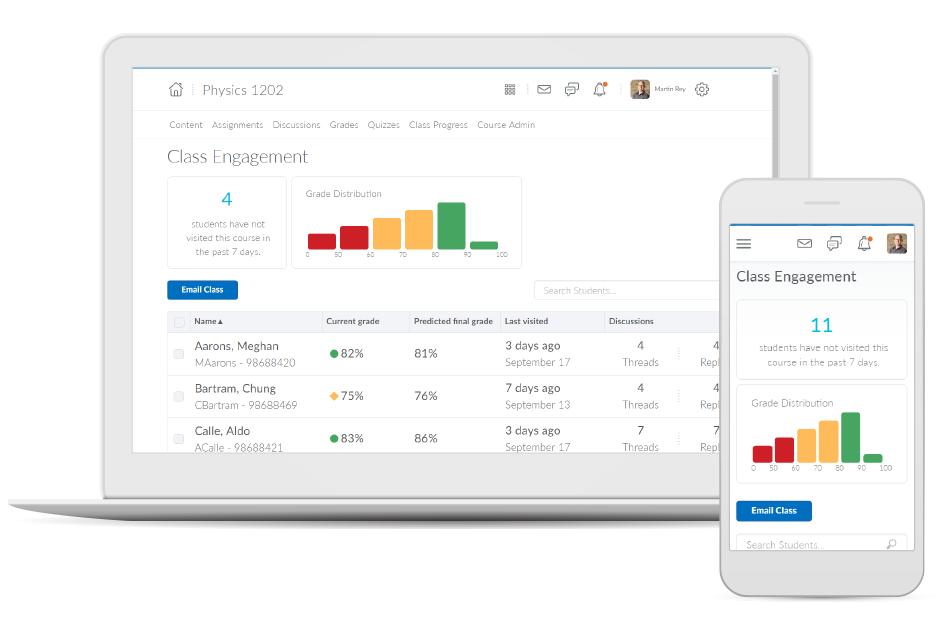
Brightspace is an academic and corporate learning management platform. It provides core e-learning features, as well as mobile accessibility and granular personalization and analytics insights.
N/A
Pricing
Articulate 360
D2L Brightspace
Editions & Modules
Articulate 360 Standard - Academic - Teams Plan
$1,124
per year
Articulate 360 Standard - Personal Plan
$1,199
per year
Articulate 360 AI - Personal Plan
$1,449
per year
Articulate 360 Standard - Teams Plan
$1,499
per year
Articulate 360 AI - Teams Plan
$1,749
per year
No answers on this topic
Offerings
Pricing Offerings
Articulate 360
D2L Brightspace
Free Trial
Yes
Yes
Free/Freemium Version
No
No
Premium Consulting/Integration Services
No
No
Entry-level Setup Fee
Optional
No setup fee
Additional Details
If you’re new to Articulate 360, you can try it out free of charge for 30 days. After the trial period is over, you can subscribe to one of our packages.
Articulate 360 is available on the Articulate website and through Articulate Authorized Resellers.
Must contact vendor for pricing information. 30-day free trial is available.
Articulate provides for simple, custom interactive training modules. There isn't much wrong with this software that I have found. Using Rise 360 for quick turnaround or fully customized training with Storyline 360. Articulate has made the possibilities limited only to my imagination. Their simple and well-thought-out toolbars make starting from scratch a breeze.
As a member of a large-scale organization with a wide variety of employment positions, I view Brightspace as primarily an administrative solution for continuous learning and engagement. As an educational platform, Brightspace works perfectly for setting learning goals for particular groups or departments. Furthermore, there are many customization options intent on personalizing the overall user experience for employees. The platform also does a wonderful job of increasing overall engagement, retention, and completion of learning goals. However, I do not necessarily view Brightspace as the learning tool for all employees. There are production employees within my company and they may better benefit from other learning tools that do not require being on a computer.
It just seems to be very intuitive for instructional designers, especially nowadays from what I'm seeing with the new AI. But it's very intuitive. It's better than any other tool authoring tool that I've tried. I think it's just really outstanding in the industry and that's evidenced by every year. Demo Fest, like 95% of the best examples are all done in Articulate products.
The grade book is very customizable. There is a learning curve, as there always is if something is flexible, but there are a lot of good options available for grading, displaying grades, and calculation of grades.
Adding course content of many types can easily be done using drag & drop or copy-paste. It is easy to retain stored content from semester to semester. Updating an item takes three clicks. It is easy to organize and reorganize content and allows sub-sections. It records whether individual students have opened material and how much time they spent using an item.
I like the flexibility of organizing the dropbox for student submissions. Deadlines in the dropbox or discussions automatically appear in the course calendar.
I like the range of quiz question options, in particular, the "multi-select" question type.
The most hiccups that I've recently experienced are honestly involved with AI and just my trying to learn AI and figure out how we can maximize that for our business case. The AI voiceover is what I'm specifically curious about and trying to learn more. So in regards to the AI, there's still some shuffling needs to be done. SSML that needs to be added for it to read correctly. There is a very large amount of voices and dialects, which I think is beneficial. It was also a little overwhelming in trying to play around with it and find that right part. So just continuing to look through the community and find the guidance that I need to essentially make the audio, make the voiceover work better and read the words correctly. For example, one of my most popular courses that I sell is Record Your Time and it kept reading, it records your time, and I could not figure out how to make those words. We've submitted a ticket, you guys have been very helpful, but we can't really figure out how to make those little nuances work with the complex English language.
The use of rubrics in the discussion area and the quizzes area could use some TLC. The rubrics actually have to be added to the grade book item for them to be functional. In the Discussion area the instructor is unable to grade them discussions and publish them to the grades area. In quizzes, students are not able to see the rubric at all. If the rubric functioned in these two tools like they do in the dropbox they would be a very useful tool.
The discussion area could benefit from a few different enhancements. There is currently no way to grade group restricted discussions without having to manually enter the grades in the grade book or setup a different grade item for each group and then someone restrict those grade book items to individual groups. It is not an easy process one way or the other. The discussion area would also benefit from the ability to add categories so that Forums could be grouped by a certain category (i.e. Units)
D2L needs to invest some time and resources to develop/redevelop blogging, journaling, and wiki in the LMS.
It goes without saying that Artculate's products are the easiest to use and offer a great deal of functions with flexibility. Once an eLearning author uses the product it becomes tempting to not use other methods, but one would be wise not to limit him or herself to a single learning authoring platform. On the other hand, if given a single choice of a tool for rapid eLearning development, Articulate's Storyline would be a top choice.
Our faculty and students are satisfied with D2L, find its features to be mostly intuitive, and it is sufficient for our needs. After version 10.4, D2L will be going to a continuous incremental release model, which will allow them to innovate more frequently. The introduction of version 10 has been a tremendous improvement over prior versions. D2L has integrated well with our ERP (Peoplesoft) and it has become a core part of our technology suite.
Overall, Articulate is fairly easy to use and intuitive. They have excellent training materials in the training videos on the website, as well as good technical support. Someone with limited expertise doing content creation would be able to immediately pick up functions and get started in the software. I was able to create my first course within an hour or so of opening it up.
For me, someone who is reasonably technologically proficient, it was a bear to learn, but once I did it was relatively intuitive. However, for most of the professors I work with who are not comfortable with technology, I can see how they would be overwhelmed by D2L and then, as a result, just refuse to use it--which is what is happening to a certain degree
Both students and instructor enjoy the 24-hoiur access. After, all isn't that the point of online learning. As an instructor located in an Eastern time zone state it is great to connect with students located in a Pacific time zone state. I have gotten comments about the early hours I am in the course room grading assignments . . . 4:00 a.m. PST; 7:00 a.m. EST So, it's sleep time for my students and "first cup of coffee" time for me.
I rate the overall support for Articulate 360 with a 9. On the one hand because of the smooth and accurate support from Articulate's support team (usually within 24 hours) and on the other because of the commitment / use of a community (e-learning Heroes) where I have all kinds of insights from other helpful users.
I have had excellent support from Desire2Learn. Any ticket that I submit is acknowledged immediately and the correction is usually almost as quick. We use this for thousands of classes and it is pretty well liked by both faculty and students. We have been using it for almost 4 years now and most of our instructors have become pretty proficient with it.
The online training options given by the online tutorials, forums, and "E-Learning Heroes" community are simply awesome. Examples galore, easy to understand descriptions including step-by-step guides, images, occasionally videos, and the "Articulate Insiders" sub-community give you more materials to learn about Storyline than you are likely to be able to read.
The training provided online did not, necessarily, fit the version of the system that I was using. Screens were somewhat different and not all options were readily available. This could have been due to customization on the part of my institution however, I rather believe it was due to version changes and training materials not yet being updated.
It is pretty straight forward and easy to implement is you are already creating eLearning. If you have old courses created in other versions of Articulate I recommend you update them to the new version even though it is not necessary (especially From Storyline3 to 360) but if you don't you may find difficulty opening and keeping things straight
For me, since I had used Articulate prior to using Lectora, I found Lectora to be very archaic. It was cumbersome to create triggers, and I had issues getting my scenarios to play correctly. My company switched to Articulate after my request, and I was able to recreate all of our modules into Storyline. Now I am able to manage our scenarios with efficiency and ease. Articulate products are intuitive and very easy to understand
In looking at Brightspace versus its competitors currently, it continues to provide the widest functionality, great value, and better ability to tailor the user experience of it to our organizations needs. The longer that our institution has had Brightspace, the more we've been able to leverage it for one-off projects and long-term organizational needs, many of which would not have been possible if we would've had a competitor's product.
During my first semester working with Desire2Learn the integrated learning management system was more down than up. This meant reconfiguring assignment due dates, frustration for both the instructor, students, and help desk staff. After an upgrade, Desire2Learn has been reliable.
Definitely more accessible course creation. How we're able to add accessibility features into our trainings is unparalleled with captioning, with voice overing, with alternate texts for images. There's so many ways that it creates our trainings to be more accessible for our audience.
I cannot speak to whether this system is less expensive than the more fully featured Blackboard, but employees are far less efficient, frustrated, and require frequent calls to the help center to set up fairly simple course templates.
I have been asked to consider teaching courses which will be completely online at my current institution. I have done such online courses several times at other universities, but I have decided Desire2Learn is too frustrating and cumbersome to do so. I am now exploring using Google Drive to teach a course online. Otherwise, I will not teach online until required or I find an alternate system.