
Armor vs. Microsoft Defender for Cloud
| Product | Rating | Most Used By | Product Summary | Starting Price |
|---|---|---|---|---|
 Armor | Score6 out of 10 | N/A | Armor is a cloud and mobile security solution. The vendor’s value proposition is that this solution was purpose-built to deliver the highest level of defense and control for an organization’s critical data, no matter where it’s hosted. The vendor says they are so confident in the ability of their solution to protect an organization’s data that they back it with their Cyber Warranty Guarantee. | N/A |
 Microsoft Defender for Cloud | Score8.5 out of 10 | N/A | Microsoft Defender for Cloud is a Cloud Security Posture Management (CSPM) and Cloud Workload Protection Platform (CWPP) for Azure, on-premises, and multicloud (Amazon AWS and Google GCP) resources. | N/A |
| Armor | Microsoft Defender for Cloud | |||||||||||||||
|---|---|---|---|---|---|---|---|---|---|---|---|---|---|---|---|---|
| Editions & Modules | No answers on this topic | No answers on this topic | ||||||||||||||
| Offerings |
| |||||||||||||||
| Entry-level Setup Fee | No setup fee | No setup fee | ||||||||||||||
| Additional Details | — | — | ||||||||||||||
| More Pricing Information | ||||||||||||||||
| Armor | Microsoft Defender for Cloud | |
|---|---|---|
| Considered Both Products | No answer on this topic | No answer on this topic |
| Key User Insights | ||
| Would buy again | ||
No answers on this topic | 98% Would buy again 55 Answers | |
| Delivers good value for the price | ||
No answers on this topic | 96% Delivers good value for the price 51 Answers | |
| Happy with the feature set | ||
No answers on this topic | 98% Happy with the feature set 55 Answers | |
| Lived up to sales and marketing promises | ||
No answers on this topic | 100% Lived up to sales and marketing promises 47 Answers | |
| Implementation went as expected | ||
No answers on this topic | 98% Implementation went as expected 49 Answers | |
| Armor | Microsoft Defender for Cloud | |
|---|---|---|
| Small Businesses | No answers on this topic | No answers on this topic |
| Medium-sized Companies |  Trend Micro Deep Security Score8 out of 10 |  Palo Alto Networks Prisma Cloud Score8.1 out of 10 |
| Enterprises |  AWS CloudTrail Score8.6 out of 10 | Palo Alto Networks Prisma Cloud Score8.1 out of 10 |
| All Alternatives | View all alternatives | View all alternatives |
| Armor | Microsoft Defender for Cloud | |
|---|---|---|
| Likelihood to Recommend | 7.7 | 8.1 |
| Likelihood to Renew | - | 8.9 |
| Support Rating | 7.8 | - |
| Armor | Microsoft Defender for Cloud | |
|---|---|---|
| Likelihood to Recommend |
|
|
| Pros |
|
|
| Cons |
|
|
| Likelihood to Renew | No answers on this topic |
|
| Usability | No answers on this topic |
|
| Support Rating |
| No answers on this topic |
| Alternatives Considered | No answers on this topic |
|
| Return on Investment | No answers on this topic |
|
| ScreenShots | Microsoft Defender for Cloud Screenshots   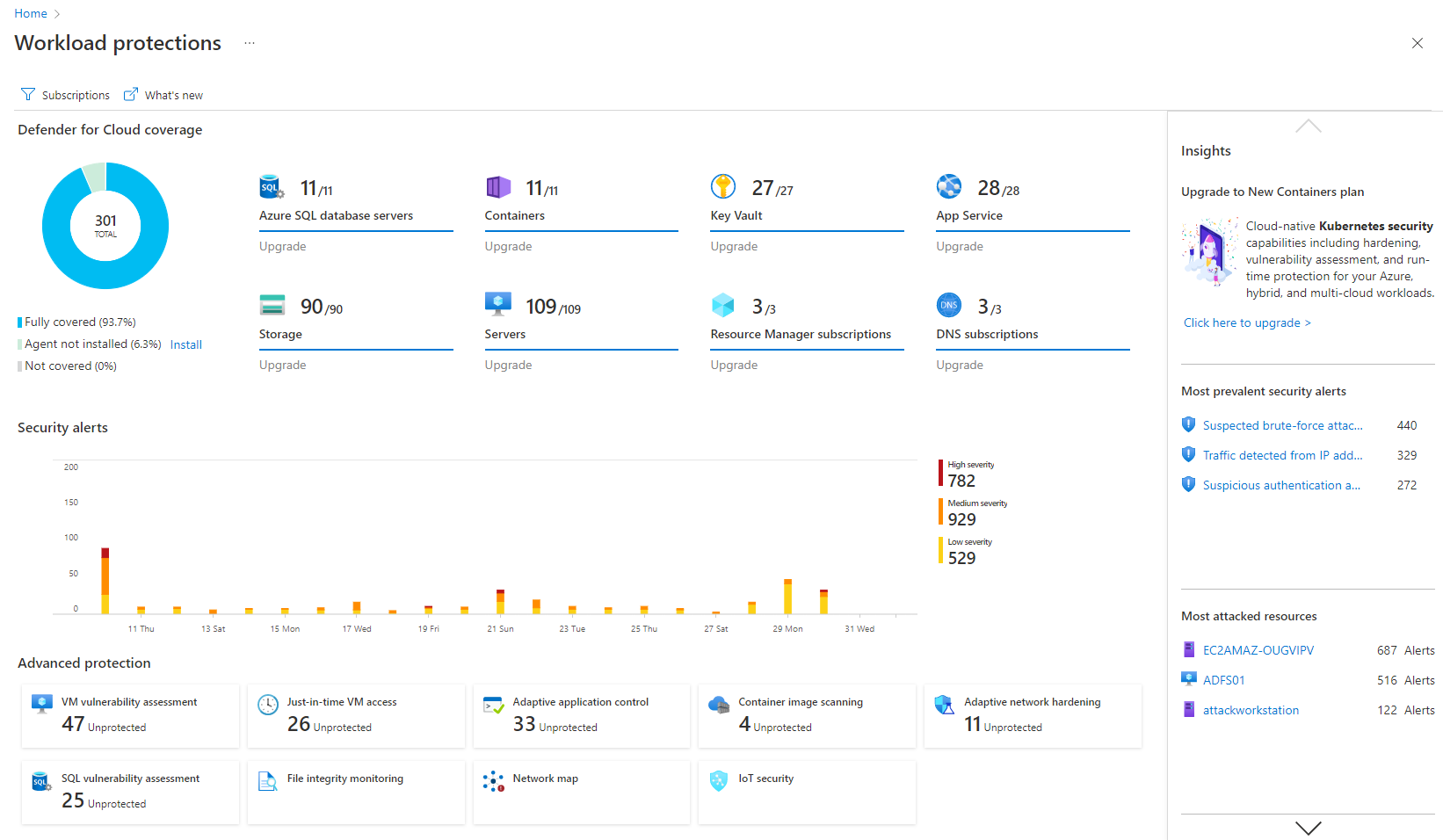   |

