
ARIS vs. Fortra’s Automate
| Product | Rating | Most Used By | Product Summary | Starting Price |
|---|---|---|---|---|
 ARIS | Score8 out of 10 | N/A | Software AG's Business Process Analysis Platform, ARIS, uses robust architecture and process management / analysis capability to drive integrations with the existing business processes along with information technology and SAP systems. | $100 designer |
 Fortra’s Automate | Score8 out of 10 | N/A | Fortra's Automate (formerly HelpSystems Automate) is a robotic process automation platform for desktop applications. According to the vendor, it offers the ability to automate almost any business process, and no technical expertise is required—IT and business users alike can understand the drag-and-drop interface. | N/A |
| ARIS | Fortra’s Automate | |||||||||||||||
|---|---|---|---|---|---|---|---|---|---|---|---|---|---|---|---|---|
| Editions & Modules |
| No answers on this topic | ||||||||||||||
| Offerings |
| |||||||||||||||
| Entry-level Setup Fee | No setup fee | Optional | ||||||||||||||
| Additional Details | — | — | ||||||||||||||
| More Pricing Information | ||||||||||||||||
| ARIS | Fortra’s Automate | |
|---|---|---|
| Considered Both Products | No answer on this topic | No answer on this topic |
| Key User Insights | ||
| Would buy again | ||
100% Would buy again 5 Answers | No answers on this topic | |
| Delivers good value for the price | ||
60% Delivers good value for the price 3 Answers | No answers on this topic | |
| Happy with the feature set | ||
100% Happy with the feature set 5 Answers | No answers on this topic | |
| Lived up to sales and marketing promises | ||
No answers on this topic | No answers on this topic | |
| Implementation went as expected | ||
No answers on this topic | No answers on this topic | |
| ARIS | Fortra’s Automate | ||||||||||||||||||||||||||||
|---|---|---|---|---|---|---|---|---|---|---|---|---|---|---|---|---|---|---|---|---|---|---|---|---|---|---|---|---|---|
| Reporting & Analytics |
| ||||||||||||||||||||||||||||
| Process Engine |
| ||||||||||||||||||||||||||||
| Collaboration |
| ||||||||||||||||||||||||||||
| Content Management Capabilties |
| ||||||||||||||||||||||||||||
| ARIS | Fortra’s Automate | |
|---|---|---|
| Small Businesses |  IBM Blueworks Live Score8.9 out of 10 | No answers on this topic |
| Medium-sized Companies |  TIBCO® BPM Enterprise Score7 out of 10 |  IBM Robotic Process Automation Score8.8 out of 10 |
| Enterprises |  IBM Business Automation Workflow Score9.7 out of 10 |  UiPath Automation Platform Score8.8 out of 10 |
| All Alternatives | View all alternatives | View all alternatives |
| ARIS | Fortra’s Automate | |
|---|---|---|
| Likelihood to Recommend | 8.7 | 10.0 |
| Usability | 7.0 | 10.0 |
| Support Rating | 8.0 | 10.0 |
| Ease of integration | 6.0 | - |
| ARIS | Fortra’s Automate | |
|---|---|---|
| Likelihood to Recommend |
|
|
| Pros |
|
|
| Cons |
|
|
| Usability |
|
|
| Support Rating |
|
|
| Alternatives Considered |
| Incentivized |
| Return on Investment |
|
|
| ScreenShots | ARIS Screenshots  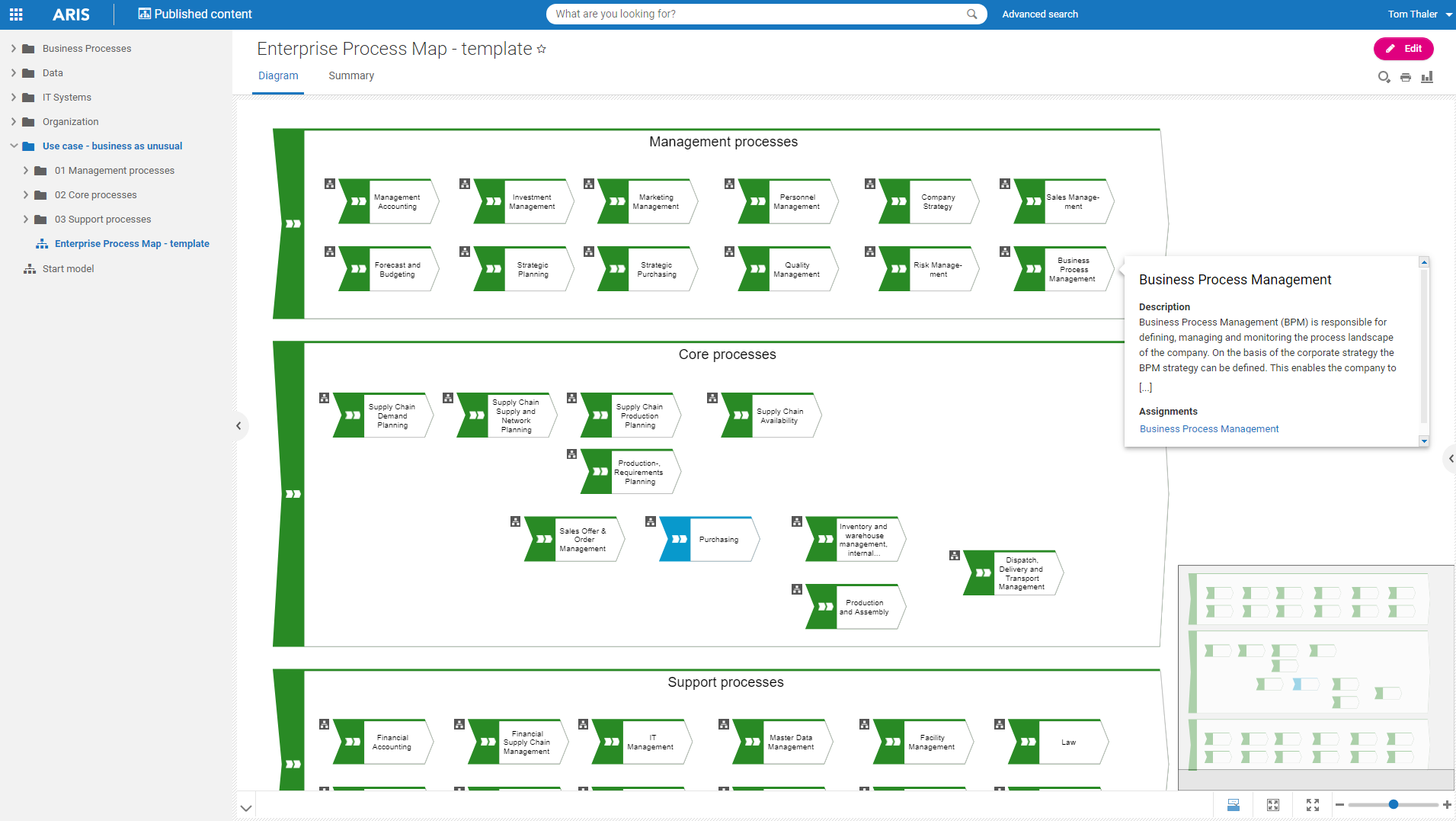    | Fortra’s Automate Screenshots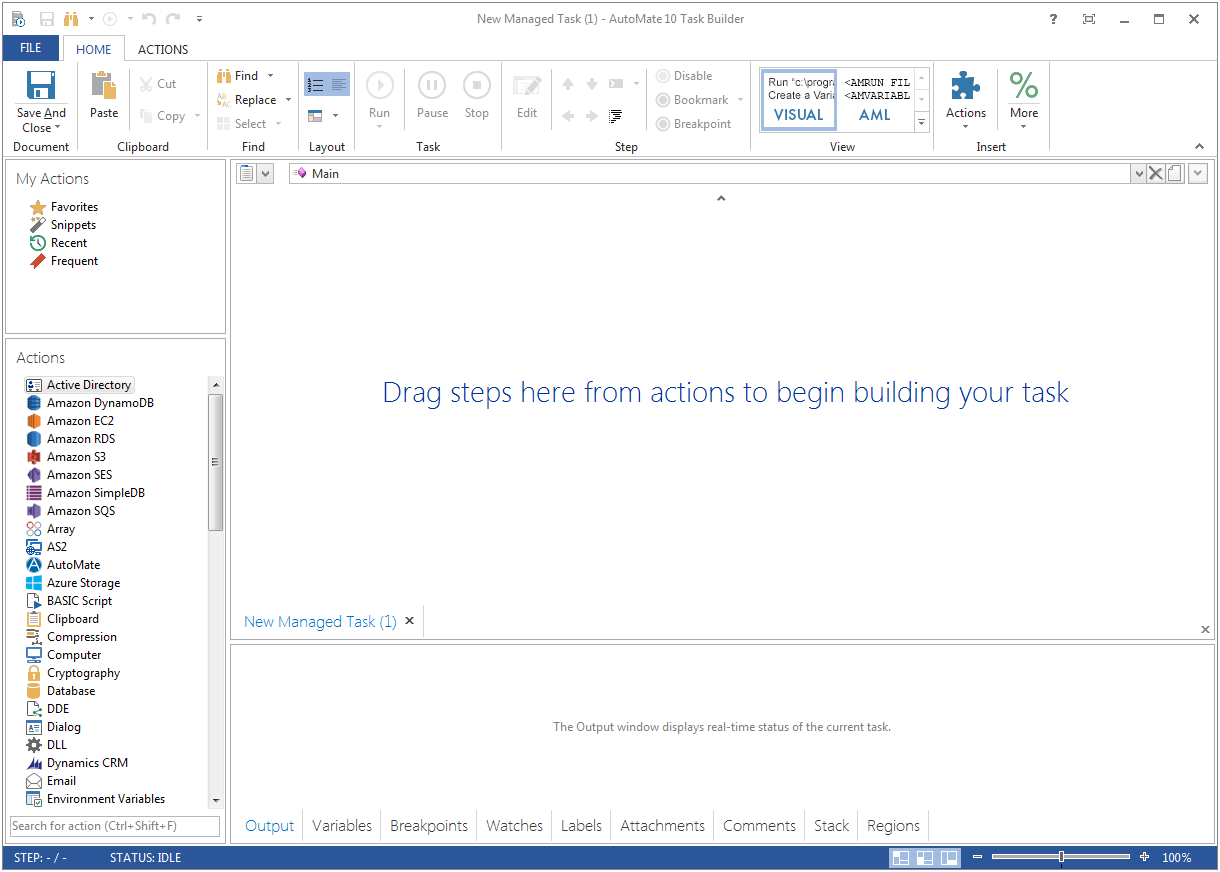  |


