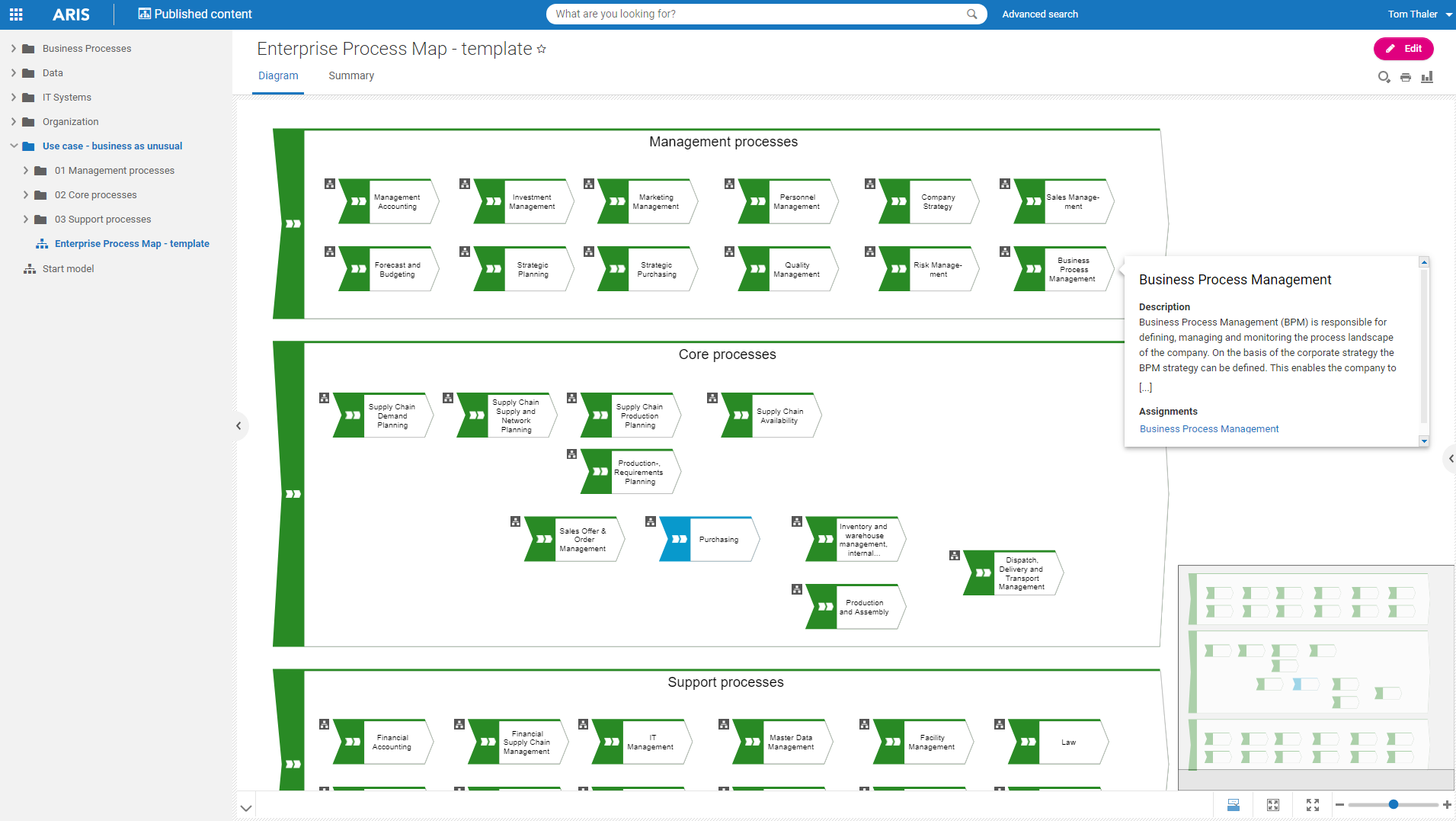
Software AG's Business Process Analysis Platform, ARIS, uses robust architecture and process management / analysis capability to drive integrations with the existing business processes along with information technology and SAP systems.
$100
designer
draw.io
Score7.3 out of 10
N/A
draw.io is an online diagramming tool with integrations with Jira, Google, and Confluence available free online or at cost depending on integration chosen.
Well suited for enterprise architecture modeling where the intent to document elements beyond processes as well, such as risks and controls, KPIs, systems, org charts, etc. It also has the excellent capability of creating custom reports, hence if looking for various views right from summary to detailed, this is a great tool. It is less appropriate for implementing the processes as it is not very strong in BPMN.
It's very easy to collaborate on the same file with team members and create simple concepts and flowcharts that you can use in the development process. It is also very handy for creating graphs and tables for presentations. Since this is a web application, we can use it anywhere, anytime and on any device; which provides great flexibility and accessibility. It also offers the functionality to save your work as you develop it, which is very helpful.
A de minimis incentive was given to thank the reviewer for their time. The incentive was not used to bias or drive a particular response, nor was the incentive contingent on a positive endorsement. More Info
A de minimis incentive was given to thank the reviewer for their time. The incentive was not used to bias or drive a particular response, nor was the incentive contingent on a positive endorsement. More Info
Draw.io offers a lot of shapes and customizability of how the diagrams are laid out. We've been able to create a lot of different things with it, and have barely scratched the surface of the sorts of things that we could do.
Draw.io is fairly intuitive in the way that you draw shapes and connect shapes together, I was able to figure it out without a tutorial.
Draw.io is fast and performant for me compared with some of the alternatives.
A de minimis incentive was given to thank the reviewer for their time. The incentive was not used to bias or drive a particular response, nor was the incentive contingent on a positive endorsement. More Info
A de minimis incentive was given to thank the reviewer for their time. The incentive was not used to bias or drive a particular response, nor was the incentive contingent on a positive endorsement. More Info
One element that was hard to use was converting pre-existing drawings and workflows from Gliffy to Draw.io once our company made the change. While we were able to complete the migration, when going back we noticed, oftentimes, some formatting and dependencies did not make it or were not compatible.
While the template repository is vast, it has a heavy focus on network style maps. It would be ideal for added diversity in the templates with a focus on workflows just as much.
While the integrations are strong, the cloud collaborative environment could still use some work. While you can save and edit in the cloud. Group editing and live dynamic sharing/editing similar to Microsoft office are still missing.
Draw.io could add some version control functionality for ease of rollback, auditing, & comparison.
A de minimis incentive was given to thank the reviewer for their time. The incentive was not used to bias or drive a particular response, nor was the incentive contingent on a positive endorsement. More Info
I am a BPM and Enterprise Architect Consultant and hence have been using different BPM and EA tools for consulting practice. Until now I have used Opentext Provision EA,Sparx EA, MS Visio and IBM Blueworks. All of the tools used are good and have their own unique features and capabilities. ARIS BPA is widely used by my current organization for different projects.
A de minimis incentive was given to thank the reviewer for their time. The incentive was not used to bias or drive a particular response, nor was the incentive contingent on a positive endorsement. More Info
It has good, even complex functionality that is provided by its library and ability to create relations between items, yet it is not hard to use. Anyone can use it in a short time. It provides reporting abilities and good documentation with the availability of exporting options. The only drawback I have seen was user management/login issues.
A de minimis incentive was given to thank the reviewer for their time. The incentive was not used to bias or drive a particular response, nor was the incentive contingent on a positive endorsement. More Info
The support for draw.io is pretty decent, considering it is a free website. I had a question one time when I was trying to do something, so I sent an email to their support email and got a response fairly quickly with an answer to my question. They also have some excellent support tools on their support website for helping you get more familiar with their program, and I found that very helpful.
A de minimis incentive was given to thank the reviewer for their time. The incentive was not used to bias or drive a particular response, nor was the incentive contingent on a positive endorsement. More Info
The Service area, they have been very useful. ARIS suite is covering number of applications. ARIS engine is very powerful and robust. The tool can be configured in many ways which can be beneficial but can be a curse at the same time. As a user, you need to apply this flexibility with care.
A de minimis incentive was given to thank the reviewer for their time. The incentive was not used to bias or drive a particular response, nor was the incentive contingent on a positive endorsement. More Info
Draw.io is totally free and it has most of the features a commercial product like Visio would have, so I think it is a go-to. It has good integration with Google Drive and it can export to a variety of files. You are not constrained by some commercial proprietary file format. It can be used in a browser on any device or downloaded as a desktop app.
A de minimis incentive was given to thank the reviewer for their time. The incentive was not used to bias or drive a particular response, nor was the incentive contingent on a positive endorsement. More Info
A de minimis incentive was given to thank the reviewer for their time. The incentive was not used to bias or drive a particular response, nor was the incentive contingent on a positive endorsement. More Info
A de minimis incentive was given to thank the reviewer for their time. The incentive was not used to bias or drive a particular response, nor was the incentive contingent on a positive endorsement. More Info