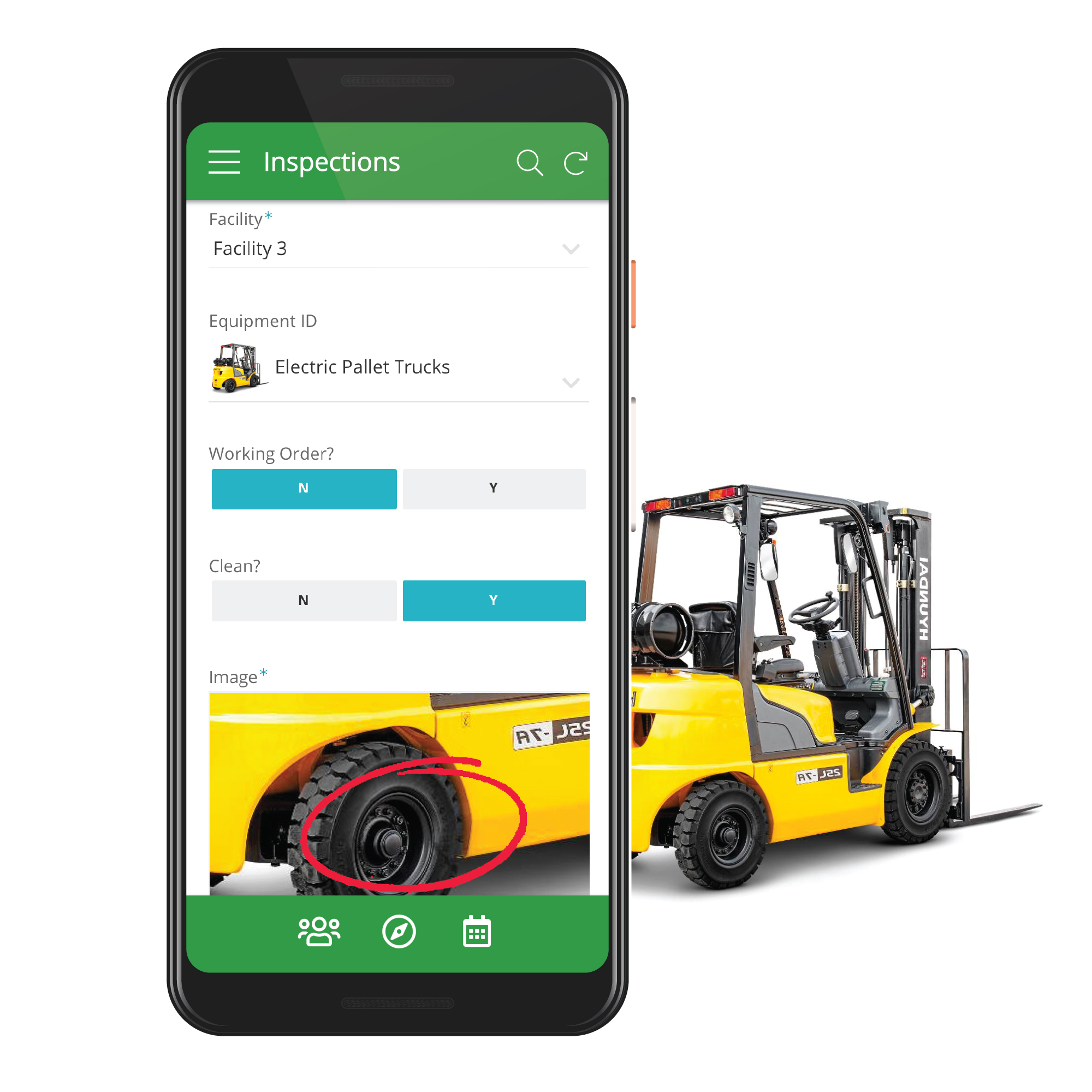
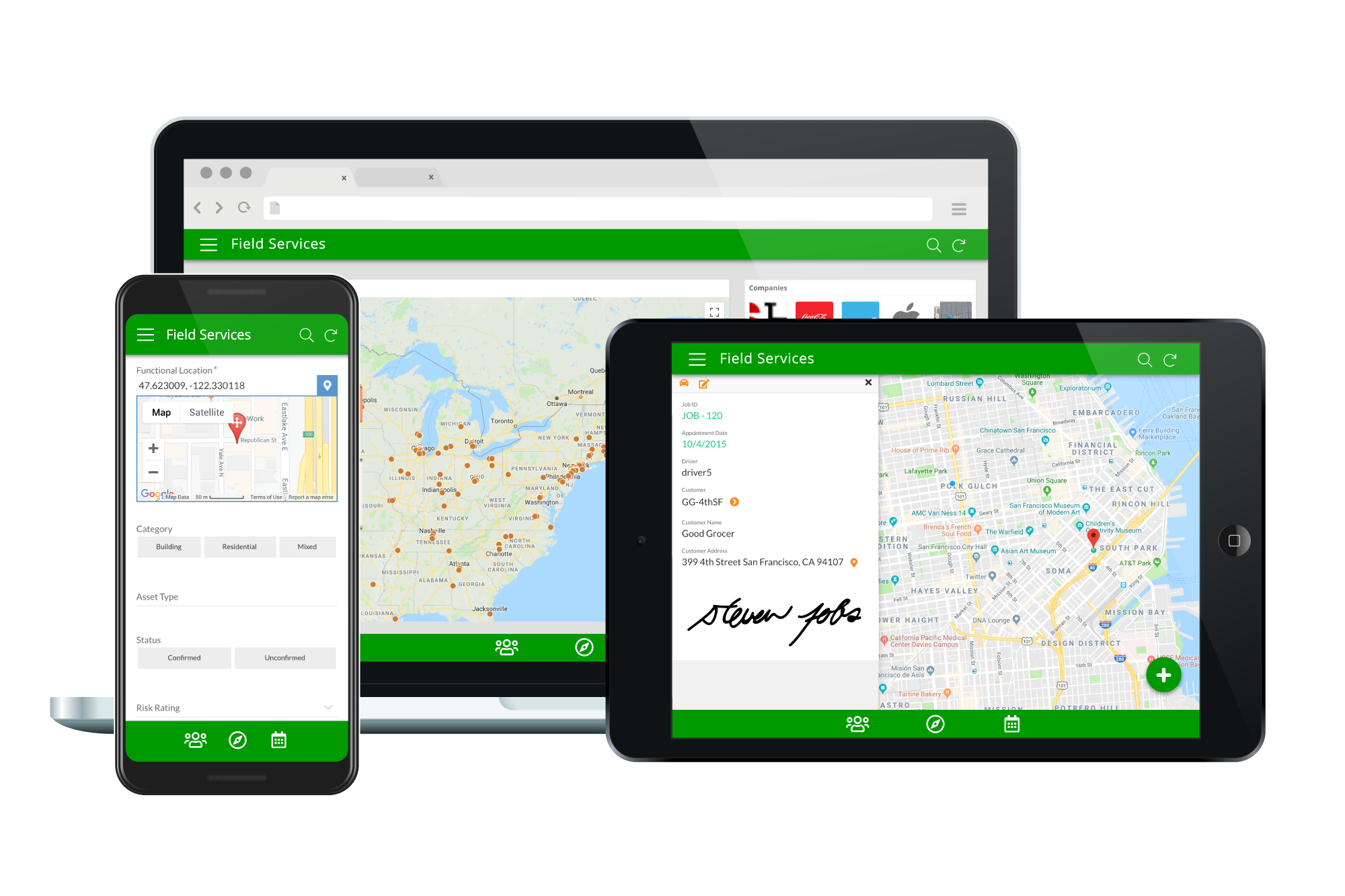
Acquired by Google in Spring 2020, AppSheet is an intelligent, no-code app platform for everyone. Users can create apps to transform the workplace. Common use cases include field service, transportation, customer surveys, incident reports, field data capture, compliance reports, delivery tracking, and property surveys. Used by the Fortune 500 & Industry Leaders Customers include Clearlink, Enterprise Holdings, ESPN, Pepsi, the University of Michigan, and the State of…
$5
per user/per month
TeamDesk
Score 9.0 out of 10
N/A
TeamDesk is a low-code development platform for online database creation. Business owners or managers can build a unique web database solution without any programming to facilitate working with data, organize routine work and create an accessible data source for teams.
Personal apps and prototype are always free to build. Don't pay until you're ready to deploy.
What can I do for free?
Use the complete set of AppSheet features for free while building one or many app prototypes (for as long as you like). Invite up to 10 users for free to use your apps & share feedback.
How do Business Subscription pricing work?
Business Subscriptions enable a suite of performance & management features for organizations with cross-departmental app creators, and pricing is based on each unique requirements. Connect with the AppSheet team at solutions.appsheet.com/contact to learn more.
—
More Pricing Information
Community Pulse
AppSheet
TeamDesk
Features
AppSheet
TeamDesk
Low-Code Development
Comparison of Low-Code Development features of Product A and Product B
Suitable for database work. Access controller for personnel, products, sales, distribution, etc. Not suitable for applications that require visual and graphic demands. There are graphically interactive applications that have buttons or action gestures that are not common. It should be possible, to create the App. Remove information relevant to the specific company or business for which the App was generated. And then be able to share it with other similar businesses independently.
TeamDesk is a phenomenal service for our practice. Each legal practice area has unique characteristics that are important to successful practice. Generalized practice management services do address those unique elements because they are created for a mass audience. What makes TeamDesk so helpful is that it can be customized to account for any unique issue that we confront. We use TeamDesk for matter management. It can handle general issues like billing, matter notes, etc.; but it also allows us to track specific details unique to our practice area across each matter and make comparisons that are useful to our practice. Additionally, we have been able to customize it to facilitate our client development efforts.
Calculations - I have several apps that do some pretty complicated calculations, and decision making to build things like Shopping Lists for a Kanban assembly team, where the app will help a stocker determine whats low in a kanban assembly line stock box.
Document generation and record keeping - I have an app that users digitally sign and receive PDF contracts, and the system automatically records all records from the transaction. Everything is held in files on YOUR OWN DRIVE (Google Drive) so when you're done with the project or AppSheet you DONT loose your data.
Client/Customer Management - I follow the old school "Swimming with Sharks" model for client retention and customer engagement, and have built several small customer tracking tools for local businesses. This tool is limited ONLY by your imagine and desire to learn.
The ease of customization has been very helpful. As we use the system longer and decide what works for us and what needs changed, it's a matter of moments to be able to make any desired changes. Much more flexible than anything else we've used in the past.
The customer service has been excellent. Any issues that have arisen have been quickly and fully addressed.
GPS on the maps are terrible. We dont use the map to collect data as the signal is erratic only in Appsheet. We have another app installed on the same phone to get X,Y data which is copied and pasted into the appsheet solution. We have tried everything but Appsheet map and coordinate accuracy and erratic behaviour is below par.
Deployment management. While it is great that people see your changes right away, it sometimes leads to downtime if one makes a mistake. In the beginning it was hard to tell which changes would negatively effect the users and in some cases the data got jumbled due to table changes. Would be good if development, testing and deployment were better streamlined. No need for auto testing (like selenium etc.) just a place we can test before deploying. Now we have several "dev" versions with a cumbersome copy and paste system.
The only down side that I see, is that you have to be willing to spend some time creating your database. You start with a blank canvas and all the tools you need to design a custom database. But, you have to take the time to do it. If you take that time, it is well worth it.
It's just great. The usability is the best thing about Appsheet. You must choose which things will really be used later. You have to be careful of not generating something too big and then it feels like something that need to be learned. This is something that resolve problems, but you had to be able to think before doing. It will not solve problems itself. You need to find the problem, think a solution, and then use appsheet to make this solution a reality
AppSsheet has a support group and they show videos to help app builders. Though I have truck drivers' hours and can't join the webinars. Support groups with better assists me on a Saturday evening or a Sunday that I have time off. It's hard to watch videos driving down the highway.
We started to try Glide, but we had already started our learning curve with Appsheet, and as the cost is part of our plan, the choice was easy. Since there is no cost for each feature we want to develop, Appsheet can serve as a replacement for tools like Docs, Sheets, and Slides. It just turns into another piece of software the employees are using, so thinking of moving to another product is nonsense.
Prior to Teamdesk we used Excel, an Access database, an online time and expense tracking system, and Dabble DB. Excel and Access had limitations with simultaneous access on the LAN, the online T&E system did only that and was not flexible, and Dabble was flexible, but how can you rely on a company whose goal is to exit, when you want to run your business on their platform. Teamdesk has everything we need.
A good impact in general at the beginning since the free version allows great development so the investment in the implementation is of knowledge and time.
As a consultant I have expanded my services through this platform including new low code application building services.