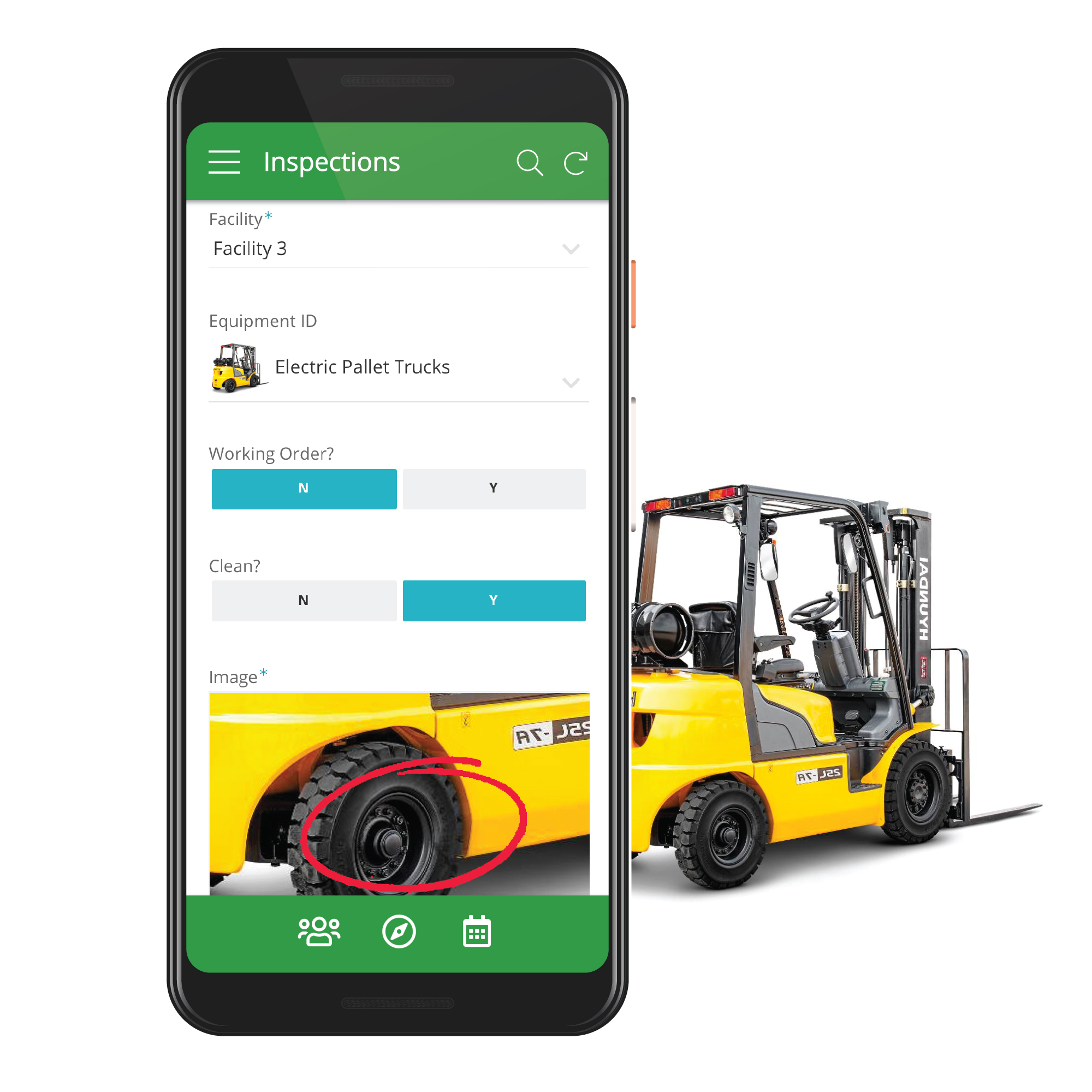
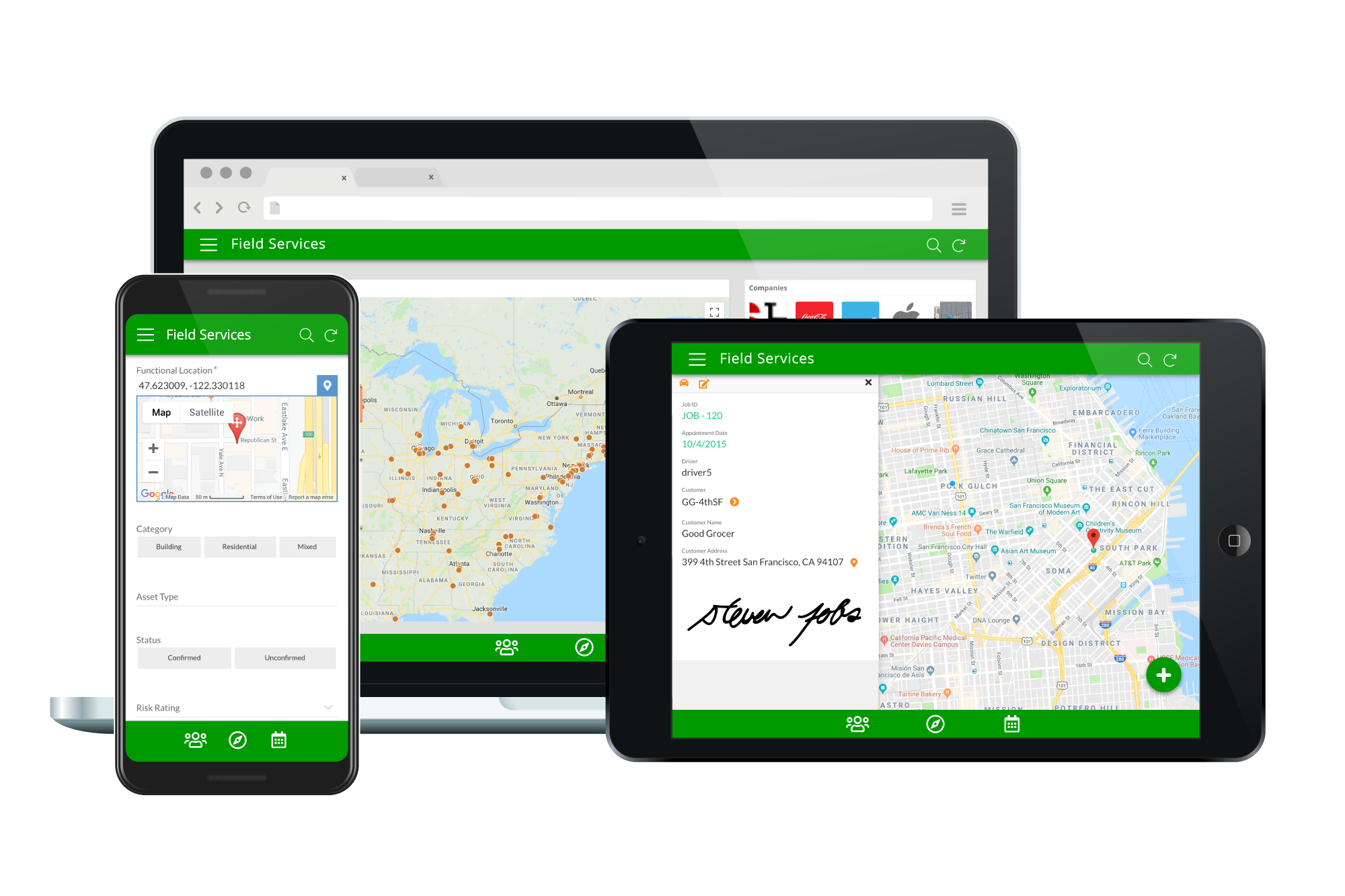
Acquired by Google in Spring 2020, AppSheet is an intelligent, no-code app platform for everyone. Users can create apps to transform the workplace. Common use cases include field service, transportation, customer surveys, incident reports, field data capture, compliance reports, delivery tracking, and property surveys. Used by the Fortune 500 & Industry Leaders Customers include Clearlink, Enterprise Holdings, ESPN, Pepsi, the University of Michigan, and the State of…
$5
per user/per month
Appy Pie
Score 8.0 out of 10
N/A
Appy Pie is a diversified no-code development platform. It offers app and web development, helpdesk support, chatbot building, design features, and integration that are helpful when starting, running, or growing a business.
$16
per app/per month
Pricing
AppSheet
Appy Pie
Editions & Modules
Premium
$5.00
per user/per month
Pro
$10.00
per user/per month
Business
Contact sales team
Enterprise
Contact sales team
Basic
$16
per app/per month
Gold
$36
per app/per month
Platinum
$60
per app/per month
Offerings
Pricing Offerings
AppSheet
Appy Pie
Free Trial
Yes
Yes
Free/Freemium Version
Yes
No
Premium Consulting/Integration Services
No
No
Entry-level Setup Fee
No setup fee
No setup fee
Additional Details
Personal apps and prototype are always free to build. Don't pay until you're ready to deploy.
What can I do for free?
Use the complete set of AppSheet features for free while building one or many app prototypes (for as long as you like). Invite up to 10 users for free to use your apps & share feedback.
How do Business Subscription pricing work?
Business Subscriptions enable a suite of performance & management features for organizations with cross-departmental app creators, and pricing is based on each unique requirements. Connect with the AppSheet team at solutions.appsheet.com/contact to learn more.
—
More Pricing Information
Community Pulse
AppSheet
Appy Pie
Features
AppSheet
Appy Pie
Low-Code Development
Comparison of Low-Code Development features of Product A and Product B
Suitable for database work. Access controller for personnel, products, sales, distribution, etc. Not suitable for applications that require visual and graphic demands. There are graphically interactive applications that have buttons or action gestures that are not common. It should be possible, to create the App. Remove information relevant to the specific company or business for which the App was generated. And then be able to share it with other similar businesses independently.
Based on my personal experience, this application is well-suited for noncoders who are busy setting up their businesses and since coders are expensive for the company in the initial days as in for startups, this application goes hand in hand and is quick and robust along with its amazing features like drag and drop and just the cloud storage facility.
Calculations - I have several apps that do some pretty complicated calculations, and decision making to build things like Shopping Lists for a Kanban assembly team, where the app will help a stocker determine whats low in a kanban assembly line stock box.
Document generation and record keeping - I have an app that users digitally sign and receive PDF contracts, and the system automatically records all records from the transaction. Everything is held in files on YOUR OWN DRIVE (Google Drive) so when you're done with the project or AppSheet you DONT loose your data.
Client/Customer Management - I follow the old school "Swimming with Sharks" model for client retention and customer engagement, and have built several small customer tracking tools for local businesses. This tool is limited ONLY by your imagine and desire to learn.
GPS on the maps are terrible. We dont use the map to collect data as the signal is erratic only in Appsheet. We have another app installed on the same phone to get X,Y data which is copied and pasted into the appsheet solution. We have tried everything but Appsheet map and coordinate accuracy and erratic behaviour is below par.
Deployment management. While it is great that people see your changes right away, it sometimes leads to downtime if one makes a mistake. In the beginning it was hard to tell which changes would negatively effect the users and in some cases the data got jumbled due to table changes. Would be good if development, testing and deployment were better streamlined. No need for auto testing (like selenium etc.) just a place we can test before deploying. Now we have several "dev" versions with a cumbersome copy and paste system.
The application requires to be run on fast processing computers/laptops
This is a good application that isn't much known among non-coders, it needs to be marketed so that boosts this app developer to add more advanced features
It's just great. The usability is the best thing about Appsheet. You must choose which things will really be used later. You have to be careful of not generating something too big and then it feels like something that need to be learned. This is something that resolve problems, but you had to be able to think before doing. It will not solve problems itself. You need to find the problem, think a solution, and then use appsheet to make this solution a reality
Like I said in previous questions, the no-code application has basic and easy features that are literally a no-brainer and even a person with zero knowledge of coding can do wonders with this as his/her tool. Apart from that, the application is cost-effective while time and money are two key things to be taken care of as a startup owner, this app came hand in hand with me
AppSsheet has a support group and they show videos to help app builders. Though I have truck drivers' hours and can't join the webinars. Support groups with better assists me on a Saturday evening or a Sunday that I have time off. It's hard to watch videos driving down the highway.
I have been using this for some time now and the website of the no-code application is all self-explanatory that is the reason I never have reached to the support team anytime, but before using this application I have gone through the reviews and read the positive response and I believe it has still gotten stronger since then.
We started to try Glide, but we had already started our learning curve with Appsheet, and as the cost is part of our plan, the choice was easy. Since there is no cost for each feature we want to develop, Appsheet can serve as a replacement for tools like Docs, Sheets, and Slides. It just turns into another piece of software the employees are using, so thinking of moving to another product is nonsense.
Webflow has quite a lot of complexity in comparison to the no-code app which instead is user-friendly. There are more issues with application getting hung in between working but that isn't a bigger problem in the no-code app. Apart from that, the no-code app has blocks that can be used to edit/add/delete which are literally a no-brainer.
A good impact in general at the beginning since the free version allows great development so the investment in the implementation is of knowledge and time.
As a consultant I have expanded my services through this platform including new low code application building services.