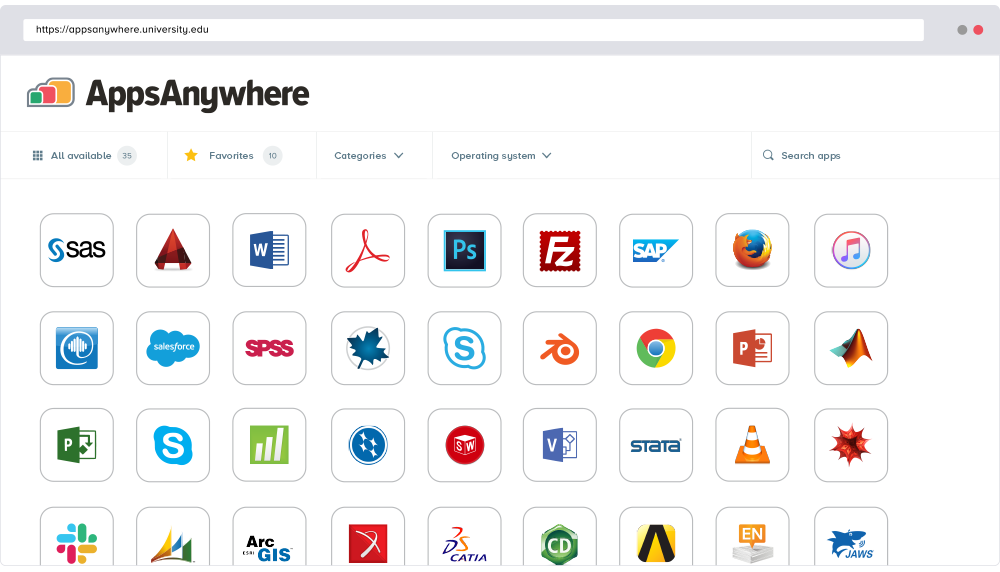
AppsAnywhere
is a software delivery platform that gives students and staff access to
the software they need to get their work done wherever they are, both on and
off campus.
Boasting more than 2 million students at over 200 universities
and colleges worldwide, the vendor states AppsAnywhere improves student outcomes by making
software available on any device, including BYOD, thanks to their unique approach
to virtualization. Used by higher ed
institutions, including University…
N/A
Micro Focus Desktop Containers
Score 9.0 out of 10
N/A
Formerly Micro Focus Desktop Containers or Novell Application Virtualization, OpenText Hybrid Workspaces gives remote workers access to apps and data. They can leverage any device for secure access to applications and data whether remote or on-site.
N/A
Pricing
AppsAnywhere
OpenText Hybrid Workspaces
Editions & Modules
No answers on this topic
No answers on this topic
Offerings
Pricing Offerings
AppsAnywhere
Micro Focus Desktop Containers
Free Trial
Yes
No
Free/Freemium Version
No
No
Premium Consulting/Integration Services
No
No
Entry-level Setup Fee
Required
No setup fee
Additional Details
—
—
More Pricing Information
Community Pulse
AppsAnywhere
OpenText Hybrid Workspaces
Features
AppsAnywhere
OpenText Hybrid Workspaces
Application Virtualization
Comparison of Application Virtualization features of Product A and Product B
AppsAnywhere is basically suitable for its purpose, despite some usability problems. In our place, applications can in principle be delivered to other machines (not owned by us but by the end-user), who are not even on-site - provided the user can connect to our domain, almost any kind of device is ok. However, I have not tried that myself. The UI could let people work faster, but only by a little, and most people get there in the end. It is basically quite simple to use and appealing to look at
It is very well suited to large, diverse organizations looking to quickly deploy applications virtually to its employee base. They give immense control to system Admins and allow users to more easily install the applications they need. They also allow users quick access to their applications, even during migration.
Almost everyone you tell to use it to access a specialist application can find the software they need and install it. However, surprisingly many have difficulties finding AppsAnywhere under the start menu or on the task bar - it is not a icon or name they recognise, and they really want to lunch the target specialist software (Zbrush or whatever). Once you find it, many people ignore the search function which is probably the fastest method, and browse the long list alphabetically, because the standard filters do not help much. Favouriting is rarely used as it is too burdensome and not an issue for users when they are looking for the applicationt hey need.
I recently had the opportunity to compare AppsAnywhere with Oracle VM, Amazon Workspaces, and Kasm Workspaces. I found that AppsAnywhere was the most intuitive and easiest to use out of the four, and it also had the best customer support. Its powerful cloud-based technology made it easy to access applications from any device without having to worry about compatibility issues. The user experience was also great and I found that I could easily customize my workspace according to my needs.