
AppMaster.io vs. AppSheet
AppMaster.io vs. AppSheet
| Product | Rating | Most Used By | Product Summary | Starting Price |
|---|---|---|---|---|
 AppMaster.io | N/A | AppMaster.io is a no-code platform designed to help businesses create production-level applications with code generation: backend, web, and native mobile apps. What types of apps are supported? Server applications (backend), web applications (admin panels and client portals - frontend), mobile applications (native for IOS and Android) What technology is used to create the… | N/A | |
 AppSheet | N/A | Acquired by Google in Spring 2020, AppSheet is an intelligent, no-code app platform for everyone. Users can create apps to transform the workplace. Common use cases include field service, transportation, customer surveys, incident reports, field data capture, compliance reports, delivery tracking, and property surveys. Used by the Fortune 500 & Industry Leaders Customers include Clearlink, Enterprise Holdings, ESPN, Pepsi, the University of Michigan, and the State of… | $5 per user/per month |
| AppMaster.io | AppSheet | |||||||||||||||
|---|---|---|---|---|---|---|---|---|---|---|---|---|---|---|---|---|
| Editions & Modules | No answers on this topic |
| ||||||||||||||
| Offerings |
| |||||||||||||||
| Entry-level Setup Fee | No setup fee | No setup fee | ||||||||||||||
| Additional Details | — | Personal apps and prototype are always free to build. Don't pay until you're ready to deploy. What can I do for free? Use the complete set of AppSheet features for free while building one or many app prototypes (for as long as you like). Invite up to 10 users for free to use your apps & share feedback. How do Business Subscription pricing work? Business Subscriptions enable a suite of performance & management features for organizations with cross-departmental app creators, and pricing is based on each unique requirements. Connect with the AppSheet team at solutions.appsheet.com/contact to learn more. | ||||||||||||||
| More Pricing Information | ||||||||||||||||
| AppMaster.io | AppSheet |
|---|
| AppMaster.io | AppSheet | |||||||||||||||||||||
|---|---|---|---|---|---|---|---|---|---|---|---|---|---|---|---|---|---|---|---|---|---|---|
| Low-Code Development |
|
| AppMaster.io | AppSheet | |
|---|---|---|
| Small Businesses |  Creatio Score 9.7 out of 10 | Creatio Score 9.7 out of 10 |
| Medium-sized Companies |  Quixy Score 9.9 out of 10 | Quixy Score 9.9 out of 10 |
| Enterprises | Creatio Score 9.7 out of 10 | Creatio Score 9.7 out of 10 |
| All Alternatives | View all alternatives | View all alternatives |
| AppMaster.io | AppSheet | |
|---|---|---|
| Likelihood to Recommend | 9.1 (0 ratings) | 9.0 (0 ratings) |
| Likelihood to Renew | - (0 ratings) | 9.1 (0 ratings) |
| Usability | - (0 ratings) | 8.7 (0 ratings) |
| Support Rating | 9.1 (0 ratings) | 6.4 (0 ratings) |
| Implementation Rating | - (0 ratings) | 9.1 (0 ratings) |
| AppMaster.io | AppSheet | |
|---|---|---|
| Likelihood to Recommend | 
 Nikita Nosolenko Ovner | 
 Miguel Ángel Engracia Zambrano Maintenance Supervisor |
| Pros |
|
 David Hopkins Quality Assurance Analyst |
| Cons |
|
 Jethro Buttner CEO (Chief Executive Officer) |
| Likelihood to Renew | No answers on this topic |
|
| Usability | No answers on this topic |
 Ivan Rularte Consultant |
| Support Rating |
|
 David Dutton Owner |
| Implementation Rating | No answers on this topic |
|
| Alternatives Considered |
|
 Gaston Barcia Advisor |
| Return on Investment |
 Andrey Andreev OWNER |
 Ivan Marquez Consultor. |
| ScreenShots | AppSheet Screenshots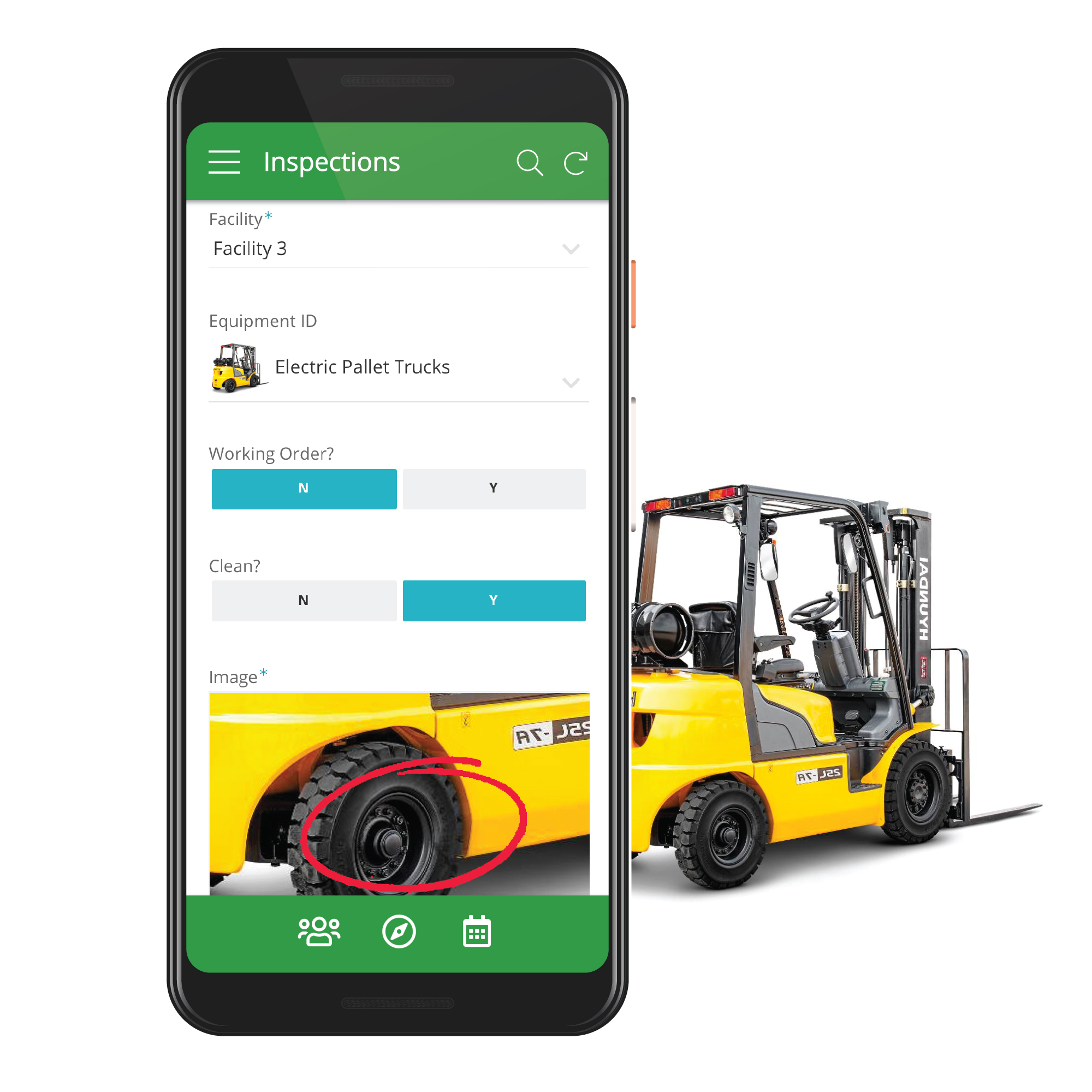 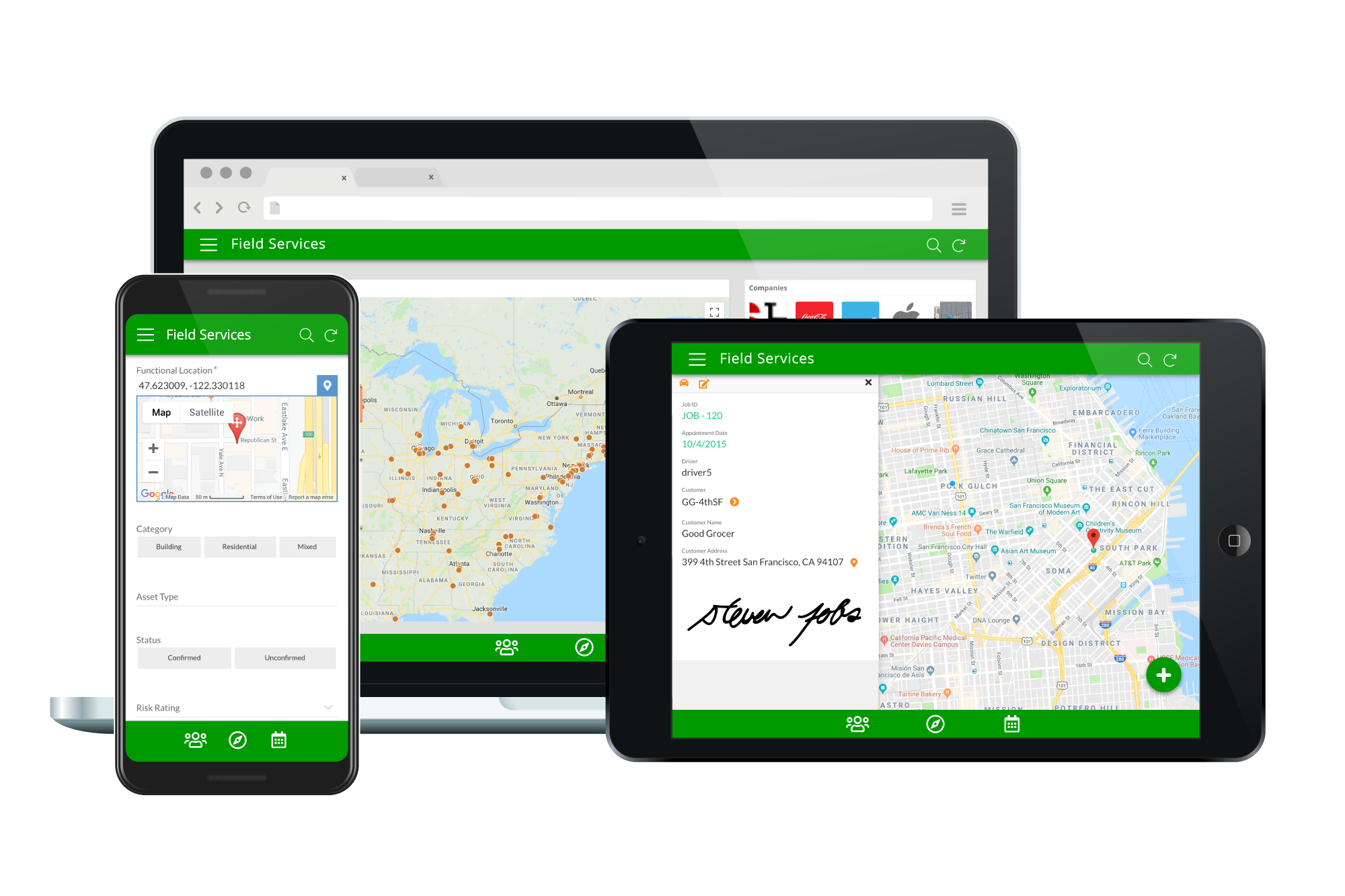   |