
Apple Business Essentials vs. Hexnode UEM
| Product | Rating | Most Used By | Product Summary | Starting Price |
|---|---|---|---|---|
 Apple Business Essentials | Score8.3 out of 10 | Mid-Size Companies (51-1,000 employees) | Apple Business Essentials is a subscription service that brings together device management, 24/7 support, and cloud storage. It enables small business to manage every iPhone, iPad, Mac, and Apple TVs throughout the business. | $8.25 per device, per month |
 Hexnode UEM | Score8.5 out of 10 | N/A | Hexnode is a Unified Endpoint Management solution from Mitsogo Inc. that aims to simplify the way people work with the help of intelligent tools. The management platform streamlines the device lifecycle model to offer its support at every stage, from device onboarding to the end of its life. It also gives a hands-free experience with automatic enrollment using Zero-touch enrollment, Knox Mobile Enrollment, and ABM and endpoint management with the help of dynamic group allocation in… | $36 per month 15 devices (minimum) |
| Apple Business Essentials | Hexnode UEM | |||||||||||||||
|---|---|---|---|---|---|---|---|---|---|---|---|---|---|---|---|---|
| Editions & Modules |
|
| ||||||||||||||
| Offerings |
| |||||||||||||||
| Entry-level Setup Fee | No setup fee | No setup fee | ||||||||||||||
| Additional Details | Free unlimited trial for up to 10 devices Device Intelligence free for unlimited devices iOS/tvOS devices free during beta period | No support costs, No maintenance charges. Per device pricing. Discount available for annual pricing. | ||||||||||||||
| More Pricing Information | ||||||||||||||||
| Apple Business Essentials | Hexnode UEM | |
|---|---|---|
| Considered Both Products | No answer on this topic | No answer on this topic |
| Key User Insights | ||
| Would buy again | ||
No answers on this topic | 100% Would buy again 18 Answers | |
| Delivers good value for the price | ||
No answers on this topic | 94% Delivers good value for the price 17 Answers | |
| Happy with the feature set | ||
No answers on this topic | 94% Happy with the feature set 17 Answers | |
| Lived up to sales and marketing promises | ||
No answers on this topic | 94% Lived up to sales and marketing promises 17 Answers | |
| Implementation went as expected | ||
No answers on this topic | 94% Implementation went as expected 16 Answers | |
| Apple Business Essentials | Hexnode UEM | |
|---|---|---|
| Small Businesses | No answers on this topic |  Avast CloudCare Score10 out of 10 |
| Medium-sized Companies |  Cisco Meraki SM Score9.8 out of 10 |  Action1 Score9.5 out of 10 |
| Enterprises |  Jamf Pro Score8.6 out of 10 |  ManageEngine Endpoint Central Score9.3 out of 10 |
| All Alternatives | View all alternatives | View all alternatives |
| Apple Business Essentials | Hexnode UEM | |
|---|---|---|
| Likelihood to Recommend | 8.1 | 8.2 |
| Likelihood to Renew | - | 10.0 |
| Usability | 8.5 | 8.1 |
| Support Rating | 8.8 | 10.0 |
| Implementation Rating | - | 10.0 |
| Apple Business Essentials | Hexnode UEM | |
|---|---|---|
| Likelihood to Recommend |
|
|
| Pros |
|
|
| Cons |
|
|
| Likelihood to Renew | No answers on this topic |
|
| Usability |
|
|
| Support Rating |
|
|
| Implementation Rating | No answers on this topic |
|
| Alternatives Considered |
|
|
| Return on Investment |
|
|
| ScreenShots | Hexnode UEM Screenshots 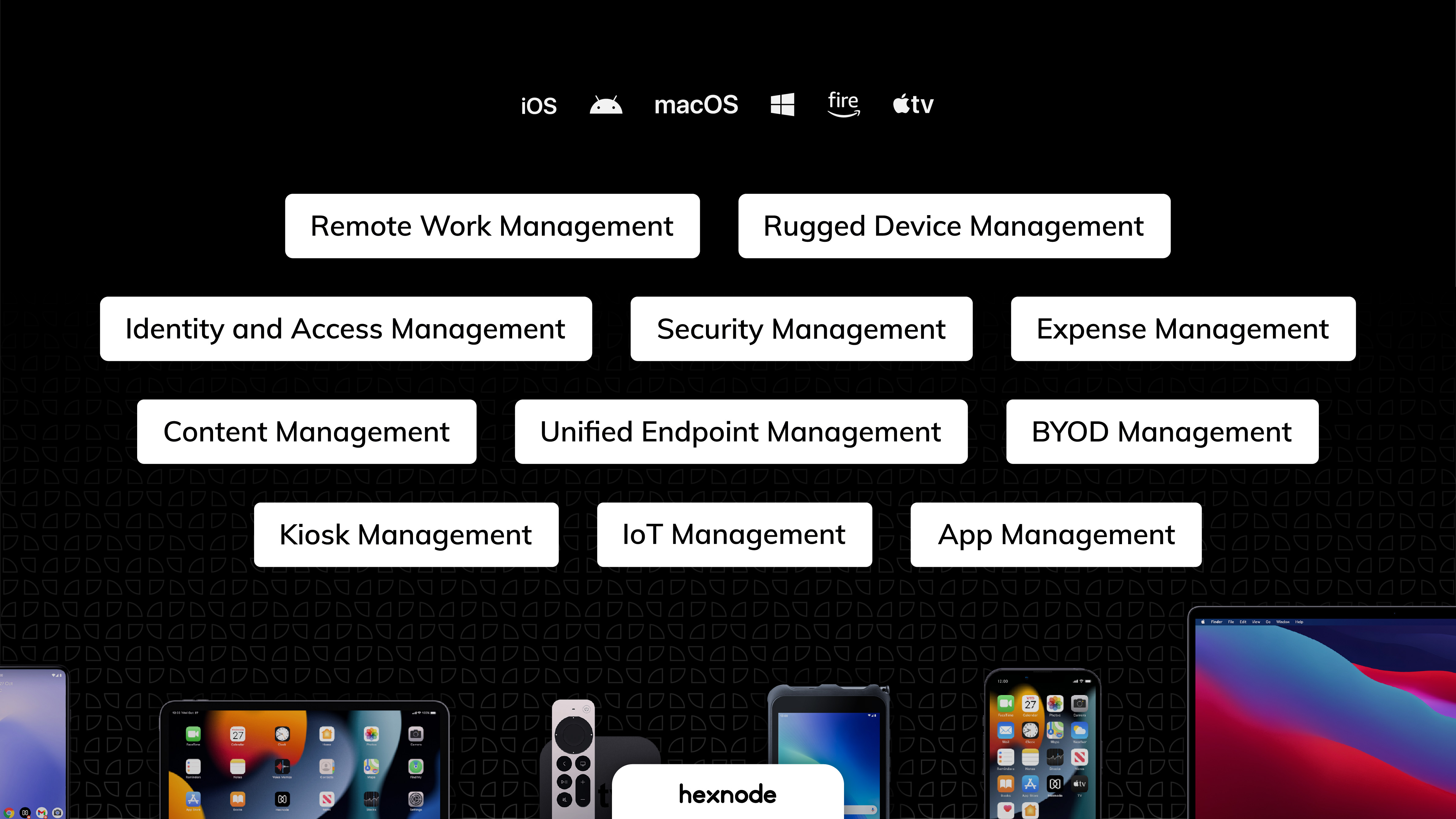    |

