
App Press vs. Swiftify
| Product | Rating | Most Used By | Product Summary | Starting Price |
|---|---|---|---|---|
 App Press | Score4 out of 10 | Mid-Size Companies (51-1,000 employees) | App Press is a mobile app platform that allows users to create apps without coding. Unlike other low or no code platforms, App Press does not rely on stock templates for app creation. The vendor says this is designed to give users a greater amount of freedom when designing and publishing mobile apps. The platform can be used to create nearly any type of app (other than complex games). The App Press mobile development platform can be used to create apps for both iOS and Android phones and… | $0 Month |
 Swiftify | Score9 out of 10 | Small Businesses (1-50 employees) | When Apple rolled out Swift back in 2014, Objective-C was set to be replaced. Even nowadays, however, there are plenty of apps and projects that still use Objective-C, and developers are faced with the prospect of either starting again from scratch or attempting to convert them to Swift. Swiftify for Xcode is designed to automate much of the conversion process, handling the task of replacing syntax while letting you focus on other aspects of migrating your project to… | $5 per file |
| App Press | Swiftify | |||||||||||||||
|---|---|---|---|---|---|---|---|---|---|---|---|---|---|---|---|---|
| Editions & Modules |
|
| ||||||||||||||
| Offerings |
| |||||||||||||||
| Entry-level Setup Fee | No setup fee | No setup fee | ||||||||||||||
| Additional Details | The Enterprise plans are priced according to the user's specific needs. The vendor also offers a full suite of app design and development services, with pricing starting at a one-time fee of $1,500 for a simple app prototype that will not be deployed to app stores (useful in the case of seeking additional funding for full app development, or to gather feedback from stakeholders before fully committing to developing an app). | — | ||||||||||||||
| More Pricing Information | ||||||||||||||||
| App Press | Swiftify | |
|---|---|---|
| Considered Both Products | No answer on this topic | No answer on this topic |
| Key User Insights | ||
| Would buy again | ||
No answers on this topic | 100% Would buy again 5 Answers | |
| Delivers good value for the price | ||
No answers on this topic | No answers on this topic | |
| Happy with the feature set | ||
No answers on this topic | 80% Happy with the feature set 4 Answers | |
| Lived up to sales and marketing promises | ||
No answers on this topic | No answers on this topic | |
| Implementation went as expected | ||
No answers on this topic | 100% Implementation went as expected 5 Answers | |
| App Press | Swiftify | |
|---|---|---|
| Small Businesses | Swiftify Score9 out of 10 |  Android Studio Score9.2 out of 10 |
| Medium-sized Companies |  Xamarin Score6 out of 10 | Xamarin Score6 out of 10 |
| Enterprises | Swiftify Score9 out of 10 | Android Studio Score9.2 out of 10 |
| All Alternatives | View all alternatives | View all alternatives |
| App Press | Swiftify | |
|---|---|---|
| Likelihood to Recommend | - | 8.2 |
| Support Rating | - | 8.3 |
| App Press | Swiftify | |
|---|---|---|
| Likelihood to Recommend | No answers on this topic |
|
| Pros | No answers on this topic |
|
| Cons | No answers on this topic |
|
| Support Rating | No answers on this topic |
|
| Alternatives Considered | No answers on this topic |
|
| Return on Investment | No answers on this topic |
|
| ScreenShots | App Press Screenshots 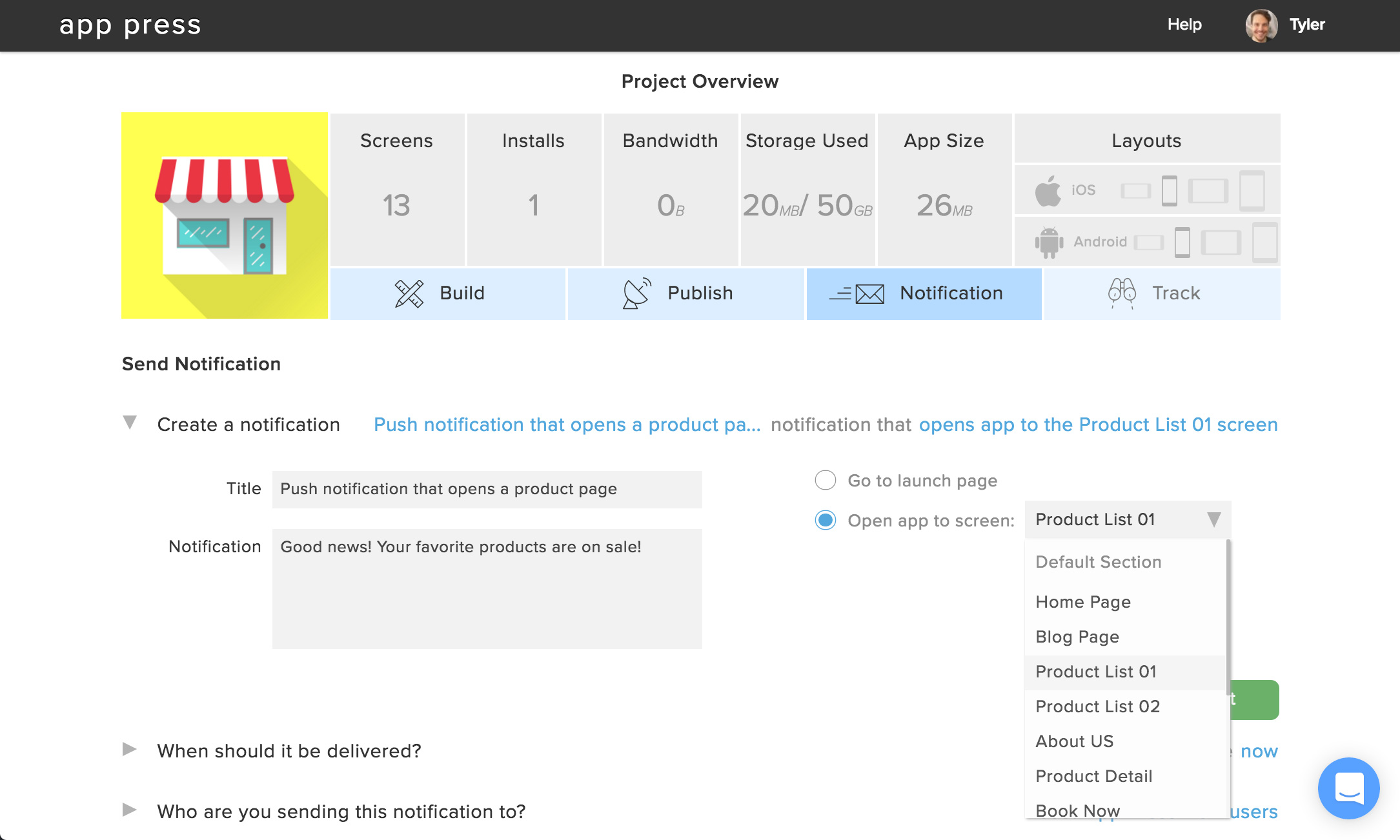   | Swiftify Screenshots 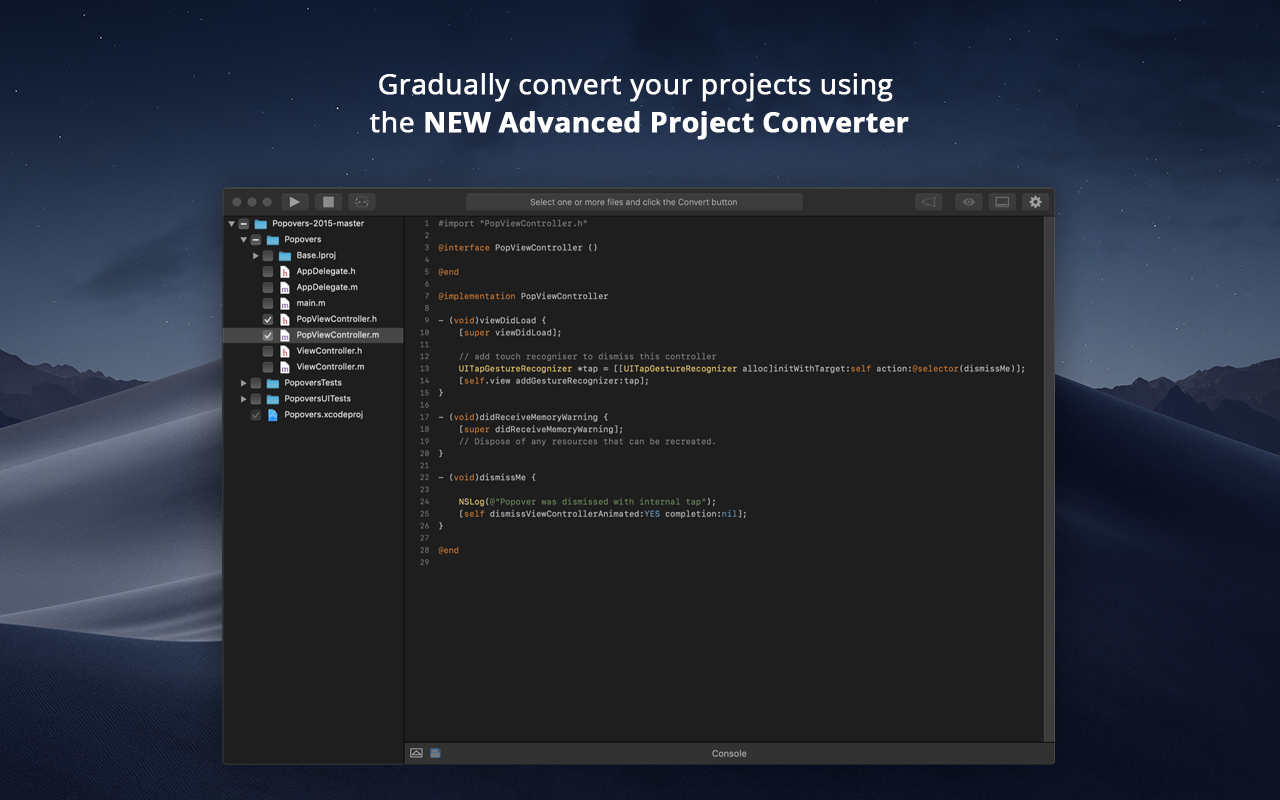     |


