
Apache OpenOffice vs. ConceptDraw MINDMAP
| Product | Rating | Most Used By | Product Summary | Starting Price |
|---|---|---|---|---|
 Apache OpenOffice | Score10 out of 10 | N/A | Apache OpenOffice is a free open source office suite that includes six applications: Writer (word processor), Calc (spreadsheets), Impress (presentations), Draw (diagramming and graphics), Base (database), and Math (formulas). | N/A |
 ConceptDraw MINDMAP | Score4.1 out of 10 | N/A | ConceptDraw MINDMAP is l mind mapping software application that can also resolve tasks for project management. According to the vendor, multiple shortcuts help users create new topics, re-arrange them and highlight important points, and export to various file formats. Enrich your mind map with in-built visual… | N/A |
| Apache OpenOffice | ConceptDraw MINDMAP | |||||||||||||||
|---|---|---|---|---|---|---|---|---|---|---|---|---|---|---|---|---|
| Editions & Modules | No answers on this topic | No answers on this topic | ||||||||||||||
| Offerings |
| |||||||||||||||
| Entry-level Setup Fee | No setup fee | $199 per seat | ||||||||||||||
| Additional Details | — | Price varies for Individual, Commercial, Academic, Nonprofit and Government | ||||||||||||||
| More Pricing Information | ||||||||||||||||
| Apache OpenOffice | ConceptDraw MINDMAP | |
|---|---|---|
| Considered Both Products | No answer on this topic | No answer on this topic |
| Key User Insights | ||
| Would buy again | ||
100% Would buy again 9 Answers | No answers on this topic | |
| Delivers good value for the price | ||
100% Delivers good value for the price 9 Answers | No answers on this topic | |
| Happy with the feature set | ||
100% Happy with the feature set 9 Answers | No answers on this topic | |
| Lived up to sales and marketing promises | ||
88% Lived up to sales and marketing promises 7 Answers | No answers on this topic | |
| Implementation went as expected | ||
100% Implementation went as expected 7 Answers | No answers on this topic | |
| Apache OpenOffice | ConceptDraw MINDMAP | |
|---|---|---|
| Small Businesses |  Google Workspace Score9.1 out of 10 |  OmniGraffle Score9.1 out of 10 |
| Medium-sized Companies | Google Workspace Score9.1 out of 10 | OmniGraffle Score9.1 out of 10 |
| Enterprises |  Microsoft 365 Business Premium Score8.8 out of 10 | OmniGraffle Score9.1 out of 10 |
| All Alternatives | View all alternatives | View all alternatives |
| Apache OpenOffice | ConceptDraw MINDMAP | |
|---|---|---|
| Likelihood to Recommend | 10.0 | 8.7 |
| Likelihood to Renew | 8.0 | - |
| Usability | 9.0 | - |
| Support Rating | 5.0 | 8.6 |
| Implementation Rating | 9.0 | - |
| Apache OpenOffice | ConceptDraw MINDMAP | |
|---|---|---|
| Likelihood to Recommend |
|
|
| Pros |
|
|
| Cons |
|
|
| Likelihood to Renew |
| No answers on this topic |
| Usability |
| No answers on this topic |
| Support Rating |
|
|
| Implementation Rating |
| No answers on this topic |
| Alternatives Considered |
|
|
| Return on Investment |
|
|
| ScreenShots | ConceptDraw MINDMAP Screenshots     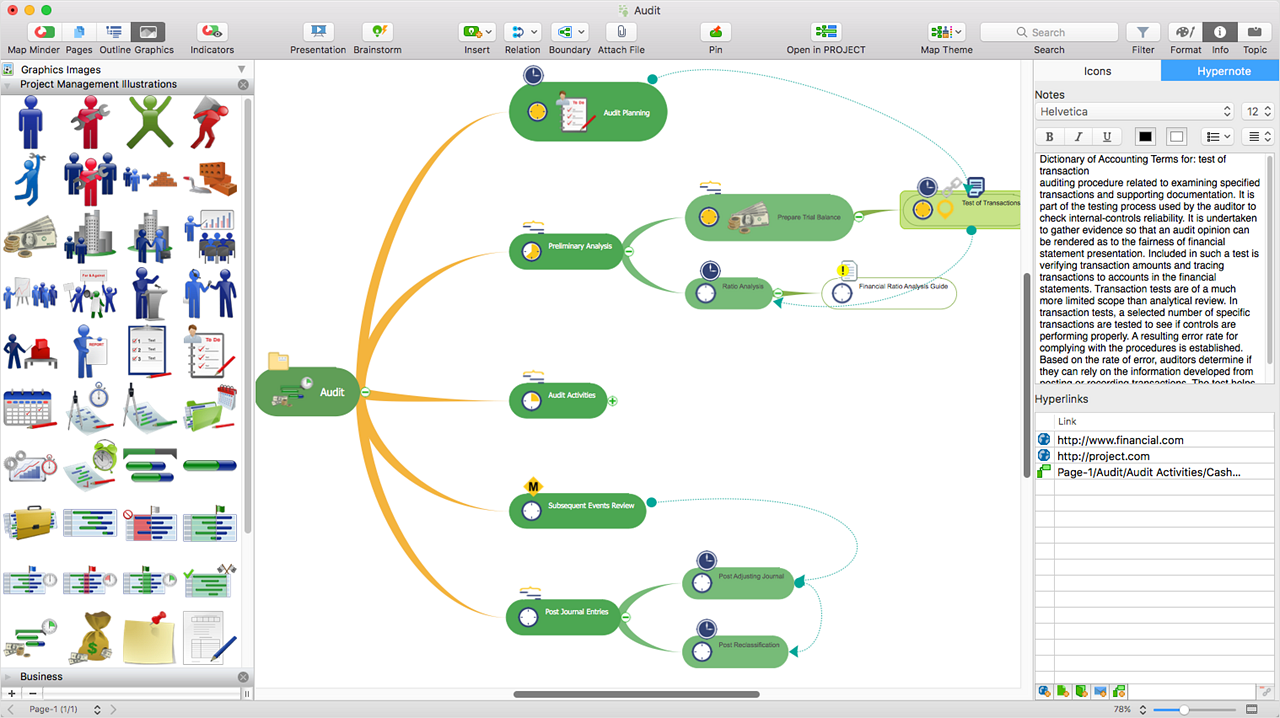 |



