
Apache OpenOffice vs. ConceptDraw DIAGRAM
| Product | Rating | Most Used By | Product Summary | Starting Price |
|---|---|---|---|---|
 Apache OpenOffice | Score10 out of 10 | N/A | Apache OpenOffice is a free open source office suite that includes six applications: Writer (word processor), Calc (spreadsheets), Impress (presentations), Draw (diagramming and graphics), Base (database), and Math (formulas). | N/A |
 ConceptDraw DIAGRAM | Score5.5 out of 10 | N/A | ConceptDraw DIAGRAM is an on-premise diagramming tool that, according to the vendor, allows users to create designs of any complexity level either on Macintosh or Windows, regardless of the platform being used. Users can install the same license of ConceptDraw DIAGRAM on multiple computers. The vendor also offers a number of add-ons, called "solutions". The product comes with a number of built-in stencils and templates that cover different areas and fields such… | N/A |
| Apache OpenOffice | ConceptDraw DIAGRAM | |||||||||||||||
|---|---|---|---|---|---|---|---|---|---|---|---|---|---|---|---|---|
| Editions & Modules | No answers on this topic | No answers on this topic | ||||||||||||||
| Offerings |
| |||||||||||||||
| Entry-level Setup Fee | No setup fee | No setup fee | ||||||||||||||
| Additional Details | — | Price varies for Individual, Commercial, Academic, Nonprofit and Government | ||||||||||||||
| More Pricing Information | ||||||||||||||||
| Apache OpenOffice | ConceptDraw DIAGRAM | |
|---|---|---|
| Considered Both Products | No answer on this topic | No answer on this topic |
| Key User Insights | ||
| Would buy again | ||
100% Would buy again 9 Answers | 100% Would buy again 5 Answers | |
| Delivers good value for the price | ||
100% Delivers good value for the price 9 Answers | 100% Delivers good value for the price 5 Answers | |
| Happy with the feature set | ||
100% Happy with the feature set 9 Answers | 100% Happy with the feature set 5 Answers | |
| Lived up to sales and marketing promises | ||
88% Lived up to sales and marketing promises 7 Answers | 100% Lived up to sales and marketing promises 5 Answers | |
| Implementation went as expected | ||
100% Implementation went as expected 7 Answers | 100% Implementation went as expected 5 Answers | |
| Apache OpenOffice | ConceptDraw DIAGRAM | |
|---|---|---|
| Small Businesses |  Google Workspace Score9.1 out of 10 |  OmniGraffle Score9.1 out of 10 |
| Medium-sized Companies | Google Workspace Score9.1 out of 10 | OmniGraffle Score9.1 out of 10 |
| Enterprises |  Microsoft 365 Business Premium Score8.8 out of 10 | OmniGraffle Score9.1 out of 10 |
| All Alternatives | View all alternatives | View all alternatives |
| Apache OpenOffice | ConceptDraw DIAGRAM | |
|---|---|---|
| Likelihood to Recommend | 10.0 | 9.1 |
| Likelihood to Renew | 8.0 | - |
| Usability | 9.0 | 9.1 |
| Support Rating | 5.0 | 9.0 |
| Implementation Rating | 9.0 | - |
| Apache OpenOffice | ConceptDraw DIAGRAM | |
|---|---|---|
| Likelihood to Recommend |
|
|
| Pros |
|
|
| Cons |
|
|
| Likelihood to Renew |
| No answers on this topic |
| Usability |
|
|
| Support Rating |
|
|
| Implementation Rating |
| No answers on this topic |
| Alternatives Considered |
|
|
| Return on Investment |
|
|
| ScreenShots | ConceptDraw DIAGRAM Screenshots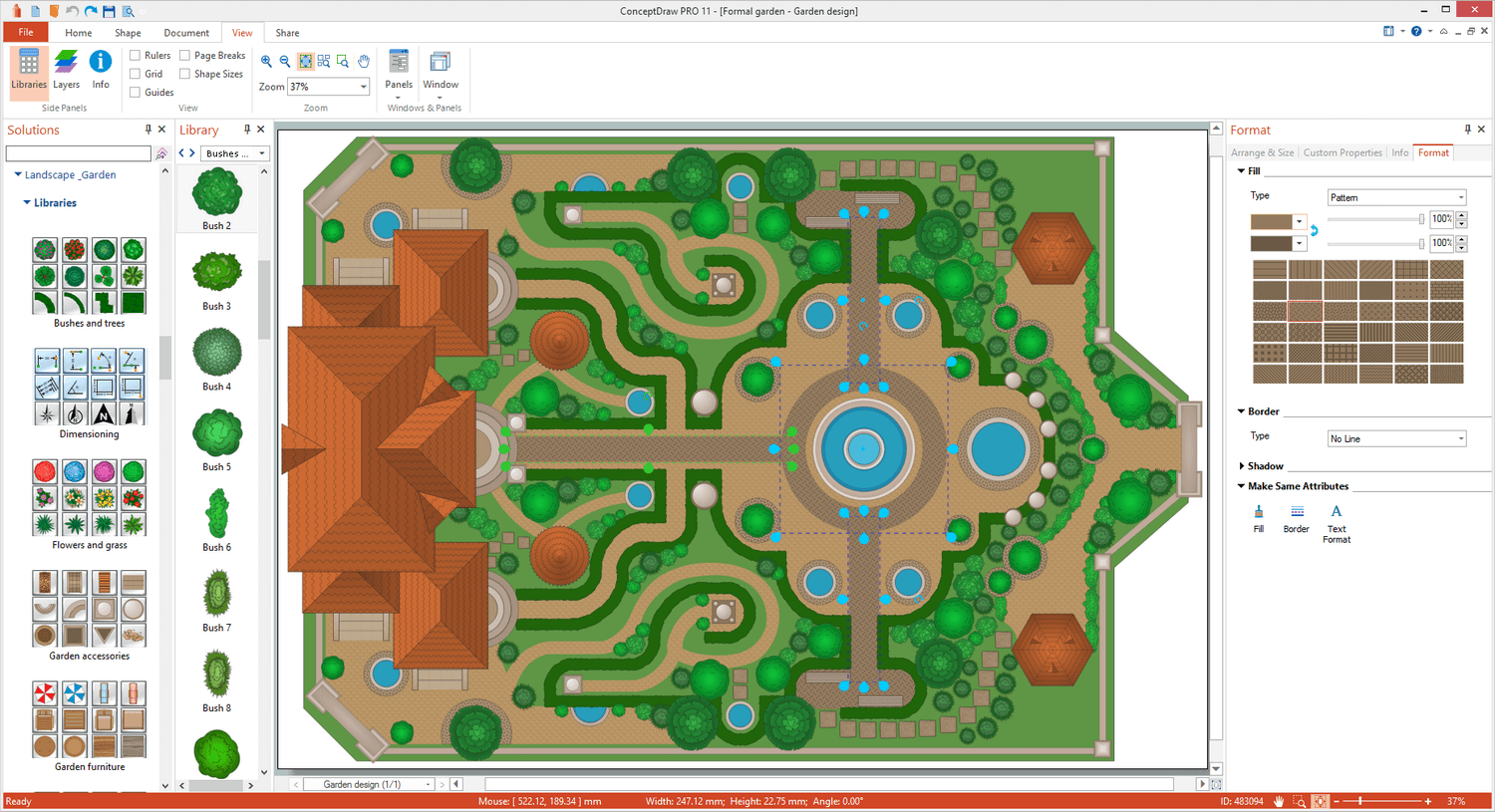     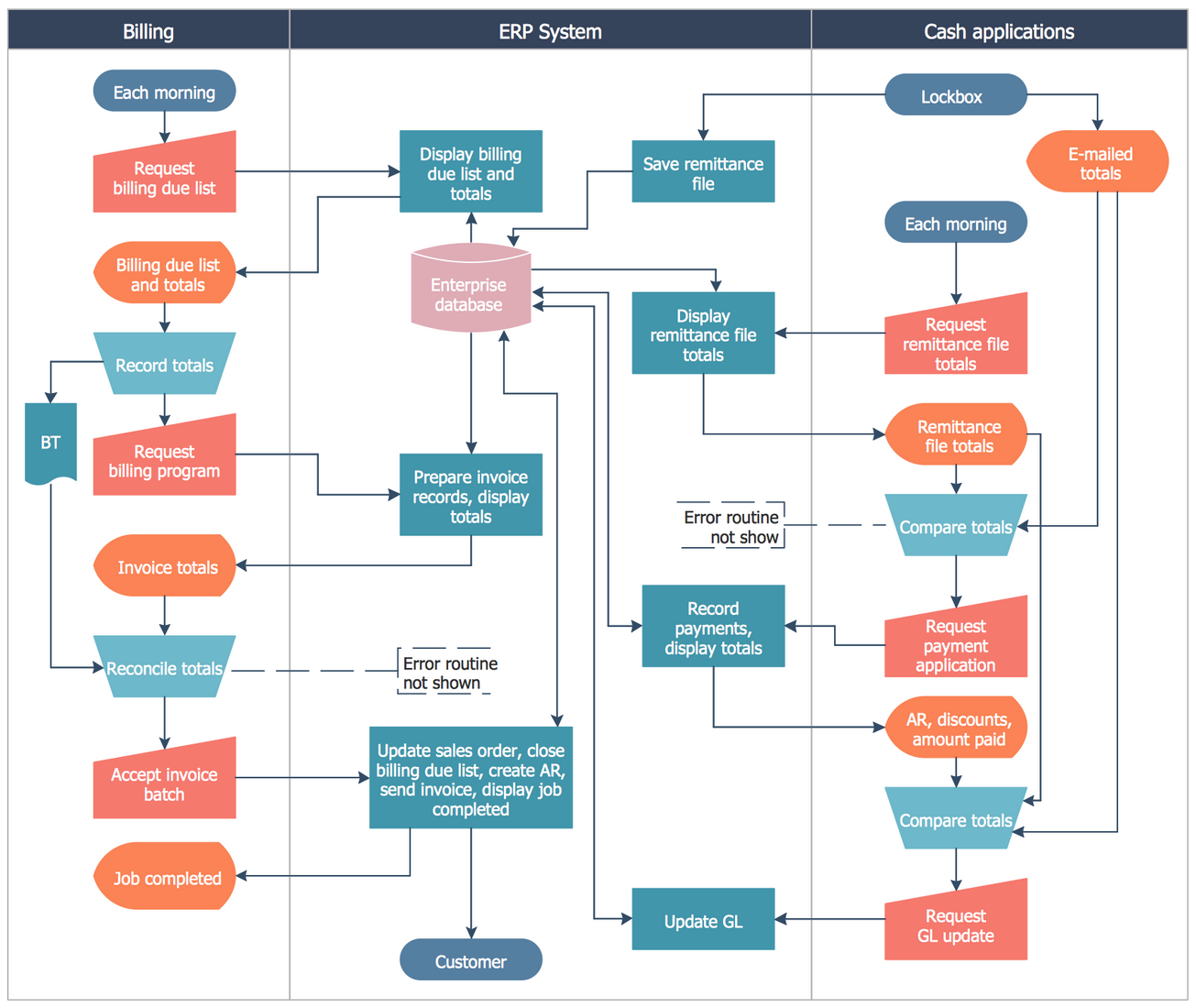 |


