TrustRadius: an HG Insights company

Save this comparison

Save this comparison

Add Product

Recommended Comparisons

    Overview
    ProductRatingMost Used ByProduct SummaryStarting Price

    Amplenote

    N/AN/AAmplenote is a productivity app combining note-taking, task management, and calendar planning. It is used to capture ideas, organize them with tags and folders, and turn them into actionable plans using its "Task Score" system to prioritize tasks by importance.

    $70.08

    per year per user

    GQueues

    Score1 out of 10
    N/AGQQueues is a project management solution with features such as task management, calendar management, and smart filtering.

    $3

    per month per user

    Pricing
    AmplenoteGQueues
    Editions & Modules
    Pro
    $5.84
    per month, billed annually per user
    Unlimited
    $10
    per month, billed annually per user
    Founder
    $20
    per month, billed annually per user
    GQueues for YOU
    $3
    per month per user
    GQueues for BUSINESS
    $4
    per month per user
    Offerings
    Pricing Offerings
    AmplenoteGQueues
    Free Trial
    YesYes
    Free/Freemium Version
    YesYes
    Premium Consulting/Integration Services
    NoNo
    Entry-level Setup FeeNo setup feeNo setup fee
    Additional Details—No credit card required. Plans billed annually.
    More Pricing Information
    Best Alternatives
    AmplenoteGQueues
    Small Businesses
    Todoist
    Score9 out of 10
    Todoist
    Score9 out of 10
    Medium-sized Companies
    Todoist
    Score9 out of 10
    Todoist
    Score9 out of 10
    Enterprises
    Google Tasks
    Score9.3 out of 10
    Google Tasks
    Score9.3 out of 10
    All AlternativesView all alternativesView all alternatives
    User Ratings
    AmplenoteGQueues
    Likelihood to Recommend
    -
    (0 ratings)
    1.0
    (5 ratings)
    Support Rating
    -
    (0 ratings)
    9.2
    (2 ratings)
    User Testimonials
    AmplenoteGQueues
    Likelihood to Recommend
    Amplenote
    No answers on this topic
    GQueues
    GQueues ties in very nicely with the principles outlined in David Allen's "Getting Things Done" so if you're a fan, give GQueues a try. I use GQueues both personally and professionally to help keep things in order. I find it easy to modify how I use this service when my needs change. I also use GQueues to keep track of future ideas, websites and books to be read someday and overall goals. It is very customizable to what you need.
    Incentivized
    Read full review
    Pros
    Amplenote
    No answers on this topic
    GQueues
    • Handling recurring tasks.
    • Assigning tasks.
    Incentivized
    Read full review
    Cons
    Amplenote
    No answers on this topic
    GQueues
    • Needs more display options, e.g. display tasks in "card" format
    • Screen format is a bit dated.
    • Awkward to use when window is maximized.
    Incentivized
    Read full review
    Support Rating
    Amplenote
    No answers on this topic
    GQueues
    They are very responsive via email.
    Incentivized
    Read full review
    Alternatives Considered
    Amplenote
    No answers on this topic
    GQueues
    We have tried some other task management tools such as Producteev. This one is very intuitive and just does what you need it to do and does it well.
    Incentivized
    Read full review
    Return on Investment
    Amplenote
    No answers on this topic
    GQueues
    • GQueues makes it easy for me to track next steps to avoid missing deadlines
    Incentivized
    Read full review
    ScreenShots

    Amplenote Screenshots

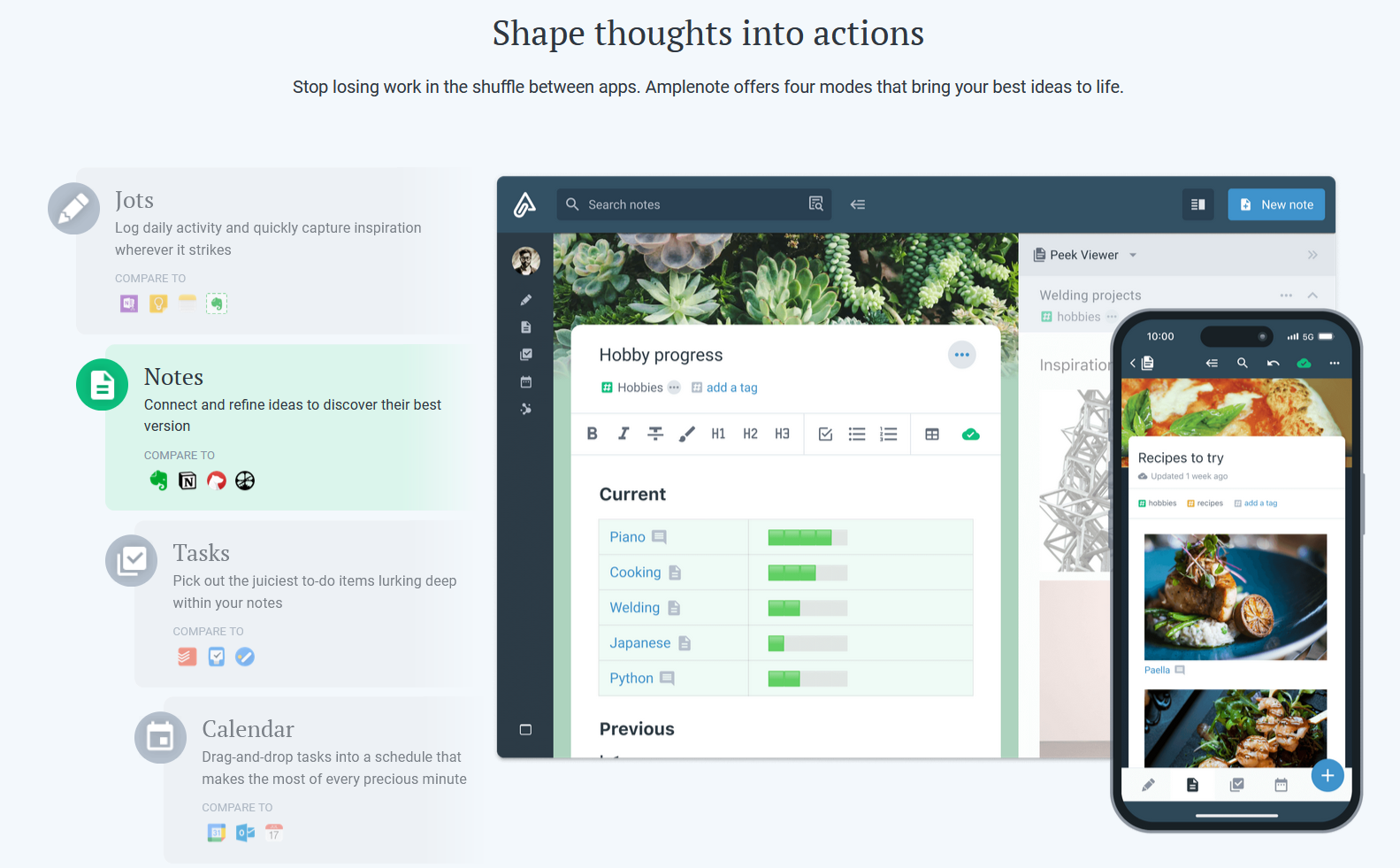
    Screenshot of Jots Mode, a tool to capture ideas. Jots mode can be used for daily notes and capture ideas into a centralized, distraction-free place.Screenshot of Notes Mode, consolidates ideas. Notes can be shared for collaboration or published to the web in under 3 clicks.Screenshot of Tasks Mode turns ideas into actions. The task scoring algorithm suggests what to work on next. The task widget visualizes these tasks.Screenshot of the calendar mode, with task details.Screenshot of the graph view. This visualize linked notes and their relationships with one another.Screenshot of Notes Mode, where the user can categorize notes using hierarchical tagging.

    GQueues Screenshots

    Product screenshotProduct screenshotProduct screenshotProduct screenshotProduct screenshot