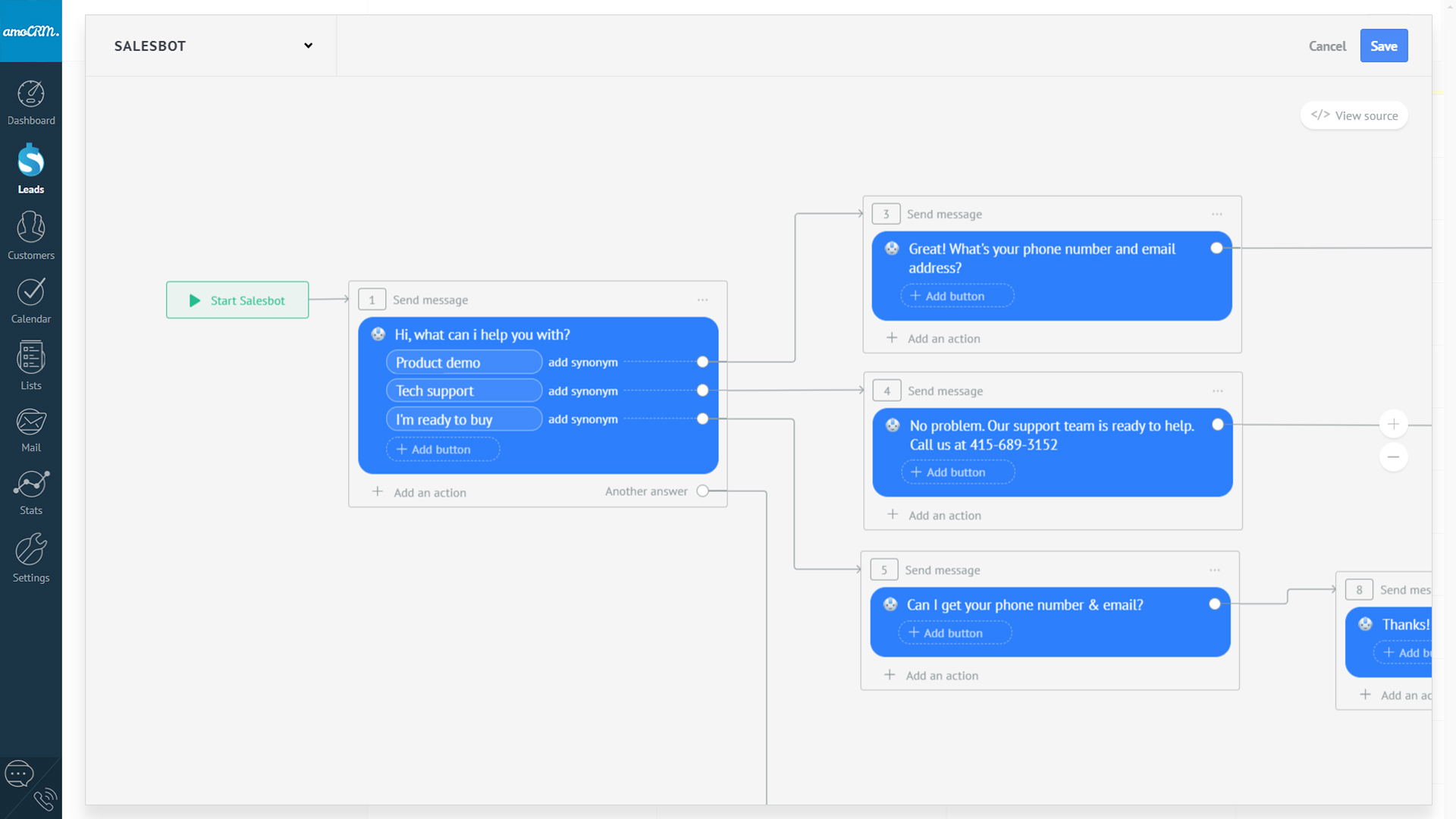
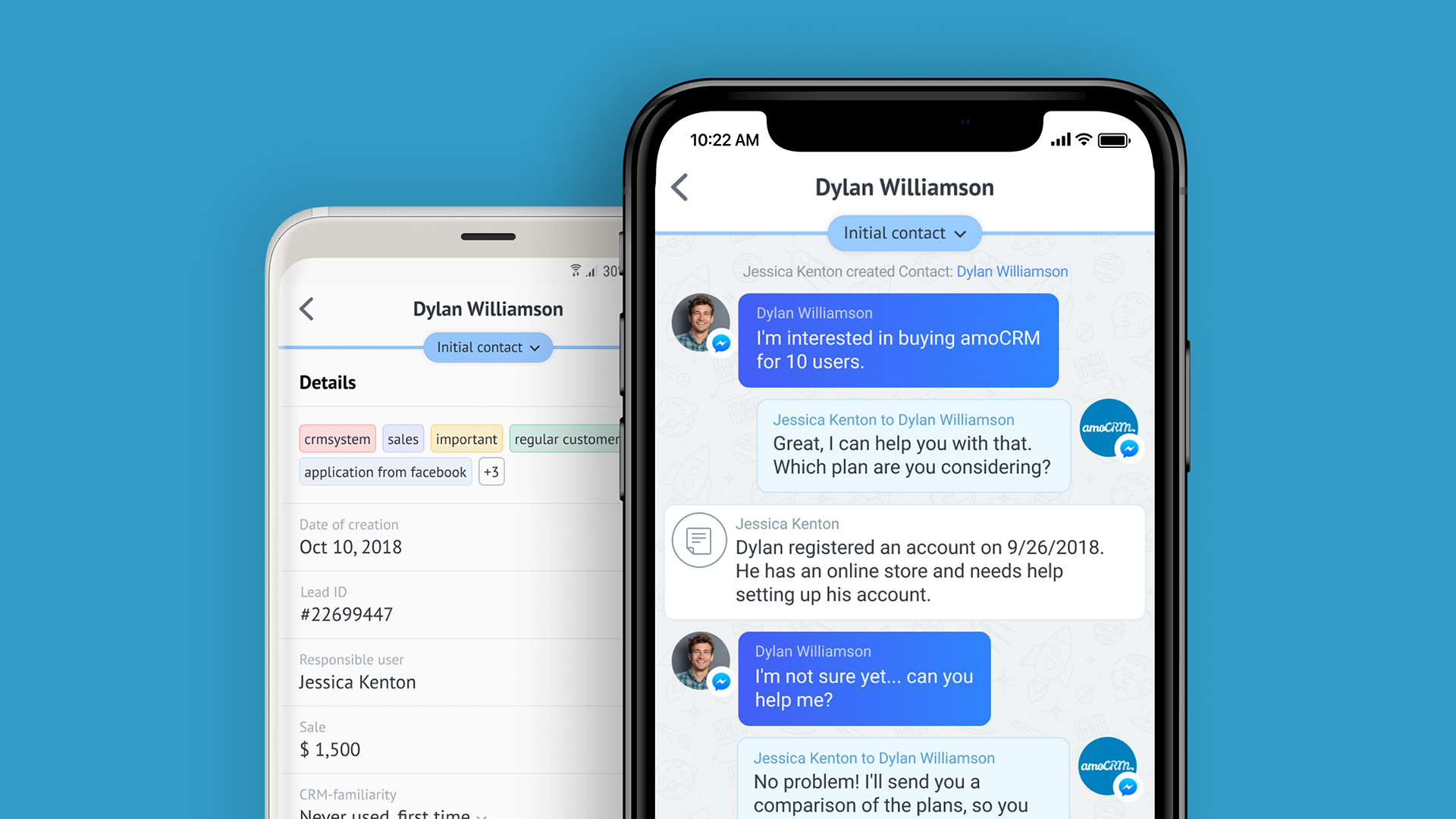
amoCRM is a cloud-based sales management solution designed for small to medium sized businesses. Some key features include: Webform Integration, Pipeline Management and Tasks Management.
$15
/user/month
Salesflare
Score6 out of 10
Small Businesses (1-50 employees)
Salesflare headquartered in Antwerp offers their small business intelligent CRM, providing automated event tracking and related features designed to aid the operations of SMBs.
$39
per month per user
Pricing
amoCRM
Salesflare
Editions & Modules
Basic
$15
/user/month
Advanced
$25.00
/user/month
Enterprise
$45
/user/month
Growth
$39
per month per user
Pro
$64
per month per user
Enterprise
$124
per month per user
Offerings
Pricing Offerings
amoCRM
Salesflare
Free Trial
Yes
Yes
Free/Freemium Version
No
No
Premium Consulting/Integration Services
No
Yes
Entry-level Setup Fee
No setup fee
No setup fee
Additional Details
No minimum amount of users.
Free set-up assistance with your own personal amoCRM expert.
Where amoCRM is extremely beneficial is with sales teams needing to find a cloud platform that can be easily learned and implemented. At the high school, college and small business level it is fairly priced and easy to work with. The automated pipeline to track calls, sites visits and online chats makes it fast and quick to connect with potential customers. In a day like today where it is crucial to make sales as fast as possible, because any hesitate could result in a loss of a sale, this platform makes it pretty simple. Web forms implemented on our website really helps to connect all of our communication. I would highly recommend it as a means for small businesses to track sales, clients and data. I think as the business grows there may be software that does the sales, marketing tracking side, as well as payroll and HR services as well to not need multiple providers.
A de minimis incentive was given to thank the reviewer for their time. The incentive was not used to bias or drive a particular response, nor was the incentive contingent on a positive endorsement. More Info
In my opinion, Salesflare is an excellent CRM for small businesses. It includes everything a small business needs to manage leads, deals, and contacts in one convenient location. When a client needs more information or something done, I can quickly record it in their account—perfect for B2B SaaS and small businesses selling B2B in general.
A de minimis incentive was given to thank the reviewer for their time. The incentive was not used to bias or drive a particular response, nor was the incentive contingent on a positive endorsement. More Info
Zero learning curve, one-minute setup and dead easy to integrate with complementary tools.
Powerful data automation features so everything you do has maximum bottom-line impact.
Stellar customer support: response is quick and the team really goes out of their way to solve your specific problems. Up to setting up custom solutions for you.
Room for improvement would be that you need to manually integrate some of the apps for use.
Adding information to different fields is timely, and having an auto-fill would be very useful for a lot of the text fields. Perhaps using AI platforms could help identify what content should flow where on the platform.
Allow for Twitter integration. Grabbing leads from twitter is very important, using it for FB Messenger is great, but what about other platforms?
A de minimis incentive was given to thank the reviewer for their time. The incentive was not used to bias or drive a particular response, nor was the incentive contingent on a positive endorsement. More Info
It works wonderfully as a CRM for freelancers, consultants and small teams but feels like it would become more difficult to integrate with larger teams
Sometimes have issues with email syncing with missing emails or having to reconnect my email to Salesflare
Emails are sent from the app using their own servers, I would prefer to send via my own email system (Gsuite) for better delivery
A de minimis incentive was given to thank the reviewer for their time. The incentive was not used to bias or drive a particular response, nor was the incentive contingent on a positive endorsement. More Info
The pipeline, which is the core of the platform, is very clear and full of features. On top of that Salesflare added automations, integrations, plugins and emails. You can easily get your leads there from any platform and nurture your leads until you get the deal done. I think any business can benefit from using this sales CRM.
Hit them on Chat support, and you are gonna get a response within a few minutes (if not in a few hours, during weekends) But they are gonna keep following with you till they make sure that your query has been resolved. Keep it up!
Reasons why we chose amoCRM: 1. It's customizable, we can add custom fields and processes. 2. It has a lot of ready integrations with services we use. 3. Rich API that allows building completely custom analytics based on data from CRM. 4. UI can be customized too. We show our internal users all the data they need to work with the client.
A de minimis incentive was given to thank the reviewer for their time. The incentive was not used to bias or drive a particular response, nor was the incentive contingent on a positive endorsement. More Info
Salesflare does its own thing compared to the others I've tried. It's unique even though it shares many of the main features a CRM should have. Salesforce Lightning is amazing and feature-packed but can often get overwhelming depending on your use case. I never experience any slight lag or load times with Salesflare. Lightning can sometimes hang depending on your browser etc.
A de minimis incentive was given to thank the reviewer for their time. The incentive was not used to bias or drive a particular response, nor was the incentive contingent on a positive endorsement. More Info
Positive impact is on time, the mobile app makes it easy to implement on all devices. For students, it helps to improve their communication skills.
Positive, the leads you can gather all in one place makes it much more of an efficient process to track communication, so it saves time, and as a result, saves money.
Negative, it seems to take up a lot of data on our mobile devices. Overall it does not have a major impact on the business, but on a mobile device it does drain the battery more than other apps do.
A de minimis incentive was given to thank the reviewer for their time. The incentive was not used to bias or drive a particular response, nor was the incentive contingent on a positive endorsement. More Info