AMGtime vs. Everhour

Overview
ProductRatingMost Used ByProduct SummaryStarting Price
AMGtime
Score 0.0 out of 10
N/A
AMGtime provides time and attendance software systems for businesses of all sizes, across all industries. They offer services through cloud-based or on-premises deployment, with features for unique businesss use cases. AMGtime offers both software and hardware and a variety of modules. Biometric clock-in/clock-out technology includes face recognition, fingerprint scanning, and HandPunch. Mobile apps for Android, iOS and Windows phones are available and allow for clock…N/A
Everhour
Score 8.5 out of 10
N/A
Everhour is a time tracker equipped with project & team management features. Everhour integrates with project management apps so users can track time on tasks right from its interface: Asana, Basecamp, Trello, Jira, ClickUp, Basecamp, Notion, Todoist, GitHub, GitLab, etc. Its time tracking features provide options for timekeeping and time management. It helps to facilitate a team's time tracking experience by adding reminders, auto stop timers, start and stop timers, and…
$0
Pricing
AMGtimeEverhour
Editions & Modules
No answers on this topic
Free
$0
Lite
$6.00
per month per user
Team
$10.00
per month per user
Offerings
Pricing Offerings
AMGtimeEverhour
Free Trial
YesYes
Free/Freemium Version
NoYes
Premium Consulting/Integration Services
NoNo
Entry-level Setup FeeRequiredNo setup fee
Additional DetailsWeb Packages: Essential $1.00 /mo per employee + $10 monthly base fee Advanced $1.60 /mo per employee + $15 monthly base fee Premier $2.00 /mo per employee + $25 monthly base fee
More Pricing Information
Community Pulse
AMGtimeEverhour
User Ratings
AMGtimeEverhour
Likelihood to Recommend
-
(0 ratings)
8.0
(0 ratings)
Usability
-
(0 ratings)
9.0
(0 ratings)
Support Rating
-
(0 ratings)
7.7
(0 ratings)
User Testimonials
AMGtimeEverhour
Likelihood to Recommend
No answers on this topic
Everhour is useful in every environment where you need the measure of time for certain tasks. In most cases, this could be project management but it could also include trips or travels, conferences, congresses, or several other things that you need to take control of the time used. Its less appropriate if you are going to measure things in weeks or days, it's better to measure smaller pieces of time like minutes of hours, so you could have a more useful metrics to work with.
Read full review
Pros
No answers on this topic
  • It has a genius dashboard with all real-time traffic information of all team members. It is a very useful tool as well to track efficiency for both in-house and remote team members
  • It has well-done integration with Asana (and other task-managers) which allows you to track time on tasks without switching between apps or tools which it truly awesome
  • It has a scheduling tool which allows you to plan long term traffic of all your team members by using Asana projects and tasks so there is no need to copy and paste the same story points between different systems
  • It has flexible reporting system which allows you to build very custom project time tracking report based on your needs (any field or table type can be customized and you wish)
Read full review
Cons
No answers on this topic
  • An integration with the desktop version of Asana would be useful, as many of our employees use that version.
  • A reminder when a task has been running for a while would be useful too, as the user could have forgotten to turn off the timer
  • Multiple tasks running simultaneously would be useful, as many times we solve some problems while we are reunited or complete some tasks while other processes are running.
Read full review
Usability
No answers on this topic
Everhour's overall usability is definitely one of its key strengths. The UI is intuitive and clean, making time tracking feel less "technical" than other solutions we've tried. Our entire team, including less tech-savvy contractors, found it easy to use.
Read full review
Support Rating
No answers on this topic
In the almost 2 1/2 years we have had to contact support 1 time and it really was for a feature request. Their support team responded quickly and told us that the feature was going to be added in the next few months. We have had no support issues ever. I have never had a time tracking solution that has had no issues until Everhour.
Read full review
Alternatives Considered
No answers on this topic
When evaluating other systems, we compared Everhour against Toggl Track and JIRA. Toggl Track offered robust reporting but felt too feature-heavy for our contractor management needs. It was also a bit more difficult to use. JIRA's time tracking, while powerful for development teams, was overly complex for us and had too much overhead.
Read full review
Return on Investment
No answers on this topic
  • Simplifies end-of-month billing processes and reduces manual entry
  • Quicker team onboarding due to consistent time tracking structure between Asana & Everhour
  • Improved productivity due to Asana integration as tasks can be reassigned and tracked by multiple team members, regardless of who is assigned to the task (good for collaboration between team members)
Read full review
ScreenShots

AMGtime Screenshots

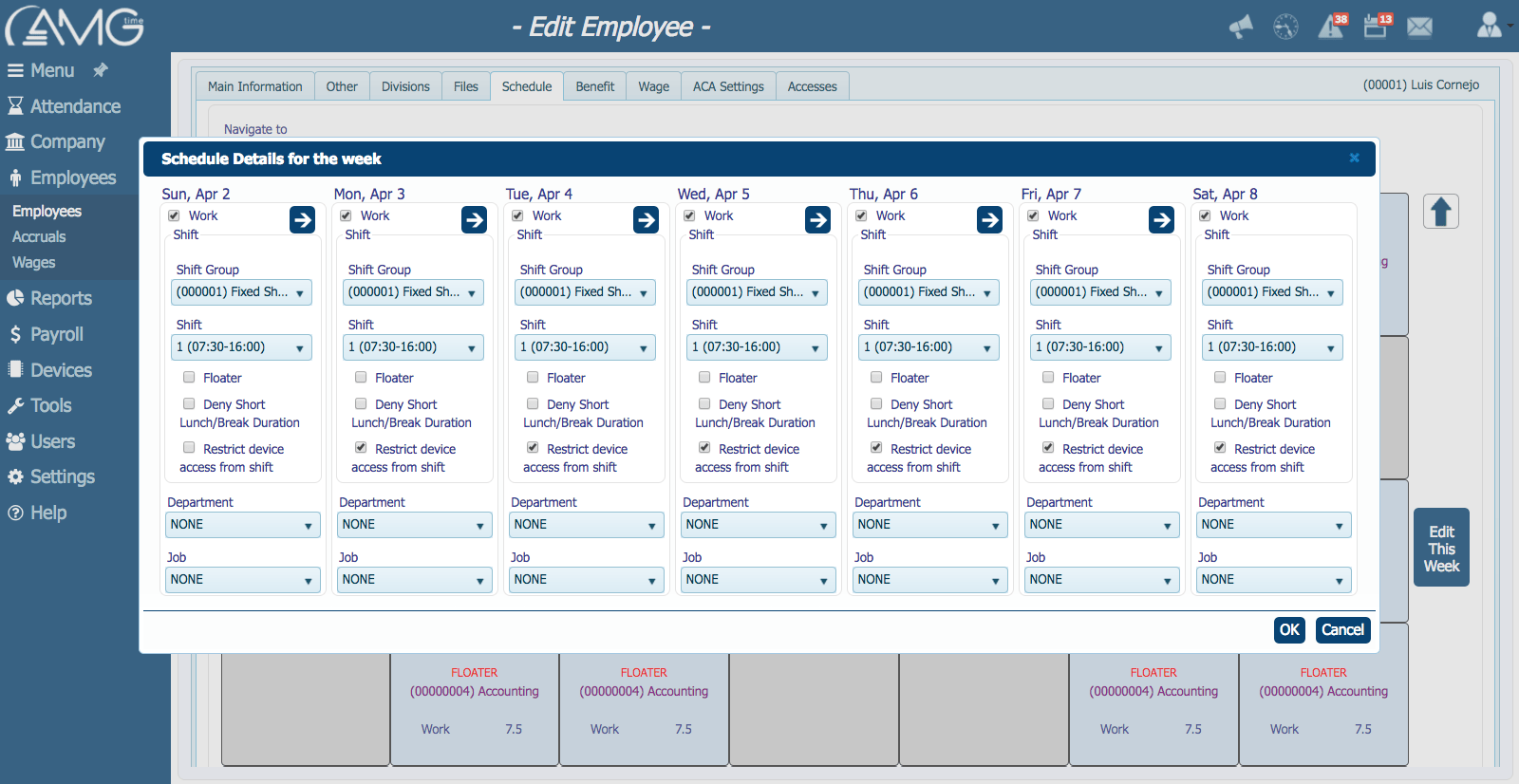
Screenshot of Rounding RulesScreenshot of OvertimeScreenshot of

Everhour Screenshots

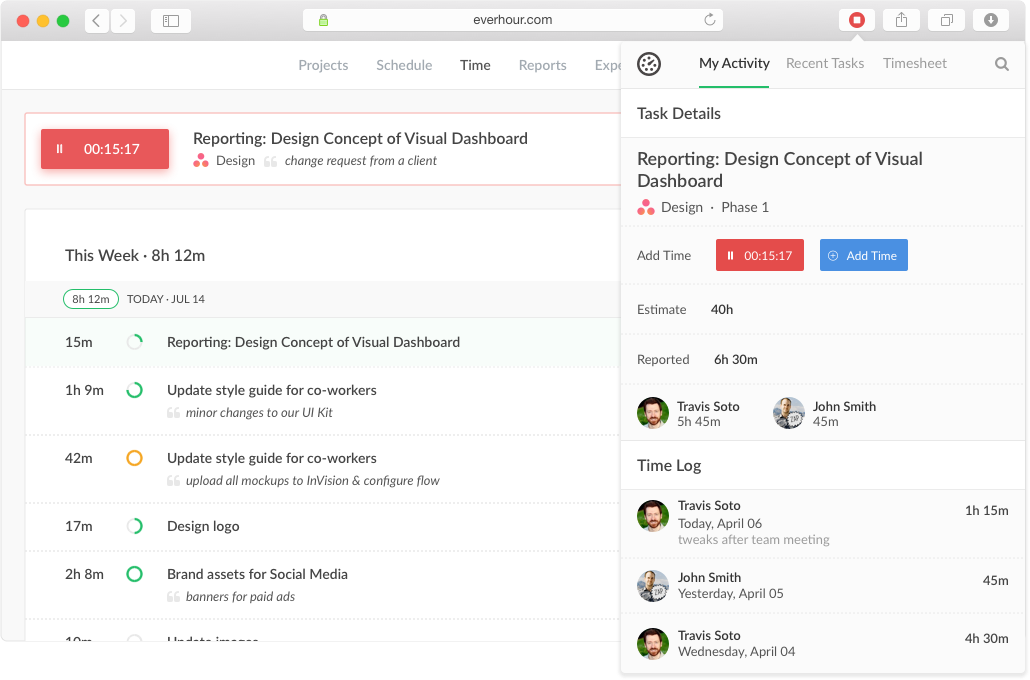
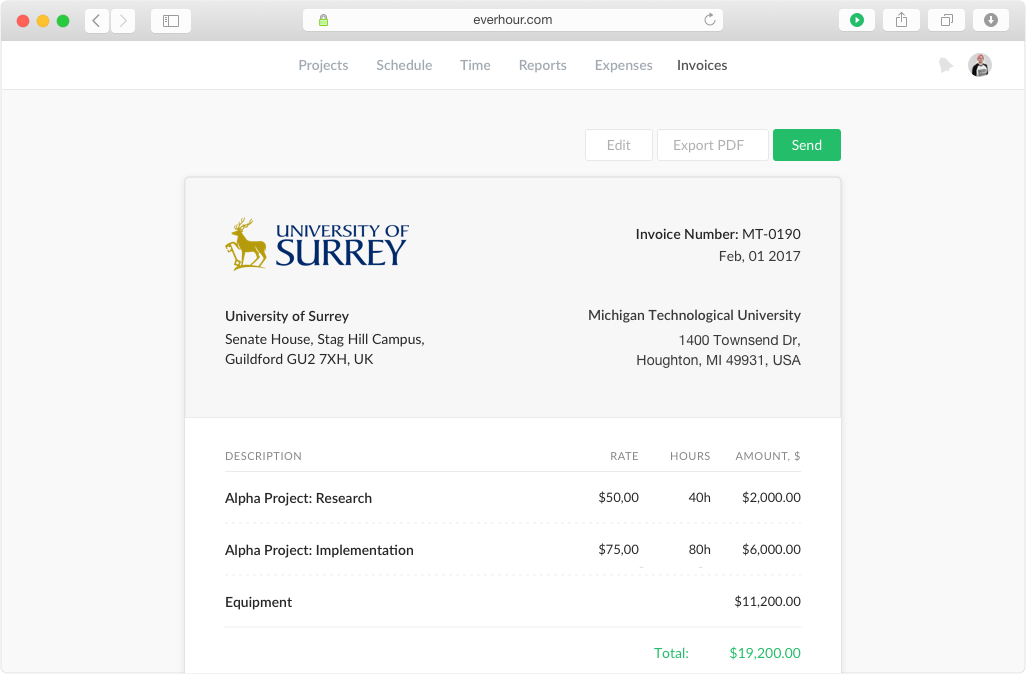
Screenshot of Keep track of projects, set budgets and alerts, split billable and non-billable hoursScreenshot of Track time from the website, from a browser toolbar and inside project management toolsScreenshot of Create tasks, track time, and update progress in one place.Screenshot of Track staff related expenses and invoice billable expenses to clients with integrated invoicingScreenshot of Create invoices from the logged work just in a few clicks. Watch the reported time and the accurate time invoiced.