Amazon CloudWatch vs. Amazon QuickSight

Overview
ProductRatingMost Used ByProduct SummaryStarting Price
Amazon CloudWatch
Score 8.2 out of 10
N/A
Amazon CloudWatch is a native AWS monitoring tool for AWS programs. It provides data collection and resource monitoring capabilities.
$0
per canary run
Amazon QuickSight
Score 6.2 out of 10
N/A
N/A
$3
per month per user
Pricing
Amazon CloudWatchAmazon QuickSight
Editions & Modules
Canaries
$0.0012
per canary run
Logs - Analyze (Logs Insights queries)
$0.005
per GB of data scanned
Over 1,000,000 Metrics
$0.02
per month
Contributor Insights - Matched Log Events
$0.02
per month per one million log events that match the rule
Logs - Store (Archival)
$0.03
per GB
Next 750,000 Metrics
$0.05
per month
Next 240,000 Metrics
$0.10
per month
Alarm - Standard Resolution (60 Sec)
$0.10
per month per alarm metric
First 10,000 Metrics
$0.30
per month
Alarm - High Resolution (10 Sec)
$0.30
per month per alarm metric
Alarm - Composite
$0.50
per month per alarm
Logs - Collect (Data Ingestion)
$0.50
per GB
Contributor Insights
$0.50
per month per rule
Events - Custom
$1.00
per million events
Events - Cross-account
$1.00
per million events
CloudWatch RUM
$1
per 100k events
Dashboard
$3.00
per month per dashboard
CloudWatch Evidently - Events
$5
per 1 million events
CloudWatch Evidently - Analysis Units
$7.50
per 1 million analysis units
Reader
$3
per month per user
Author
$24
per month per user
Reader Pro
$24
per month per user
Author Pro
$50
per month per user
Offerings
Pricing Offerings
Amazon CloudWatchAmazon QuickSight
Free Trial
YesYes
Free/Freemium Version
YesNo
Premium Consulting/Integration Services
NoNo
Entry-level Setup FeeNo setup feeNo setup fee
Additional DetailsWith Amazon CloudWatch, there is no up-front commitment or minimum fee; you simply pay for what you use. You will be charged at the end of the month for your usage.Prospective buyers can also purchase a set number of sessions or questions in lieu of a monthly subscription.
More Pricing Information
Community Pulse
Amazon CloudWatchAmazon QuickSight
Features
Amazon CloudWatchAmazon QuickSight
BI Standard Reporting
Comparison of BI Standard Reporting features of Product A and Product B
Amazon CloudWatch
-
Ratings
Amazon QuickSight
8.0
Ratings
2% below category average
Pixel Perfect reports00 Ratings8.00 Ratings
Customizable dashboards00 Ratings8.00 Ratings
Report Formatting Templates00 Ratings8.00 Ratings
Ad-hoc Reporting
Comparison of Ad-hoc Reporting features of Product A and Product B
Amazon CloudWatch
-
Ratings
Amazon QuickSight
7.2
Ratings
11% below category average
Drill-down analysis00 Ratings8.00 Ratings
Formatting capabilities00 Ratings8.00 Ratings
Integration with R or other statistical packages00 Ratings6.00 Ratings
Report sharing and collaboration00 Ratings7.00 Ratings
Report Output and Scheduling
Comparison of Report Output and Scheduling features of Product A and Product B
Amazon CloudWatch
-
Ratings
Amazon QuickSight
6.9
Ratings
18% below category average
Publish to Web00 Ratings8.00 Ratings
Publish to PDF00 Ratings6.30 Ratings
Report Versioning00 Ratings6.00 Ratings
Report Delivery Scheduling00 Ratings7.00 Ratings
Delivery to Remote Servers00 Ratings7.00 Ratings
Data Discovery and Visualization
Comparison of Data Discovery and Visualization features of Product A and Product B
Amazon CloudWatch
-
Ratings
Amazon QuickSight
5.8
Ratings
32% below category average
Pre-built visualization formats (heatmaps, scatter plots etc.)00 Ratings6.00 Ratings
Location Analytics / Geographic Visualization00 Ratings8.00 Ratings
Predictive Analytics00 Ratings3.50 Ratings
Access Control and Security
Comparison of Access Control and Security features of Product A and Product B
Amazon CloudWatch
-
Ratings
Amazon QuickSight
8.0
Ratings
6% below category average
Multi-User Support (named login)00 Ratings8.00 Ratings
Role-Based Security Model00 Ratings8.00 Ratings
Multiple Access Permission Levels (Create, Read, Delete)00 Ratings8.00 Ratings
Single Sign-On (SSO)00 Ratings8.00 Ratings
Mobile Capabilities
Comparison of Mobile Capabilities features of Product A and Product B
Amazon CloudWatch
-
Ratings
Amazon QuickSight
3.9
Ratings
67% below category average
Responsive Design for Web Access00 Ratings4.00 Ratings
Mobile Application00 Ratings3.50 Ratings
Dashboard / Report / Visualization Interactivity on Mobile00 Ratings3.80 Ratings
Application Program Interfaces (APIs) / Embedding
Comparison of Application Program Interfaces (APIs) / Embedding features of Product A and Product B
Amazon CloudWatch
-
Ratings
Amazon QuickSight
6.0
Ratings
26% below category average
REST API00 Ratings6.10 Ratings
Javascript API00 Ratings6.60 Ratings
iFrames00 Ratings7.00 Ratings
Java API00 Ratings6.10 Ratings
Themeable User Interface (UI)00 Ratings7.00 Ratings
Customizable Platform (Open Source)00 Ratings3.00 Ratings
Best Alternatives
Amazon CloudWatchAmazon QuickSight
Small Businesses
InfluxDB
InfluxDB
Score 8.8 out of 10
BrightGauge
BrightGauge
Score 9.0 out of 10
Medium-sized Companies
Sumo Logic
Sumo Logic
Score 9.4 out of 10
Reveal
Reveal
Score 10.0 out of 10
Enterprises
NetBrain Technologies
Score 9.2 out of 10
Kyvos Semantic Intelligence Layer
Score 9.9 out of 10
All AlternativesView all alternativesView all alternatives
User Ratings
Amazon CloudWatchAmazon QuickSight
Likelihood to Recommend
7.7
(0 ratings)
9.0
(0 ratings)
Usability
7.0
(0 ratings)
7.0
(0 ratings)
Support Rating
8.4
(0 ratings)
9.0
(0 ratings)
User Testimonials
Amazon CloudWatchAmazon QuickSight
Likelihood to Recommend
If you use any AWS services, CloudWatch is the natural choice to monitor & troubleshoot your workload. Thankfully, for most AWS services, CloudWatch is either built-in or very easy to set up. However, being proficient in browsing & tracking the log events would take some training & practice. Having some experienced people on the team would help immensely, especially in spreading the skill to the rest of the team.
Read full review
I'm likely to recommend it because it would become so native if other cloud services are based on AWS infrastructure, like our current setup. It is very seamlessly integrated with other services to feed in data for the visualization. In addition, supporting a reasonably large number of users concurrently is not an issue and should be able to scale horizontally as needed.
Read full review
Pros
  • It provides lot many out of the box dashboard to observe the health and usage of your cloud deployments. Few examples are CPU usage, Disk read/write, Network in/out etc.
  • It is possible to stream CloudWatch log data to Amazon Elasticsearch to process them almost real time.
  • If you have setup your code pipeline and wants to see the status, CloudWatch really helps. It can trigger lambda function when certain cloudWatch event happens and lambda can store the data to S3 or Athena which Quicksight can represent.
Read full review
  • Lightweight and serverless BI tool that can be used for niche dashboards.
  • Its integration into other AWS Services is one of its most appealing features.
  • The low monthly cost is another benefit.
Read full review
Cons
  • Memory metrics on EC2 are not available on CloudWatch. Depending on workloads if we need visibility on memory metrics we use Solarwinds Orion with the agent installed. For scalable workloads, this involves customization of images being used.
  • Visualization out of the box. But this can easily be addressed with other solutions such as Grafana.
  • By design, this is only used for AWS workloads so depending on your environment cannot be used as an all in one solution for your monitoring.
Read full review
  • One of the primary challenges I've had with Amazon QuickSight so far is that some of the reports I want to build use data from different data sets. Instead of being able to put all of the information I want to see into one report.
  • Some of our Amazon QuickSight reports only update every 24 hours. It would be great to see that data in real-time.
  • I would remove the various time zones from Amazon QuickSight and only use the time zone we are in.
Read full review
Usability
Although the tool itself is easy to integrate and is readily available for use, it has its limitations. The key limitations of cloudwatch are with respect to cost incurred on log retention and log querying. While for key use cases this is sufficient, for more advanced use cases, Amazon CloudWatch doesn't work out. Also, obviously it is tightly coupled with AWS, which makes you look away if you need a single tool for all monitoring
Read full review
It is easy to use and set up no need to put in so much effort. Once build, the dashboard can be used with multiple clients with the same domain. It provides multiple connectivity options which makes it a versatile option for reporting.
Read full review
Support Rating
Support is effective, and we were able to get any problems that we couldn't get solved through community discussion forums solved for us by the AWS support team. For example, we were assisted in one instance where we were not sure about the best metrics to use in order to optimize an auto-scaling group on EC2. The support team was able to look at our metrics and give a useful recommendation on which metrics to use.
Read full review
They provide proper support when needed. They are always ready to provide the box solution and make things easier for users.
Read full review
Alternatives Considered
We use Cloudwatch for simpler monitoring, but these metrics and logs often feed into bigger ecosystems across our organization. The metrics and logs in Cloudwatch allow our developers quick and easy access to the data they need whilst easily integrating the same data into more prominent platforms for wider analysis, including Service desk support, SecOps, and ITOps monitoring within the organization.
Read full review
As per our requirement, the Amazon Eco System leads us to use the Amazon Quick Sight platform. It works well with Redshift datasources.
Read full review
Return on Investment
  • Positive for alarms and alert notifications once configured/customized.
  • Has upfront learning curve, and cost can increase as does the alarm activity and monitoring details you may require.
  • Cost-effective for any size organization keeping with AWS and utilizing its native tools is a savings in long-term ROI.
Read full review
  • Cost Effective
  • Easy setup and maintenance
Read full review
ScreenShots

Amazon CloudWatch Screenshots

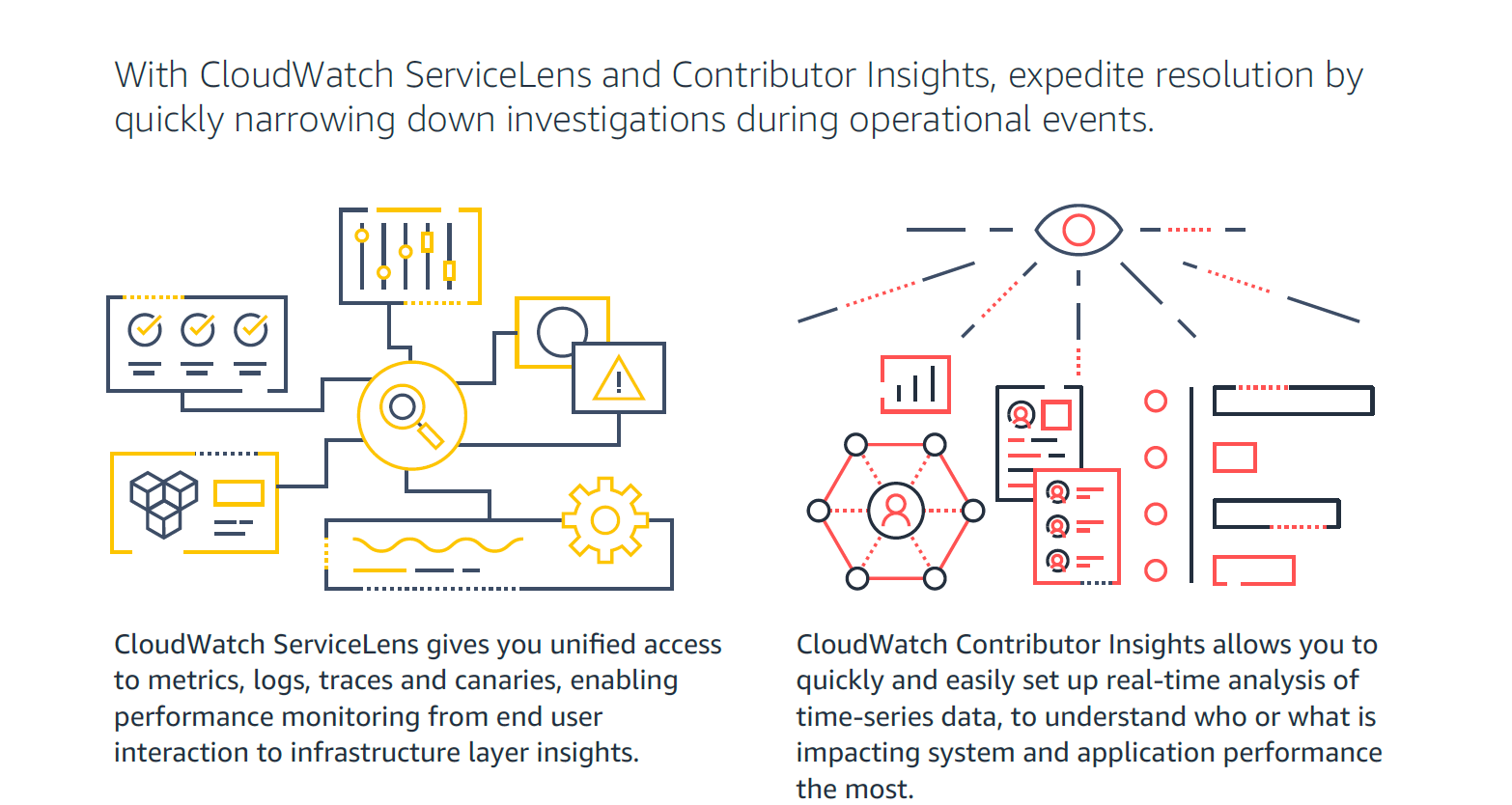
Screenshot of How Amazon CloudWatch works - high-level overviewScreenshot of CloudWatch Application MonitoringScreenshot of CloudWatch ServiceLens and Contributor Insights - expedite resolution timeScreenshot of Improve Observability with Amazon CloudWatchScreenshot of Visual overview of Amazon CloudWatch