Amazon Chime is a communications service from Amazon Web Services with a built-in VoIP solution. Amazon Chime can be used for online meetings, video conferencing, and business calling, and features pay-as-you-go pricing.
$0
per minute
Unify Office by RingCentral, from Atos
Score8 out of 10
N/A
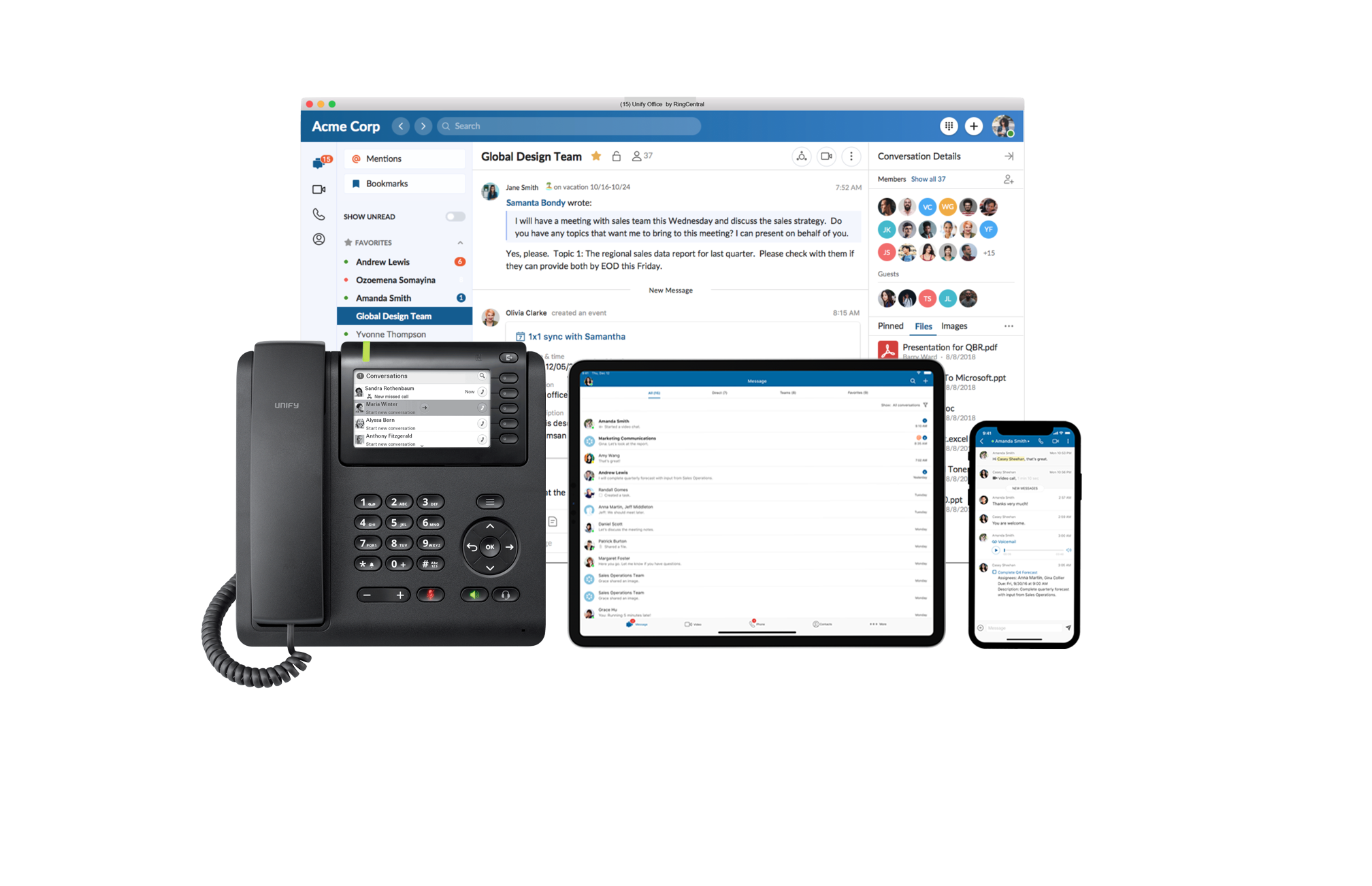
Unify Office is a cloud team collaboration and communications service delivered by Atos Unify in partnership with RingCentral, a market leader in UCaaS.
Amazon Chime is well suited for online video and audio meetings, IMs, and conducting training sessions using a whiteboard. It can be integrated well with Google Calendar and Microsoft outlook. With Amazon Chime mobile app you can attend meetings on the go as well. Meetings can be locked so that only legitimate participants can join the meeting. Amazon Chime is less suited in case you want meeting transcripts as well for your meetings. Given that Amazon Chime is not used by a larger audience so your client or customer may face some difficulties in join the meeting or accessing some of the features of the Chime.
A de minimis incentive was given to thank the reviewer for their time. The incentive was not used to bias or drive a particular response, nor was the incentive contingent on a positive endorsement. More Info
If you are looking for a tool for Teams to use where they can keep everything together, then this will work really well. A complete package than tools such as WhatsApp or Skype for Business when it comes to documenting handling and more polished than the likes of Slack or HipChat for the team working and communication element.
A de minimis incentive was given to thank the reviewer for their time. The incentive was not used to bias or drive a particular response, nor was the incentive contingent on a positive endorsement. More Info
A de minimis incentive was given to thank the reviewer for their time. The incentive was not used to bias or drive a particular response, nor was the incentive contingent on a positive endorsement. More Info
The mobile use of the platform is very powerful. To be able to answer a video call on your phone and them simply swipe when you get to your desktop to have a seamless transfer is impressive.
The simple interface makes it easy for new users. There is nothing to make them feel overwhelmed.
Keeping all the information in the threads of conversations makes it easy to find. There is also a search tool, so as long as you know what you need, you can look accross all your conversation to find the information you are looking for.
A de minimis incentive was given to thank the reviewer for their time. The incentive was not used to bias or drive a particular response, nor was the incentive contingent on a positive endorsement. More Info
More simplified dial-in numbers. The PIN for our conference line is long and easy to mistype.
You do not have to download the Chime app in order to join a conference, but if you want to do anything beyond join (schedule a conference, participate in a group chat, control participants), you have to have the app downloaded and installed. The app that you have to download in order to launch a conference is a memory hog, and slows down a computer's boot up time.
The add-in for Microsoft Outlook is particularly clunky. It helps you add scheduled conference calls/video conferences to your Outlook calendar, but it can cause Outlook to crash, and creates a really slow open time for Outlook. If you can avoid downloading the Outlook Add-In, I would.
A de minimis incentive was given to thank the reviewer for their time. The incentive was not used to bias or drive a particular response, nor was the incentive contingent on a positive endorsement. More Info
We would like to see the ability to break out to Group video conferencing systems. We understand that this is on its way in a software update in the near future.
A de minimis incentive was given to thank the reviewer for their time. The incentive was not used to bias or drive a particular response, nor was the incentive contingent on a positive endorsement. More Info
They were very supportive in answering all of our questions when we had problems. Their in-person calls but their support site also had a full set of information that can answer a good portion of your questions before you have to pick up the phone. But when you, you will get good service.
A de minimis incentive was given to thank the reviewer for their time. The incentive was not used to bias or drive a particular response, nor was the incentive contingent on a positive endorsement. More Info
Better than Skype for Business in terms of loading the application onto your device. Skype had crashing issues always and those are comparatively low when using Amazon Chime. Amazon chime is fast and easy to work with while collaborating and setting up meetings. The audio and video quality are better than Skype for Business.
A de minimis incentive was given to thank the reviewer for their time. The incentive was not used to bias or drive a particular response, nor was the incentive contingent on a positive endorsement. More Info
Each of the tools above does something well. We have found that the Unify solution simply does a better job of combining all the features of the other services. \easy to start using, while remaining a powerful tool is a tricky task to pull off, but Unify have done this and they have done it well.
A de minimis incentive was given to thank the reviewer for their time. The incentive was not used to bias or drive a particular response, nor was the incentive contingent on a positive endorsement. More Info
The positive ROI is Amazon Chime helps make our sales reps more professional in their calls leading to an increase in closed/won deals.
Amazon Chime has increased overall morale across our sales team because it has greatly improved our call processes when compared to other tools we've used in the past.
A de minimis incentive was given to thank the reviewer for their time. The incentive was not used to bias or drive a particular response, nor was the incentive contingent on a positive endorsement. More Info
A shortening of timescales as information is not stuck on an internal server somewhere - we can include it as part of the thread. This also applies to updates and revisions. You automatically know which the latest revision is, as it is the most recent in the timeline.
The relative cost of implementation is low and there is a wide range of solutions for phones and clients, from software based solutions running on desktop and smartphone or quality hardware to make your desk phone a powerful tool in itself.
A de minimis incentive was given to thank the reviewer for their time. The incentive was not used to bias or drive a particular response, nor was the incentive contingent on a positive endorsement. More Info