ALTO Exchange vs. TimeCamp

Overview
ProductRatingMost Used ByProduct SummaryStarting Price
ALTO Exchange
Score 10.0 out of 10
Enterprise companies (1,001+ employees)
ALTO Exchange is an invoicing solution that aims to reduce invoice processing costs by allowing your vendors to submit their invoices directly into your electronic invoicing system. According to the vendor, key benefits include: - Keep track of project costs with electronic invoicing. - Leverage dynamic discounting. - Allow suppliers to manage invoice disputes, convert POs to invoices, view real-time status of their invoice, at no charge to…N/A
TimeCamp
Score 8.3 out of 10
Small Businesses (1-50 employees)
TimeCamp is cloud based, multi-platform (Windows, Mac, Linux, iOS, Android) time tracking and invoicing software.
$0
For unlimited users
Pricing
ALTO ExchangeTimeCamp
Editions & Modules
No answers on this topic
Free
$0
For unlimited users
Starter
$2.99
per month per user
Premium
$4.99
per month per user
Ultimate
$7.99
per month per user
Enterprise
Custom
Offerings
Pricing Offerings
ALTO ExchangeTimeCamp
Free Trial
YesYes
Free/Freemium Version
YesYes
Premium Consulting/Integration Services
NoNo
Entry-level Setup FeeRequiredNo setup fee
Additional DetailsFree plan includes: unlimited users, unlimited rojects & tasks, project templates, bulk edit, desktop & mobile app, one integration, tags, PDF export
More Pricing Information
Community Pulse
ALTO ExchangeTimeCamp
Best Alternatives
ALTO ExchangeTimeCamp
Small Businesses
Method:CRM
Method:CRM
Score 8.5 out of 10
Dayforce Powerpay
Dayforce Powerpay
Score 9.5 out of 10
Medium-sized Companies
TimeCamp
TimeCamp
Score 8.3 out of 10
TimeClock Plus
TimeClock Plus
Score 9.5 out of 10
Enterprises
TimeCamp
TimeCamp
Score 8.3 out of 10
Zoho People
Zoho People
Score 8.4 out of 10
All AlternativesView all alternativesView all alternatives
User Ratings
ALTO ExchangeTimeCamp
Likelihood to Recommend
8.2
(0 ratings)
8.6
(0 ratings)
Support Rating
-
(0 ratings)
8.0
(0 ratings)
User Testimonials
ALTO ExchangeTimeCamp
Likelihood to Recommend
This is a good portal for accounting and even sales personel to use in their jobs if they are needing to access purchase orders from our customers
Read full review
TimeCamp
is a software designed for mobile devices that allows us to keep track of the
working hours of employees without the use of a computer. It also allows us to
send notifications to employees when their workday is approaching.


TimeCamp
allows you to add taxes, calculate payroll and invoice everything in one place.


TimeCamp
is useful to create the payment plan of each employee; automatically calculates
the discounts for the taxes that must be paid, facilitating the task of
processing payroll payments.


TimeCamp
makes it easy to calculate ROI by evaluating and comparing hourly labor costs
to revenue.


TimeCamp
makes it easy to review the workday while budgeting for new initiatives and
paying employees.
Read full review
Pros
  • Clean easy to navigate interface
  • Excellent and accurate customer service
  • Easy to get activated for both customer and vendor relations
Read full review
  • Easy time tracking with the Windows desktop app.
  • Time tracking management for editing and adding entries manually.
  • In-depth reporting with unlimited view possibilities.
  • iPhone app for tracking and viewing time entries.
  • Allows for computer activity tracking. Is helpful for fixing time entries, when I've incorrectly assigned my time.
Read full review
Cons
  • When submitting an invoice and error is generated the error is not too clear on how to fix the issue
  • Ability to scan or upload PDF invoice to customer
  • Email confirmation that invoice has been successfully submitted
Read full review
  • TimeCamp is a little bit expensive. It needs overall improvement in all tools. Moreover, the mobile version is not as useful as the web version of TimeCamp.
  • Other than that, customer service needs more attention and requires more improvement.
  • Also, I feel like that if there are more features of TimeCamp then it would be better.
Read full review
Support Rating
No answers on this topic
I am giving support a rating of 8 but that is quite arbitrary. Honestly, we have never had the need to contact support for any reason. There has not been a situation where we became stuck and could not figure out how to work through it. Sign up was easy and billing is like clockwork so there has been no need to contact billing support. I think this is a testament to the ease of use of TimeCamp.
Read full review
Alternatives Considered
N/A this was setup by my customer for us to use
Read full review
Ultimately I selected Clockify instead of TimeCamp. As previously mentioned, I believe that TimeCamp wasn't that intuitive, and too many things were behind pay walls. Clockify offered the same features mostly for free. Although TimeCamps UX was sleeker than Clockify's I found that Clockify was a better fit for me.
Read full review
Return on Investment
  • Too early to tell just started using it
Read full review
  • The most positive impact it has had is that we are able to accurately track our clients billed time. This has streamlined our process giving us a more efficient system.
  • One thing that timecamp can do is track computer time that is non billed time. This allow us to see where time is being wasted which does have a direct effect on out ROI.
Read full review
ScreenShots

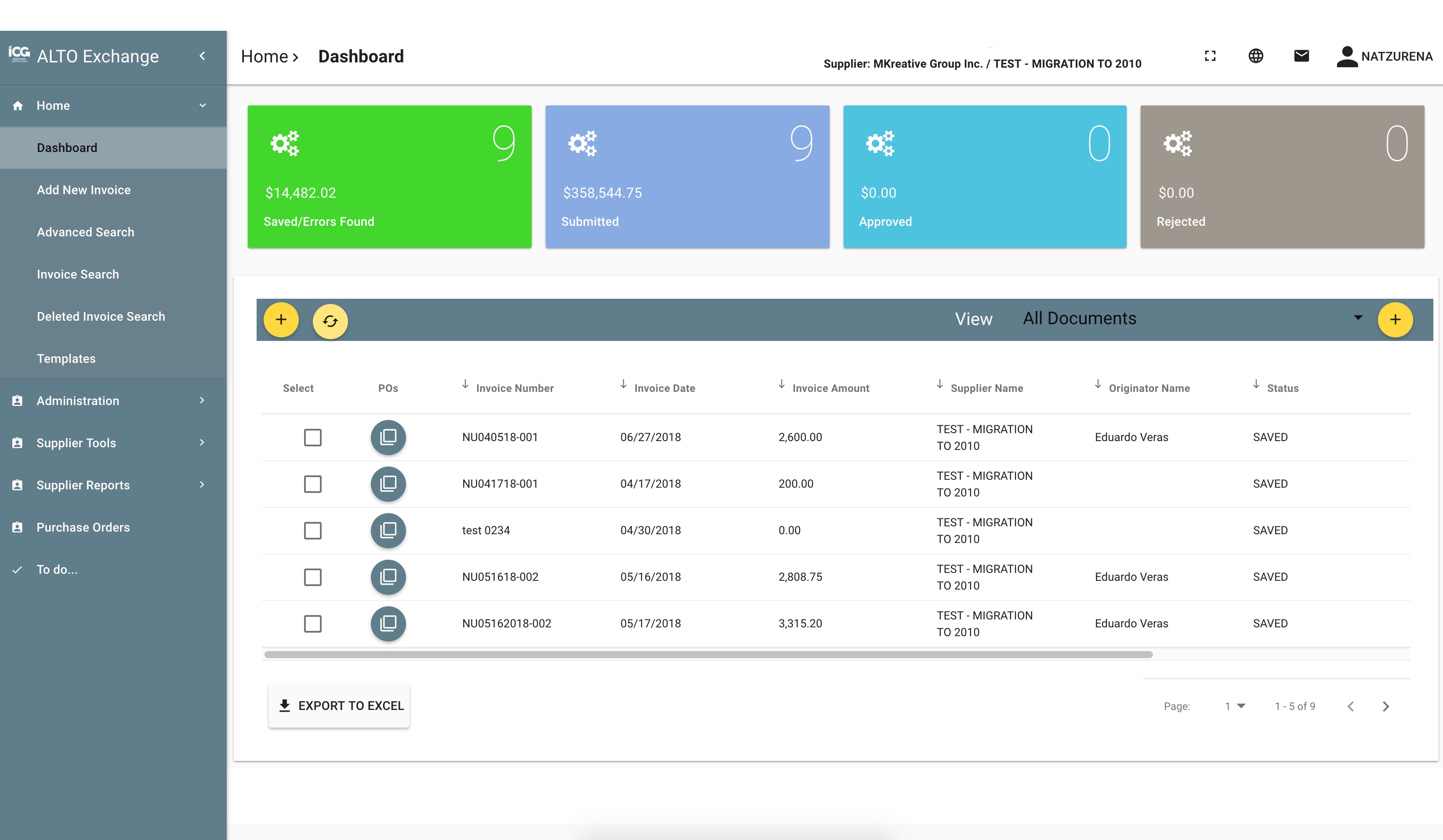
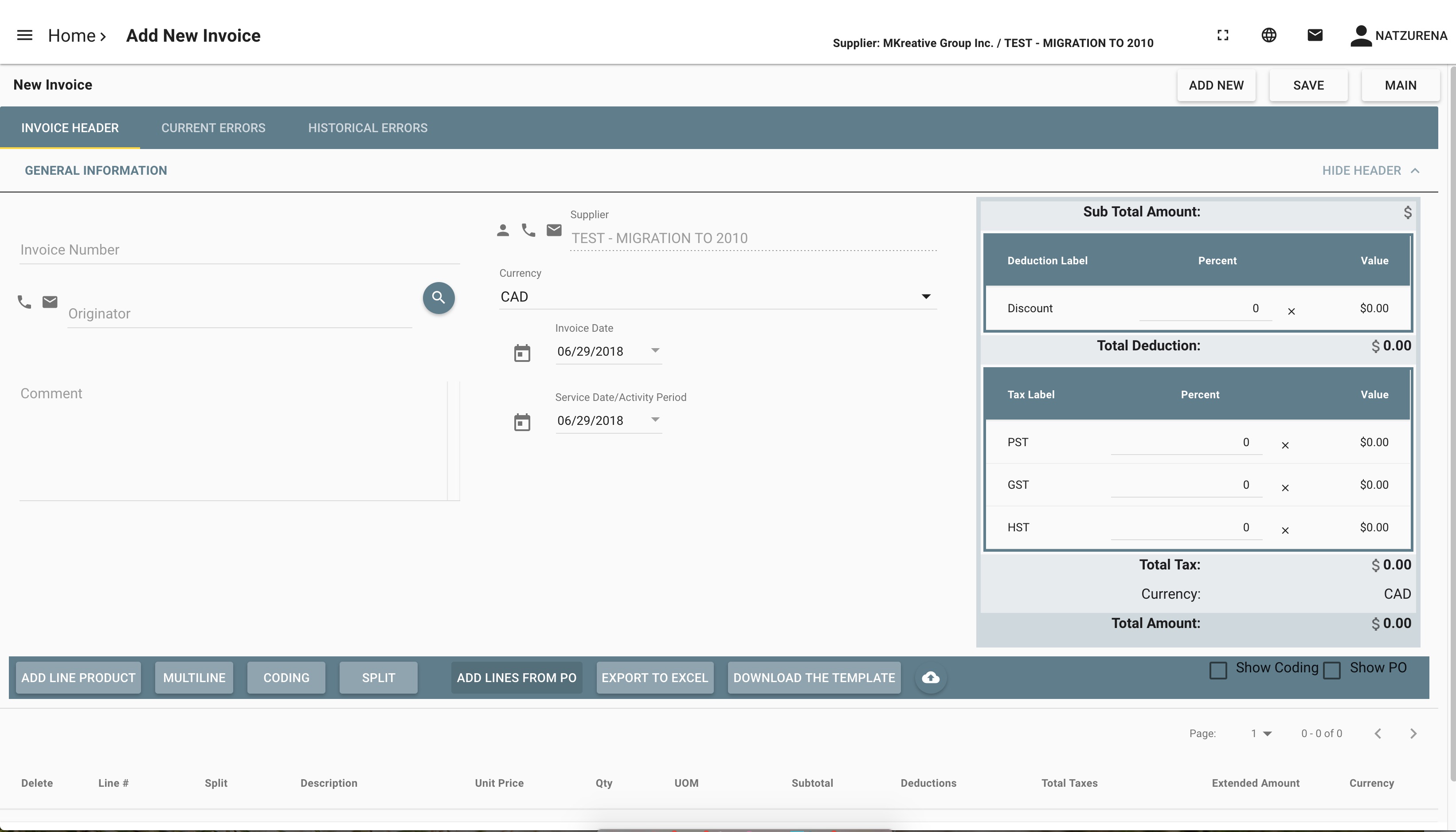
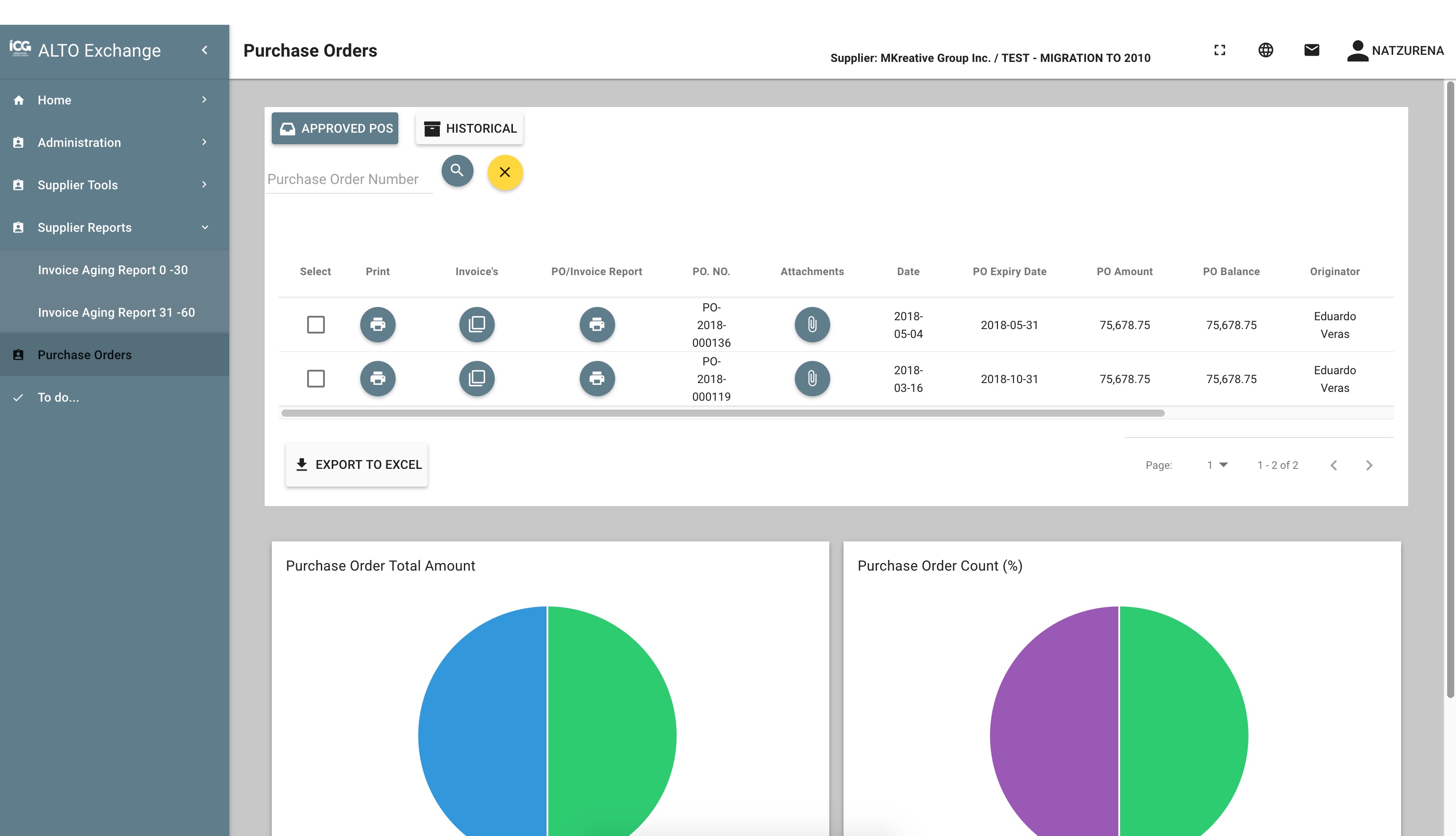
ALTO Exchange Screenshots

Screenshot of DashboardScreenshot of Add new invoiceScreenshot of TemplatesScreenshot of Select approved POs and convert them to invoicesScreenshot of To-do's list

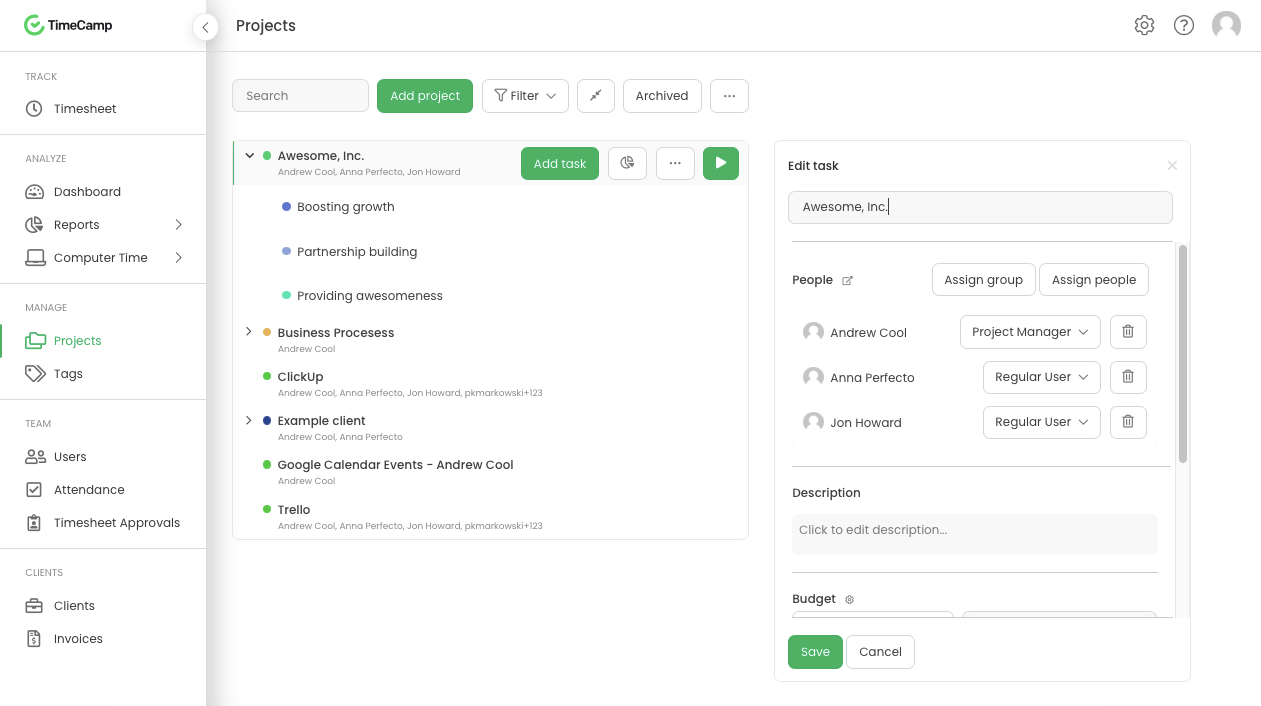
TimeCamp Screenshots

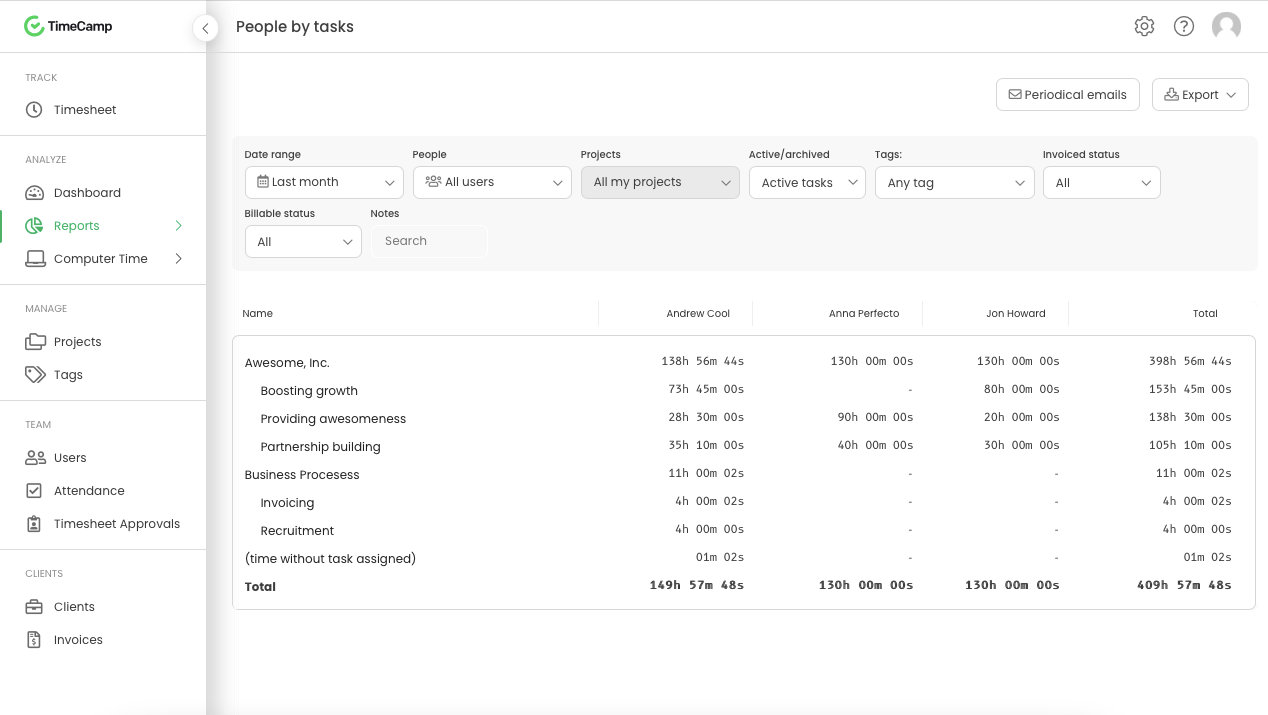
Screenshot of Daily timesheet viewScreenshot of Weekly timesheet viewScreenshot of ProjectsScreenshot of People by task reportScreenshot of Attendance