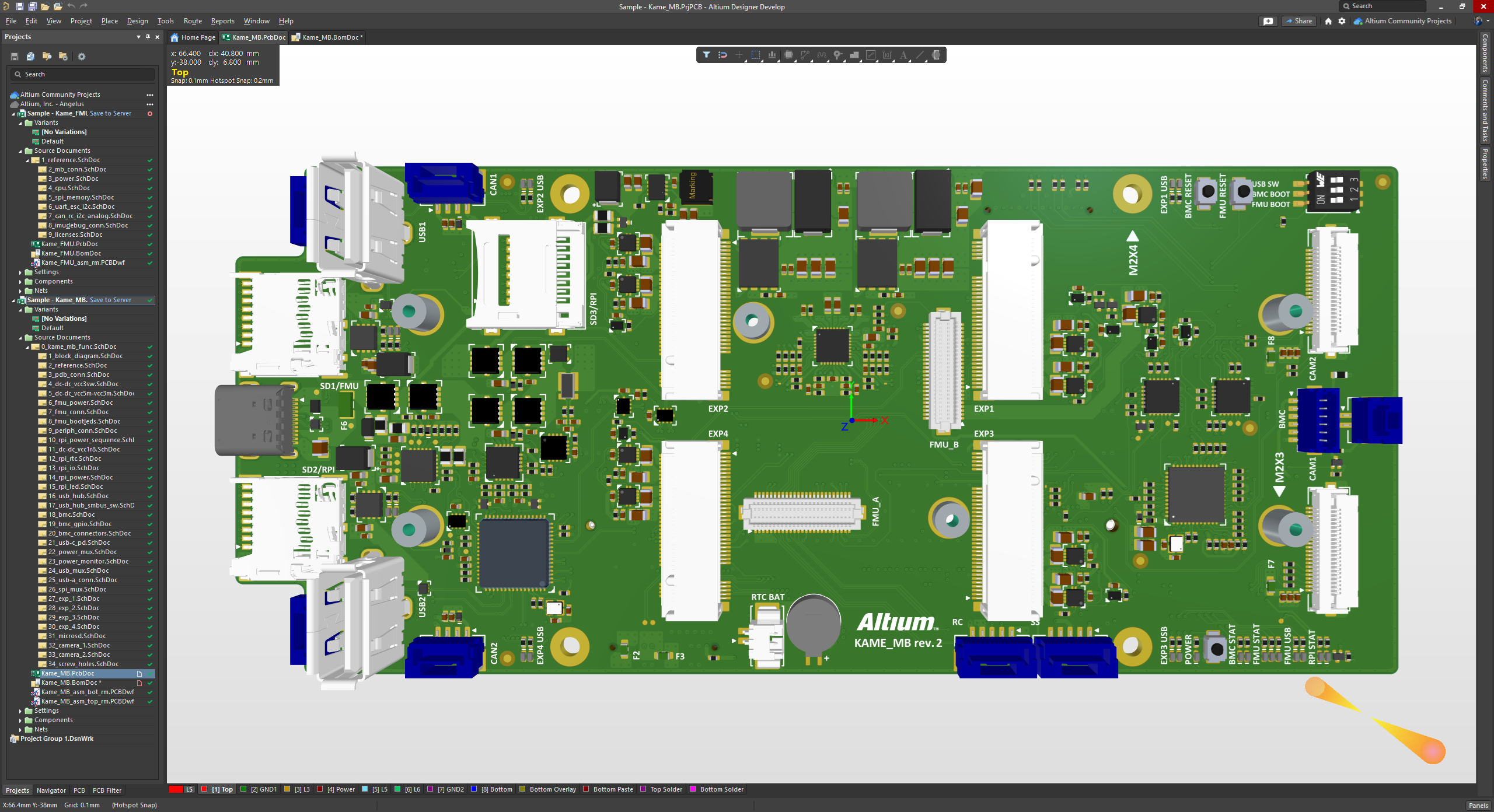
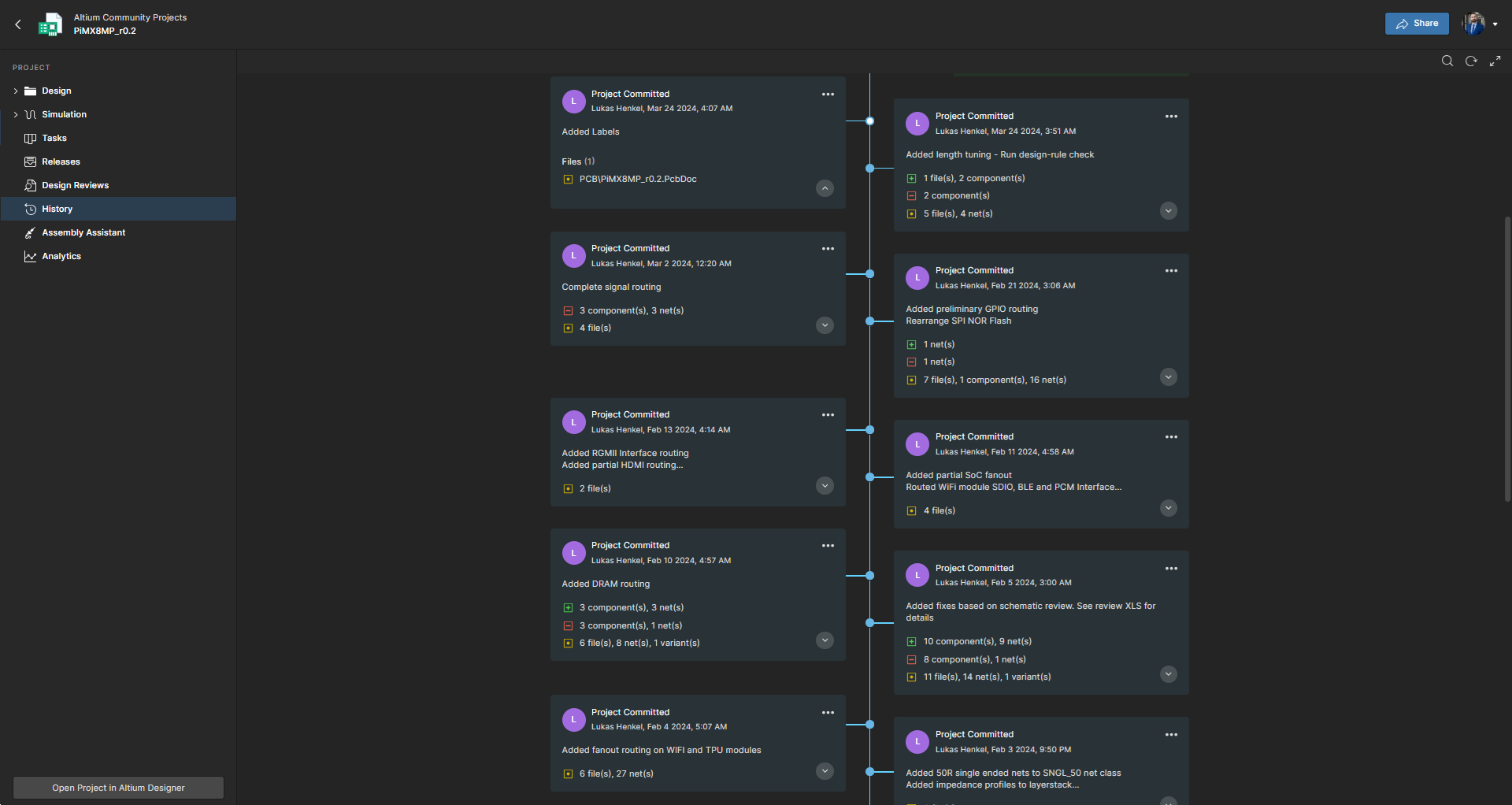
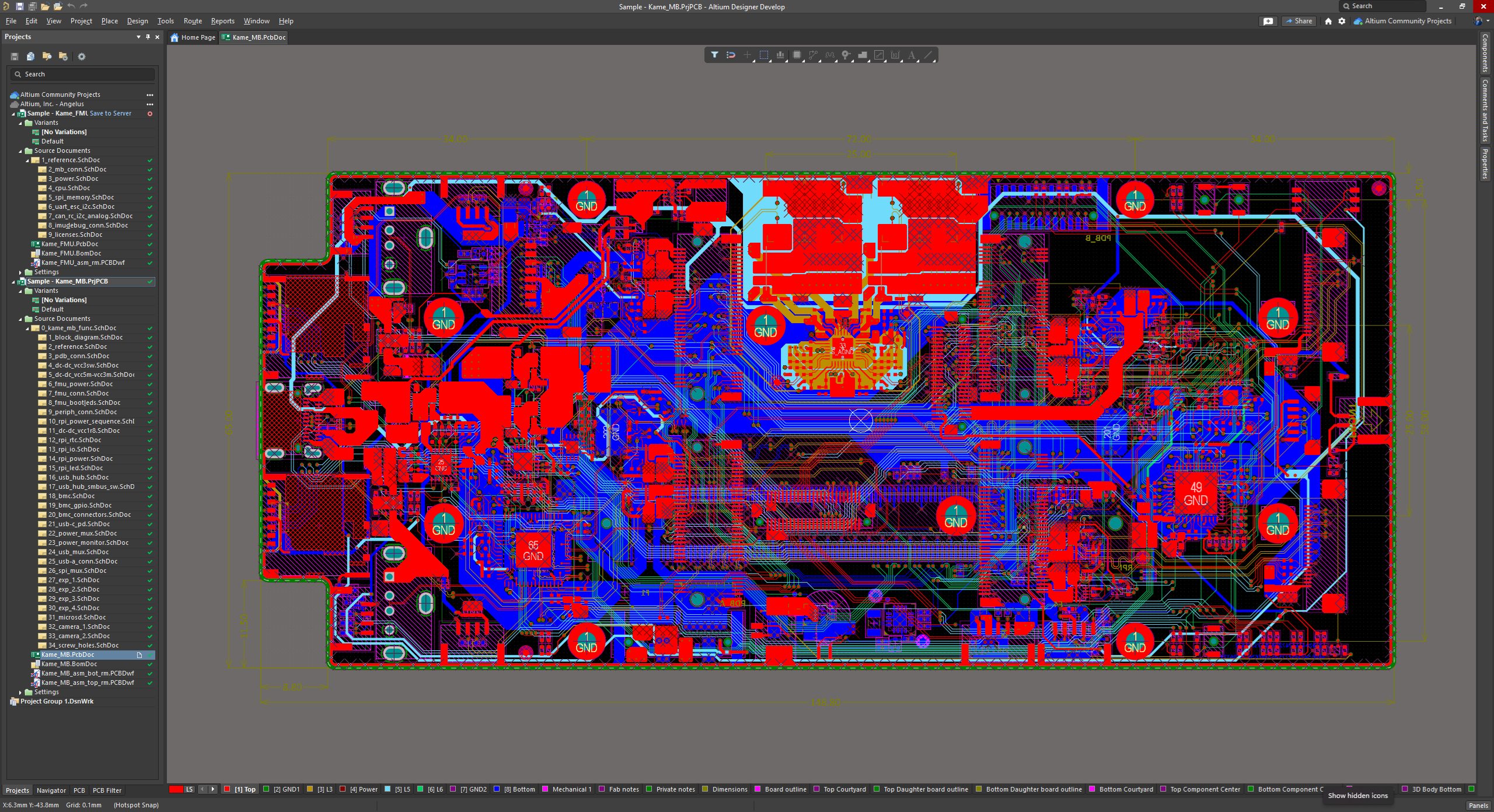
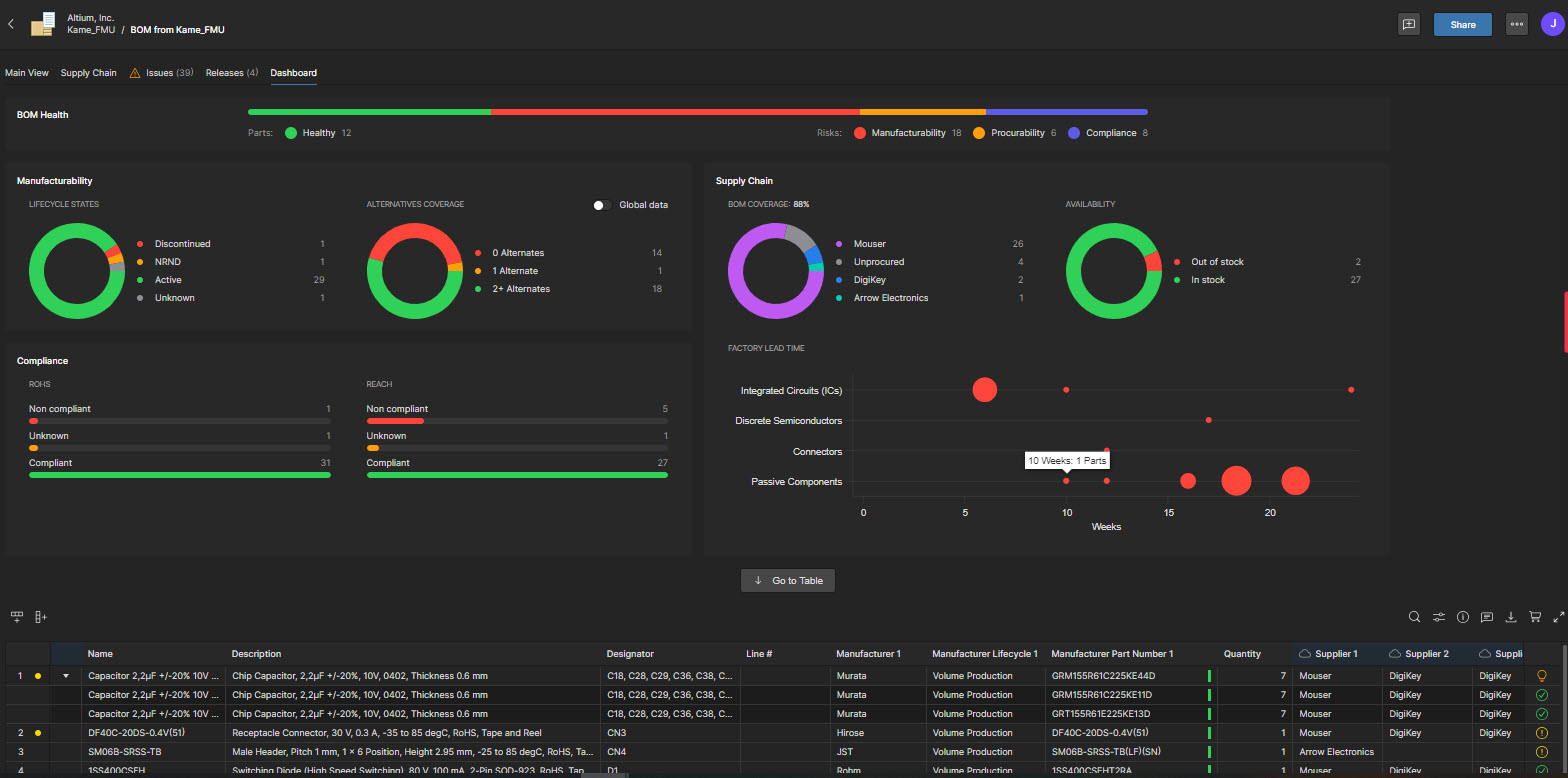
Altium Develop is a platform that unifies multidisciplinary teams across engineering, sourcing, and manufacturing to support seamless co-creation. It provides real-time visibility into designs, requirements, and supply chain data, enabling contributors to work together concurrently rather than in silos.
$995
per year per seat
LabVIEW
Score9.2 out of 10
N/A
National Instruments headquartered in Austin offers LabVIEW, a systems engineering software platform and toolkit.
$407
per year
Pricing
Altium Develop
LabVIEW
Editions & Modules
No answers on this topic
LabView Base
$407
per year
LabView Full
3,206
per year
LabView Professional
5,344
per year
Offerings
Pricing Offerings
Altium Develop
LabVIEW
Free Trial
Yes
No
Free/Freemium Version
No
No
Premium Consulting/Integration Services
No
No
Entry-level Setup Fee
No setup fee
No setup fee
Additional Details
—
—
More Pricing Information
Features
Altium Develop
LabVIEW
Computer-Aided Design Software
Comparison of Computer-Aided Design Software features of Altium Develop and National Instruments LabVIEW
For general PCB design, rigid flex PCB design, and multi-layer PCB design, Altium Designer is the best software to use on the market. The simple movement between board layers and easy component placement are what sets it apart from other similar software. When designing our PCBs for industry, it is easily capable of suiting all of our needs.
A de minimis incentive was given to thank the reviewer for their time. The incentive was not used to bias or drive a particular response, nor was the incentive contingent on a positive endorsement. More Info
LabView is a great tool to connect your sensors to your data aquisition hardware. It makes it really easy to set-up a data acquisition routine that meets your individual requirements. I, as an engine researcher, find it very well suited for engine experimentation. For any other programming needs, i.e. not data acquisition, I would not recommend using LabView because of its graphical programming architecture. The architecture makes it a great tool for Data Aquisition but puts at a disadvantage when it comes to other computational tasks, e.g. making a thermodynamic engine model. For those applications having text-based programming is better suited
A de minimis incentive was given to thank the reviewer for their time. The incentive was not used to bias or drive a particular response, nor was the incentive contingent on a positive endorsement. More Info
A de minimis incentive was given to thank the reviewer for their time. The incentive was not used to bias or drive a particular response, nor was the incentive contingent on a positive endorsement. More Info
A de minimis incentive was given to thank the reviewer for their time. The incentive was not used to bias or drive a particular response, nor was the incentive contingent on a positive endorsement. More Info
A de minimis incentive was given to thank the reviewer for their time. The incentive was not used to bias or drive a particular response, nor was the incentive contingent on a positive endorsement. More Info
ALTIUM DESIGNER is the reference tool in the electronic circuit design sector, its use is widespread worldwide. Although there are other alternatives, some of them free do not rival ALTIUM DESIGNER in terms of features and reliability. It is also very practical to request quotes with ALTIUM DESIGNER BOM reports since all suppliers are accustomed to using the tool.
A de minimis incentive was given to thank the reviewer for their time. The incentive was not used to bias or drive a particular response, nor was the incentive contingent on a positive endorsement. TR verified that a representative sample of customers was invited. More Info
For beginners, Altium 365 is extremely accessible because of its friendly UI and thorough documentation regarding how the software should be used. For professional engineers, Altium 365 lays out all advanced features that could ever be needed in a PCB project. Thus, Altium 365 makes it easy to transition from other ECAD software to this one.
A de minimis incentive was given to thank the reviewer for their time. The incentive was not used to bias or drive a particular response, nor was the incentive contingent on a positive endorsement. More Info
A de minimis incentive was given to thank the reviewer for their time. The incentive was not used to bias or drive a particular response, nor was the incentive contingent on a positive endorsement. More Info
I use the educational Program. And so far is the best technical support. Every time that I need one or I have a question. They respond so far and with excellent advice.
A de minimis incentive was given to thank the reviewer for their time. The incentive was not used to bias or drive a particular response, nor was the incentive contingent on a positive endorsement. More Info
A de minimis incentive was given to thank the reviewer for their time. The incentive was not used to bias or drive a particular response, nor was the incentive contingent on a positive endorsement. More Info
A de minimis incentive was given to thank the reviewer for their time. The incentive was not used to bias or drive a particular response, nor was the incentive contingent on a positive endorsement. More Info
Altium offers much better features and usability over Proteus. Proteus also has certain limitations in what it can achieve, so that leaves it behind. Same with KiCad, while it is easier to use, and quite an amazing software for a freeware, it lacks certain features which makes it harder for us to use. OrCAD offers a lot of features, great focus on signal integrity, but the ease of use is non-existent
A de minimis incentive was given to thank the reviewer for their time. The incentive was not used to bias or drive a particular response, nor was the incentive contingent on a positive endorsement. More Info
We chose LabVIEW over MATLAB due to the integration with hardware and the graphical programming interface. Also, the ability to use LabVIEW with FPGAs and real-time processors without having to make large changes to the code base or swapping to a separate programming environment was a big benefit since we don't know what hardware will be suitable for each customer application.
A de minimis incentive was given to thank the reviewer for their time. The incentive was not used to bias or drive a particular response, nor was the incentive contingent on a positive endorsement. More Info
A de minimis incentive was given to thank the reviewer for their time. The incentive was not used to bias or drive a particular response, nor was the incentive contingent on a positive endorsement. More Info
A de minimis incentive was given to thank the reviewer for their time. The incentive was not used to bias or drive a particular response, nor was the incentive contingent on a positive endorsement. More Info
We use NI's data acquisition hardware as well which has made it possible to get whatever experimental data we need to get for our studies.
LabView has made it possible for us to post-process and tailor the raw data to our specific needs.
With a responsive customer support team, NI allows us to expand our data acquisition and post-processing capabilities to carry out the kind of research projects that we would want.
A de minimis incentive was given to thank the reviewer for their time. The incentive was not used to bias or drive a particular response, nor was the incentive contingent on a positive endorsement. More Info