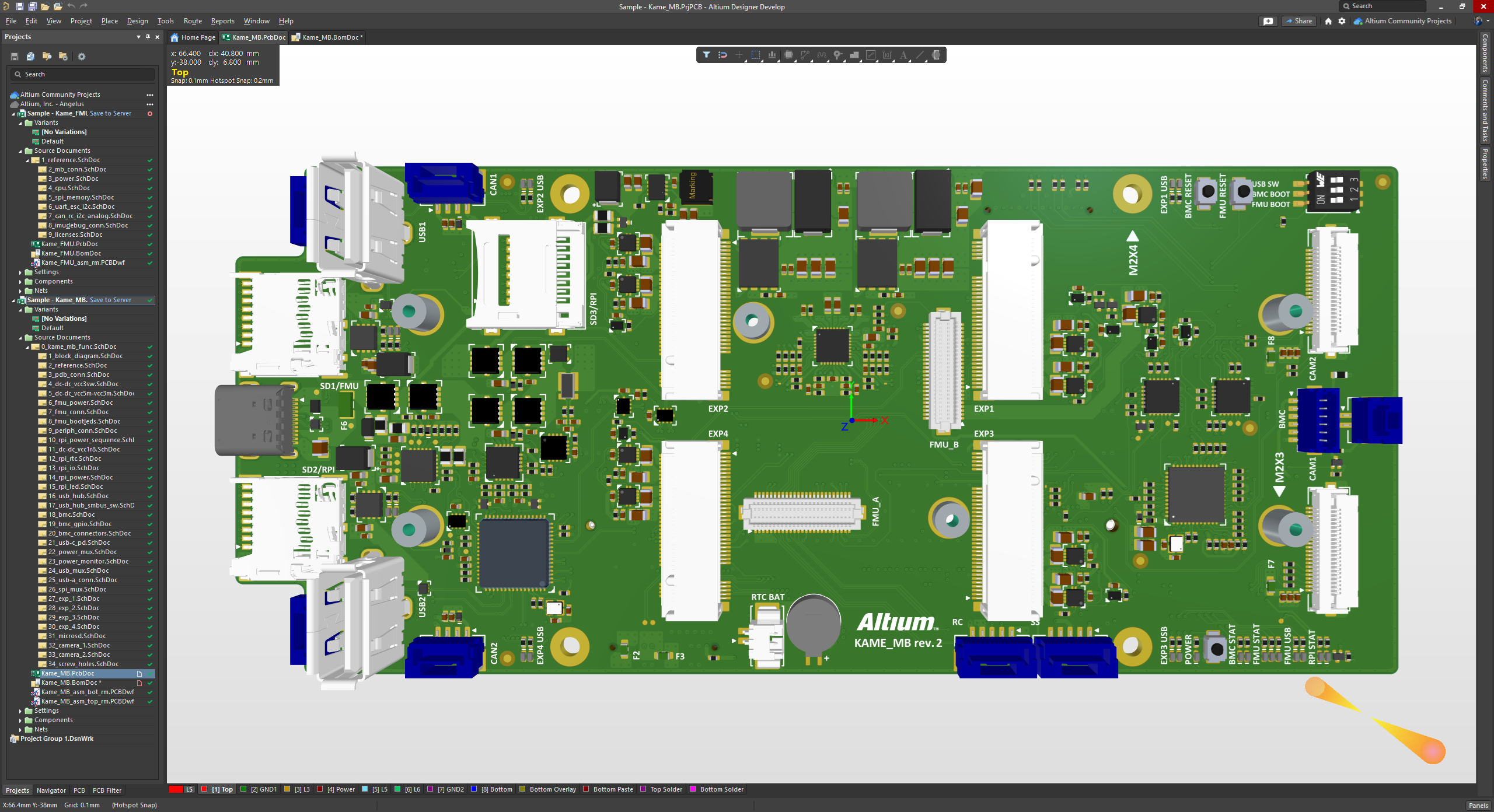
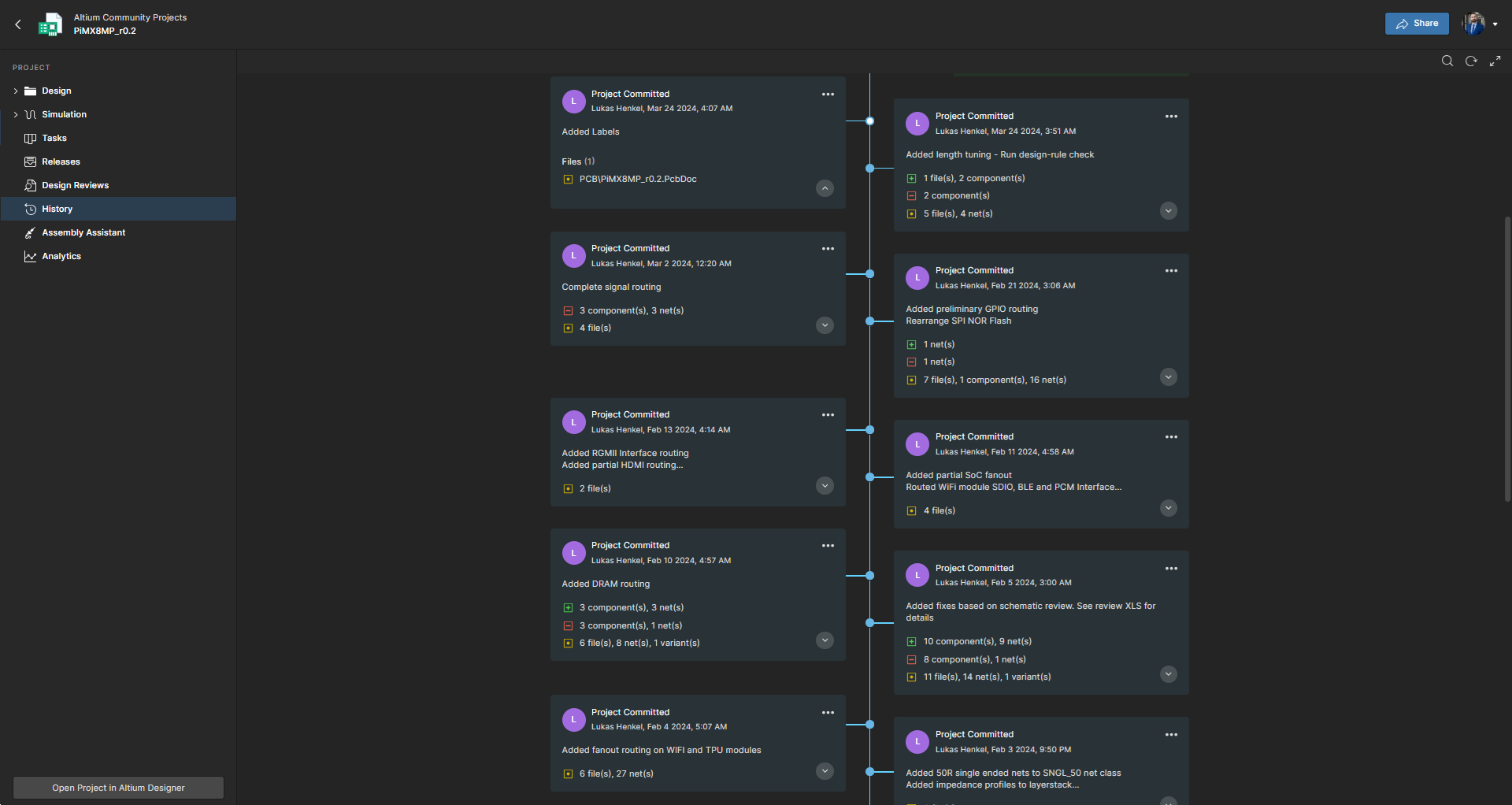
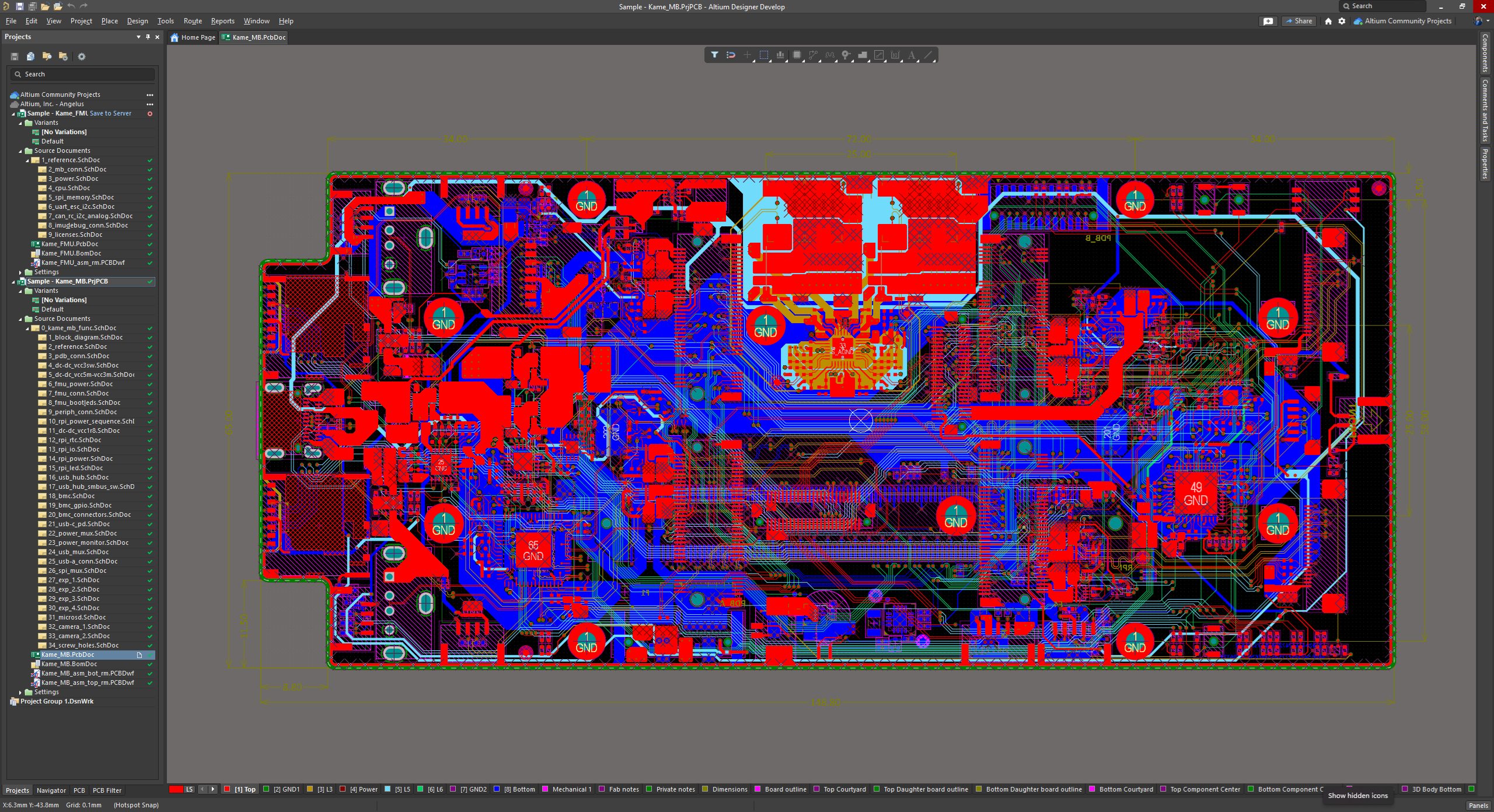
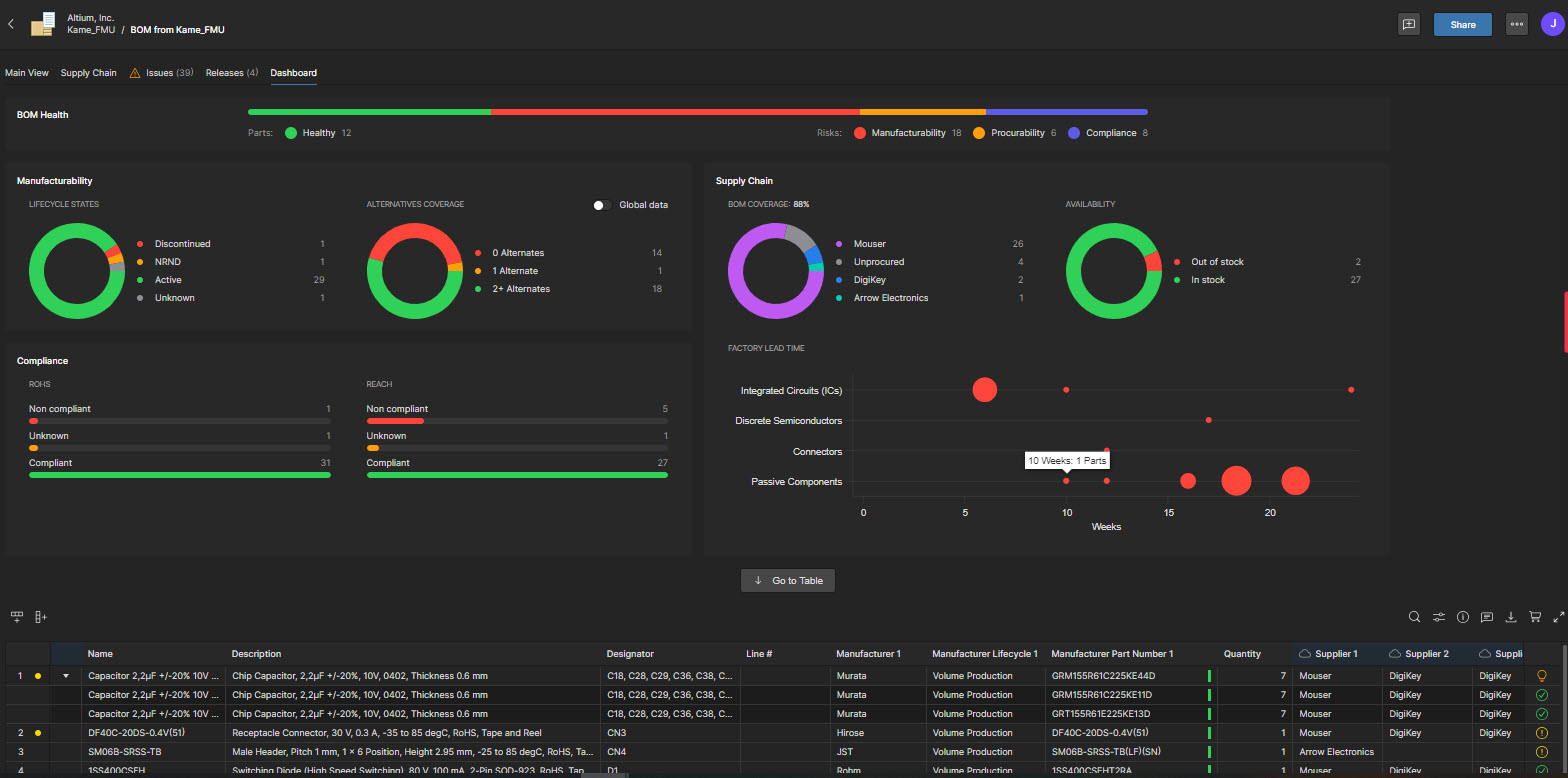
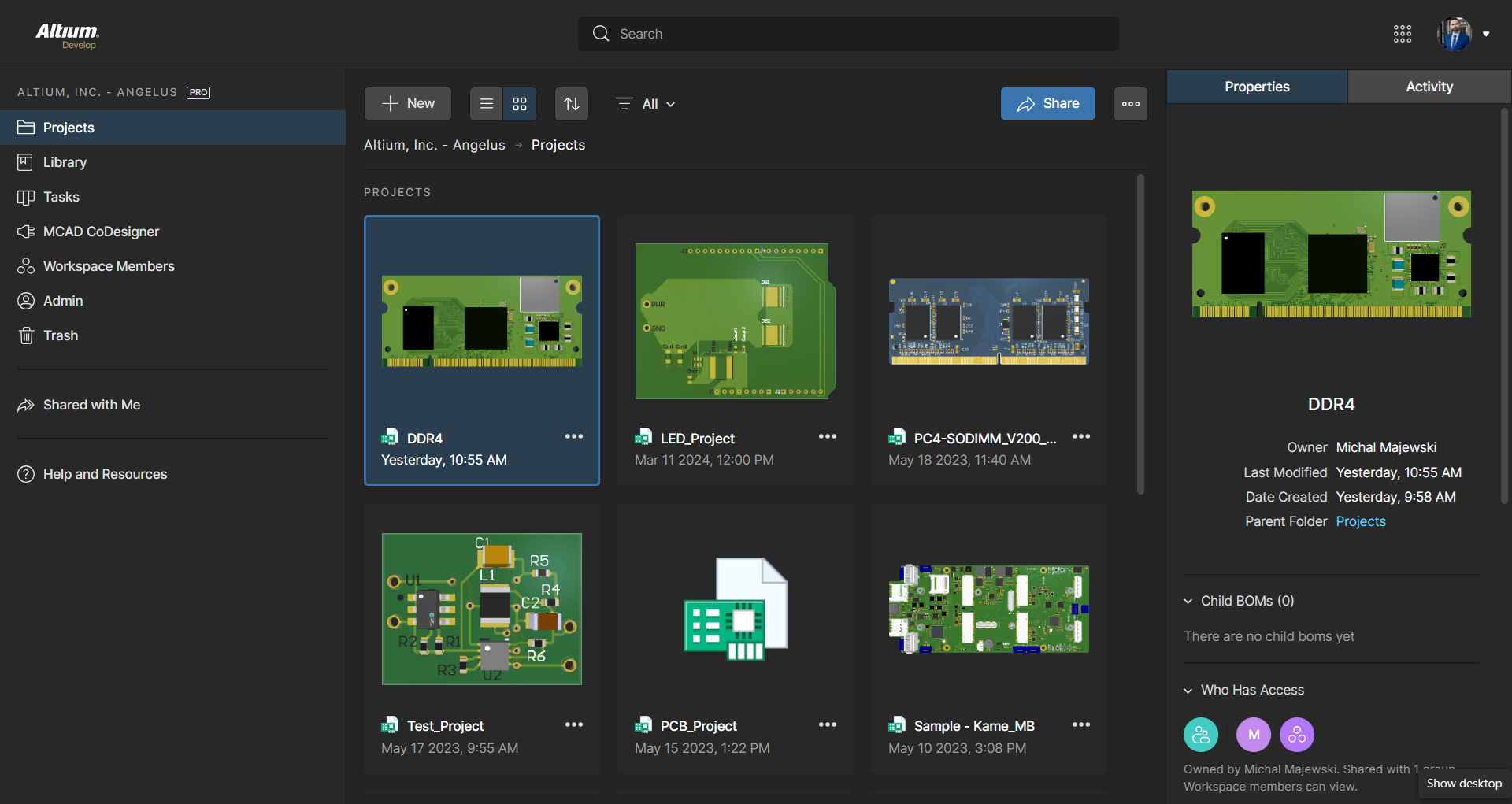
Altium Develop is a platform that unifies multidisciplinary teams across engineering, sourcing, and manufacturing to support seamless co-creation. It provides real-time visibility into designs, requirements, and supply chain data, enabling contributors to work together concurrently rather than in silos.
$995
per year per seat
KiCad EDA
Score7.8 out of 10
N/A
KiCad EDA is a Cross Platform and Open Source Electronics Design Automation Suite. KiCad's PCB Editor is built to be approachable enough to make the first PCB design easy, and powerful enough for complex modern designs. Its interactive router and improved visualization and selection tools make layout tasks easier.
Electronic designer in Engineering at Alten (Electrical & Electronic Manufacturing, 10,001+ employees)
Chose Altium Develop
Other tools are open source and free to use, which often means its easier to use but has limited abilities. With using Altium Designer compared to the other tools I have found the review process a lot better and its workspace environment a big plus because I can find …
A de minimis incentive was given to thank the reviewer for their time. The incentive was not used to bias or drive a particular response, nor was the incentive contingent on a positive endorsement. TR verified that a representative sample of customers was invited. More Info
Verified User
Chose Altium Develop
The advantage of KiCAD and EasyEDA versus Altium Designer is that KiCAD and EasyEDA are free. Even so, Altium Designer is more powerful than competitors in terms of integrability, easy of use and powerful tools. For example, in Siemens EDA software there is no tool for …
A de minimis incentive was given to thank the reviewer for their time. The incentive was not used to bias or drive a particular response, nor was the incentive contingent on a positive endorsement. More Info
Verified User
Chose Altium Develop
Altium Designer is a more mature, feature complete product. However, in 2025 it has become EXTERMELY expensive. KiCAD is quickly catching up and focusing on the core PCB design tools. We are likely to switch over in 2-3 years if things progress like they have.
A de minimis incentive was given to thank the reviewer for their time. The incentive was not used to bias or drive a particular response, nor was the incentive contingent on a positive endorsement. More Info
A de minimis incentive was given to thank the reviewer for their time. The incentive was not used to bias or drive a particular response, nor was the incentive contingent on a positive endorsement. More Info
Verified User
Chose Altium Develop
The opensource nature of the library system works better than Altium. The libraries being text based means that version control with github is a natural fit. I don't see Altium having an advantage here even if it has tied into external api's like Octopart.
A de minimis incentive was given to thank the reviewer for their time. The incentive was not used to bias or drive a particular response, nor was the incentive contingent on a positive endorsement. More Info
Verified User
Chose Altium Develop
KiCad is easier to learn and the performance is fine, but BOMs, Footpring-Management, all that had to be done manually With Altium and 365 everything is just built-in
A de minimis incentive was given to thank the reviewer for their time. The incentive was not used to bias or drive a particular response, nor was the incentive contingent on a positive endorsement. More Info
Electronics Manager in Engineering at Infinitesima Ltd (Semiconductors, 51-200 employees)
Chose Altium Develop
Altium offers much better features and usability over Proteus. Proteus also has certain limitations in what it can achieve, so that leaves it behind. Same with KiCad, while it is easier to use, and quite an amazing software for a freeware, it lacks certain features which makes …
A de minimis incentive was given to thank the reviewer for their time. The incentive was not used to bias or drive a particular response, nor was the incentive contingent on a positive endorsement. More Info
A de minimis incentive was given to thank the reviewer for their time. The incentive was not used to bias or drive a particular response, nor was the incentive contingent on a positive endorsement. More Info
A de minimis incentive was given to thank the reviewer for their time. The incentive was not used to bias or drive a particular response, nor was the incentive contingent on a positive endorsement. More Info
A de minimis incentive was given to thank the reviewer for their time. The incentive was not used to bias or drive a particular response, nor was the incentive contingent on a positive endorsement. More Info
Verified User
Chose Altium Develop
Altium Designer is overly complex, particularly for smaller organizations that don't have a dedicated library, schematic, and layout personnel. KiCAD is simple to use and free.
A de minimis incentive was given to thank the reviewer for their time. The incentive was not used to bias or drive a particular response, nor was the incentive contingent on a positive endorsement. More Info
Verified User
Chose Altium Develop
Overall Altium Designer is in another league compared to KiCad, especially the older versions. The whole design process works better in Altium Designer. The only thing I miss from KiCad is the disjointedness between symbols and footprints. Whilst less appropriate for …
A de minimis incentive was given to thank the reviewer for their time. The incentive was not used to bias or drive a particular response, nor was the incentive contingent on a positive endorsement. More Info
Verified User
Chose Altium Develop
It is certainly easier to get designs up and running with great support and constant software updates. The ability to work with or without the cloud is a great feature. The only downside to Altium Designer is that it does have a cost to it that is not cheap. Overall I think it …
A de minimis incentive was given to thank the reviewer for their time. The incentive was not used to bias or drive a particular response, nor was the incentive contingent on a positive endorsement. TR verified that a representative sample of customers was invited. More Info
Verified User
Chose Altium Develop
Altium Designer is the industry standard for a reason. While KiCad can be used for complex and capable designs the software will fight you along the way. Further, the constantly breaking backward compatibility makes KiCad hard to maintain current versions and up to date with.
A de minimis incentive was given to thank the reviewer for their time. The incentive was not used to bias or drive a particular response, nor was the incentive contingent on a positive endorsement. More Info
Open Source
Verified User
Chose KiCad EDA
I use nowadays mainly ALTIUM because of its advanced features for complex projects. Altium has many more benefits but on the other hand it depends on the complexity. For simple project I recommend KiCad because its open-source, easy to learn and work with. Therefore I would …
A de minimis incentive was given to thank the reviewer for their time. The incentive was not used to bias or drive a particular response, nor was the incentive contingent on a positive endorsement. More Info
For general PCB design, rigid flex PCB design, and multi-layer PCB design, Altium Designer is the best software to use on the market. The simple movement between board layers and easy component placement are what sets it apart from other similar software. When designing our PCBs for industry, it is easily capable of suiting all of our needs.
A de minimis incentive was given to thank the reviewer for their time. The incentive was not used to bias or drive a particular response, nor was the incentive contingent on a positive endorsement. More Info
KiCad is great for learning and getting started with Hardware design because its open source and easy to work with. Besides this its interface is simple and easy to understand. I have used KiCad personally for simple projects as more complex projects are harder to do in KiCad. The simplicity allows to me to do my work quick
A de minimis incentive was given to thank the reviewer for their time. The incentive was not used to bias or drive a particular response, nor was the incentive contingent on a positive endorsement. More Info
A de minimis incentive was given to thank the reviewer for their time. The incentive was not used to bias or drive a particular response, nor was the incentive contingent on a positive endorsement. More Info
A de minimis incentive was given to thank the reviewer for their time. The incentive was not used to bias or drive a particular response, nor was the incentive contingent on a positive endorsement. More Info
A de minimis incentive was given to thank the reviewer for their time. The incentive was not used to bias or drive a particular response, nor was the incentive contingent on a positive endorsement. More Info
ALTIUM DESIGNER is the reference tool in the electronic circuit design sector, its use is widespread worldwide. Although there are other alternatives, some of them free do not rival ALTIUM DESIGNER in terms of features and reliability. It is also very practical to request quotes with ALTIUM DESIGNER BOM reports since all suppliers are accustomed to using the tool.
A de minimis incentive was given to thank the reviewer for their time. The incentive was not used to bias or drive a particular response, nor was the incentive contingent on a positive endorsement. TR verified that a representative sample of customers was invited. More Info
For beginners, Altium 365 is extremely accessible because of its friendly UI and thorough documentation regarding how the software should be used. For professional engineers, Altium 365 lays out all advanced features that could ever be needed in a PCB project. Thus, Altium 365 makes it easy to transition from other ECAD software to this one.
A de minimis incentive was given to thank the reviewer for their time. The incentive was not used to bias or drive a particular response, nor was the incentive contingent on a positive endorsement. More Info
KiCad is great for learning and getting started with Hardware design because its open source and easy to work with. Besides this its interface is simple and easy to understand. I have used KiCad personally for simple projects as more complex projects are harder to do in KiCad. The simplicity allows to me to do my work quick.
A de minimis incentive was given to thank the reviewer for their time. The incentive was not used to bias or drive a particular response, nor was the incentive contingent on a positive endorsement. More Info
A de minimis incentive was given to thank the reviewer for their time. The incentive was not used to bias or drive a particular response, nor was the incentive contingent on a positive endorsement. More Info
I use the educational Program. And so far is the best technical support. Every time that I need one or I have a question. They respond so far and with excellent advice.
A de minimis incentive was given to thank the reviewer for their time. The incentive was not used to bias or drive a particular response, nor was the incentive contingent on a positive endorsement. More Info
A de minimis incentive was given to thank the reviewer for their time. The incentive was not used to bias or drive a particular response, nor was the incentive contingent on a positive endorsement. More Info
A de minimis incentive was given to thank the reviewer for their time. The incentive was not used to bias or drive a particular response, nor was the incentive contingent on a positive endorsement. More Info
Altium offers much better features and usability over Proteus. Proteus also has certain limitations in what it can achieve, so that leaves it behind. Same with KiCad, while it is easier to use, and quite an amazing software for a freeware, it lacks certain features which makes it harder for us to use. OrCAD offers a lot of features, great focus on signal integrity, but the ease of use is non-existent
A de minimis incentive was given to thank the reviewer for their time. The incentive was not used to bias or drive a particular response, nor was the incentive contingent on a positive endorsement. More Info
I use nowadays mainly ALTIUM because of its advanced features for complex projects. Altium has many more benefits but on the other hand it depends on the complexity. For simple project I recommend KiCad because its open-source, easy to learn and work with. Therefore I would recommend KiCad is more then sufficient for easy less complex projects
A de minimis incentive was given to thank the reviewer for their time. The incentive was not used to bias or drive a particular response, nor was the incentive contingent on a positive endorsement. More Info
A de minimis incentive was given to thank the reviewer for their time. The incentive was not used to bias or drive a particular response, nor was the incentive contingent on a positive endorsement. More Info
A de minimis incentive was given to thank the reviewer for their time. The incentive was not used to bias or drive a particular response, nor was the incentive contingent on a positive endorsement. More Info
A de minimis incentive was given to thank the reviewer for their time. The incentive was not used to bias or drive a particular response, nor was the incentive contingent on a positive endorsement. More Info