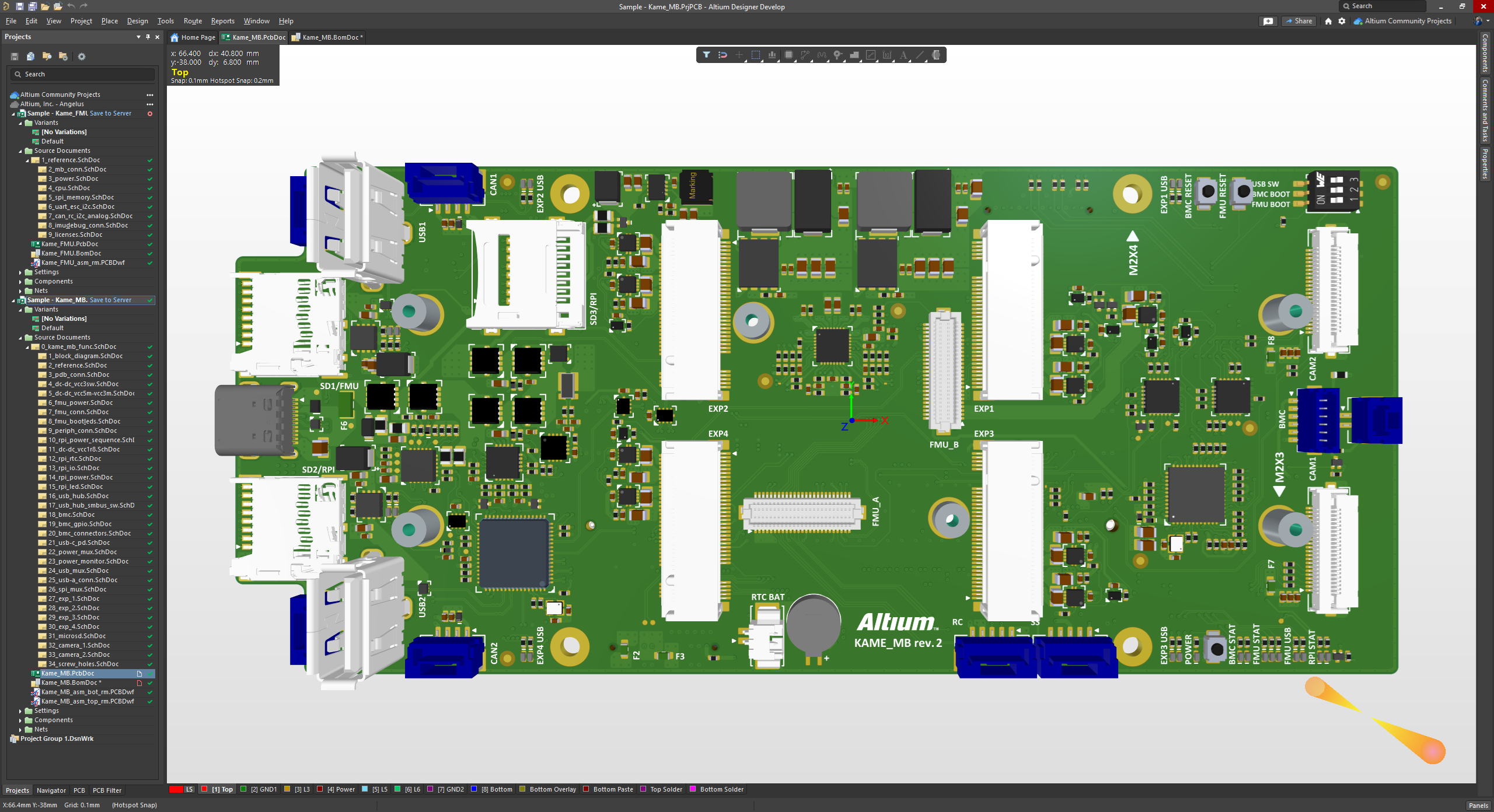
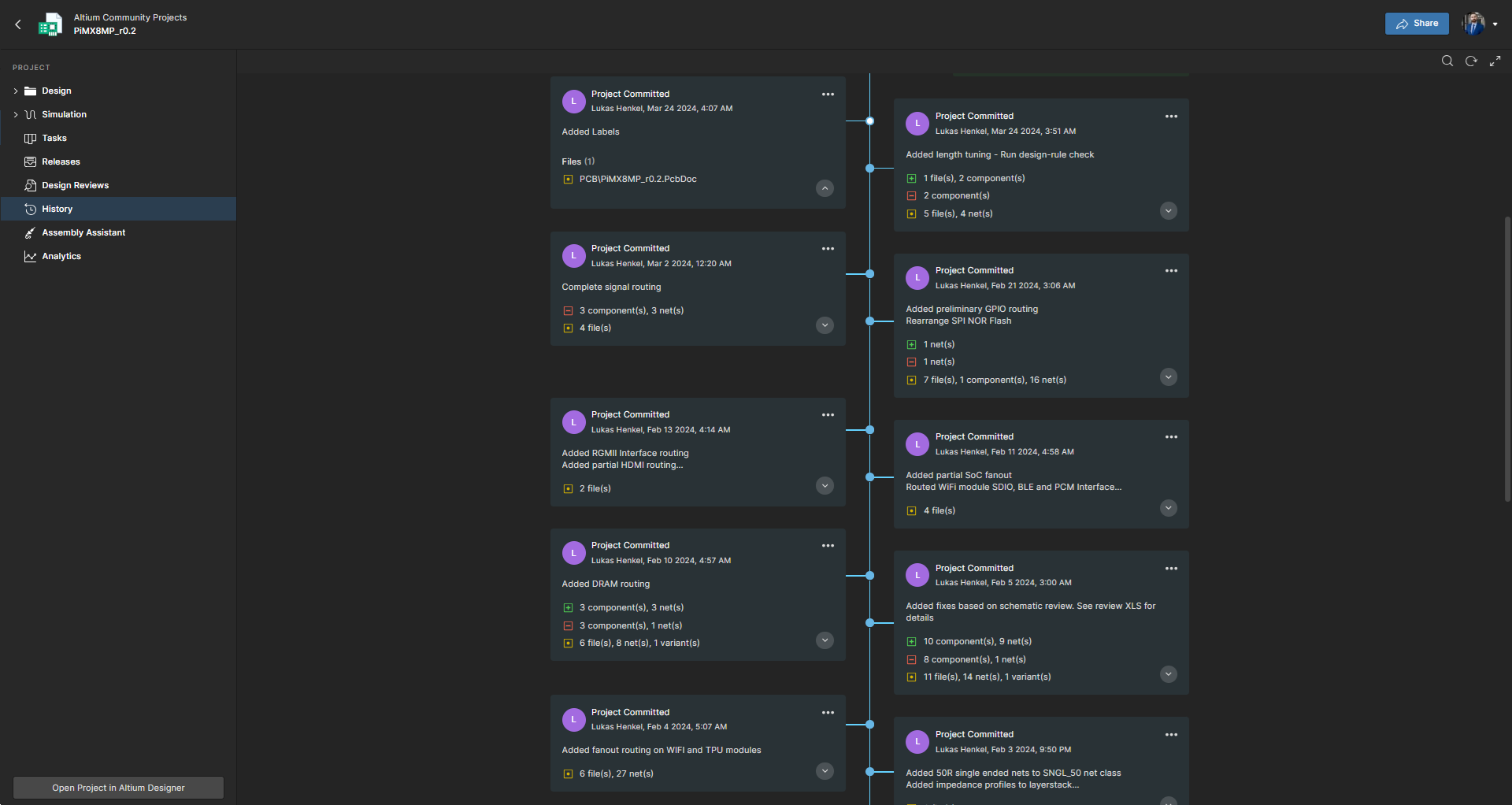
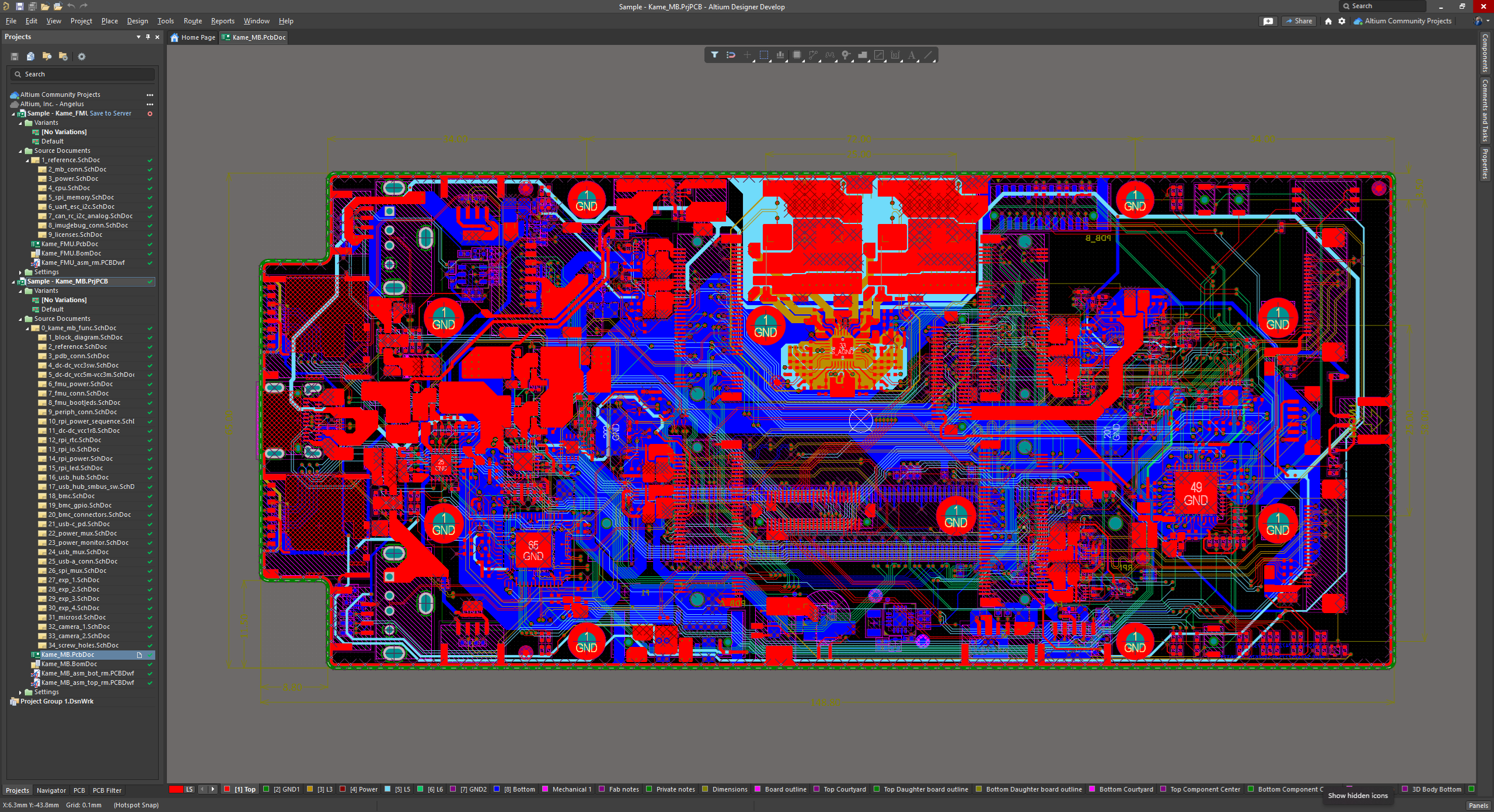
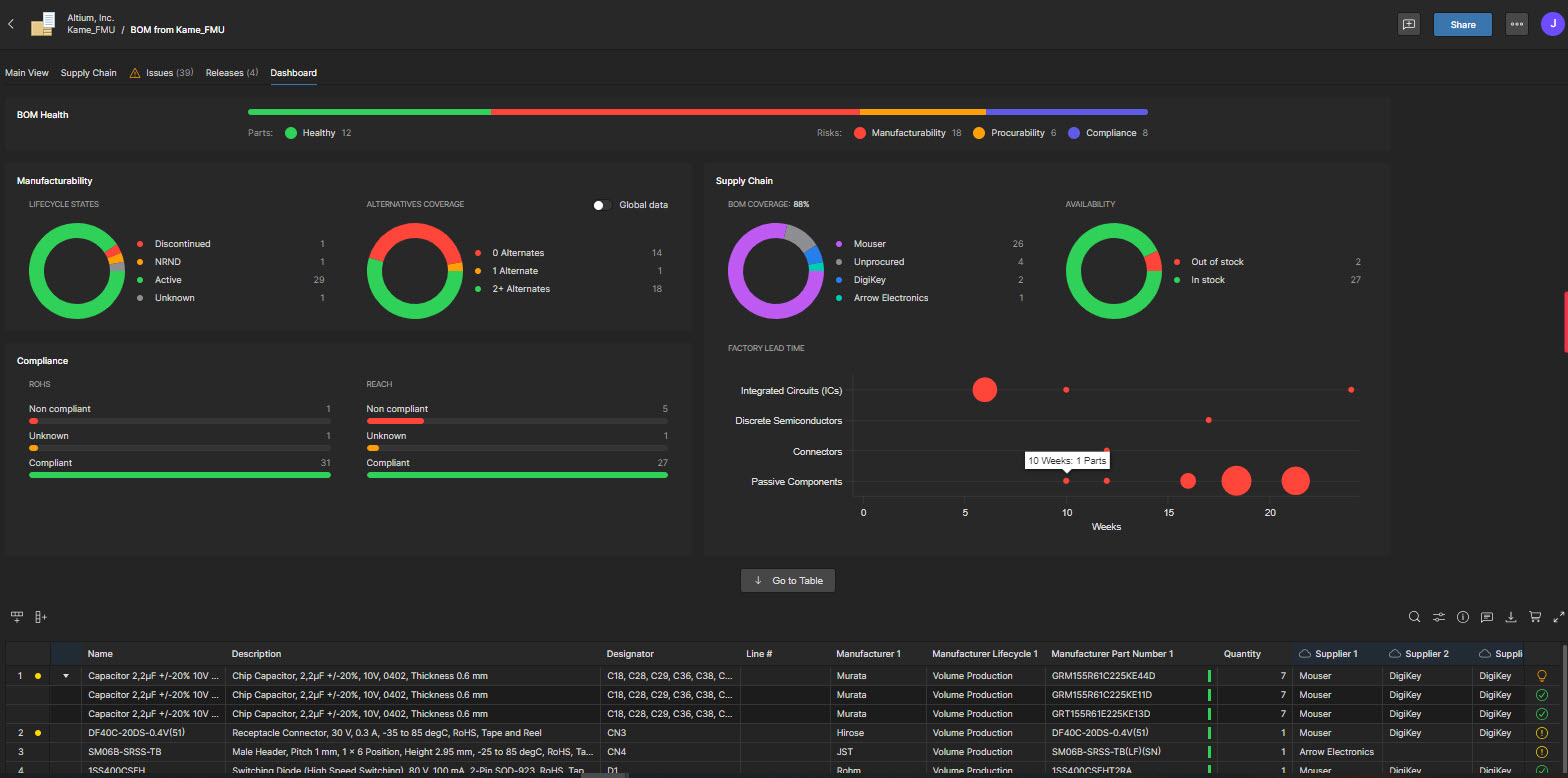
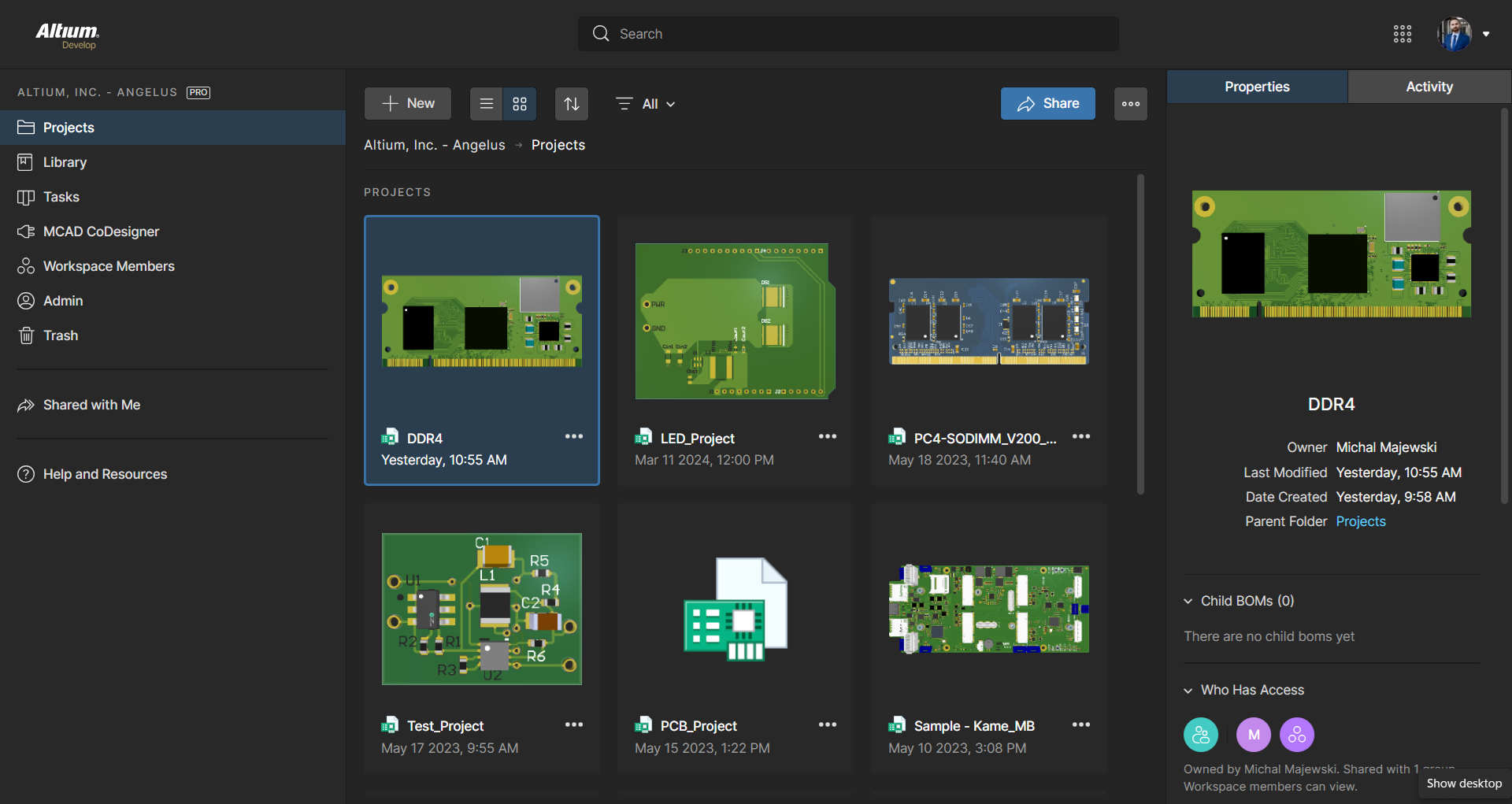
Altium Develop is a platform that unifies multidisciplinary teams across engineering, sourcing, and manufacturing to support seamless co-creation. It provides real-time visibility into designs, requirements, and supply chain data, enabling contributors to work together concurrently rather than in silos.
$995
per year per seat
GrabCAD Workbench (discontinued)
Score5.7 out of 10
N/A
GrabCAD Workbench was a CAD collaboration solution that helps designers to manage files and engage partners in the design process. Since August 2022 it has been discontinued.
For general PCB design, rigid flex PCB design, and multi-layer PCB design, Altium Designer is the best software to use on the market. The simple movement between board layers and easy component placement are what sets it apart from other similar software. When designing our PCBs for industry, it is easily capable of suiting all of our needs.
A de minimis incentive was given to thank the reviewer for their time. The incentive was not used to bias or drive a particular response, nor was the incentive contingent on a positive endorsement. More Info
GrabCad Workbench is well suited for group projects, where all my team members can view the designs at the same time, and by integrating it with CAD software like SolidWorks, all my team members can see the live changes in the projects based on the recommendations received. I can also do conversations with my team, which are project-specific, thus reducing time in email and video conferences. For assemblies, I can generate a Bill of materials with a single click. However, there are some drawbacks like every member needs to have an account in order to sync files with everyone, and the platform requires good internet connectivity otherwise file uploading will be time-consuming.
A de minimis incentive was given to thank the reviewer for their time. The incentive was not used to bias or drive a particular response, nor was the incentive contingent on a positive endorsement. More Info
A de minimis incentive was given to thank the reviewer for their time. The incentive was not used to bias or drive a particular response, nor was the incentive contingent on a positive endorsement. More Info
A de minimis incentive was given to thank the reviewer for their time. The incentive was not used to bias or drive a particular response, nor was the incentive contingent on a positive endorsement. More Info
A de minimis incentive was given to thank the reviewer for their time. The incentive was not used to bias or drive a particular response, nor was the incentive contingent on a positive endorsement. More Info
ALTIUM DESIGNER is the reference tool in the electronic circuit design sector, its use is widespread worldwide. Although there are other alternatives, some of them free do not rival ALTIUM DESIGNER in terms of features and reliability. It is also very practical to request quotes with ALTIUM DESIGNER BOM reports since all suppliers are accustomed to using the tool.
A de minimis incentive was given to thank the reviewer for their time. The incentive was not used to bias or drive a particular response, nor was the incentive contingent on a positive endorsement. TR verified that a representative sample of customers was invited. More Info
For beginners, Altium 365 is extremely accessible because of its friendly UI and thorough documentation regarding how the software should be used. For professional engineers, Altium 365 lays out all advanced features that could ever be needed in a PCB project. Thus, Altium 365 makes it easy to transition from other ECAD software to this one.
A de minimis incentive was given to thank the reviewer for their time. The incentive was not used to bias or drive a particular response, nor was the incentive contingent on a positive endorsement. More Info
A de minimis incentive was given to thank the reviewer for their time. The incentive was not used to bias or drive a particular response, nor was the incentive contingent on a positive endorsement. More Info
I use the educational Program. And so far is the best technical support. Every time that I need one or I have a question. They respond so far and with excellent advice.
A de minimis incentive was given to thank the reviewer for their time. The incentive was not used to bias or drive a particular response, nor was the incentive contingent on a positive endorsement. More Info
A de minimis incentive was given to thank the reviewer for their time. The incentive was not used to bias or drive a particular response, nor was the incentive contingent on a positive endorsement. More Info
A de minimis incentive was given to thank the reviewer for their time. The incentive was not used to bias or drive a particular response, nor was the incentive contingent on a positive endorsement. More Info
A de minimis incentive was given to thank the reviewer for their time. The incentive was not used to bias or drive a particular response, nor was the incentive contingent on a positive endorsement. More Info
Altium offers much better features and usability over Proteus. Proteus also has certain limitations in what it can achieve, so that leaves it behind. Same with KiCad, while it is easier to use, and quite an amazing software for a freeware, it lacks certain features which makes it harder for us to use. OrCAD offers a lot of features, great focus on signal integrity, but the ease of use is non-existent
A de minimis incentive was given to thank the reviewer for their time. The incentive was not used to bias or drive a particular response, nor was the incentive contingent on a positive endorsement. More Info
A de minimis incentive was given to thank the reviewer for their time. The incentive was not used to bias or drive a particular response, nor was the incentive contingent on a positive endorsement. More Info
A de minimis incentive was given to thank the reviewer for their time. The incentive was not used to bias or drive a particular response, nor was the incentive contingent on a positive endorsement. More Info
A de minimis incentive was given to thank the reviewer for their time. The incentive was not used to bias or drive a particular response, nor was the incentive contingent on a positive endorsement. More Info
GrabCad Workbench is the best in terms of integration with other CAD software like SolidWorks where live changes can be made to a product.
GrabCad Workbench has a common parts library, which allows us to use repetitive parts without redesigning them again and again. Hence saving a lot of time.
I can do all the conversations in the file itself, reducing time in email and other modes.
It automatically generates BOM for my assembly files.
It tracks versions, all the files are updated automatically for all members once a new version is created.
It would be good if it can be updated to read drawing and sketch files.
The team needs to improve the stability of the platform.
A de minimis incentive was given to thank the reviewer for their time. The incentive was not used to bias or drive a particular response, nor was the incentive contingent on a positive endorsement. More Info