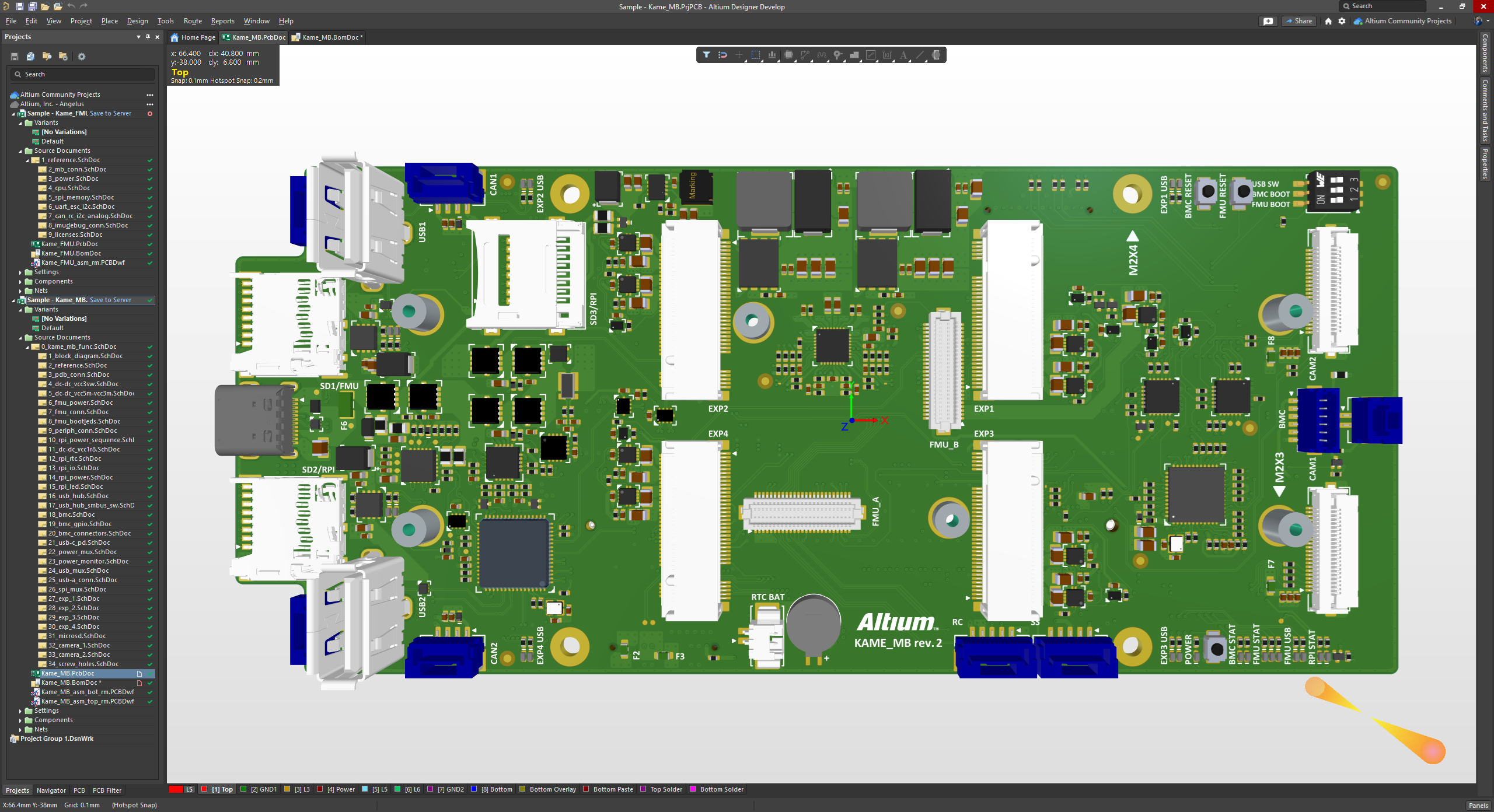
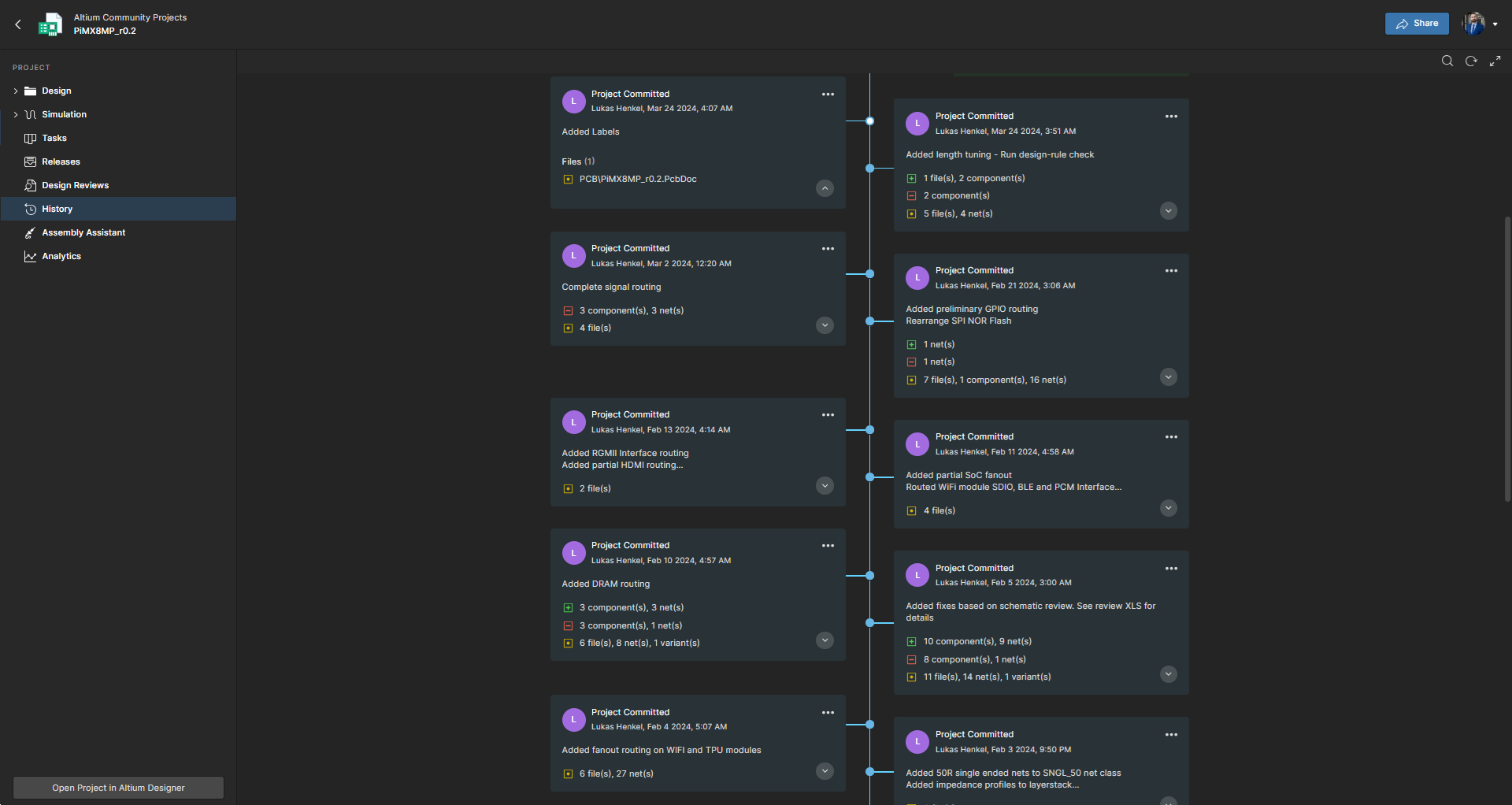
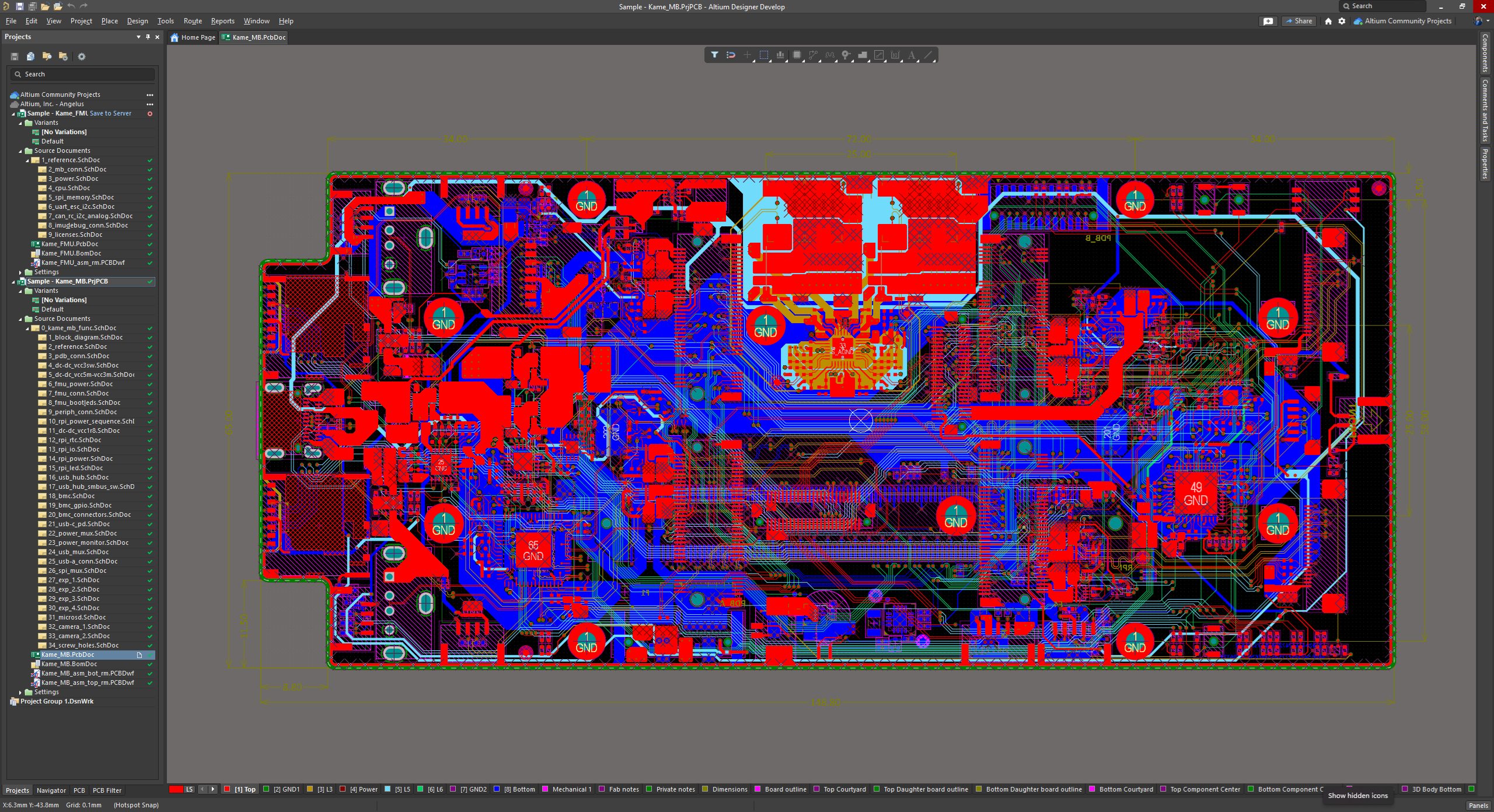
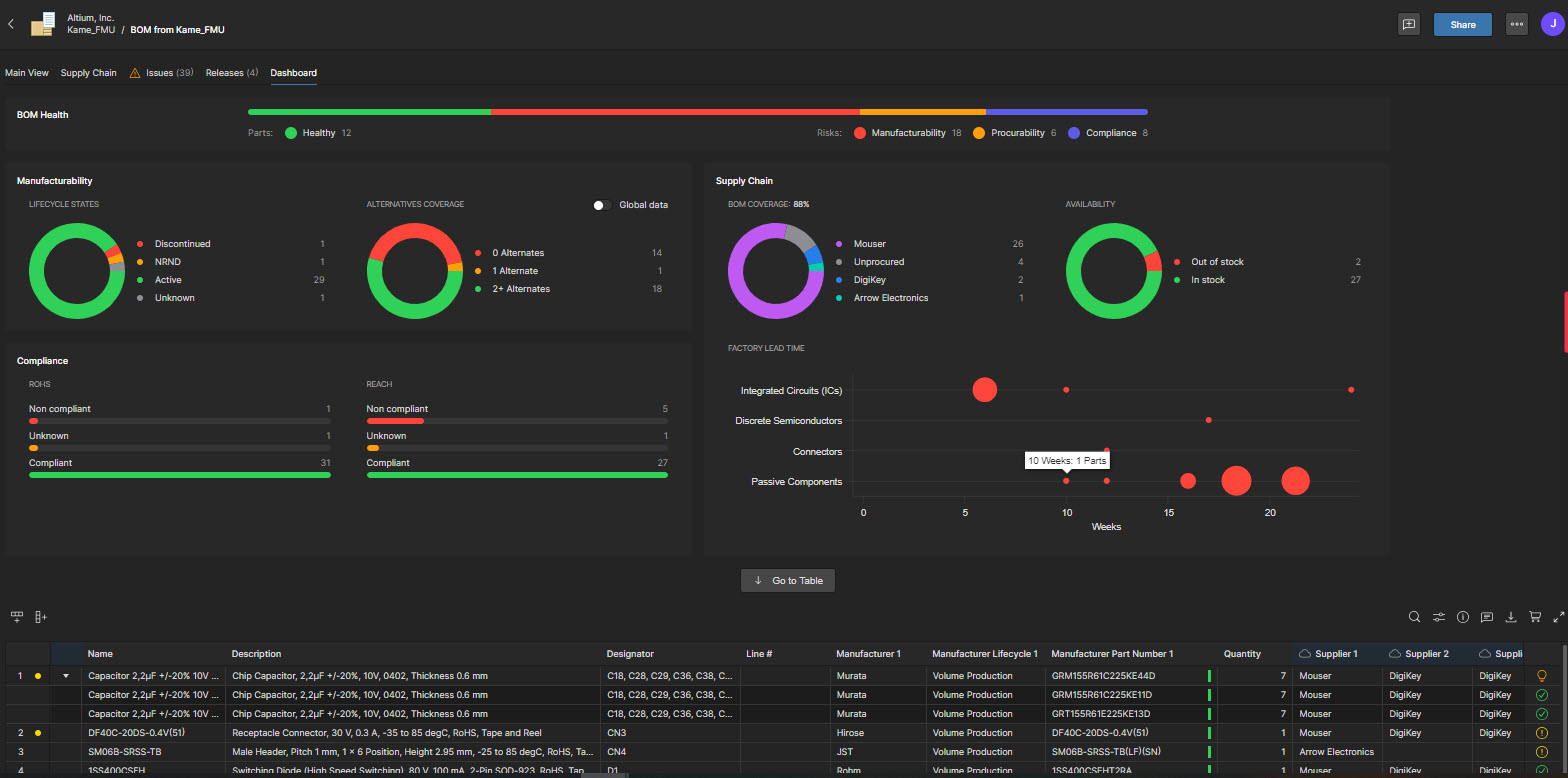
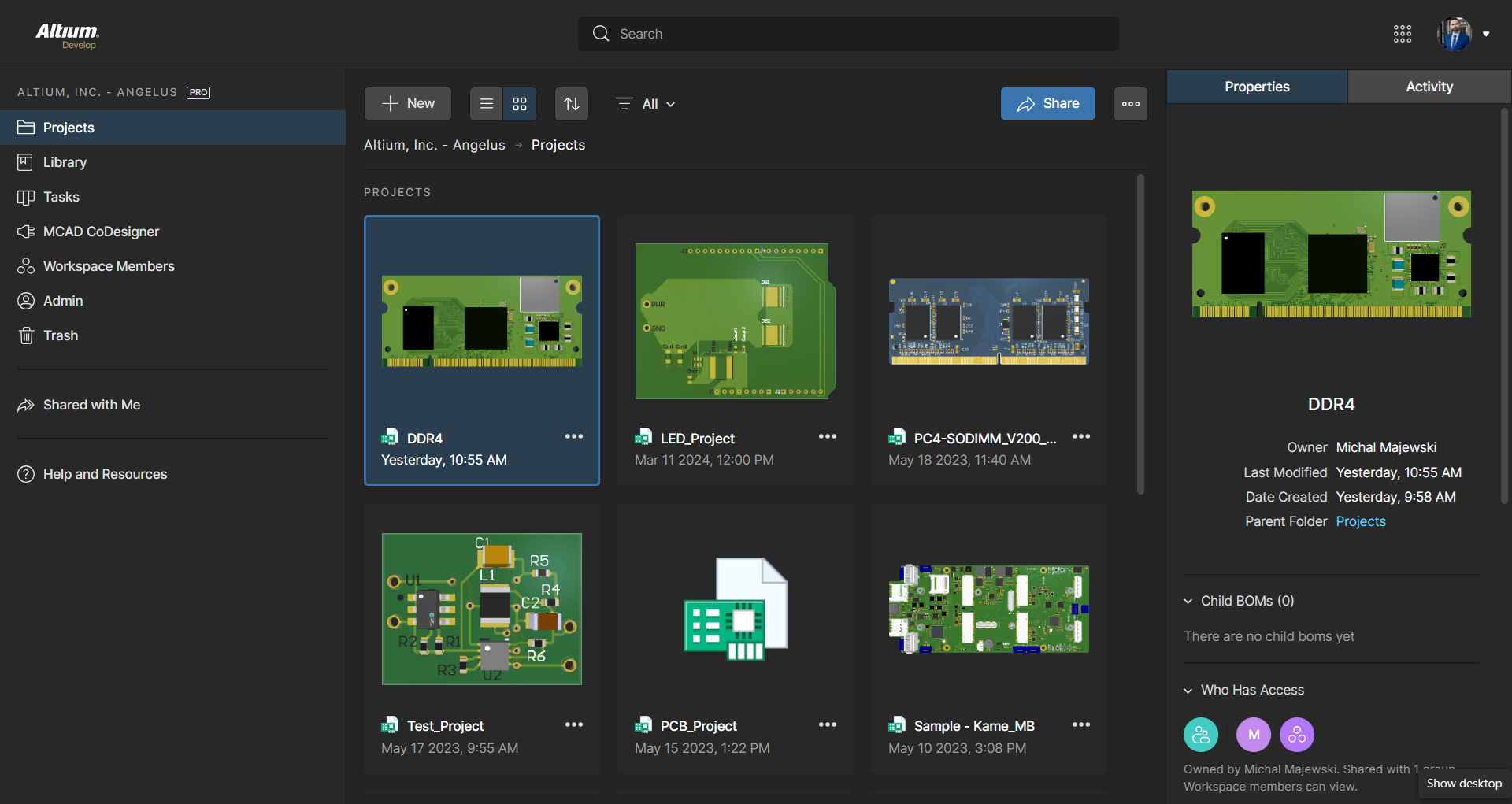
Altium Develop is a platform that unifies multidisciplinary teams across engineering, sourcing, and manufacturing to support seamless co-creation. It provides real-time visibility into designs, requirements, and supply chain data, enabling contributors to work together concurrently rather than in silos.
$995
per year per seat
Autodesk Fusion
Score8.5 out of 10
N/A
Autodesk Fusion is a cloud-based 3D CAD, CAM, and CAE tool which integrates design, modeling, and simulation capabilities.
Design Engineer in Engineering at Celestial Audio (Electrical & Electronic Manufacturing, 1-10 employees)
Chose Altium Develop
I used Eagle for a long time, then switched to Altium Designer around 2014. Eagle was rather basic comparatively, but also comparatively dirt cheap and capable for modestly complex designs. But the future was clear - Altium Designer was required for stepping up my design game.
A de minimis incentive was given to thank the reviewer for their time. The incentive was not used to bias or drive a particular response, nor was the incentive contingent on a positive endorsement. More Info
Verified User
Chose Altium Develop
Altium Designer is a CAD tool like the others. In comparison, Altium is chosen for its ability to make electrical circuits, its wide capacity, and its shared mode, which facilitates configuration and improves work time on projects.
A de minimis incentive was given to thank the reviewer for their time. The incentive was not used to bias or drive a particular response, nor was the incentive contingent on a positive endorsement. TR verified that a representative sample of customers was invited. More Info
Verified User
Chose Altium Develop
Due to coworker use the same software, it's easier to work with.
A de minimis incentive was given to thank the reviewer for their time. The incentive was not used to bias or drive a particular response, nor was the incentive contingent on a positive endorsement. More Info
A de minimis incentive was given to thank the reviewer for their time. The incentive was not used to bias or drive a particular response, nor was the incentive contingent on a positive endorsement. More Info
A de minimis incentive was given to thank the reviewer for their time. The incentive was not used to bias or drive a particular response, nor was the incentive contingent on a positive endorsement. More Info
Verified User
Chose Altium Develop
Overall Altium Designer is in another league compared to KiCad, especially the older versions. The whole design process works better in Altium Designer. The only thing I miss from KiCad is the disjointedness between symbols and footprints. Whilst less appropriate for …
A de minimis incentive was given to thank the reviewer for their time. The incentive was not used to bias or drive a particular response, nor was the incentive contingent on a positive endorsement. More Info
Autodesk
Verified User
Chose Autodesk Fusion
They are mainly related to CAD-type software, which is useful for modeling/design, although in a different area. In this case, Fusion is used because it is for mechanical-type models used in prototyping that are not related to some aspect of electronics, which differentiates it …
A de minimis incentive was given to thank the reviewer for their time. The incentive was not used to bias or drive a particular response, nor was the incentive contingent on a positive endorsement. TR verified that a representative sample of customers was invited. More Info
This software has been so easy to use from day one! I couldn't be more thrilled with it. Being an SME, it is offered on an annual basis free of charge. My network of engineers are amazed I am able to accomplish what I have using this software when the companies they come from are paying thousands for licensing. I also would like to note that Autodesk offer an incredible specialization to really round out your skills via Coursera.
A de minimis incentive was given to thank the reviewer for their time. The incentive was not used to bias or drive a particular response, nor was the incentive contingent on a positive endorsement. More Info
Fusion 360 is a very simple program, so once you begin to draw more complex 3D models, the software gets sluggish and loses its fluidity.
It would be really nice if Fusion 360 could output a model as a SolidWorks file so I can begin to draw something out in Fusion 360 and then pick it up in SolidWorks when I need to do some more advanced functions.
Because Fusion 360 is a simpler program, there are a few functions such as 3D sketches that are not intuitive like all the rest of the functions are.
A de minimis incentive was given to thank the reviewer for their time. The incentive was not used to bias or drive a particular response, nor was the incentive contingent on a positive endorsement. More Info
ALTIUM DESIGNER is the reference tool in the electronic circuit design sector, its use is widespread worldwide. Although there are other alternatives, some of them free do not rival ALTIUM DESIGNER in terms of features and reliability. It is also very practical to request quotes with ALTIUM DESIGNER BOM reports since all suppliers are accustomed to using the tool.
A de minimis incentive was given to thank the reviewer for their time. The incentive was not used to bias or drive a particular response, nor was the incentive contingent on a positive endorsement. TR verified that a representative sample of customers was invited. More Info
I use the educational Program. And so far is the best technical support. Every time that I need one or I have a question. They respond so far and with excellent advice.
A de minimis incentive was given to thank the reviewer for their time. The incentive was not used to bias or drive a particular response, nor was the incentive contingent on a positive endorsement. More Info
Support is conducted via internet Q&A boards; newcomers to 3D modeling may find that articulating their questions in the language of CAD software is the tricky part — once they find the right technical term for what they're trying to accomplish, answers come quickly. Autodesk also provides a large library of educational tutorial videos that make the initial process of learning Fusion 360's interface much easier.
A de minimis incentive was given to thank the reviewer for their time. The incentive was not used to bias or drive a particular response, nor was the incentive contingent on a positive endorsement. More Info
A de minimis incentive was given to thank the reviewer for their time. The incentive was not used to bias or drive a particular response, nor was the incentive contingent on a positive endorsement. More Info
A de minimis incentive was given to thank the reviewer for their time. The incentive was not used to bias or drive a particular response, nor was the incentive contingent on a positive endorsement. More Info
Altium offers much better features and usability over Proteus. Proteus also has certain limitations in what it can achieve, so that leaves it behind. Same with KiCad, while it is easier to use, and quite an amazing software for a freeware, it lacks certain features which makes it harder for us to use. OrCAD offers a lot of features, great focus on signal integrity, but the ease of use is non-existent
A de minimis incentive was given to thank the reviewer for their time. The incentive was not used to bias or drive a particular response, nor was the incentive contingent on a positive endorsement. More Info
Autodesk Inventor excels at daily core engineering tasks. When integrated with Vault management systems and part libraries, Autodesk Inventor is tough to beat when you need a mechanical design solution. When Inventor and Vault are setup properly it allows for a very efficient design workflow. I think it would be difficult to achieve the same amount of workflow efficiency with Autodesk Fusion 360, that said, Autodesk Fusion 360 offers a very good toolset at a much lower cost. I can maintain a yearly subscription of Autodesk Fusion 360 and get about 85% of the functionality that is available via the Inventor design suite for the cost of about 2 months of an Inventor subscription. I then also get access to manufacturing plugins with Autodesk Fusion 360 but lose a lot in the drawing environment. Inventor beats Autodesk Fusion 360 hands down when it comes to documentation.
A de minimis incentive was given to thank the reviewer for their time. The incentive was not used to bias or drive a particular response, nor was the incentive contingent on a positive endorsement. More Info
A de minimis incentive was given to thank the reviewer for their time. The incentive was not used to bias or drive a particular response, nor was the incentive contingent on a positive endorsement. More Info
A de minimis incentive was given to thank the reviewer for their time. The incentive was not used to bias or drive a particular response, nor was the incentive contingent on a positive endorsement. More Info