Akamai Cloud Computing (formerly Linode) include scalable and accessible Linux cloud solutions and services. These products and services support developers and enterprises as they build, deploy, secure, and scale applications.
N/A
AWS Cloud9
Score 8.6 out of 10
N/A
AWS Cloud9 is a cloud-based integrated development environment (IDE) used to write, run, and debug code with just a browser. It includes a code editor, debugger, and terminal. Cloud9 comes prepackaged with essential tools for popular programming languages, including JavaScript, Python, and PHP, with no need to install files or configure a development machine to start new projects.
N/A
Pricing
Akamai Cloud Computing
AWS Cloud9
Editions & Modules
No answers on this topic
No answers on this topic
Offerings
Pricing Offerings
Akamai Cloud Computing
AWS Cloud9
Free Trial
Yes
No
Free/Freemium Version
No
No
Premium Consulting/Integration Services
No
No
Entry-level Setup Fee
Optional
No setup fee
Additional Details
CPU, transfer, storage, and RAM are bundled into one price. Storage capacity can be increased with additional Block Storage or S3-compatible Object Storage. Instant Backups can be added with complete independence to the stack. Linode NodeBalancers ensure applications are available.
Akamai Connected Cloud Linode would be a good service to host a content delivery network (CDN) because of its edge network but I'd prefer not to use Akamai Connected Cloud Linode for tasks that need GPU power such as Machine Learning or Artificial Intelligence (AI) because Akamai Connected Cloud Linode lacks deep GPU compute compared to AWS or Google Cloud or Microsoft Azure
AWS Cloud9 is great for product engineering and coding where you must take time to pair program and code in a specific isolated environment. It is entirely cloud based so there's no worry about saving and data consistency. It is all hosted on the Amazon Web Services cloud. It is less appropriate for more general workflows that don't require a specific cloud instance.
Great, fast interface - There is a large list of shortcuts that make development on this IDE an experience that can sometimes even compare to something native.
Integrated debugging/troubleshooting - AWS Cloud9 has integrated debugging tools that are quite well-designed.
Lambda integrations - Cloud9 allows you to instantly run and maintain Lambda functions. It's probably the best IDE for developing on AWS Lambda.
The (new) 'create custom image' function needs a bit of work before it is useable.
New accounts have limited features until a support requested is made to turn specific ones on. It would be useful to have an account page that tells you what is disabled so unpleasant surprises are not had at the pointy end of a deadline.
Stackscripts would be better if it more info was transferred to the script. Eg the Linode Label given, plan requested, etc. But now I am just nit-picking
In this eight years of being Linode's customer, there hasn't been a single day we faced problem. Even the migration or maintenance activities have been planned, organised and priorly informed. Kudos to taking care of even such small metrics. Though the instances are unmanaged, the support team helps with relevant document links, or their own articles that help us to fix or solve the issues we face.
It's pretty easy for me, but I preferred their old interface before it was called 'cloud' (not a computer science term.) The new interface looks easier but I had to ask for help for things I used to be able to find myself. If someone was new to it--without having used their old interface--it might be easier for them than it originally was for me.
The interface for Cloud9 needs some improvement. It is simply not as powerful and intelligent as a local text editor would be and thus it lacks the capabilities of fast filling when coding. Otherwise, I think it has a fair interface that they have tried mimicking an IDE.
There is very little planned downtime. Whenever planned downtime is necessary I'm always given lots of advanced notice and an explanation that I can pass along to my users that they'll understand. I really appreciate that Linode appreciates my commitment to reliable service to my users. It shows that they believe they've been successful when I'm successful.
Servers are well dimensioned and price performant. Of course one always wants more, so if they were to upgrade their hardware for the same price I'd consider moving more workloads. Networking - never had an issue. Hardware speeds - disks are fast and can grow to great size.
Support was excellent and fast. The documentation is extensive and helpful. I learned many things from their online documentation. I did not contact them by phone, but email took a day or less. Complex problems would probably need a service contract. I liked the friendly and polite tone of the support.
We got kick started with an initial walkthrough along with some free credits. The initial walkthrough helped us to understand Linode's ecosystem and start our hands on with Linode. We tried out some apps from Marketplace initially with the free credits, which not only helped us understand Linode better, but also those apps. We had implemented many such apps to our customers with Linode
We're a small organization. The implementation of our Linode solution was trivial. Once I justified a cloud server to my bosses over a co-location -- the co-lo wasn't as fast as our linode server in load tests -- it was a matter of moving one Linux implementation to another. Trivial.
It is more user-friendly than the big three cloud providers like AWS and GCP. The interface blows them out of the water; pricing is so much more competitive—no egregious bandwidth fees like AWS. As a small startup, cutting out the overhead of ultra-complex UI and pricing dramatically helps. It seems to be matched tit-for-tat with DigitalOcean, and their UI is similar in many ways. DigitalOcean has more mature capabilities, even though Linode/Akamai was founded earlier. Linode/Akamai provides better price-per-performance, though, as DigitalOcean is expensive nowadays.
S3 is a great service for storing unstructured data. It is cheap and us an user we don't have to care about scaling. Amazon S3 is a managed service. We use it for avery simple projects in our organization.
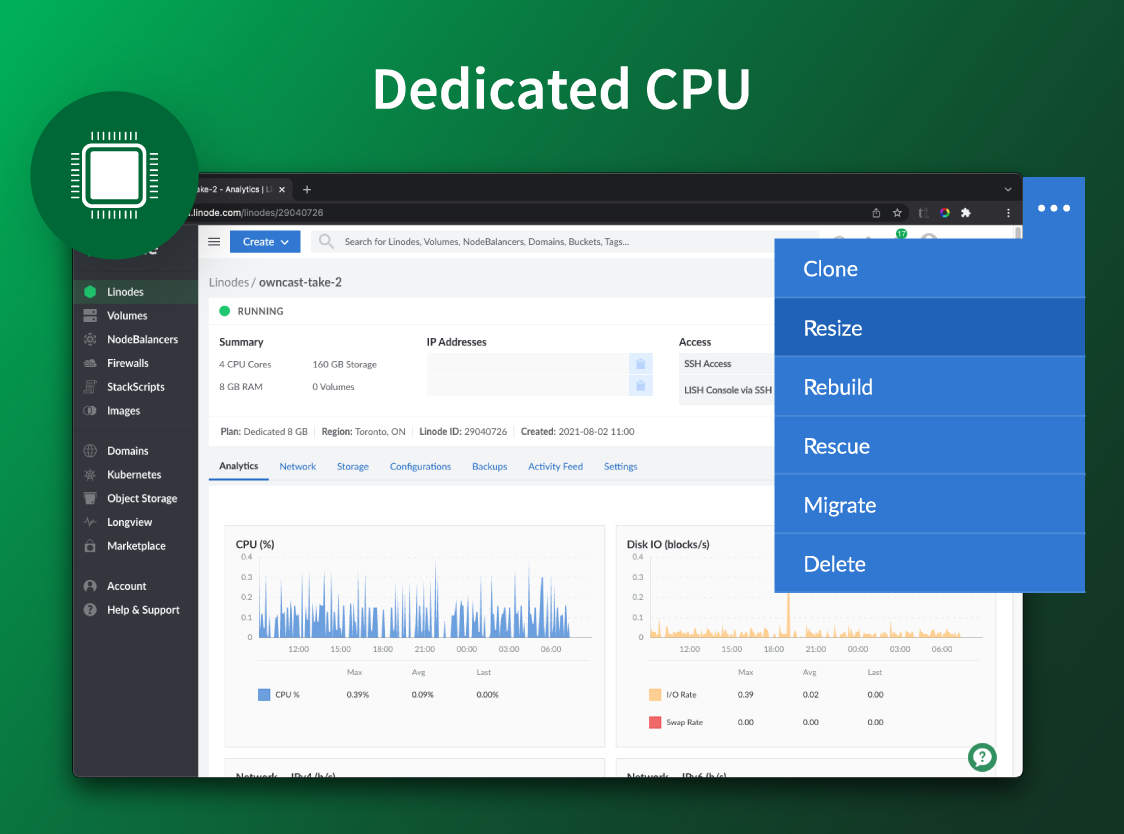
I completely agree with the above statement. Linode provides the best option in terms of configurations and scalability. We have chosen share CPU instances many times and then moved on with dedicated CPU instances, just with a click of button.
This software has been really useful for our company since thanks to the fact that you can work together with other colleagues in the same code, it is much easier to advance in the development of projects and thus be able to make your delivery in a much shorter time.
Because it provides all the necessary tools to develop projects, there is a great saving of time and costs.
It is easy to use so any user can use it and this makes it possible to streamline each project much faster and more if you do not necessarily have to be in the company to advance in them, and this is thanks to the fact that it can be used from anywhere with internet access.