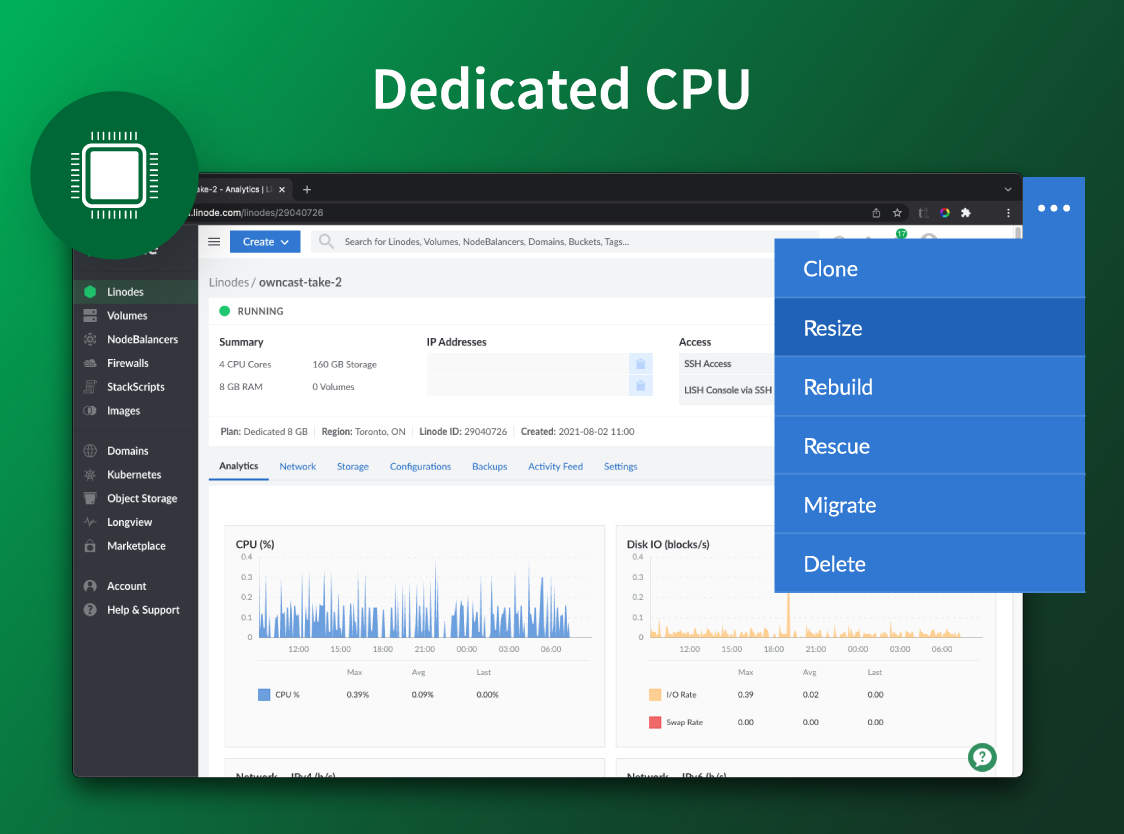
Akamai Cloud Computing (formerly Linode) include scalable and accessible Linux cloud solutions and services. These products and services support developers and enterprises as they build, deploy, secure, and scale applications.
N/A
Amazon Elastic Compute Cloud (EC2)
Score 8.9 out of 10
N/A
Amazon Elastic Compute Cloud (Amazon EC2) is a web service that provides secure, resizable compute capacity in the cloud. Users can launch instances with a variety of OSs, load them with custom application environments, manage network access permissions, and run images on multiple systems.
$0.01
per IP address with a running instance per hour on a pro rata basis
Pricing
Akamai Cloud Computing
Amazon Elastic Compute Cloud (EC2)
Editions & Modules
No answers on this topic
Data Transfer
$0.00 - $0.09
per GB
On-Demand
$0.0042 - $6.528
per Hour
EBS-Optimized Instances
$0.005
per IP address with a running instance per hour on a pro rata basis
Carrier IP Addresses
$0.005 - $0.10
T4g Instances
$0.04
per vCPU-Hour Linux, RHEL, & SLES
T2, T3 Instances
$0.05 ($0.096)
per vCPU-Hour Linux, RHEL, & SLES (Windows)
Offerings
Pricing Offerings
Akamai Cloud Computing
Amazon Elastic Compute Cloud (EC2)
Free Trial
Yes
No
Free/Freemium Version
No
No
Premium Consulting/Integration Services
No
No
Entry-level Setup Fee
Optional
No setup fee
Additional Details
CPU, transfer, storage, and RAM are bundled into one price. Storage capacity can be increased with additional Block Storage or S3-compatible Object Storage. Instant Backups can be added with complete independence to the stack. Linode NodeBalancers ensure applications are available.
—
More Pricing Information
Community Pulse
Akamai Cloud Computing
Amazon Elastic Compute Cloud (EC2)
Features
Akamai Cloud Computing
Amazon Elastic Compute Cloud (EC2)
Infrastructure-as-a-Service (IaaS)
Comparison of Infrastructure-as-a-Service (IaaS) features of Product A and Product B
Akamai Connected Cloud Linode would be a good service to host a content delivery network (CDN) because of its edge network but I'd prefer not to use Akamai Connected Cloud Linode for tasks that need GPU power such as Machine Learning or Artificial Intelligence (AI) because Akamai Connected Cloud Linode lacks deep GPU compute compared to AWS or Google Cloud or Microsoft Azure
Suitable for companies that are looking for performance at a competitive price, flexibility to switch instance type even with RI, flexibility to add-on IOPS, option to lower running cost with the regular introduction of new instance type that comes with higher performance but at a lower cost.
A great variety of choices in Amazon Machine Image (AMI) types. Users can select a more basic type to run generic workloads, but also have the choice to pick an AMI pre-installed with specific services in the AWS Marketplace.
The range of instance types can support the usage from a student's exploration (inexpensive general-purpose nano instances) to an enterprise's most intense workloads (memory or storage-optimized instances with terabytes of memory and ultra-fast network connection).
The pricing options, from regular instances, reserved instances to spot instances allow users to get the job done and make smart choices about how much they want to pay and when they want to pay.
The (new) 'create custom image' function needs a bit of work before it is useable.
New accounts have limited features until a support requested is made to turn specific ones on. It would be useful to have an account page that tells you what is disabled so unpleasant surprises are not had at the pointy end of a deadline.
Stackscripts would be better if it more info was transferred to the script. Eg the Linode Label given, plan requested, etc. But now I am just nit-picking
This service is a bit difficult to consume. New users need a big learning curve to use this service effectively.
UI for EC2 service is a little complex and at many places, it misses detailed explanation.
Sometimes it takes too long to create images of EC2 instances. This keeps your EC2 up for that extra time. When instances are heavy, it penalizes a lot of money.
In this eight years of being Linode's customer, there hasn't been a single day we faced problem. Even the migration or maintenance activities have been planned, organised and priorly informed. Kudos to taking care of even such small metrics. Though the instances are unmanaged, the support team helps with relevant document links, or their own articles that help us to fix or solve the issues we face.
It's pretty easy for me, but I preferred their old interface before it was called 'cloud' (not a computer science term.) The new interface looks easier but I had to ask for help for things I used to be able to find myself. If someone was new to it--without having used their old interface--it might be easier for them than it originally was for me.
It's easy and straightforward for a technical person to use it via SSH, but when working in cross-functional teams, using Amazon's web console is difficult for this particular service. Most modern cloud providers provide a more seamless user interface to interact with their cloud machines, and the same should have been the case with EC2.
There is very little planned downtime. Whenever planned downtime is necessary I'm always given lots of advanced notice and an explanation that I can pass along to my users that they'll understand. I really appreciate that Linode appreciates my commitment to reliable service to my users. It shows that they believe they've been successful when I'm successful.
Servers are well dimensioned and price performant. Of course one always wants more, so if they were to upgrade their hardware for the same price I'd consider moving more workloads. Networking - never had an issue. Hardware speeds - disks are fast and can grow to great size.
Support was excellent and fast. The documentation is extensive and helpful. I learned many things from their online documentation. I did not contact them by phone, but email took a day or less. Complex problems would probably need a service contract. I liked the friendly and polite tone of the support.
AWS's support is good overall. Not outstanding, but better than average. We have had very little reason to engage with AWS support but in our limited experience, the staff has been knowledgeable, timely and helpful. The only negative is actually initiating a service request can be a bit of a pain.
We got kick started with an initial walkthrough along with some free credits. The initial walkthrough helped us to understand Linode's ecosystem and start our hands on with Linode. We tried out some apps from Marketplace initially with the free credits, which not only helped us understand Linode better, but also those apps. We had implemented many such apps to our customers with Linode
We're a small organization. The implementation of our Linode solution was trivial. Once I justified a cloud server to my bosses over a co-location -- the co-lo wasn't as fast as our linode server in load tests -- it was a matter of moving one Linux implementation to another. Trivial.
It is more user-friendly than the big three cloud providers like AWS and GCP. The interface blows them out of the water; pricing is so much more competitive—no egregious bandwidth fees like AWS. As a small startup, cutting out the overhead of ultra-complex UI and pricing dramatically helps. It seems to be matched tit-for-tat with DigitalOcean, and their UI is similar in many ways. DigitalOcean has more mature capabilities, even though Linode/Akamai was founded earlier. Linode/Akamai provides better price-per-performance, though, as DigitalOcean is expensive nowadays.
Azure VM Builder offers good service, but the options are quite limited (Too much inclined to Windows as it is prepared by Microsoft). EC2 image building capabilities are the best in the market, and offer Windows, Linux (CentOS, rh2, debian, ubuntu), along with other distros, which helps customers choose according to their needs.
I completely agree with the above statement. Linode provides the best option in terms of configurations and scalability. We have chosen share CPU instances many times and then moved on with dedicated CPU instances, just with a click of button.
With EC2 you pay only when is Running, so you can save up to 75% on Dev environments which are running only on office hours
You have several ways to pay for EC2, with EC2 Reserved Instances you pay with a discount of up to 72% if you make a commitment of using them from 1 or 3 years
With EC2 spot you can use spare AWS EC2 capacity with a discount of up to 90%, your workload must be interrupt tolerant as your EC2 could be reclaim by AWS and the EC2 terminated