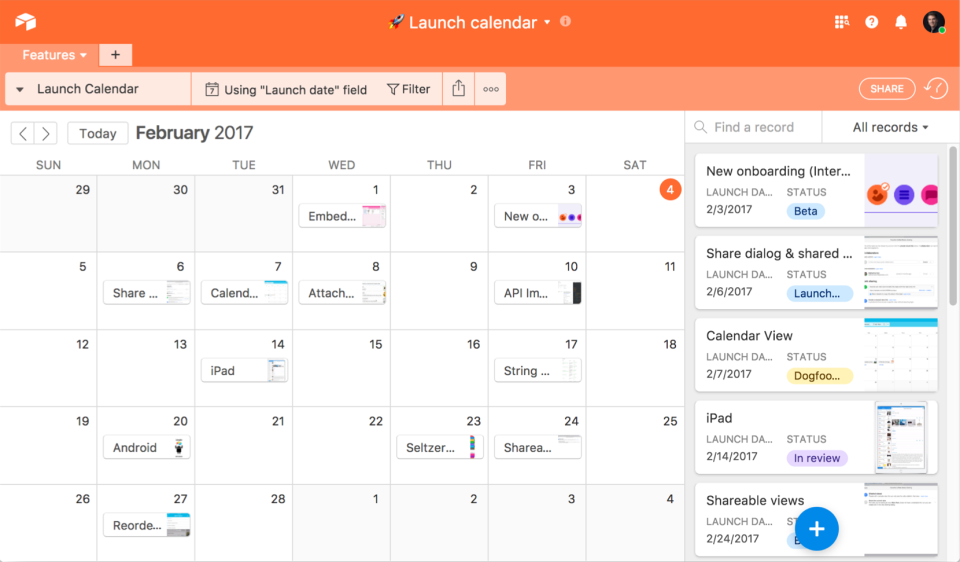
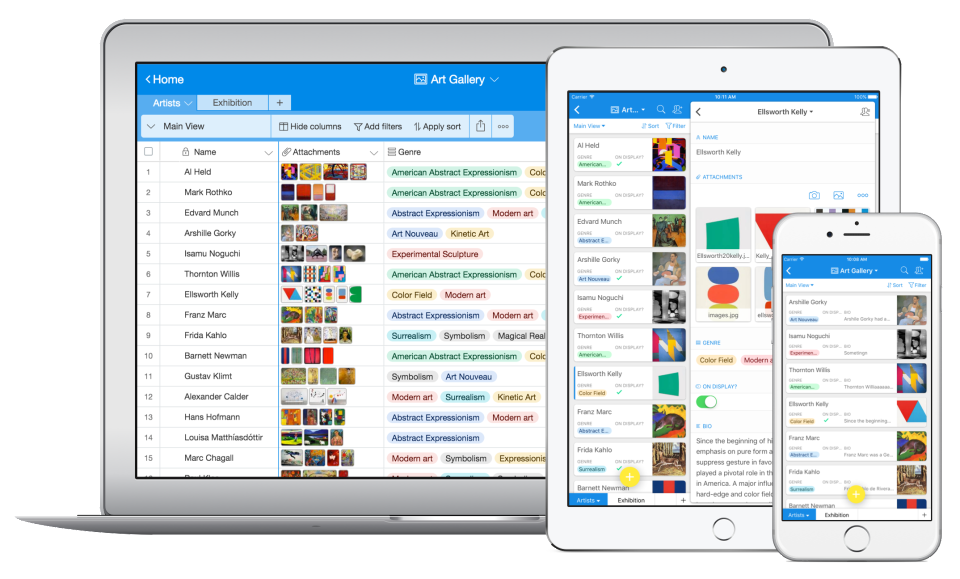
Airtable is a project management and collaboration platform designed to enable content pipelines, product management, events planning, user research, and more. It combines spreadsheet,database, calendar, and kanban functionality within one platform.
$24
per month per user
MeisterTask
Score 8.4 out of 10
Small Businesses (1-50 employees)
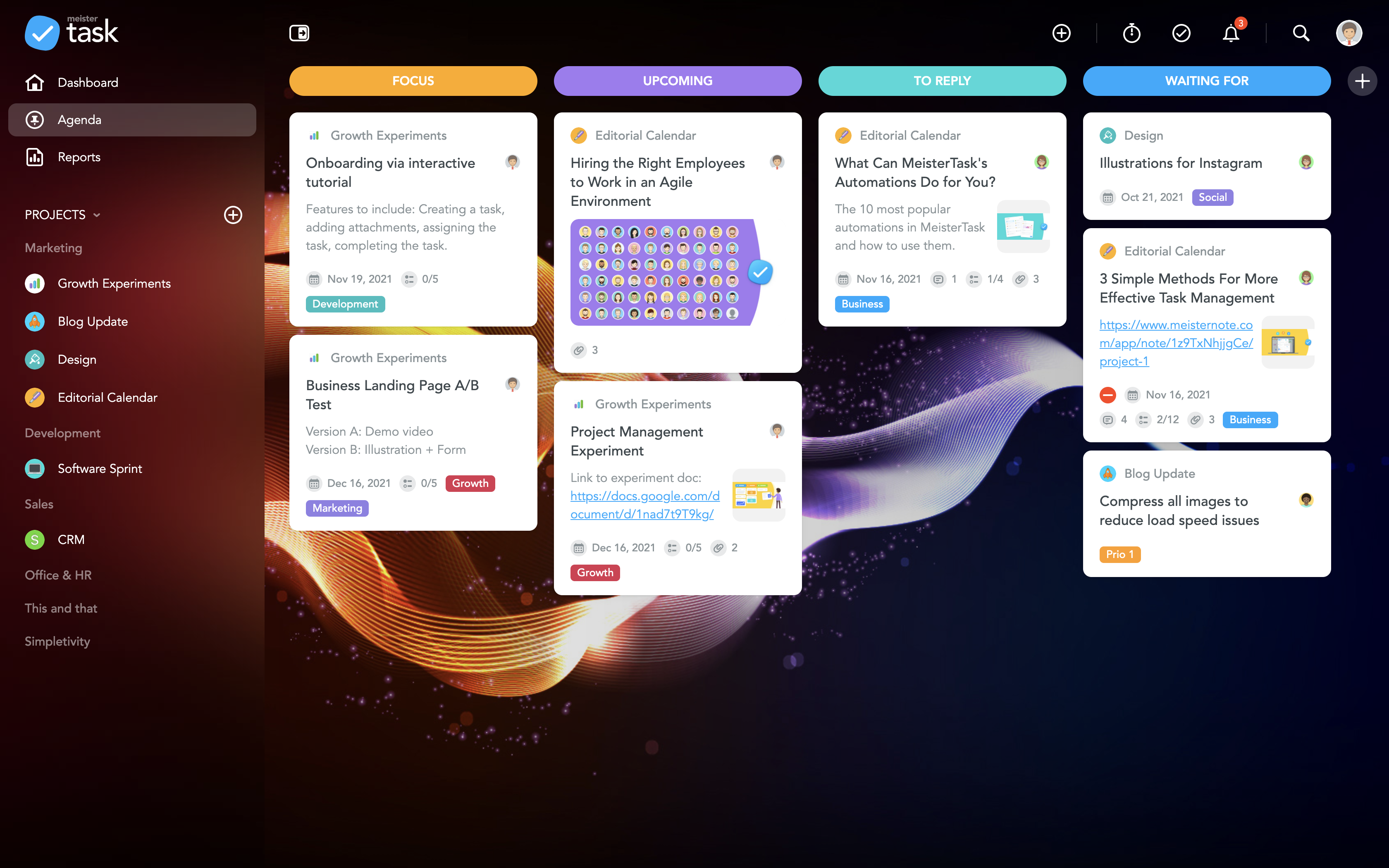
MeisterTask is a task management and collaboration tool that let teams manage tasks in a customizable environment. MeisterTask's project boards adapt to a team’s workflow, and is suitable for managing a variety of tasks from software sprints to editorial calendars. As opposed to only providing a tool that visualizes the work, MeisterTask automates recurring steps in users' workflows to help them work more efficiently and consistently.
MeisterTask is developed by…
$16
per month per user
Pricing
Airtable
MeisterTask
Editions & Modules
Team
$24
per month per user
Business
$54
per month per user
Enterprise
Custom Pricing
Pro
$16
per month per user
Business
$32
per month per user
Enterprise
Custom
Offerings
Pricing Offerings
Airtable
MeisterTask
Free Trial
Yes
No
Free/Freemium Version
Yes
Yes
Premium Consulting/Integration Services
No
No
Entry-level Setup Fee
No setup fee
No setup fee
Additional Details
—
Discounts are available for education and non-profit organisations. 28% discount for annual pricing.
More Pricing Information
Community Pulse
Airtable
MeisterTask
Features
Airtable
MeisterTask
Project Management
Comparison of Project Management features of Product A and Product B
Airtable is well suited for cross-functional teams who all have an interest in data site - it's democratizing who owns data. Especially if there will be a need to add input on a cell-level basis view comment functionality with the expectation of @mentioned parties respond. Airtable is less suited for teams who need to run functions, jobs, and macros across a data set; they're best suited for Excel.
If you are doing simple tasks, and do not need to see Gantt dependencies, this can work for you. You likely know that other tools seem cumbersome already, and Meistertask is the opposite. If you like mind mapping, try combining this with Mindmeister by thhe same company to integrate your mind maps into actual project plans.
Airtable has capabilities commonly found in spreadsheet applications, but also has some of the features found in databases.
The ability to filter fields. I set up a filter on the status field, so when a project is marked, complete, on hold, or canceled, that record is hidden from my current projects table view. If it is marked complete, the record is moved to the completed projects table view. In this way I can easily access a record of past projects
Being able to duplicate tables and create alternate views
Collapse and expand records. When I collapse the rows, I can easily scan current projects, next steps, project status, and due dates. When I expand the row, or field, I can see more detailed information about that field or record very easily. I can also expand or open the entire record. This is is helpful, when I am entering a lot of information to multiple fields in that record.
The learning curve is really short compared to other software that is related to this.
It is very easy to manage several projects at the same time, thus saving time in the work process.
Managing the elements of the list is very comfortable since its interface allows everything to work in an orderly manner based on what I want to put as important for me.
It has versions that are adapted to any type of company or if you want to give a personal use because it also has an option based on what you want to do with MeisterTask.
Airtable does not integrate with collaboration services with which it is possible to review live changes within each spreadsheet (in the case of keeping them closed).
Does not automate analysis traffic.
It does not include any section where it is possible to communicate with the other editors.
I really wish there was a tab to create a Gantt Chart on MeisterTask. This would be extremely helpful to track the progress of a project as a whole.
Some of the controls are not intuitive. For instance, you can select an individual person to see only their respective tasks, which is super helpful. But, to unselect that person and go back to the overview, you have to refresh the page and then hit the back button. This is super inconvenient to do every time.
One other feature I wish was included it a "percentage complete" tracker that showed what percentage is done with each task people are on.
We love Airtable for how we use it and we know there are probably tons of other ways we can implement it for other departments. We just haven't gotten there yet (due to bandwith) Customer Support is also super helpful and overall ease of use is fantastic
Airtable is a simple and intuitive tool. However, when you first set it up, you need someone who is curious and able to design a system that works for your organisation's use case. This takes some time, but it can be intuitive once it's set up.
I have rarely experience downtime, compared to other tools, and given how much time we spend on the tool. Even if there were to be, their updates on it are very timely, and our support team are able to provide any questions regarding
I never had any issues with load time, even with the integrations that we use today (google sheets) However, I'm curious if adding additional layers of integrations would slow down performance. We do carry quite a bit of data in Airtable, but, again, no impact on overall performance
Airtable has great support. They have a variety of support features to answer any questions. They have great self teaching instructions for templates and product tours. They also have support for teams and project management. They also have a fantastic customer help line. They are able and willing to answer customer questions and never have customers waiting long
Recorded trainings were provided by the Airtable team. Great as an evergreen resources to new team members and for anyone that wants to refresh their Airtable knowledge
Training all users was an important part of the implementation, which did take considerable time and effort. At first glance without training, the content calendar can be overwhelming because of the amount of data. The features within Airtable seem to be endless but our team was able to identify the most important to be successful.
Airtable is the most user-friendly and adaptive. It's UX/UI is the most aesthetically pleasing (which matters a lot if its what you're staring at every day), and the customizability of having different views and perspectives of the same record is extremely helpful. It's also a great cloud-based storage place for marketing materials, as it goes beyond simple storage - you can group together, make notes, connect, and comment on assets.
MeisterTask is a great app for tracking your to-dos and manage your team. You can track the time you spent on each task and it's a nice design. Good mobile app too, that helps keep everyone informed about the event and the task that need to be done and who is taking care of what task.
There are TONS of opportunity to scale, but I think it's a matter if you have the time and resources to do so because the initial setup can be fairly time consuming and prioritized dedication
Through this platform, I always have the idea bout which of my team member is working on which particular part of the project, I can easily track their progress, and also I can easily correct them where it is required by adding sticky notes, by sending the attachments and URLs.