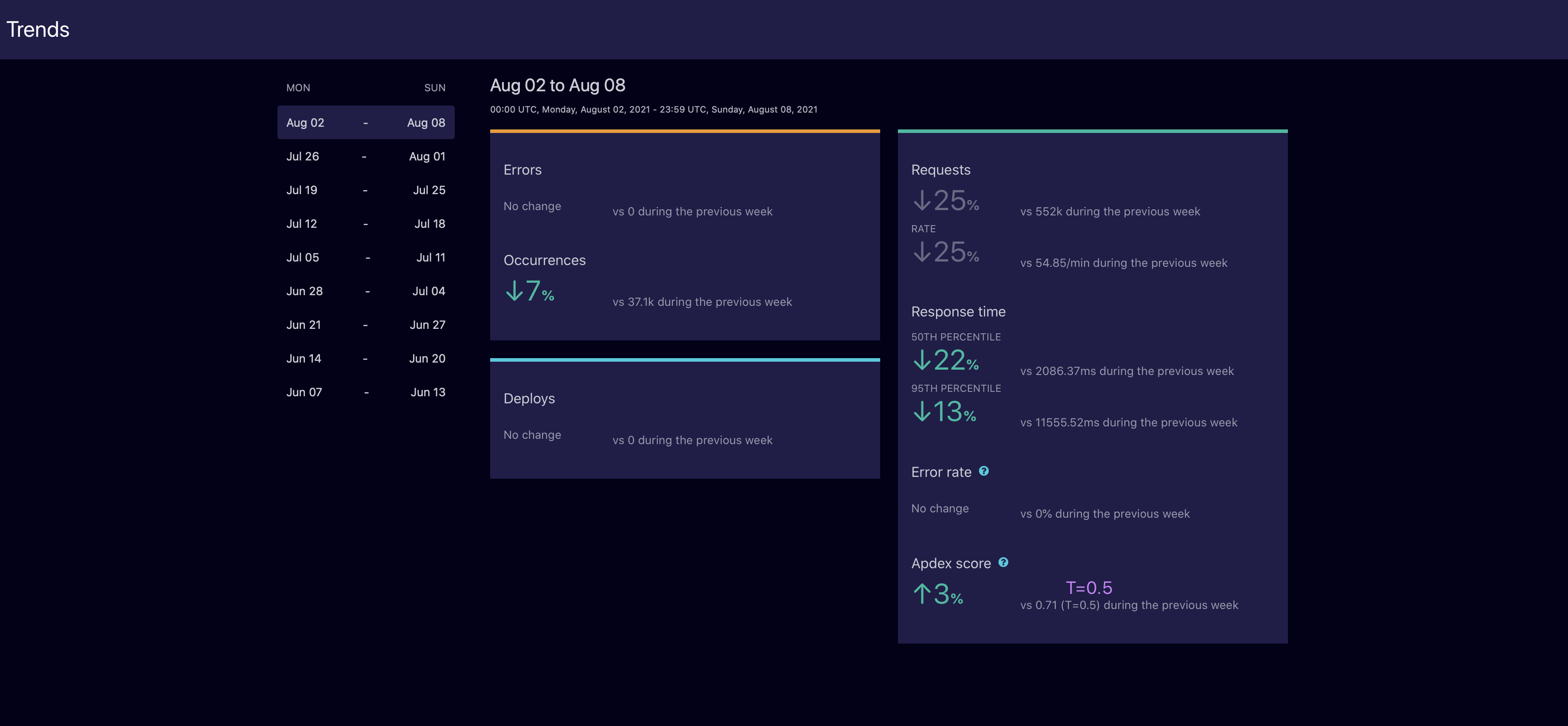
Airbrake, now from LogicMonitor (acquired February 2021) is an error monitoring and performance insight tool. Airbrak offers real-time error alerts, rich contextual data about why errors are occurring, integration into an existing workflow, and application performance insights to enable users to identify, diagnose, and fix problems - before users get annoyed.
$0
per month
Bugzilla
Score8.5 out of 10
N/A
N/A
N/A
Pricing
Airbrake
Bugzilla
Editions & Modules
Free
$0
per month
Basic
$19
per month
Pro
$38
per month
No answers on this topic
Offerings
Pricing Offerings
Airbrake
Bugzilla
Free Trial
Yes
No
Free/Freemium Version
Yes
No
Premium Consulting/Integration Services
No
No
Entry-level Setup Fee
No setup fee
No setup fee
Additional Details
Airbrake offers plans that include up to 200M errors, plus unlimited on-demand errors. Start your free trial and find the plan that right for your needs. 10% discount available for annual pricing.
Airbrake is very good at what it does, I don’t really have any criticism at all on that front. It’s less well-suited when bugfixing goes beyond the immediate error and means looking at a lot of context (particularly asynchronous context) like logs.
A de minimis incentive was given to thank the reviewer for their time. The incentive was not used to bias or drive a particular response, nor was the incentive contingent on a positive endorsement. More Info
Buzilla is easy to use and provides basic functionality to use as a bug tracking tool. If big size attachments are allowed it would have been great. Also with Bugzilla home->Test management area is improved by allowing multiple sections it would be awesome!
A de minimis incentive was given to thank the reviewer for their time. The incentive was not used to bias or drive a particular response, nor was the incentive contingent on a positive endorsement. More Info
Open source! No license fee involved, no limit to the number of licenses.
Easy to install and maintain. Installation is very easy and hardly needs any maintenance efforts, except when migrating from one version to other. Each project can have its own group of users.
Includes all the core features/fields that are needed to log a software bug/issue.
Multiple attachments are possible, supports various formats.
Good for reporting. Filtering mechanism lets you query bugs by various parameters.
A de minimis incentive was given to thank the reviewer for their time. The incentive was not used to bias or drive a particular response, nor was the incentive contingent on a positive endorsement. More Info
We use Airbrake in conjunction with OpsGenie, but I feel like there could be more room for integration between the two.
I think it would also be nice if there was a GitHub integration that would comment on recently merged error-prone PRs, currently, we need to dig into the error to find the commit.
Generally, more integrations would be nice as people often forget about Airbrake when they are stressed out about an issue.
A de minimis incentive was given to thank the reviewer for their time. The incentive was not used to bias or drive a particular response, nor was the incentive contingent on a positive endorsement. More Info
Cloud Based. I'd like to see bugzilla be cloud based. The company I currently work with made a final decision to change db's for this specific reason. Due to the frequency of travel in this company, they need access to bugzilla from differing national / international locations.
Larger File Attachments. I believe the limit of a bugzilla content upload is 4 megabytes. For many of our video'd issues, this file size is simply impractical without the additional effort exertion on video compressor applications.
A de minimis incentive was given to thank the reviewer for their time. The incentive was not used to bias or drive a particular response, nor was the incentive contingent on a positive endorsement. More Info
For future projects I will look at something that is hosted in the cloud that I don't have to manage. I would also like something that has a more modern feel to allow my customers to use it as well as my employees.
A de minimis incentive was given to thank the reviewer for their time. The incentive was not used to bias or drive a particular response, nor was the incentive contingent on a positive endorsement. More Info
This is a pretty straightforward system. You put in the bug details, a ticket is created, the team is notified. The user interface reflects this very simple and straightforward flow. It's certainly much easier than trying to track bugs with using Excel and email.
A de minimis incentive was given to thank the reviewer for their time. The incentive was not used to bias or drive a particular response, nor was the incentive contingent on a positive endorsement. More Info
A de minimis incentive was given to thank the reviewer for their time. The incentive was not used to bias or drive a particular response, nor was the incentive contingent on a positive endorsement. More Info
Since it is open source, it doesn't have customer service. However, the amount of information on forums is vast. If you can wade through it, you'll get what you need
A de minimis incentive was given to thank the reviewer for their time. The incentive was not used to bias or drive a particular response, nor was the incentive contingent on a positive endorsement. More Info
A de minimis incentive was given to thank the reviewer for their time. The incentive was not used to bias or drive a particular response, nor was the incentive contingent on a positive endorsement. More Info
Implementation was pretty simple. Particularly because the product cannot be customized so there is not much to do apart from getting it up and running.
I love to use Airbrake and New Relic in conjunction. New Relic has better metrics and data that you can really dig into (especially for optimizations), but the error part has always been kinda meh. I fee like Airbrake has done an awesome job at this
We migrated away from the whole suite of Rational tools because of their massive complexity around administration and inflexibility regarding workflows. In addition, the suite was insanely expensive, and users hated the usability of the tools. We evaluated, and liked JIRA, but because the organization was looking for cost savings, we ended up going with Bugzilla and it's FOSS model so as to avoid ongoing costs.
A de minimis incentive was given to thank the reviewer for their time. The incentive was not used to bias or drive a particular response, nor was the incentive contingent on a positive endorsement. More Info
A de minimis incentive was given to thank the reviewer for their time. The incentive was not used to bias or drive a particular response, nor was the incentive contingent on a positive endorsement. More Info
A de minimis incentive was given to thank the reviewer for their time. The incentive was not used to bias or drive a particular response, nor was the incentive contingent on a positive endorsement. More Info
It has made the SDLC process more efficient. Bugs were logged and tracked in emails or in Excel sheets leading to slow communication and at time version issues with multiple files. Being an online tool, Bugzilla solved those issues, improved communication, instant status updates and improved efficiency.
We have used Bugzilla with a lot of federal goverment agencies (DHS, CMS, SAMHSA, CDC, HHS etc). Project Directors adn Principle Investigators were at times given access to Bugzilla which provided a snapshot of open vs closed issues.
Some groups would resist using Bugzilla with the email reminders being the main reason. Turning off or reminding them of features where we can 'control' email notification helped a lot.
A de minimis incentive was given to thank the reviewer for their time. The incentive was not used to bias or drive a particular response, nor was the incentive contingent on a positive endorsement. More Info