
Agency Analytics vs. Chartbeat
| Product | Rating | Most Used By | Product Summary | Starting Price |
|---|---|---|---|---|
 Agency Analytics | Score9.9 out of 10 | Mid-Size Companies (51-1,000 employees) | Reporting software designed specifically for marketing agencies, boasting over 5,000 agencies as users of AgencyAnalytics for reports and live marketing dashboards. It can report on SEO, PPC, call tracking, social media, email marketing, and more with 60+ integrations. The solution aims to displace spreadsheets and help users grow their agencies, and is presented as an easy-to-use reporting software that just works the way it is needed to. It is available to try out through a 14-day… | $60 per month |
 Chartbeat | Score6.9 out of 10 | N/A | Chartbeat delivers real-time analytics, insights, and transformative tools for content teams around the world, to help improve audience engagement, inform editorial decisions, and increase loyalty. | N/A |
| Agency Analytics | Chartbeat | |||||||||||||||
|---|---|---|---|---|---|---|---|---|---|---|---|---|---|---|---|---|
| Editions & Modules |
| No answers on this topic | ||||||||||||||
| Offerings |
| |||||||||||||||
| Entry-level Setup Fee | No setup fee | No setup fee | ||||||||||||||
| Additional Details | What is a Client Campaign? A client campaign represents a client (their website and integrations). | Chartbeat pricing is based on monthly site page views. Discounts are applied to multi-year contracts. The Basic Plan includes the Real-time Dashboard, Historical Dashboard, Heads Up Display, Reports, Big Board, iOS and Android app, and Real-time API endpoints. The Plus Plan includes all of the Basic Plan features, plus ONE of the following Premium features: Headline Testing, Advanced Queries, or Multi-Site View. The Premium Plan includes all of the Basic Plan features, plus ALL Premium features: Headline Testing, Advanced Queries, Multi-Site View, and enterprise-level support and custom trainings. | ||||||||||||||
| More Pricing Information | ||||||||||||||||
| Agency Analytics | Chartbeat | |
|---|---|---|
| Considered Both Products | No answer on this topic | No answer on this topic |
| Key User Insights | ||
| Would buy again | ||
100% Would buy again 11 Answers | 98% Would buy again 47 Answers | |
| Delivers good value for the price | ||
100% Delivers good value for the price 10 Answers | 100% Delivers good value for the price 21 Answers | |
| Happy with the feature set | ||
100% Happy with the feature set 11 Answers | 96% Happy with the feature set 46 Answers | |
| Lived up to sales and marketing promises | ||
100% Lived up to sales and marketing promises 11 Answers | 100% Lived up to sales and marketing promises 20 Answers | |
| Implementation went as expected | ||
100% Implementation went as expected 11 Answers | 100% Implementation went as expected 24 Answers | |
| Agency Analytics | Chartbeat | ||||||||||||||||||||||||||||
|---|---|---|---|---|---|---|---|---|---|---|---|---|---|---|---|---|---|---|---|---|---|---|---|---|---|---|---|---|---|
| Web Analytics |
| ||||||||||||||||||||||||||||
| Agency Analytics | Chartbeat | |
|---|---|---|
| Small Businesses |  TapClicks Score8.1 out of 10 |  StatCounter Score9 out of 10 |
| Medium-sized Companies |  Supermetrics Score10 out of 10 |  Siteimprove Score10 out of 10 |
| Enterprises |  TrackMaven Score8.5 out of 10 |  Alexa Internet (discontinued) Score7.9 out of 10 |
| All Alternatives | View all alternatives | View all alternatives |
| Agency Analytics | Chartbeat | |
|---|---|---|
| Likelihood to Recommend | 10.0 | 8.6 |
| Likelihood to Renew | - | 9.9 |
| Usability | - | 7.8 |
| Support Rating | 9.8 | 8.1 |
| Agency Analytics | Chartbeat | |
|---|---|---|
| Likelihood to Recommend |
|
|
| Pros |
|
|
| Cons |
|
|
| Likelihood to Renew | No answers on this topic |
|
| Usability | No answers on this topic |
|
| Support Rating |
|
|
| Alternatives Considered |
|
|
| Return on Investment |
|
|
| ScreenShots | Agency Analytics Screenshots     | Chartbeat Screenshots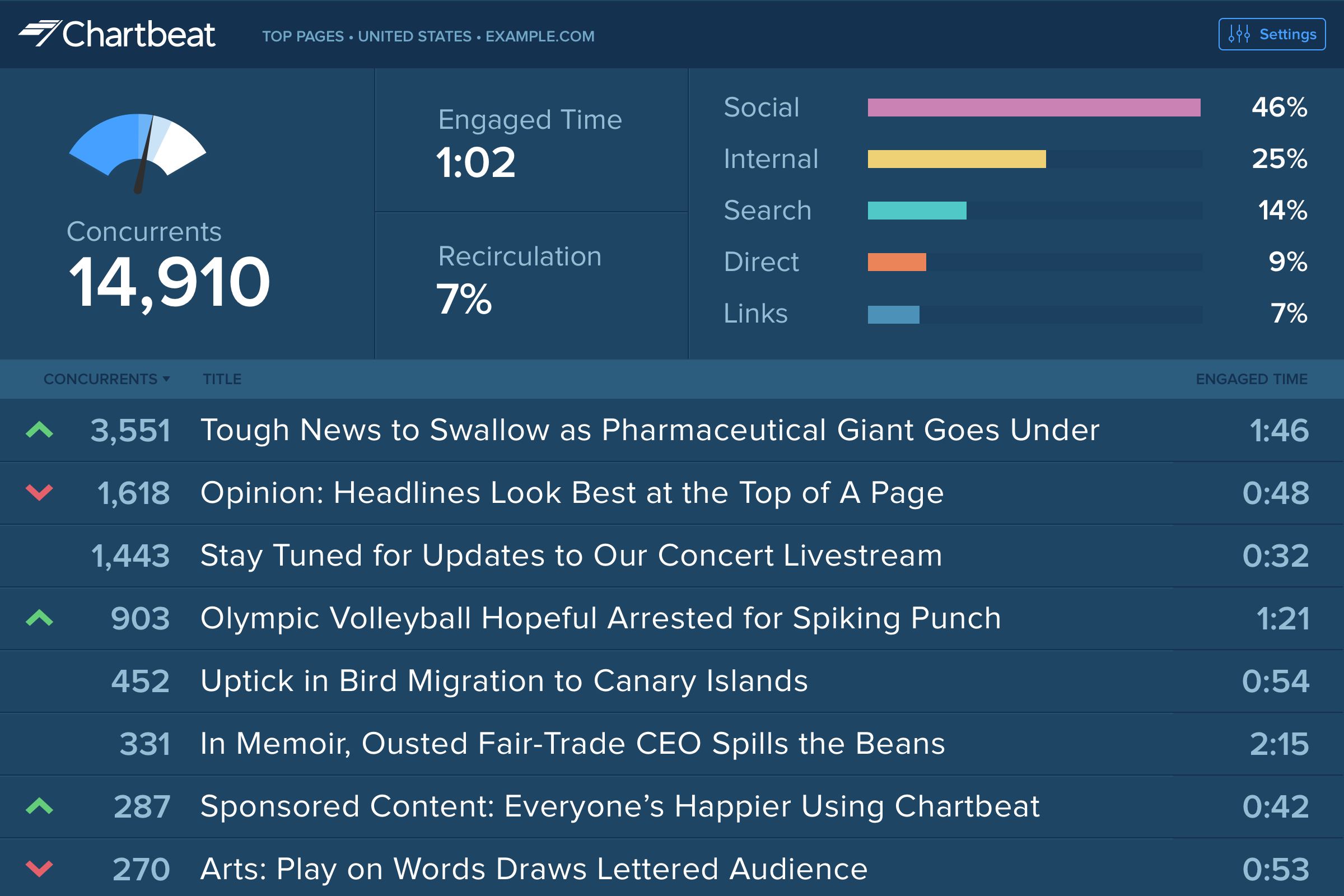 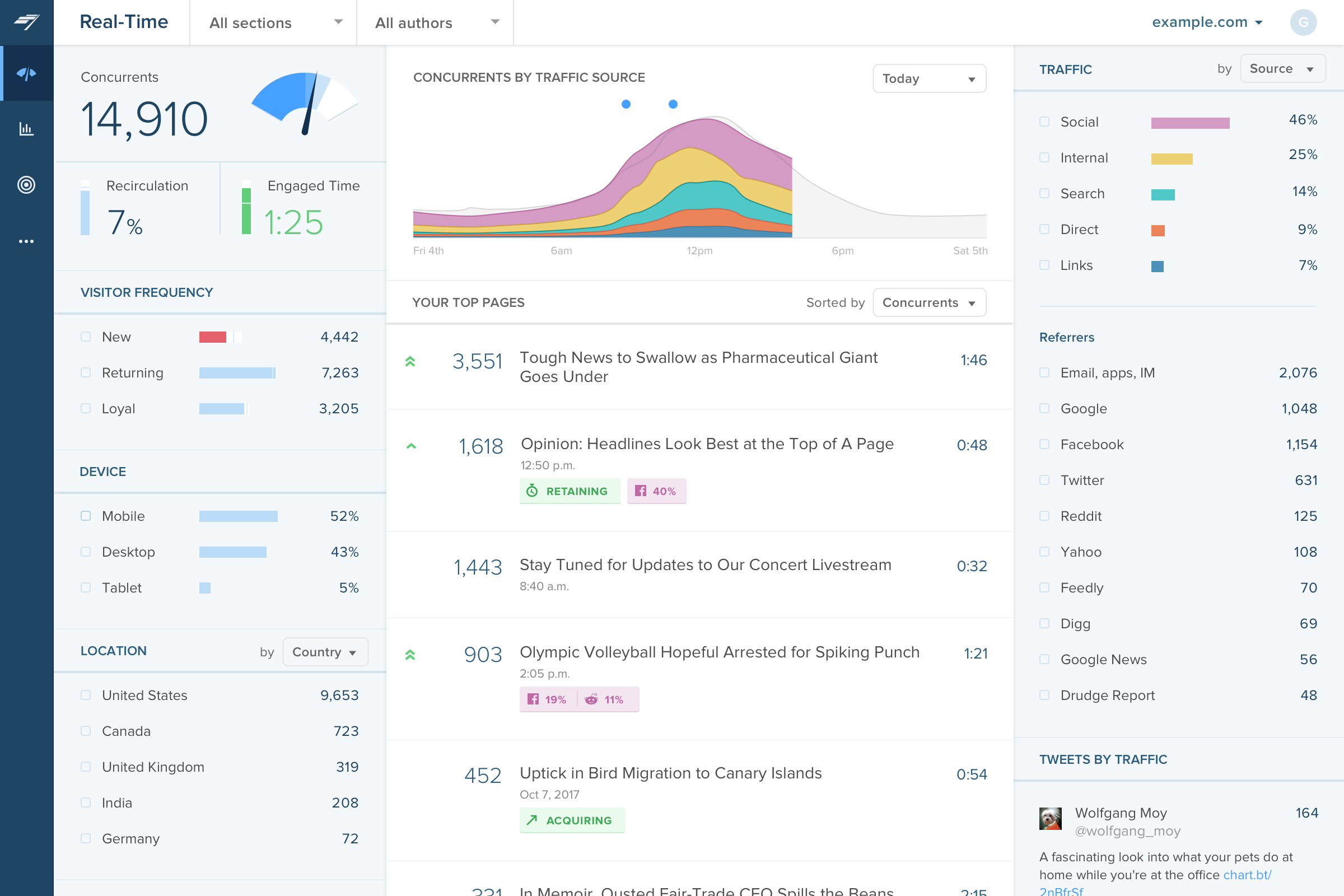     |




