
Neovo Signage vs. Chrome Sign Builder
| Product | Rating | Most Used By | Product Summary | Starting Price |
|---|---|---|---|---|
 Neovo Signage | N/A | Enterprise companies (1,001+ employees) | Neovo Signage gives customers a one-stop digital signage cloud solution, through a combination of displays, media players, a simple-to-use and free cloud-based digital signage software for users to utilize a wide range of valuable tools. Unlike other solutions focusing exclusively on hardware or on software, Neovo Signage integrates both for optimal efficiency and user experience, offering a real-time, flexible, scalable signage system for customers - accommodating digital signage needs of… | N/A |
 Chrome Sign Builder | Score7.6 out of 10 | N/A | Chrome Sign Builder, from Google, is a digital signage utility that allows users to schedule and display content across managed Chrome devices and networks, built to make it easy to show web content content such as restaurant menus, images, and YouTube videos and playlists–as well as Google Presentations, which can be edited by anyone who has access to the presentation. | N/A |
| Neovo Signage | Chrome Sign Builder | |||||||||||||||
|---|---|---|---|---|---|---|---|---|---|---|---|---|---|---|---|---|
| Editions & Modules | No answers on this topic | No answers on this topic | ||||||||||||||
| Offerings |
| |||||||||||||||
| Entry-level Setup Fee | $1 one-time payment/user | No setup fee | ||||||||||||||
| Additional Details | The total cost of your digital signage solutions will depend on factors such as the duration you need the sign to be active, total volume, etc. Our "Full" plan is highly customizable - meaning you'll only pay for what you need. | — | ||||||||||||||
| More Pricing Information | ||||||||||||||||
| Neovo Signage | Chrome Sign Builder | |
|---|---|---|
| Considered Both Products | No answer on this topic | No answer on this topic |
| Key User Insights | ||
| Would buy again | ||
No answers on this topic | 76% Would buy again 19 Answers | |
| Delivers good value for the price | ||
No answers on this topic | 96% Delivers good value for the price 23 Answers | |
| Happy with the feature set | ||
No answers on this topic | 80% Happy with the feature set 20 Answers | |
| Lived up to sales and marketing promises | ||
No answers on this topic | 86% Lived up to sales and marketing promises 19 Answers | |
| Implementation went as expected | ||
No answers on this topic | 88% Implementation went as expected 21 Answers | |
| Neovo Signage | Chrome Sign Builder | |
|---|---|---|
| Likelihood to Recommend | - | 7.5 |
| Support Rating | - | 4.0 |
| Neovo Signage | Chrome Sign Builder | |
|---|---|---|
| Likelihood to Recommend | No answers on this topic |
|
| Pros | No answers on this topic |
|
| Cons | No answers on this topic |
|
| Support Rating | No answers on this topic |
|
| Alternatives Considered | No answers on this topic |
|
| Return on Investment | No answers on this topic |
|
| ScreenShots | Neovo Signage Screenshots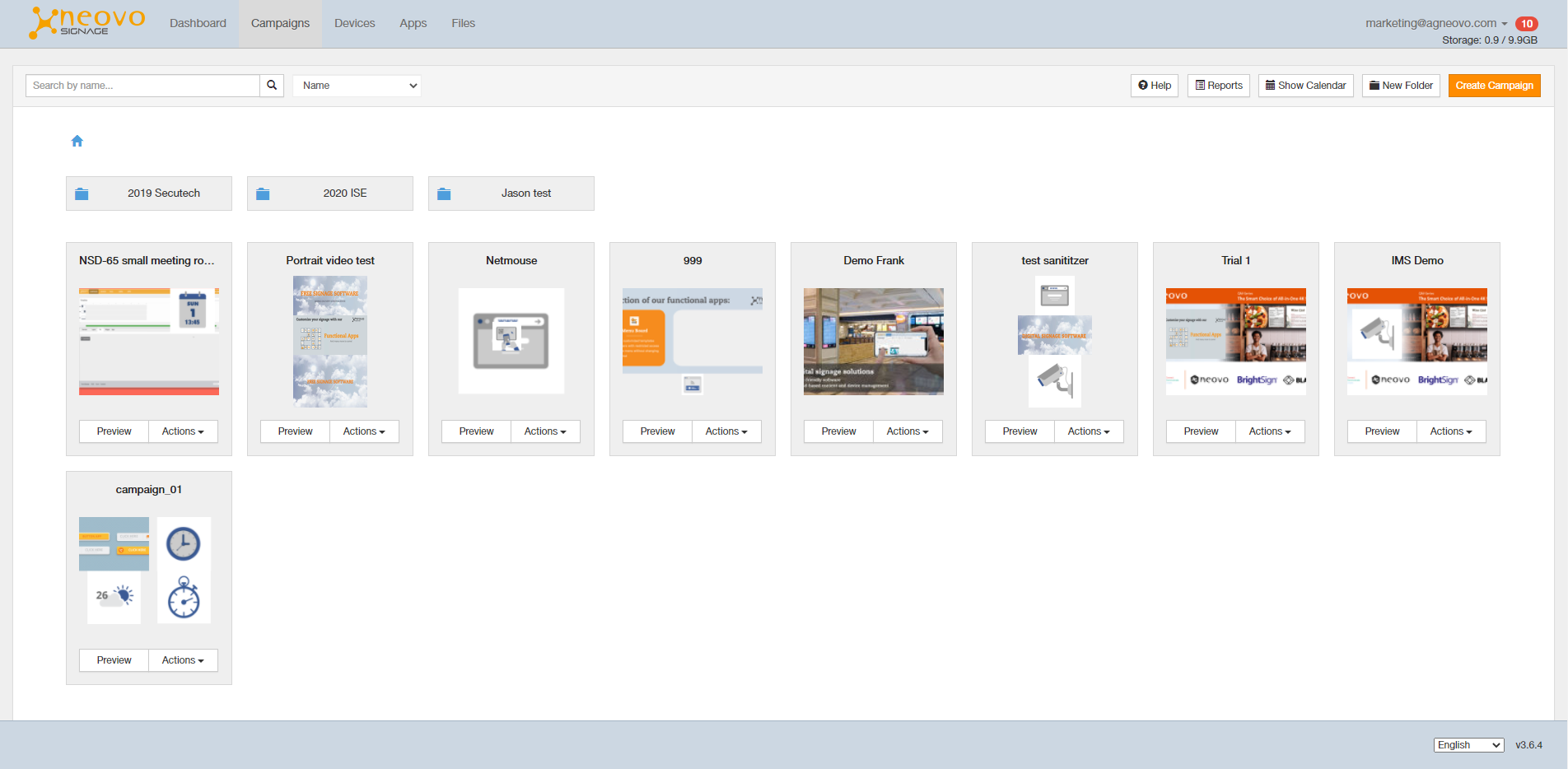 |

