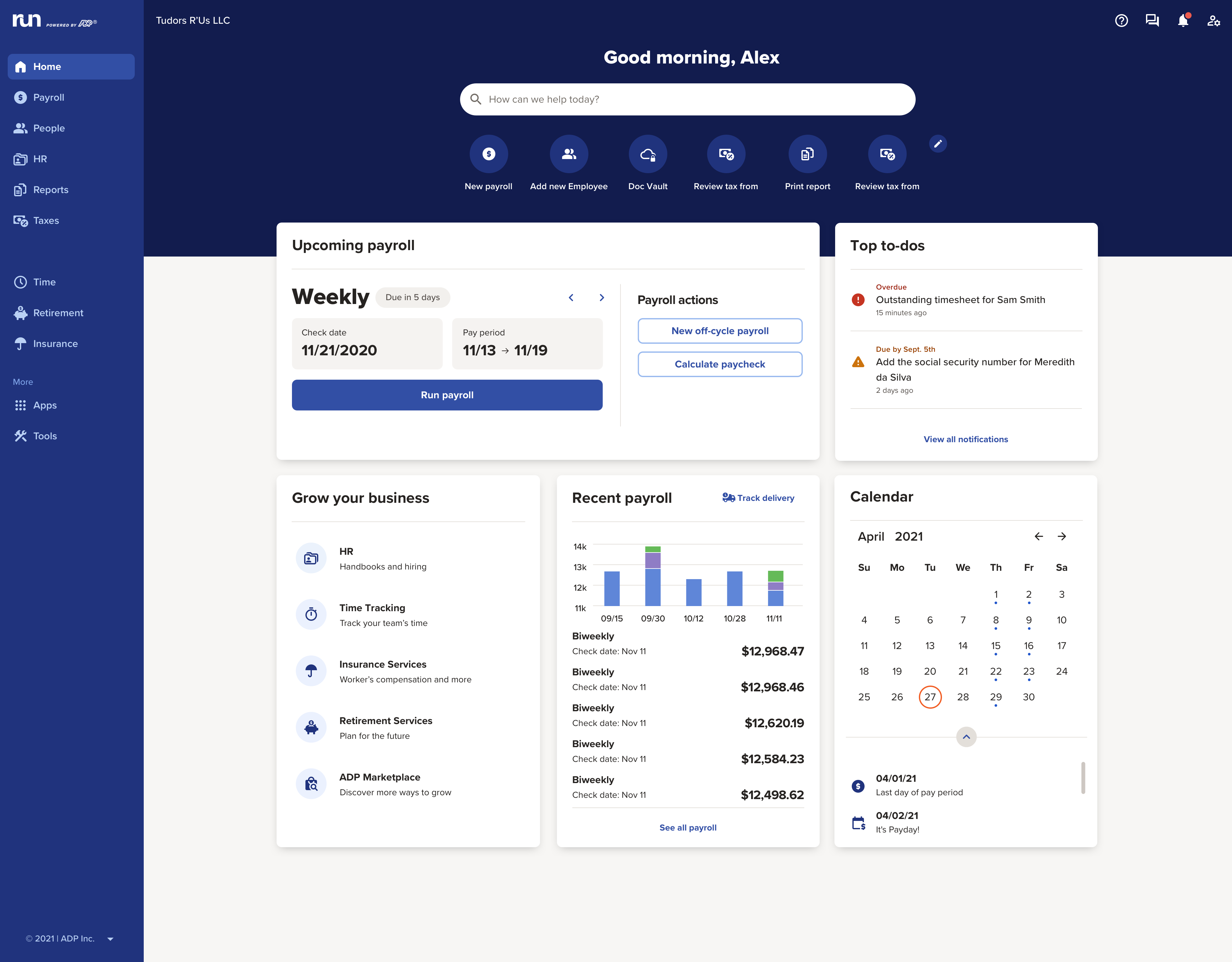
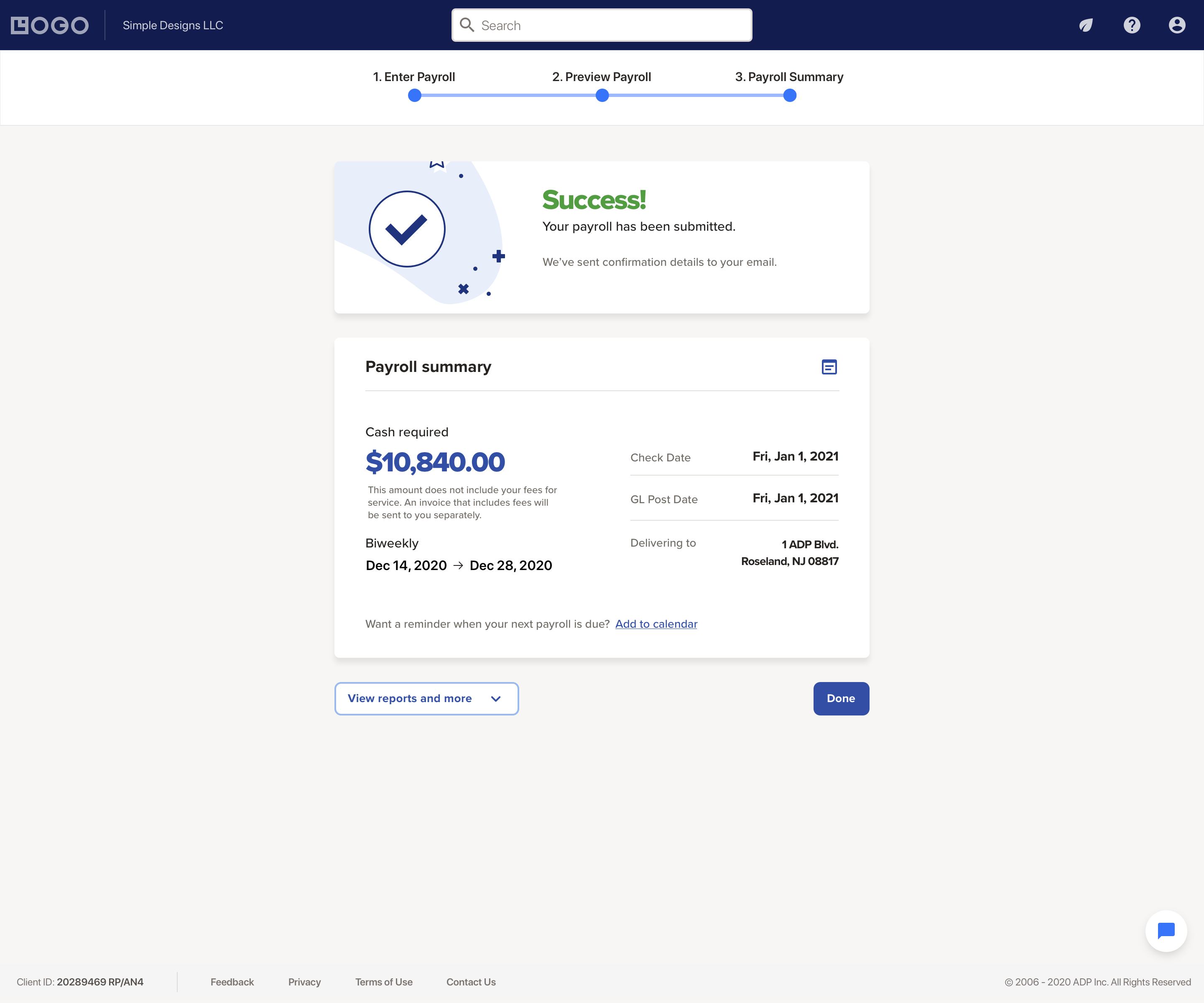
The RUN Powered by ADP® cloud-based solution is used to pay employees. It also includes HR and hiring tools, as well as benefits, helping small businesses grow and manage their teams.
N/A
Traqq
Score9.1 out of 10
Small Businesses (1-50 employees)
Traqq leads the shift to ethical time tracking through non-invasive analytics. No screenshots. No screen recording. No micromanagement. Our lightweight desktop app respects privacy while delivering rich insights into team performance and productivity. You get intelligent analysis that tracks app usage, work patterns, and idle time - all while keeping your data secure. Traqq combines AI-powered time tracking with smart activity monitoring. The 2025 AI analytics upgrade brings…
$0
(for up to 3 users)
Pricing
RUN Powered by ADP®
Traqq
Editions & Modules
No answers on this topic
Premium Starter
$0
(up to 3 users)
Premium Teams
$7
per month per user
Enterprise
Custom Plan
Offerings
Pricing Offerings
RUN Powered by ADP®
Traqq
Free Trial
Yes
Yes
Free/Freemium Version
No
Yes
Premium Consulting/Integration Services
No
Yes
Entry-level Setup Fee
No setup fee
No setup fee
Additional Details
—
Discounts available for quarterly (10%) and annual (14%) pricing.
ADP offers a wide range of options beyond just running payroll. We appreciate the flexibility to select options that best suit our company, such as having Workers' Compensation administered through ADP. During the COVID pandemic, our payroll experts and legal team proved invaluable in navigating special pay circumstances. We have also accessed the HR application to navigate and seek advice on how to administer situations that could be tricky. I would say less appropriate would be putting all our eggs in one basket when it comes to employee benefits - we have a dedicated broker team that we have used for nearly 30 years, and we carry our own HSA and POP insurance, and circumstances when we carry compliant coverage from other sources do not translate to our file with ADP.
A de minimis incentive was given to thank the reviewer for their time. The incentive was not used to bias or drive a particular response, nor was the incentive contingent on a positive endorsement. More Info
Traqq is a great system when you are in the field of education. In my experience, it has saved me countless hours of figuring out how to remember the timezone my employees and students are located in. I used to use a written spreadsheet of each employee's timezone and one of those random timezone calculators. Being able to modify Traqq based on my employees' timezone, my timezone, and our company's timezone (the technical "working hours") has been a game-changer.
A de minimis incentive was given to thank the reviewer for their time. The incentive was not used to bias or drive a particular response, nor was the incentive contingent on a positive endorsement. TR verified that a representative sample of customers was invited. More Info
Gave me a detailed report of my daily activities, even hours of productivity.
My clients were not left behind every step of the way in my project. They had access to my activities and knew the periods I was inactive and even the apps I visited (although they blurred the screen, my clients were aware along the line, I visited a couple of applications) I loved that Traqq is conscious of its user's privacy. This is something you don't see in all Tracking apps.
Helps me track my hours effectively. This way, I had no issues on paydays because I was receiving the exact money for the exact time I worked. This is the big deal for me because no one like to work really hard and be underpaid, and neither does anyone want to overpay a lazy freelancer. I really love this about Traqq.
I would like to see a change in the payroll processing so that when you have to save for later, you don't have to reenter all the information you have already entered.
Make it easier for the employees to track their used vacation and PTO hours.
A de minimis incentive was given to thank the reviewer for their time. The incentive was not used to bias or drive a particular response, nor was the incentive contingent on a positive endorsement. TR verified that a representative sample of customers was invited. More Info
It is much better than the payroll system I used previously. The integrations that RUN has for on-boarding new hires are very convenient when they work properly. It saves a tremendous amount of time being able to email a link to new employees that allows them to enter much of their own demographic information. Payroll feature alerts me when someone's pay is significantly less or more than usual.
A de minimis incentive was given to thank the reviewer for their time. The incentive was not used to bias or drive a particular response, nor was the incentive contingent on a positive endorsement. TR verified that a representative sample of customers was invited. More Info
I have been using this system for years and they have actually made it easier and easier. The system is always making great upgrades that don't necessarily require any additional information or training. I love when I log in and see a new feature or button that I get to use to make my life easier!
A de minimis incentive was given to thank the reviewer for their time. The incentive was not used to bias or drive a particular response, nor was the incentive contingent on a positive endorsement. More Info
I don't think I have ever encountered error codes or 404 error screens when trying to access RUN ADP. I run payroll for the company every other week and I have had no issues accessing the website, everything saves and updates when it's needed. Our employees use the app on their phones and they have not had any issues either other than just a basic update of the app occasionally
A de minimis incentive was given to thank the reviewer for their time. The incentive was not used to bias or drive a particular response, nor was the incentive contingent on a positive endorsement. TR verified that a representative sample of customers was invited. More Info
ADP Run loads a bit slowly at times, once I put in my credentials. However, that said, I think my perception of the time it takes is impacted by our "instant gratification" expectation of being able to get into everything quickly.
A de minimis incentive was given to thank the reviewer for their time. The incentive was not used to bias or drive a particular response, nor was the incentive contingent on a positive endorsement. More Info
I appreciated having that issue finally take care of. it was extremely disheartening to see the issue had not been resolved. I also had my employees looking to me and thinking I was not trying to resolve the issue so it reflected poorly on my character. I do not know if i was because of a miscommunication, but nonetheless I was happy it was taken care of
A de minimis incentive was given to thank the reviewer for their time. The incentive was not used to bias or drive a particular response, nor was the incentive contingent on a positive endorsement. TR verified that a representative sample of customers was invited. More Info
A de minimis incentive was given to thank the reviewer for their time. The incentive was not used to bias or drive a particular response, nor was the incentive contingent on a positive endorsement. TR verified that a representative sample of customers was invited. More Info
Our rep was on a zoom with us and one other person from RUN ADP showing us the layout and how to access everything. we mainly use it for payroll and reports so any questions we had they both were insightful and able to help us navigate the site. The training process was a success and we have had any issues since using.
A de minimis incentive was given to thank the reviewer for their time. The incentive was not used to bias or drive a particular response, nor was the incentive contingent on a positive endorsement. TR verified that a representative sample of customers was invited. More Info
A de minimis incentive was given to thank the reviewer for their time. The incentive was not used to bias or drive a particular response, nor was the incentive contingent on a positive endorsement. TR verified that a representative sample of customers was invited. More Info
I have looked at both of these products and they both have great services but the support I have received from ADP really keeps me here. My rep is amazing and I honestly have not seen anything on another platform that would make me change at this time.
A de minimis incentive was given to thank the reviewer for their time. The incentive was not used to bias or drive a particular response, nor was the incentive contingent on a positive endorsement. TR verified that a representative sample of customers was invited. More Info
So I have used Jibble and Time Doctor for time tracking, but none of these would reflect the reasons for low/high performance of the employees as Jibble is just a time clock, and the Time Doctor won't yet make reports and send them to superiors right away. Traqq solves it. Honestly, I have never come across any software competing with functionalities like Traqq yet.
A de minimis incentive was given to thank the reviewer for their time. The incentive was not used to bias or drive a particular response, nor was the incentive contingent on a positive endorsement. More Info
Every summer, we hire three new college interns who have to be entered into the system. They can enter their information themselves, which takes a load off me. The onboarding is quite straightforward, and today's college kids are techy enough to be able to understand it.
A de minimis incentive was given to thank the reviewer for their time. The incentive was not used to bias or drive a particular response, nor was the incentive contingent on a positive endorsement. More Info
The costs add up with all the services such as running payroll, adding timekeeping, running background checks, and mailing w-2's.
We save money on background checks because the first two are free.
We lower risk of employee time, penalties, and lawsuits by allowing RUN Powered by ADP® to handle so much of the payroll such as calculations and tax reporting.
I've been able to get things done faster with Traqq. One of my clients made a comment a while back(I asked for her permission before posting this). She said, "I loved how I don't get to pay freelancers for doing nothing, now I pay employees according to the quality of work I receive". We both laughed about it though, but I believe that's a positive impact on her.
I've been able to write more, knowing that my clients can see my major moves. My main aim is to impress my employers to get good feedback in return and Traqq helps me greatly in that area.