RUN Powered by ADP® vs. Out'n About! For Outlook

Overview
ProductRatingMost Used ByProduct SummaryStarting Price
RUN Powered by ADP®
Score 9.4 out of 10
Small Businesses (1-50 employees)
The RUN Powered by ADP® cloud-based solution is used to pay employees. It also includes HR and hiring tools, as well as benefits, helping small businesses grow and manage their teams.N/A
Out'n About! For Outlook
Score 7.3 out of 10
Mid-Size Companies (51-1,000 employees)
Out’n About! for Outlook is a time tracking solution that is designed to replace an in/out status board. The vendor says their solution makes it easy for businesses to manage their workforce availability and timesheets. This solution enables businesses to use their existing Outlook environment, and employees can easily track their work hours. This solution is customizable and businesses can control what information is seen on the status board.  Custom reports are…
$349
per server
Pricing
RUN Powered by ADP®Out'n About! For Outlook
Editions & Modules
No answers on this topic
Out'n About! For Outlook
$349
per server
Offerings
Pricing Offerings
RUN Powered by ADP®Out'n About! For Outlook
Free Trial
YesYes
Free/Freemium Version
NoYes
Premium Consulting/Integration Services
NoNo
Entry-level Setup FeeNo setup feeNo setup fee
Additional DetailsFree upgrades and free support. You can connect an unlimited number of clients to a single purchased server. No per-user fees.
More Pricing Information
Community Pulse
RUN Powered by ADP®Out'n About! For Outlook
Features
RUN Powered by ADP®Out'n About! For Outlook
Payroll Management
Comparison of Payroll Management features of Product A and Product B
RUN Powered by ADP®
8.0
Ratings
3% below category average
Out'n About! For Outlook
-
Ratings
Pay calculation9.00 Ratings00 Ratings
Support for external payroll vendors7.30 Ratings00 Ratings
Off-cycle/On-Demand payment9.30 Ratings00 Ratings
Benefit plan administration6.70 Ratings00 Ratings
Direct deposit files9.40 Ratings00 Ratings
Salary revision and increment management9.50 Ratings00 Ratings
Reimbursement management5.10 Ratings00 Ratings
Best Alternatives
RUN Powered by ADP®Out'n About! For Outlook
Small Businesses
Dayforce Powerpay
Dayforce Powerpay
Score 9.5 out of 10
Dayforce Powerpay
Dayforce Powerpay
Score 9.5 out of 10
Medium-sized Companies
Paypro Workforce Management
Score 9.7 out of 10
TimeClock Plus
TimeClock Plus
Score 9.5 out of 10
Enterprises
Infor Human Resources
Score 7.1 out of 10
Zoho People
Zoho People
Score 8.4 out of 10
All AlternativesView all alternativesView all alternatives
User Ratings
RUN Powered by ADP®Out'n About! For Outlook
Likelihood to Recommend
9.0
(0 ratings)
8.0
(0 ratings)
Likelihood to Renew
9.9
(0 ratings)
-
(0 ratings)
Usability
9.9
(0 ratings)
-
(0 ratings)
Availability
9.1
(0 ratings)
-
(0 ratings)
Performance
8.7
(0 ratings)
-
(0 ratings)
Support Rating
9.1
(0 ratings)
-
(0 ratings)
In-Person Training
9.6
(0 ratings)
-
(0 ratings)
Online Training
9.6
(0 ratings)
-
(0 ratings)
Implementation Rating
9.9
(0 ratings)
-
(0 ratings)
Configurability
8.7
(0 ratings)
-
(0 ratings)
Ease of integration
9.1
(0 ratings)
-
(0 ratings)
Product Scalability
9.1
(0 ratings)
-
(0 ratings)
Vendor post-sale
9.4
(0 ratings)
-
(0 ratings)
Vendor pre-sale
9.1
(0 ratings)
-
(0 ratings)
User Testimonials
RUN Powered by ADP®Out'n About! For Outlook
Likelihood to Recommend
RUN Powered by ADP® is well suited for small businesses, especially when the person doing payroll can use time savings that maintain or increase quality of payroll duties. If the payroll person has more spare time, they can take on more than RUN Powered by ADP® and can shop around for a cheaper bare-bones payroll service.
Read full review
1,- If the organization have 365 I recomended the integration with Out'n About 2.- If your organization does not have 365 I not recomended the solution because the integration is not easy 3.- In Europe there are many legal requirements to comply with the GDPR with employees and the sharing of information. Express authorizations and many requirements, and one emplyee can say not to the authorization. 4.- Need best performance in big organizations 5.- Not work in MAC properly
Read full review
Pros
  • Has experts who are knowledgeable in all payroll related needs
  • Allows you to quickly and easily make changes to individual employee data
  • Is easy to use anywhere you are - whether on their mobile app or website
  • Has several products that work well together - a one stop provider
Read full review
  • Outlook Contact Synchronization automatically
  • Time sheet informs for the remote workers
  • Sensing presence for remote workers and local employeers
Read full review
Cons
  • I would like to see a change in the payroll processing so that when you have to save for later, you don't have to reenter all the information you have already entered.
  • Make it easier for the employees to track their used vacation and PTO hours.
Read full review
  • Panel department it is not easy to implement
  • 365 compatibility need to improvement
  • Remote mobile commands many times not working
Read full review
Likelihood to Renew
The only reason there is contemplation of switching would be because the project management site we use, BQE, is now offering GUSTO built into the website at a lower monthly cost. We are waiting to see how it runs before making any decisions though as it's just left beta.
Read full review
No answers on this topic
Usability
I have been using this system for years and they have actually made it easier and easier. The system is always making great upgrades that don't necessarily require any additional information or training. I love when I log in and see a new feature or button that I get to use to make my life easier!
Read full review
No answers on this topic
Reliability and Availability
I don't think I have ever encountered error codes or 404 error screens when trying to access RUN ADP. I run payroll for the company every other week and I have had no issues accessing the website, everything saves and updates when it's needed. Our employees use the app on their phones and they have not had any issues either other than just a basic update of the app occasionally
Read full review
No answers on this topic
Performance
ADP Run loads a bit slowly at times, once I put in my credentials. However, that said, I think my perception of the time it takes is impacted by our "instant gratification" expectation of being able to get into everything quickly.
Read full review
No answers on this topic
Support Rating
I appreciated having that issue finally take care of. it was extremely disheartening to see the issue had not been resolved. I also had my employees looking to me and thinking I was not trying to resolve the issue so it reflected poorly on my character. I do not know if i was because of a miscommunication, but nonetheless I was happy it was taken care of
Read full review
No answers on this topic
In-Person Training
they helped up with the 1st payroll after that we were fine - it is very user friendly- they wanted to be sure everything had imported correctly.
Read full review
No answers on this topic
Online Training
Our rep was on a zoom with us and one other person from RUN ADP showing us the layout and how to access everything. we mainly use it for payroll and reports so any questions we had they both were insightful and able to help us navigate the site. The training process was a success and we have had any issues since using.
Read full review
No answers on this topic
Implementation Rating
The customer service team handled it very nicely. We had a rep that came to our office and helped with everything. It was a very easy process.
Read full review
No answers on this topic
Alternatives Considered
We transferred over from Paychex back in 2018. Why? Why not? Although we had a personal payroll specialist, that person often changed. When we encountered tricky payroll issues due to new regulations, the administration process was cumbersome and unreliable. When we onboarded with ADP, the changeover was not only seamless, it was exceptionally easy. We were concerned that once this process was over, it might be challenging to work without a personal account manager. We gained so much all around. ADP has the expertise, tools, and products to help any small business thrive by handling the tough payroll stuff, so you can focus on your trade and growth. ADP was a game-changer in building trust with our staff, knowing their payroll was done correctly.
Read full review
Sheqsy We evaluate for 2 months and does not working well with 365 and does not support in Europe. It is good for control remote workers, but not for a colaboration tool and integration in organizations with more than 500 users. It is good also because sale in SaaS mode but for the GDPR law in Europe not offers regulatory compliance guarantees regarding sensitive employee data. For the sales people in the field can be good, but is not easy to achieve good results
Read full review
Scalability
Every summer, we hire three new college interns who have to be entered into the system. They can enter their information themselves, which takes a load off me. The onboarding is quite straightforward, and today's college kids are techy enough to be able to understand it.
Read full review
No answers on this topic
Return on Investment
  • By using RUN Powered by ADP® I get at least 20 hours a week of my time back by not having to deal with the day to day research on new legislation, tax reporting, etc.
  • RUN Powered by ADP® makes it easy to process payroll and I love Direct Deposit
  • RUN Powered by ADP® allows me to stand apart from my competition by having access to 401k for my team
  • I LOVE Workers Comp Pay by Pay - no surprises at the end of the year audit and it allows me to manage my cash better by paying workers comp each pay period
Read full review
  • In this moment we expect to improve the control of remote workers in a 100%
  • The control of the remote worker can suppose to a 25 % more in the productivity
  • The investment is relatively low with the expected benefits
Read full review
ScreenShots

RUN Powered by ADP® Screenshots

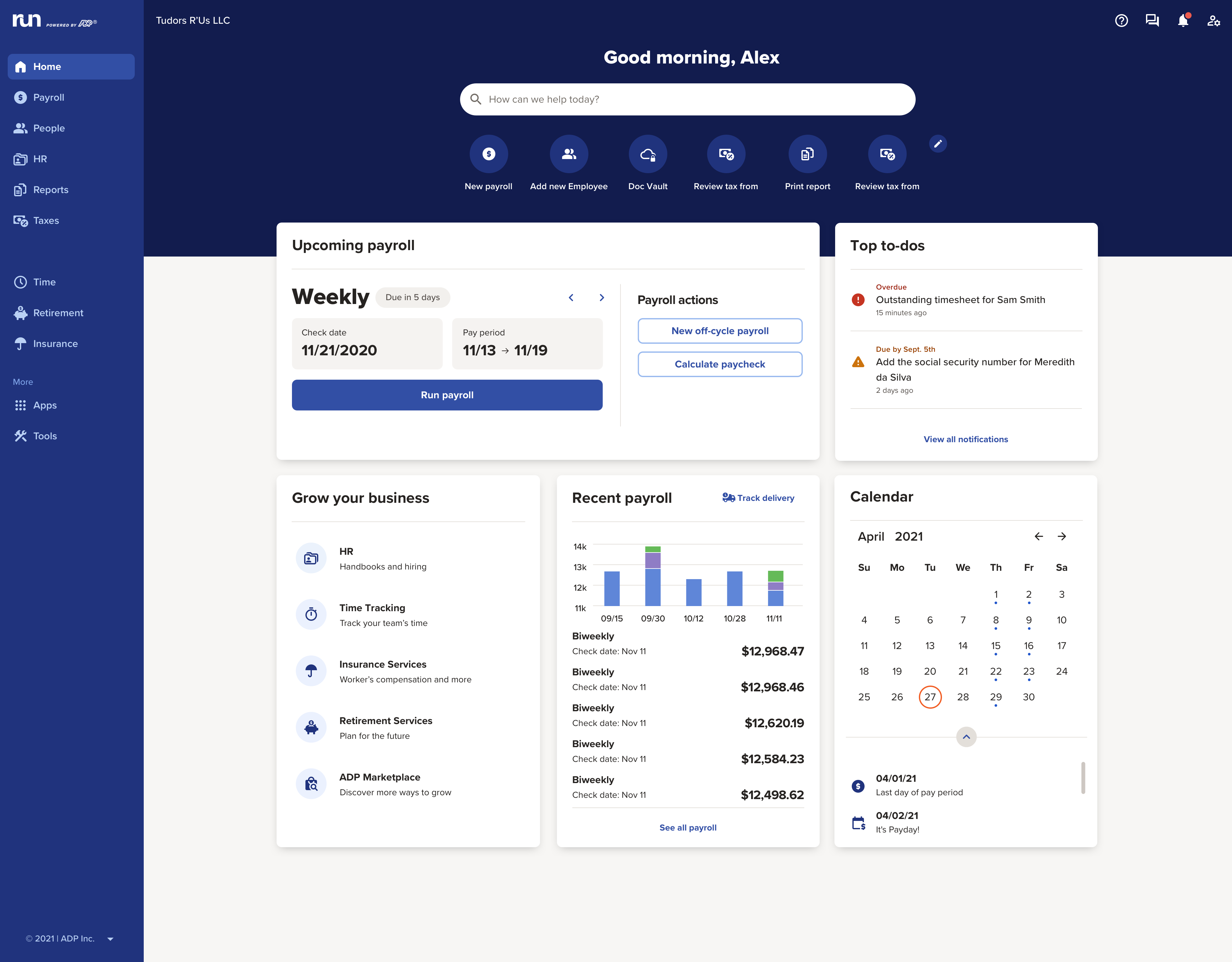
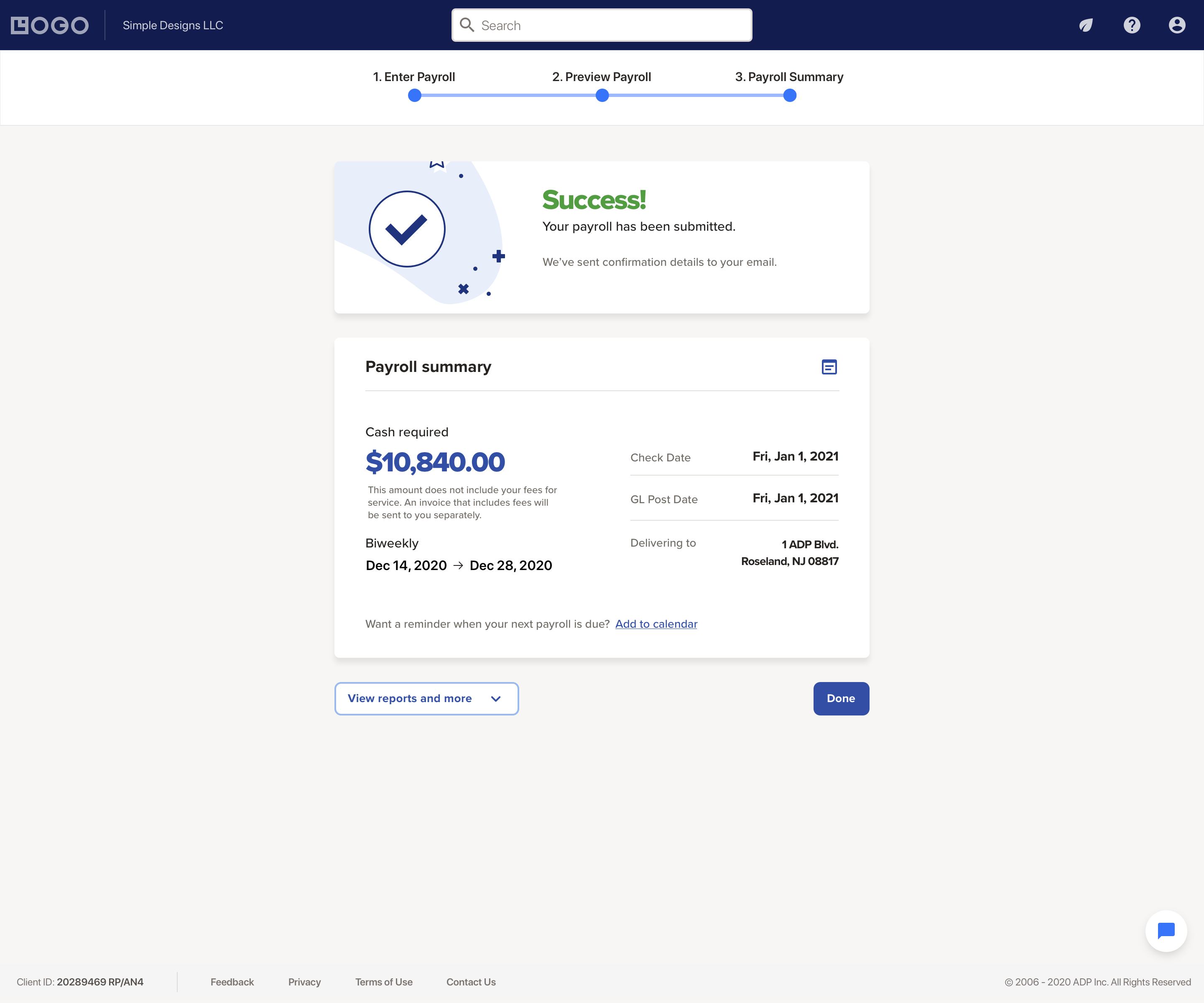
Screenshot of the RUN Dashboard with the business' key info front-and-centerScreenshot of the payroll interfaceScreenshot of access to payroll reports and liability amountsScreenshot of the RUN Powered by ADP mobile app, used to process payroll on the goScreenshot of the ADP mobile app, where employees can access their historical payroll statements and year-end tax documents

Out'n About! For Outlook Screenshots

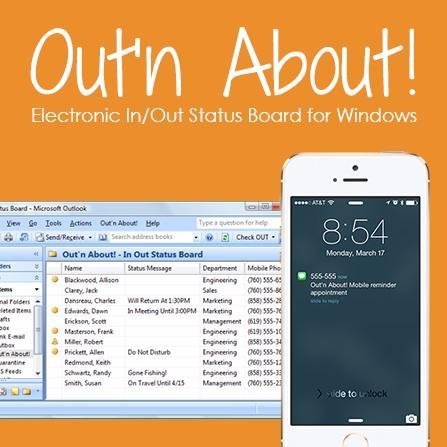
Screenshot of Main Screen Features
Your employees can connect to Out’n About! for Outlook via Microsoft Outlook.

A small Outlook addin adds all the Out’n About! In/Out Status Board features directly into the Outlook interface so you can continue to manage all of your information using a common interface.Screenshot of Presence Sensing

Out’n About! for Outlook contains a presence sensing feature that automatically alerts you when you use your computer and are currently Checked Out to ensure you have not forgotten to check In when returning to the office.Screenshot of Outlook Calendar Integration
Out’n About! for Outlook allows you to schedule future status events (e.g., meetings, travel, or vacation) based on Outlook Appointment items.

Department Panel
Organize your workforce into easy to use departments.

The Out’n About! Department Panel allows users to quickly select different departments for viewing. The panel also contains a filter dialog which allows users to filter users by different search criteria.