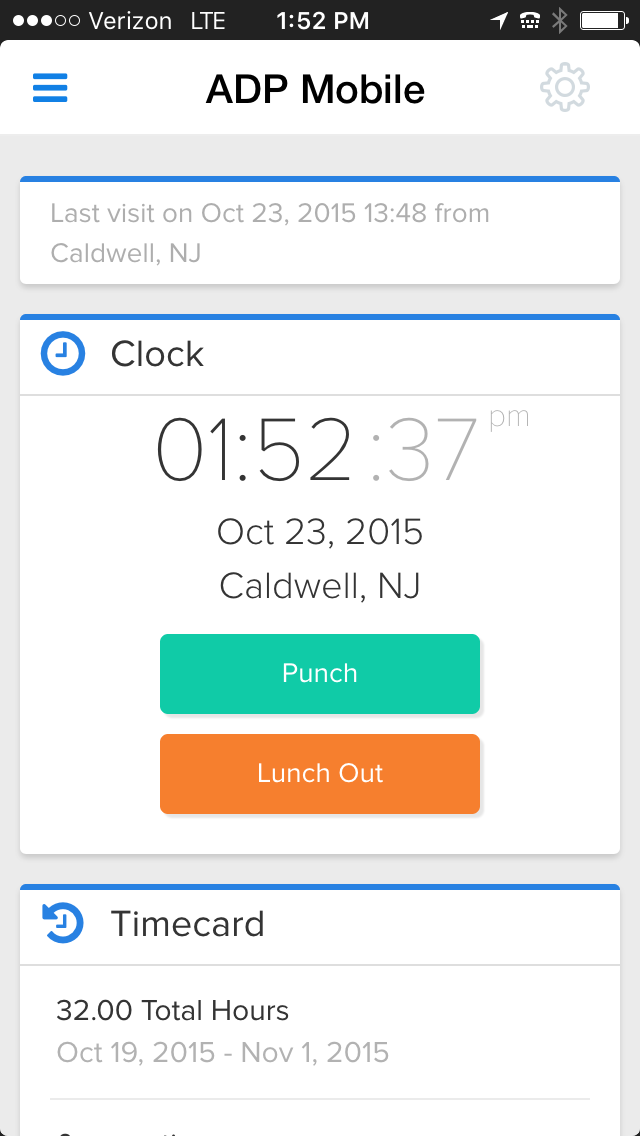
ADP's ezLaborManager is a time tracking and attendance offering.
N/A
Patriot Payroll
Score 9.7 out of 10
N/A
Patriot Software headquartered in Canton, Ohio offers Patriot PAY, their benefits administration and payroll software.
$174
Pricing
ADP ezLaborManager
Patriot Payroll
Editions & Modules
ADP Time and Attendance
Call for details
ADP Workforce Now Essential Time
Call for details
Basic Payroll
$17/mo + $4 per employee/contractor
Accounting Basic
$20/mo (unlimited use)
Accounting Premium
$30/mo (unlimited use)
Full Service Payroll
$37/mo + $4 per employee/contractor
Offerings
Pricing Offerings
ADP ezLaborManager
Patriot Payroll
Free Trial
No
Yes
Free/Freemium Version
No
No
Premium Consulting/Integration Services
No
No
Entry-level Setup Fee
Required
No setup fee
Additional Details
—
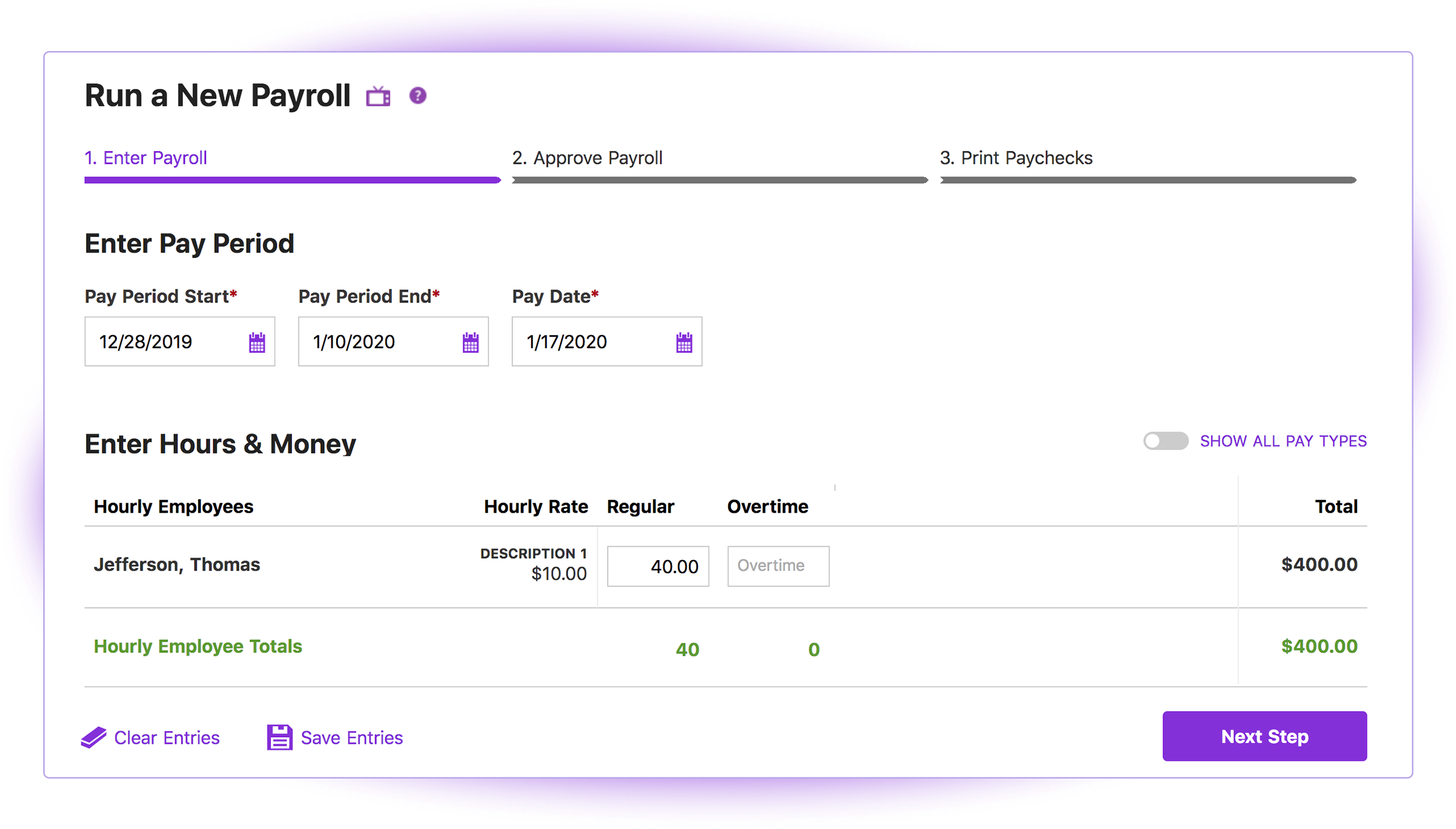
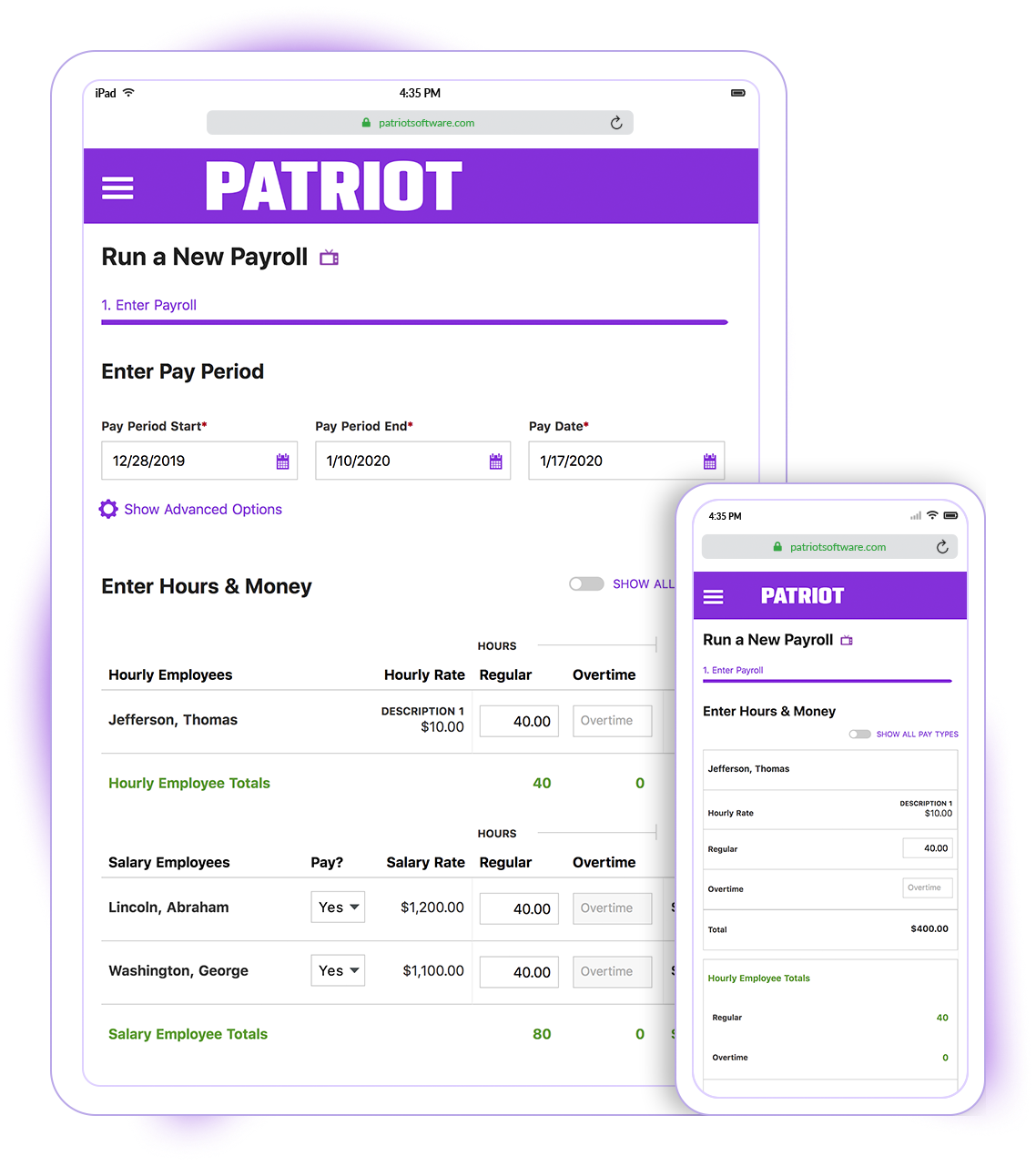
Patriot Software has two payroll options to choose from: Basic Payroll, and Full Service payroll software. Both start with a simple three-step payroll process. With the Full Service Payroll, Patriot will collect, deposit, and file federal, state, and local payroll taxes on the customer's behalf; end-of-the-year payroll tax filing is included at no extra charge.
Print W2s on 8 x 1/2 x 11 plain white office paper to hand to employees, or post to the free employee portal. Also, Patriot Software offers free direct deposit.
More Pricing Information
Community Pulse
ADP ezLaborManager
Patriot Payroll
Features
ADP ezLaborManager
Patriot Payroll
Payroll Management
Comparison of Payroll Management features of Product A and Product B
Clocking in/out is easy on the multiple time punch options. Cleaning up punches is also easy when they need to be fixed due to power outages or internet outages. It also helps with approving time off requests by showing on a calendar anyone in that manager's team who might already have the day scheduled off.
Patriot is well suited for an office with a small staff without complicated tax issues to manage. My office had 2 employees: one full-time and one part-time. There were no 1099's issued, and no special tax exemptions or other special tax situations for employees. The owner was a sole proprietor, so she was not paid as an employee through Patriot. It was easy to quickly run simple payroll tasks on a bi-weekly basis in my situation. However, I believe a more complex situation with more employees would still be suitable for this software if there was an employee dedicated to performing payroll and human resources tasks. Information must be manually entered each payroll period and submitted before 8pm to process at the scheduled pay date, so if there was not a dedicated employee for the task, it would be easy to end up paying employees a business-day late. I know that Patriot offers add-on services for human resource tasks, such as time sheets and tools to manage sick days, benefits, and record employee attendance. I did not require these extra services, but I like that Patriot offers services a la carte so that there is no need to pay for tools you do not need
The interface of ADP ezLaborManager is simple to use, training only takes a couple of minutes for employees and a couple more for managers.
Time off requests are simple to add to the system, review, and approve or deny. There is a space for comments so that managers and employees can communicate directly on the time off request.
The employee and supervisor approval process confirms that the employees and managers agree on hours work to satisfy in errors in time before processing payroll.
Importing ADP ezLaborManager to RUN Powered by ADP only takes a couple minutes allowing you to get started on processing your payroll in a fraction of the time compared to manual time cards.
Patriot's software is very easy to use for running payroll. It takes about 30 seconds to do.
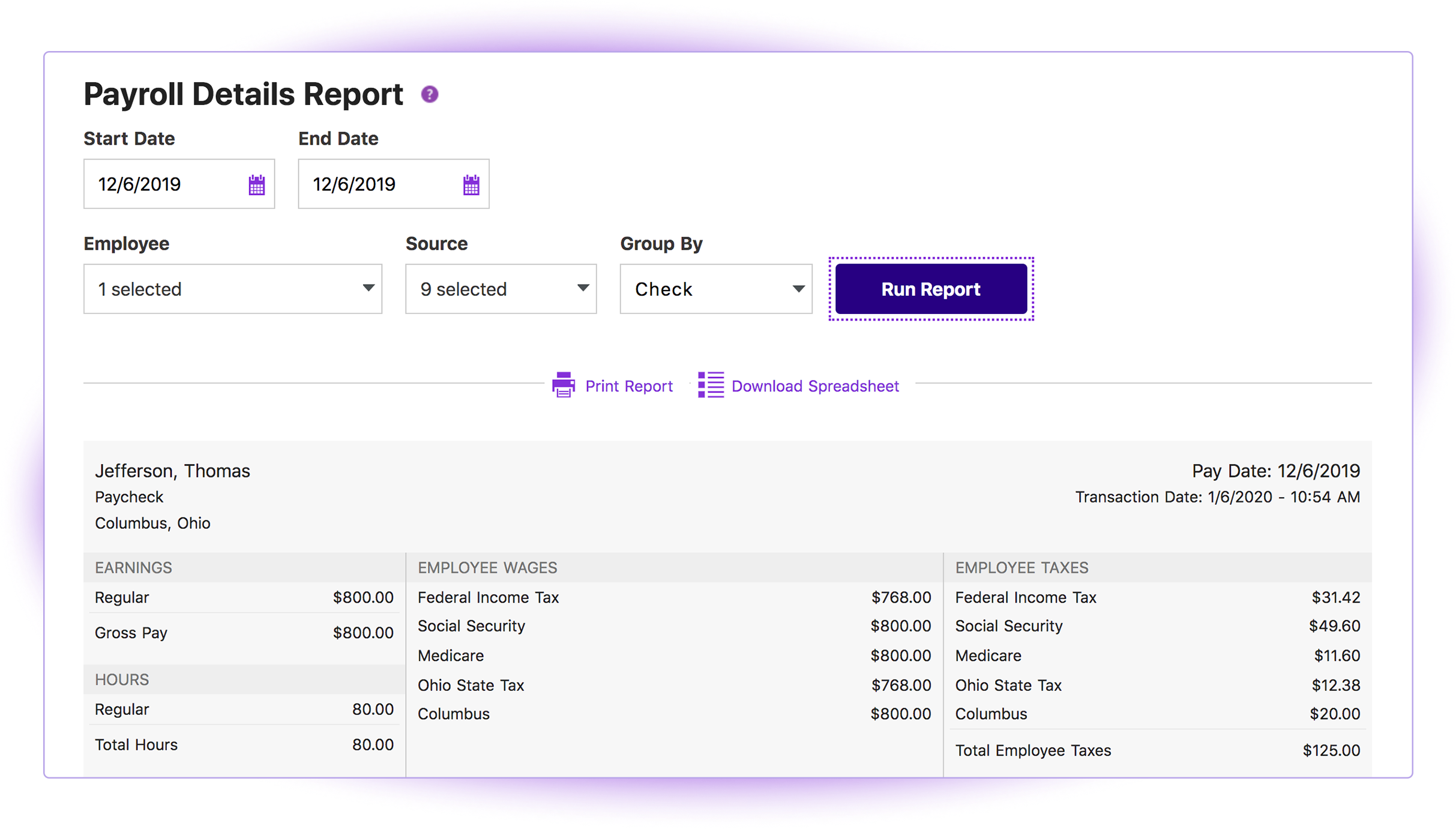
The payroll reports are abundant, easy to find and print, and make my accounting very easy.
Having a full service payroll provider as easy to use as Patriot leaves me with more availability to focus on treating patients and running other aspects of my business.
To cancel or delete a recurring schedule has too many steps for the managers to do so they ask me to do their updates for them.
Having several places to make updates is good but also can be bad. When you call ADP, everyone you talk with does things the way they were taught which in turns is you get a different answer. Then you have to remember, how did they do that again?
Sometimes less is more. If you update in one area, it does not cross over to another area that it may be tied to, then it's like you are doing double the work.
The third party direct deposit processor Patriot previously used was not particularly easy to work with...but Patriot just brought all direct deposit processing in house.
Clergy housing allowance has to be manually entered each payday. They tell me they're close to adding the capability of making it (and other similar pay types) as a recurring item.
The setup process is geared toward novice users who need to be hand-held through the process. That's great for those who need it but a more streamlined, no-frills process payroll pros would be welcome.
ADP is a good system to track information but, what it lacks is just some detail that provides time savings. Some instances they have made "updates" that tend to have been better previous to those "updates." One example is for staff to see how they have used their time off in the past. There should be an easy way to report and review such other than looking at pay periods. Pay statement and review and totals can also improve.
I think it is great once things are setup as for general user looking to look for simple things like a copy of a paystub or a current pay rate for an employee. However, to find specialized things like a state withholding number or payroll integration settings those do require a bit more digging to find or possibly a call to customer service for help.
The support is not the best as they take much time to get back to you, days for some items as simple as a standard report. They do not know much about their own system I feel and it shows a lack of knowledge on their part. We have gotten wrong answers and it's not so user friendly.
Generally speaking it is pretty good that when I need to call somebody up for a payroll question I can generally within five minutes get somebody on the phone and they can help me resolve the problem or specify where specifically I need to go or contact to find my answers. However, that being said, for my specific situation as a partner my assigned contact has not always been very responsive.
The training provided was based on a generic database and reporting which made it difficult to compare when you had your own database to work at. It also didn't provide good written materials that would be useful after the training session. It was more geared towards the practice tests or applications within the training.
We use ADP Workforce Now for our U.S.-based employees and overall for reporting and information storing ADP is better. However, the customer service of ezLaborManager may be a little better. Also the sister program to process payroll at work is light years ahead of Workforce Now.
Cost is the major factor here, but the ease of use (and design of the interface) is a big advantage for Patriot PAY. Items are (ironically) more "intuitive" to find and manage in Patriot PAY than Intuit.
Patriot PAY is closer to ADP/Gusto/Paychex in how it looks and feels and operates in a full-service capacity, but it is much more affordable.
Patriot allows the entire team to be on the same page when it comes to a campaign or donor. All of the information is in one place to see how much a donor gave or communication with that donor by a specific team member.
It provides comparative historic data and donor analysis. The organization of donations by appeal allows teams to know which campaigns were successful in previous years.