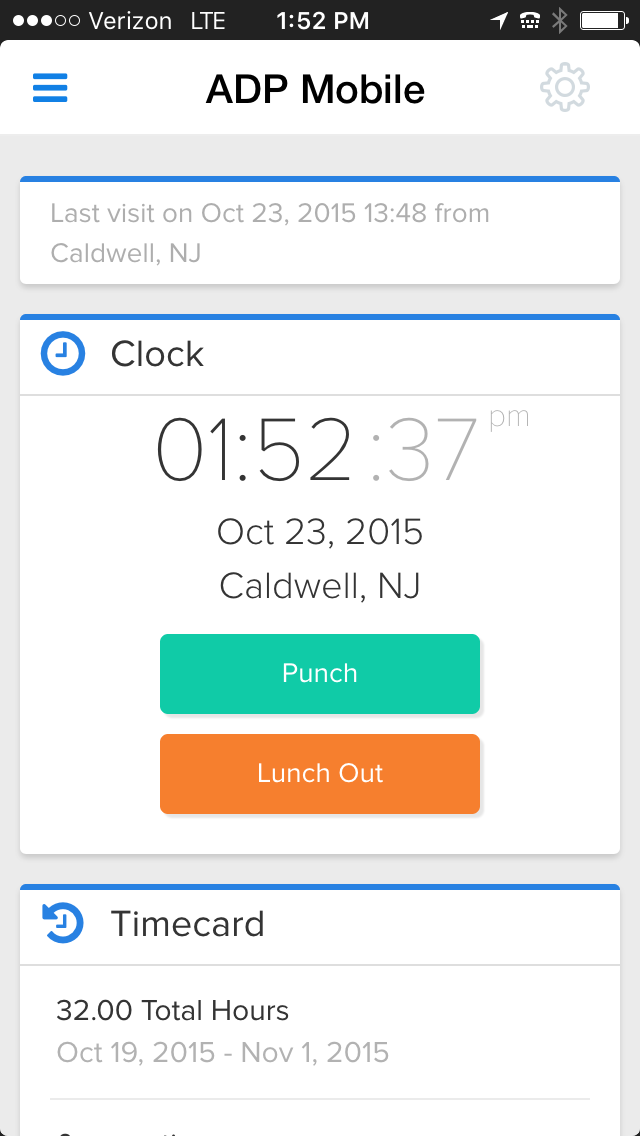
ADP's ezLaborManager is a time tracking and attendance offering.
N/A
Futuramo Time Tracker
Score 7.0 out of 10
N/A
Futuramo creates SaaS apps to provide a collaborative workspace for teams. Futuramo Time Tracker is an app used to track, analyze, and manage time, free for teams of up to 3 users, and $6 per license for each additional user.
Clocking in/out is easy on the multiple time punch options. Cleaning up punches is also easy when they need to be fixed due to power outages or internet outages. It also helps with approving time off requests by showing on a calendar anyone in that manager's team who might already have the day scheduled off.
Futuramo is best for when you're working alone on a project, or with a small team, given the glitches with the time tracker and the poor integration with Futuramo Tasks and Projects. Unless you're going to manually calculate the times spent on all tasks individually in order to know the total time spent on the project, I would not recommend using it on projects where you'd be billed per the time spent rather than a fixed amount.
The interface of ADP ezLaborManager is simple to use, training only takes a couple of minutes for employees and a couple more for managers.
Time off requests are simple to add to the system, review, and approve or deny. There is a space for comments so that managers and employees can communicate directly on the time off request.
The employee and supervisor approval process confirms that the employees and managers agree on hours work to satisfy in errors in time before processing payroll.
Importing ADP ezLaborManager to RUN Powered by ADP only takes a couple minutes allowing you to get started on processing your payroll in a fraction of the time compared to manual time cards.
The biggest pro of Futurama Time tracker is that it comes bundled with other tools. These are "Projects, Tasks, Virtual Tickets, Time Tracker, and Icons." This means I can track the time spent on each task within a project.
Time Tracker is easy to use, all you need to do is go to time tracker, enter the task you want to track, choose what project and clients it's under, and then click the play/start icon.
For projects that involve collaborating with others (either external freelancers I'm managing, or my staff) I can track the time spent on each task by each user. So I know how long each person spent on their task and how it related to the estimated time. This way I know if the project will take longer or shorter than estimated.
To cancel or delete a recurring schedule has too many steps for the managers to do so they ask me to do their updates for them.
Having several places to make updates is good but also can be bad. When you call ADP, everyone you talk with does things the way they were taught which in turns is you get a different answer. Then you have to remember, how did they do that again?
Sometimes less is more. If you update in one area, it does not cross over to another area that it may be tied to, then it's like you are doing double the work.
I'ver been using Futuramo for almost 2 years, primarily because they reached out to me to be one of the first users/testers. I've also shared some glitches that could be improved but the timer glitch is still there. When I start the timer to track a project, instead of the timer to start counting, it remains at 00:00 which is worrying because it makes me feel like it's not actually tracking what I'm working on. I was once 18 mins unto a task and when I checked the tracker it said 00:16 I was so worried I ended the task. Interestingly when I ended the task, it showed the correct time which was 18 minutes. I'm happy the timer was working but I'm also frustrated and in near-panic.
Like TopTracker, I wish there was a way to take screenshots of what I'm doing, that way I can be sure that the rest of the team is actually working on the timed tasks.
In the Time Tracker section of Futuramo, where the tasks timed are listed, I wish it was possible to actually click on any of the tasks there to see things like mouse clicks and keyboard taps. Similar to how Hubstaff and Upwork tracker tracks "productivity" (I'm not sure what this is called).
If you track a task not originally in Futuramo Task but created in Time Tracker, connected to a project or client, when you go to Futuramo Task, it won't be listed there. And when you to go Futuramo Projects, you still wouldn't see it there. I would like to go to Futuramo Project and see all the tasks there, both those timed and those yet to start.
ADP is a good system to track information but, what it lacks is just some detail that provides time savings. Some instances they have made "updates" that tend to have been better previous to those "updates." One example is for staff to see how they have used their time off in the past. There should be an easy way to report and review such other than looking at pay periods. Pay statement and review and totals can also improve.
The support is not the best as they take much time to get back to you, days for some items as simple as a standard report. They do not know much about their own system I feel and it shows a lack of knowledge on their part. We have gotten wrong answers and it's not so user friendly.
The training provided was based on a generic database and reporting which made it difficult to compare when you had your own database to work at. It also didn't provide good written materials that would be useful after the training session. It was more geared towards the practice tests or applications within the training.
We use ADP Workforce Now for our U.S.-based employees and overall for reporting and information storing ADP is better. However, the customer service of ezLaborManager may be a little better. Also the sister program to process payroll at work is light years ahead of Workforce Now.
Increased productivity: Futuramo Time Tracker makes it easy to know how long it'll actually take me to complete a task, and when put together, how long it'd take me to complete a project.
Track Billables: While calculating all the time spent on each task manually was exhausting, once that was done, I knew how long it took me and my team to complete a project and was able to bill my client for just that time.