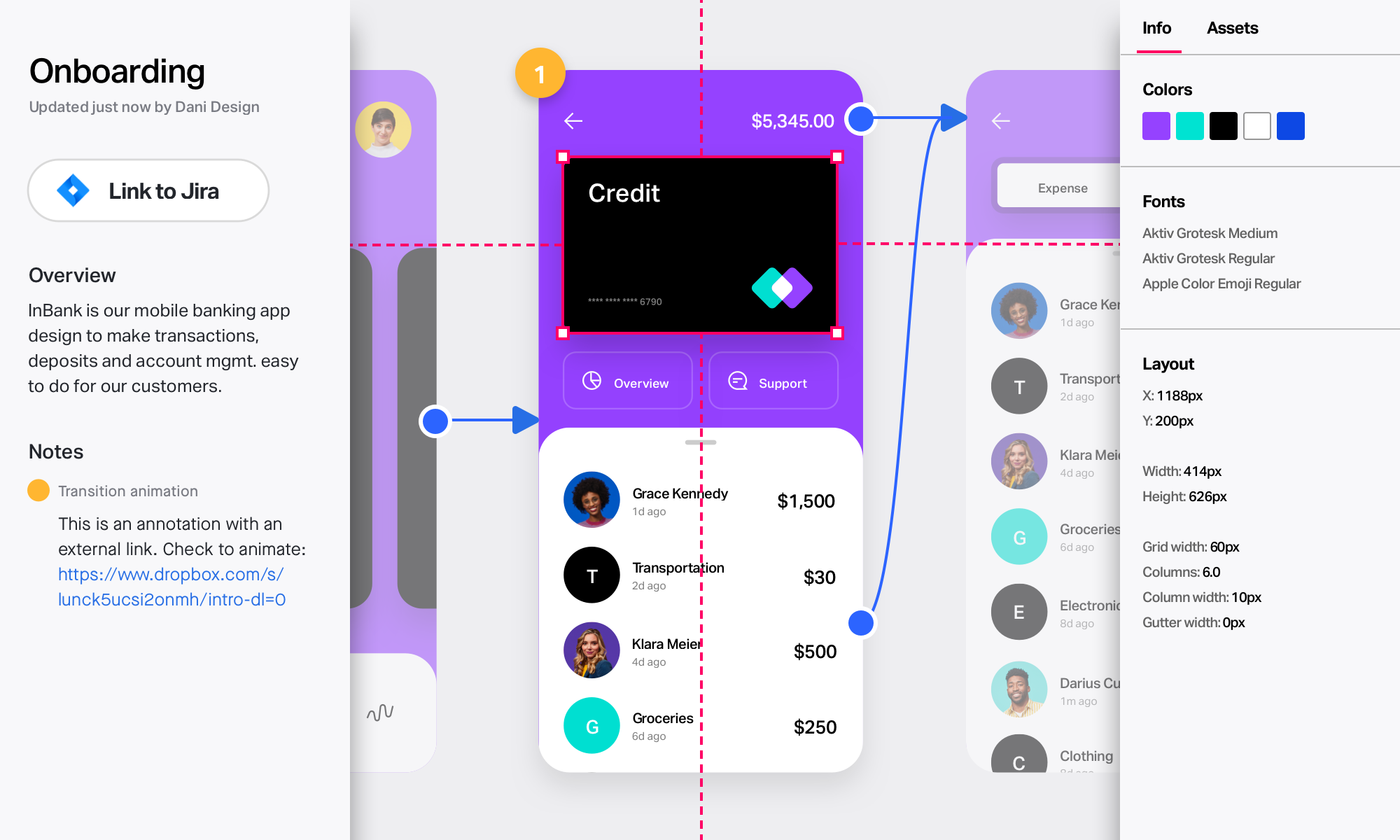
Adobe XD is a prototyping and UX/UI option for website and mobile application design, featuring a range of UI tools and and templates, a versatile artboard and contextual layer panels, and deep integration with Adobe's creative suite of products for fast import of objects from these applications.
$33.99
per month per license
InVision
Score 5.8 out of 10
N/A
InVision is a collaborative design and prototyping platform with features such as freehand drafting mode and interactive mockups, collaboration, idea management, user testing, and integration with Slack and other collaboration tools. According to the vendor, 1 million designers are using the free version.
Adobe XD is particularly useful and extremely easy to learn if you are a designer or a frequent user of the Adobe Creative Suite. Like all Adobe software, the tools, shortcuts, and interface are very similar to each other and allow for easy migration. Now, if you are not a frequent user of Adobe, it will probably cost a bit more to learn how to use the software, plus it is probably not going to be worth the price just for Adobe XD.
InVision is well suited for design reviews and immersing yourself in the experience of an app-to-be. As a Product Manager, it's difficult to take abstract concepts, user pain points, and business needs, and produce a vision for an app without a visual aid to communicate a vision. InVIsion offers PMs, designers, and developers the opportunity to sketch a vision, communicate about it with inline commenting, and shareable with other stakeholders.
Wireframing/high fidelity mockups. We're using it for both responsive websites and apps.
Prototyping. It just gets better with each update, especially with auto-automate.
Ridiculously small learning curve. In my opinion, everything seems to be just where I would expect it to be, especially being familiar with other Adobe products.
Designs can be very slow to load on mobile devices, particularly when they include many screens.
There isn’t an offline version of the full app, which feels less-than-ideal for many of our teammates who live in areas with more spotty internet.
There are limited functionalities to portray animations and transitions. This hasn’t been a huge issue, but it makes the app feel a little out of date, considering the range of such functionalities in other apps.
We utilize many of the applications in the Adobe CC suite and our usage of this application came about simply because it was the one that was already paid for. Bearing that in mind we will definitely be renewing the software upon the expiration of the licensing. I am not sure if this is the solution we would go with were it not already included, we would have to evaluate all other options
Adobe XD is basically on life-support now, there are much better software out there that do everything XD can do, and a few that you don't even have to pay a monthly subscription fee on. While Adobe XD is great as shortcuts that are used in other CC software works, and its integration with CC is great. But it still lacks compared to its closest competitor.
I have not had a need to connect with the Adobe XD support team as of yet, but from past experience when dealing with the other products, the support has been very very good, and I would have no reason to think that this product would be any different. There are a good number of training videos on the Adobe site for this product as well as on other social media sites so a quick search should let you find the answers in several different ways.
I didn't need to contact InVision support, as I've never needed it. They have an intuitive UI, and most of the questions are answered in their help portal or in tutorials online. Since many people use it, there a great resources available on for example YouTube. No problems so far with InVision.
Adobe XD used to be able to stack great, but I would select Figma over Adobe XD any day. Much better features, better quality of life features and includes darkmode. Another great part of Figma is the fact you can strickly use it in a browser without having to install any apps, but if you do install the apps, it works great if not better.
[InVision] provides the ability to iterate really quickly, in fact, it is so intuitive that can be applied on live wireframe designing, while the ideas are being scratched and stormed from the team in a single discovery session, as well as allowing and giving access to the whole organization to the final outcome