Adobe Illustrator CC vs. Markup Hero

Overview
ProductRatingMost Used ByProduct SummaryStarting Price
Adobe Illustrator
Score 8.9 out of 10
N/A
Adobe Illustrator CC is a vector-based graphic design software.
$20.99
per month
Markup Hero
Score 9.0 out of 10
Small Businesses (1-50 employees)
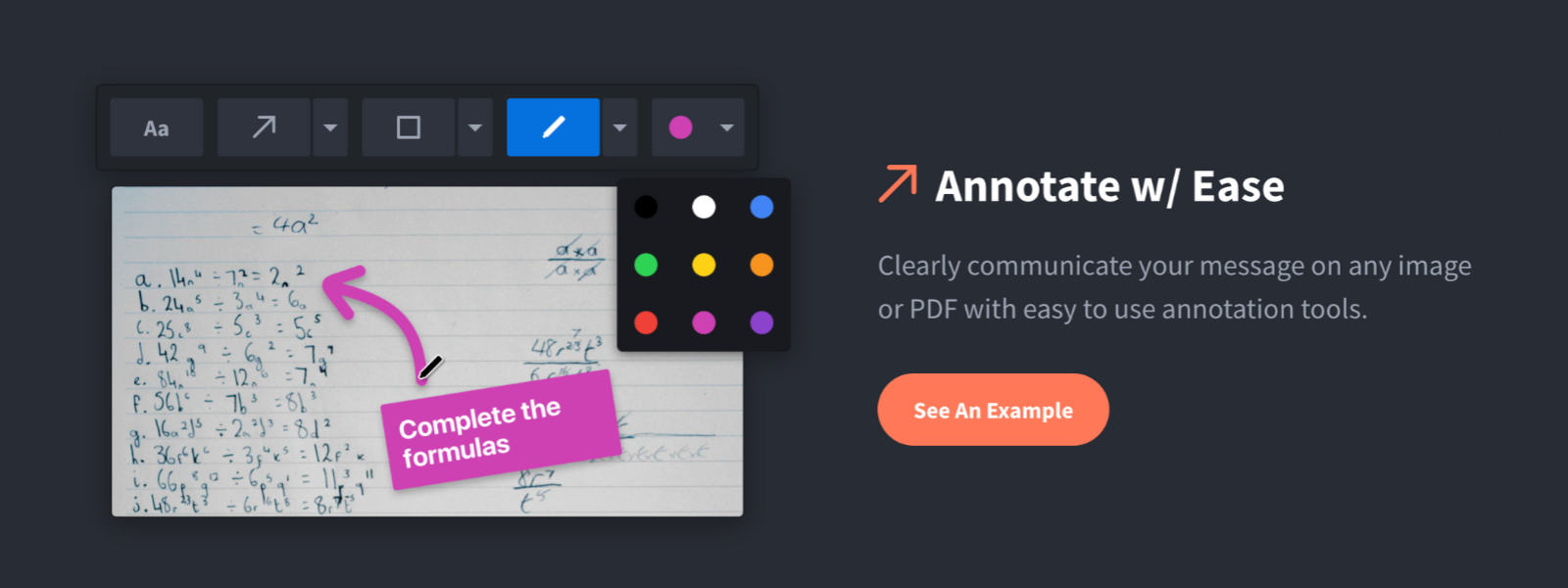
Screenshot, Annotate & Share Markup Hero is an annotation and screenshot tool designed to allow users to capture ideas, communicate clearly, and save time. Features Include: Screenshots Desktop app for Mac, Windows & Linux Works on any device including mobile Chrome extension Annotate screenshots, PDF's, images and URL's Always editable - annotations do not flatten permanently Arrow, text, rectangle, oval,…
$5
all features, unlimited markups, unlimited storage, unlimited bandwidth
Pricing
Adobe Illustrator CCMarkup Hero
Editions & Modules
Yearly - Billed Monthly
$20.99
per month
Monthly
$31.49
per month
Yearly - Billed Upfront
$239.88
per year
Superhero
$5/month
all features, unlimited markups, unlimited storage, unlimited bandwidth
Hero
FREE
10 markups per month, 3 days editing history
Offerings
Pricing Offerings
Adobe IllustratorMarkup Hero
Free Trial
NoYes
Free/Freemium Version
NoYes
Premium Consulting/Integration Services
NoNo
Entry-level Setup FeeNo setup feeNo setup fee
Additional Details
More Pricing Information
Community Pulse
Adobe Illustrator CCMarkup Hero
Best Alternatives
Adobe Illustrator CCMarkup Hero
Small Businesses
CorelDRAW Graphics Suite
Score 9.8 out of 10
Sendspark
Sendspark
Score 10.0 out of 10
Medium-sized Companies
GIMP
GIMP
Score 9.3 out of 10
Snagit
Snagit
Score 9.3 out of 10
Enterprises
CorelDRAW Graphics Suite
Score 9.8 out of 10
Snagit
Snagit
Score 9.3 out of 10
All AlternativesView all alternativesView all alternatives
User Ratings
Adobe Illustrator CCMarkup Hero
Likelihood to Recommend
9.1
(0 ratings)
9.6
(0 ratings)
Likelihood to Renew
9.0
(0 ratings)
-
(0 ratings)
Usability
7.2
(0 ratings)
-
(0 ratings)
Support Rating
5.0
(0 ratings)
-
(0 ratings)
Implementation Rating
10.0
(0 ratings)
-
(0 ratings)
User Testimonials
Adobe Illustrator CCMarkup Hero
Likelihood to Recommend
Indicated and suitable for companies and agencies that work with the creation of materials for social media, digital graphics and printed materials. Suitable for any scenario and for those who want to produce high quality material without image pixelation. A scenario not very suitable would be the use without proper knowledge of the tool, it would be interesting to see the tutorials and guides available by Adobe
Read full review
Markup Hero is great for sharing quick notes and adding callouts to images of PDFs. I use Markup Hero to share and store all my screenshots too. Markup Hero is not suited for in depth design feedback and iterations like Invision or full graphic design edits like Canva (although it's getting close!)
Read full review
Pros
  • Vector graphics for scaling to large sizes
  • Filling an object with a texture
  • Easily adjusting and expanding an artboard to fit the size of the content (especially for infographics)
  • Compatibility with other Adobe CC programs, but also exporting for PPT graphics
Read full review
  • Quickly adding annotations
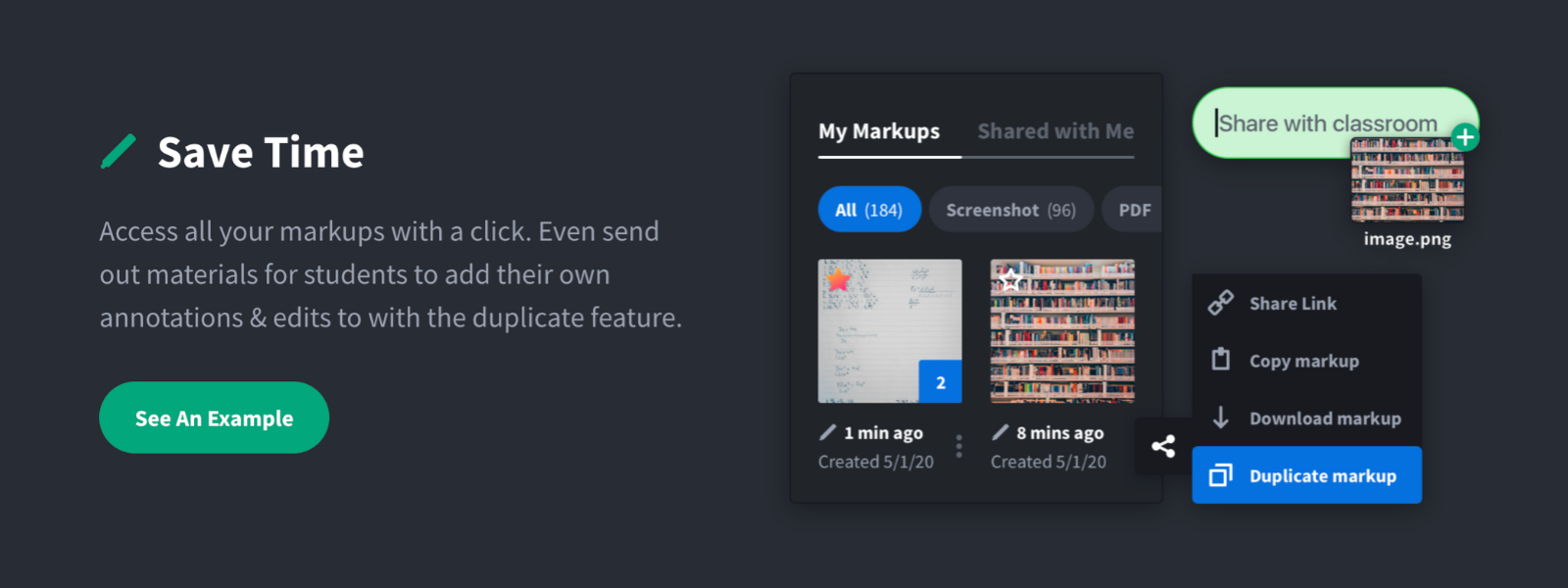
  • Sharing links to screenshots or marked up PDFs
  • Always editable and accessible from any device
Read full review
Cons
  • Illustrator Files can get large/cumbersome when you begin to incorporate high resolution photography, especially if you 'place' the photo instead of linking to it's source file
  • Typography can sometimes be a challenge, especially if you working on different machines that may not always have the font you need installed or sending the file to a commercial printer
  • OLDER versions of Illustrator can be a bit temperamental about being backward compatible though this issue has been greatly reduced with Adobe's move the Cloud Based subscription model
  • Not great for large print layouts (books, magazine etc) you're better off to move the project to Adobe InDesign in that case.
Read full review
  • Teams is basic right now; looking forward to more permissions and team folders
  • Love the insert image, but would like to be able to make my own library of images
  • Needs rotate when uploading from my iPhone - they're sideways right now
Read full review
Likelihood to Renew
While Adobe Illustrator CC is one of the only true design software out there, it really stands heads above the other products. It's clean UI and menu structure is easy to navigate.
Read full review
No answers on this topic
Usability
There's a bit of a learning curve to this software vs other similar tools that can take some time to learn and get familiar with but the amount of functionality that Adobe Illustrator CC offers is quite large compared to simpler tools.
Read full review
No answers on this topic
Support Rating
I normally already know how to do whatever I'm trying out, but the documentation (as well as a simple Google search) makes any question quick to resolve. The Adobe boards themselves are a fantastic resource, especially for resolving questions between new programs and iterative releases.
Read full review
No answers on this topic
Implementation Rating
It was very easy to purchase and download.
Read full review
No answers on this topic
Alternatives Considered
I chose Rhinoceros 3D because it is accurate to make drawings in it and it is better to make drawings in Rhinoceros 3D and then put them in Adobe Illustrator. But while printing or scaling it is much easier to put it in Adobe Illustrator. This makes the whole printing aspect of it much easier.
Read full review
Snagit is more powerful in some respects, but it's just overwhelming. I have Snagit too, but I only need the extra features like (unlimited colors, 50 different arrow shapes, etc.) like 1% of the time. I'd rather have simplicity and speed. Droplr was a good tool, but they haven't updated it in years it seems CloudApp is nice because it's a bit faster to take screenshots, but for me I like the web based annotating because I'm jumping between computers and devices a lot and want my markups everwhere.
Read full review
Return on Investment
  • Improved engagement in employee programs that are now represented in documents created using Illustrator.
  • Improved customer outcomes/interest as a result of materials created using Illustrator.
  • Better ROI on the programs we have developed or introduced due to the higher engagement and involvement.
Read full review
  • Productivity - Save at least 30 mins per day per employee
  • Organization - No more hunting through emails finding content I sent to someone
  • Communication - My clients better understand our suggested properties when I add annotations.
Read full review
ScreenShots

Markup Hero Screenshots

Screenshot of Annotate and markup just about anything from almost anywhere.Screenshot of Always editable, saved in your history, set permissions and share with a click.Screenshot of Keep track with tags and never lose a past markup.Screenshot of Upload images, PDF's, website URL's, Google Docs and annotate away!Screenshot of Tons of annotation tools like arrows, text, blur, crop, highlight and more.Screenshot of Super simple user interface that you'll love coming back to again and again.