Adobe Creative Cloud Express (formerly Adobe Spark) is a task-based, web and mobile product used to create and share rich multimedia content – from social media posts and stories to invitations to marketing materials like logos, flyers and banners.
$0
Magisto
Score 10.0 out of 10
N/A
Magisto in Menlo Park offers their video editing application to marketing teams, featuring an A.I. powered workflow with professional class effects, distribution and native video player.
N/A
Pricing
Adobe Express
Magisto
Editions & Modules
Free
$0.00
Premium
$9.99 / $99.99
per month
Teams
$9.99
per month per user
No answers on this topic
Offerings
Pricing Offerings
Adobe Express
Magisto
Free Trial
Yes
No
Free/Freemium Version
Yes
No
Premium Consulting/Integration Services
No
No
Entry-level Setup Fee
No setup fee
No setup fee
Additional Details
Contact Adobe directly for Enterprise pricing plan details.
I needed to create quarterly safety training posters. In the past, I have used Canva. But in Canva's free version, your options are limited. So off to AE I went. I was able to find four templates to help me create my four posters. I found templates that looked like a movie poster, and the results were so professional looking. It was easy to add my own pictures from my computer to further personalize the posters. I loved them so much I made them into movie poster size printouts, sprayed some liquid glue on a styroboard, and hung them up around our offices. Our employees loved them too, and it drummed up more people to attend my sessions.
Magisto is well suited for any venture that wants to promote its work. From a short introduction video with a logo to a more in-depth editing project, Magisto has the tools needed. Magisto provides video analytics, email marketing tools and the ability to embed videos on any website for business users. If you don't want to do record video, just add a group of photos and create a video from them.
Canva has a better interface, in my opinion... I like that this one is friendly to Adobe users, but I would likely recommend Canva to someone who's never used design software for a complete beginner.
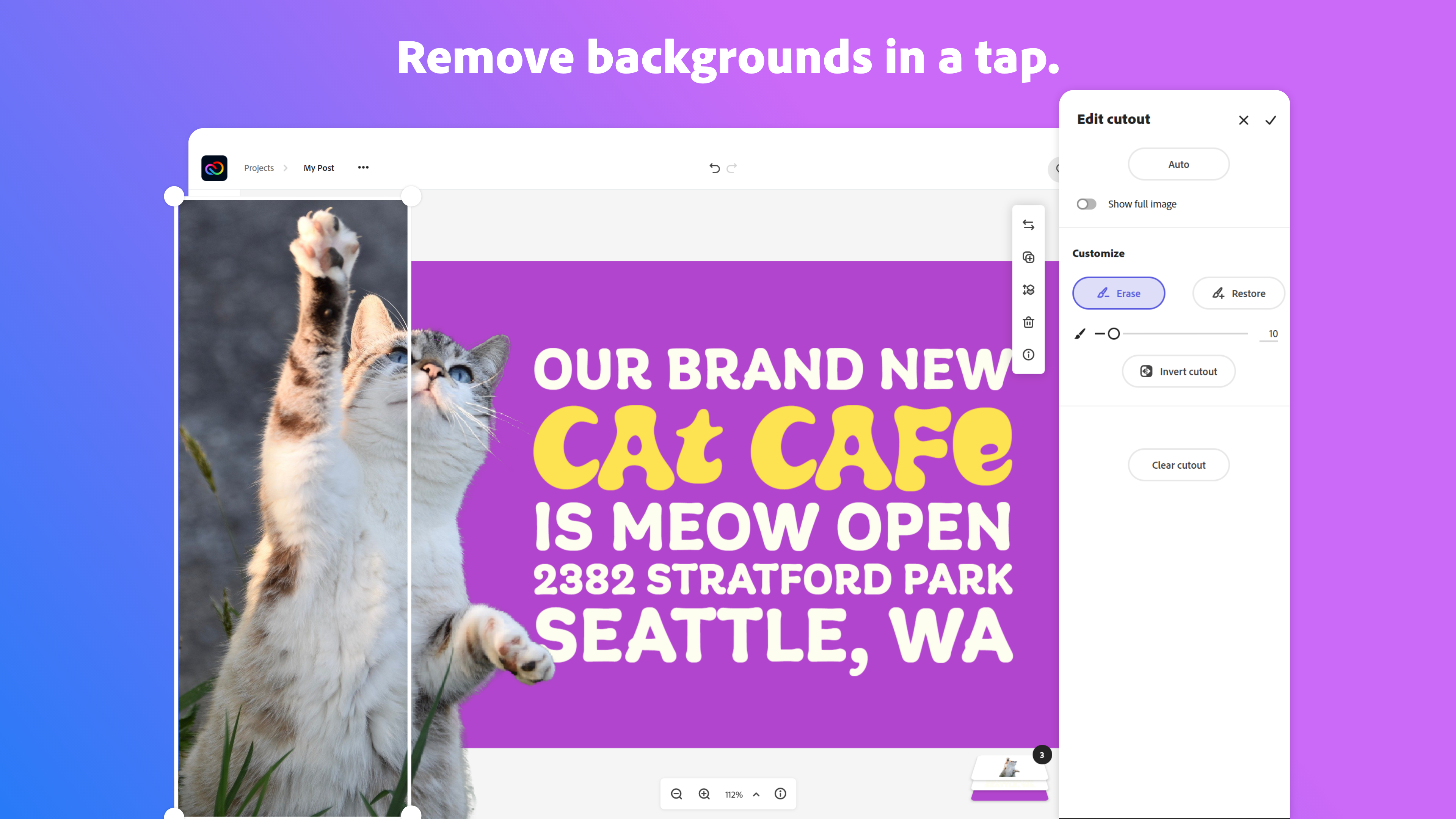
Removing the background from images doesn't always work well. I almost always need to switch to Photoshop for this.
The touch screen interface could be better; graphics on mobile apps are tough in general but specifically, the iPad interface could use some improvement.
It would be great if Magisto would allow significantly longer videos—20 to 30 minutes. I've often wondered why Magisto focuses on shorter videos and only recently began allowing videos that are 10 minutes maximum.
I would love for Magisto to offer an affiliate program. I publish a lot of videos that I create in Magisto and refer it to many people in the education and dance industries. I would love to be able to do that as a paid affiliate and I'm sure others would as well.
I use it daily for almost all my marketing needs. So far it is the program that has the most and best to offer for what I need and is the easiest to use
The overall usability of the software was strong. The application, especially relative to other Adobe services like Photoshop that can demand a lot of knowledge and skill, was highly easy to use. At the same time, that also speaks to the somewhat limited amount of customization opportunities that allow content designers to truly create content that is dynamic, engaging, and different than the standard stuff that floods our vision every day.
Because adobe is so widespread the community support is amazing. I have never actually used adobe support short of their website, but I go to youtube a lot to get my questions answered. You can google any problem you have and not have any issues finding an answer. In my opinion, community support is much more meaningful and helpful than support directly from the company
I don't believe I've ever contacted Magisto for support, so I can't really say. The app has only frozen on me a couple of times (recently), and I usually log out and log back in and the error is fixed.
For users already in the Adobe ecosystem, Adobe Express is a great tool to consider for it's modern, professional templates, impressive stock image library and the easy drag-and-drop tools. I mostly do most of my work on desktop, but I know Canva is generally better for mobile usability and its got more third-party integrations that may be important to some users.
I think Magisto is the best product when it comes to creating slideshows or quick videos for any business, brand, or individual. Other video editors have better options with regard to adding filters or transitions, though. But I believe that Magisto, besides these two factors, is a better overall package. I think that someone who wants to control every aspect of their video creation might not like Magisto.
It has allowed us to complete more demos and projects in less time by being so flexible.
It has positively impacted our efficiency in delivering creatives such as YouTube thumbnails, event poster designs, Instagram story posts, etc to clients in a timely manner no matter where work takes us.
I would say the ROI has been seeing more projects completed and invoiced per month. I would estimate overall a 20% increase in volume on deliverables.