
Adobe Express vs. Lumen5
| Product | Rating | Most Used By | Product Summary | Starting Price |
|---|---|---|---|---|
 Adobe Express | Score8.8 out of 10 | N/A | Adobe Creative Cloud Express (formerly Adobe Spark) is a task-based, web and mobile product used to create and share rich multimedia content – from social media posts and stories to invitations to marketing materials like logos, flyers and banners. | $0 |
 Lumen5 | Score8.2 out of 10 | N/A | Lumen5 in Vancouver aims to enable teams to create social media content in minutes, working with enterprise brands, organizations, and creatives to produce engaging videos that get results. Powered by AI and designed for business, the vendor states their platform allows users to focus on storytelling while relying on technology to bring ideas to life. Lumen5 is presented as an ideal solution for social media and marketing teams to drive growth, scale their business, and increase engagement. | $19 per month billed yearly |
| Adobe Express | Lumen5 | |||||||||||||||
|---|---|---|---|---|---|---|---|---|---|---|---|---|---|---|---|---|
| Editions & Modules |
|
| ||||||||||||||
| Offerings |
| |||||||||||||||
| Entry-level Setup Fee | No setup fee | No setup fee | ||||||||||||||
| Additional Details | Contact Adobe directly for Enterprise pricing plan details. | — | ||||||||||||||
| More Pricing Information | ||||||||||||||||
| Adobe Express | Lumen5 | |
|---|---|---|
| Considered Both Products | No answer on this topic | No answer on this topic |
| Key User Insights | ||
| Would buy again | ||
98% Would buy again 45 Answers | No answers on this topic | |
| Delivers good value for the price | ||
100% Delivers good value for the price 42 Answers | No answers on this topic | |
| Happy with the feature set | ||
98% Happy with the feature set 45 Answers | No answers on this topic | |
| Lived up to sales and marketing promises | ||
97% Lived up to sales and marketing promises 35 Answers | No answers on this topic | |
| Implementation went as expected | ||
97% Implementation went as expected 35 Answers | No answers on this topic | |
| Adobe Express | Lumen5 | |
|---|---|---|
| Small Businesses |  Pexels Score10 out of 10 |  iMovie Score10 out of 10 |
| Medium-sized Companies | Pexels Score10 out of 10 | iMovie Score10 out of 10 |
| Enterprises | Pexels Score10 out of 10 |  Adobe Premiere Pro Score8.9 out of 10 |
| All Alternatives | View all alternatives | View all alternatives |
| Adobe Express | Lumen5 | |
|---|---|---|
| Likelihood to Recommend | 8.8 | 8.0 |
| Usability | 9.4 | - |
| Support Rating | 7.9 | - |
| Contract Terms and Pricing Model | 9.5 | - |
| Professional Services | 10.0 | - |
| Adobe Express | Lumen5 | |
|---|---|---|
| Likelihood to Recommend |
|
|
| Pros |
|
|
| Cons |
|
|
| Likelihood to Renew |
| No answers on this topic |
| Usability |
| No answers on this topic |
| Support Rating |
| No answers on this topic |
| Alternatives Considered |
|
|
| Contract Terms and Pricing Model |
| No answers on this topic |
| Professional Services |
| No answers on this topic |
| Return on Investment |
|
|
| ScreenShots | Adobe Express Screenshots  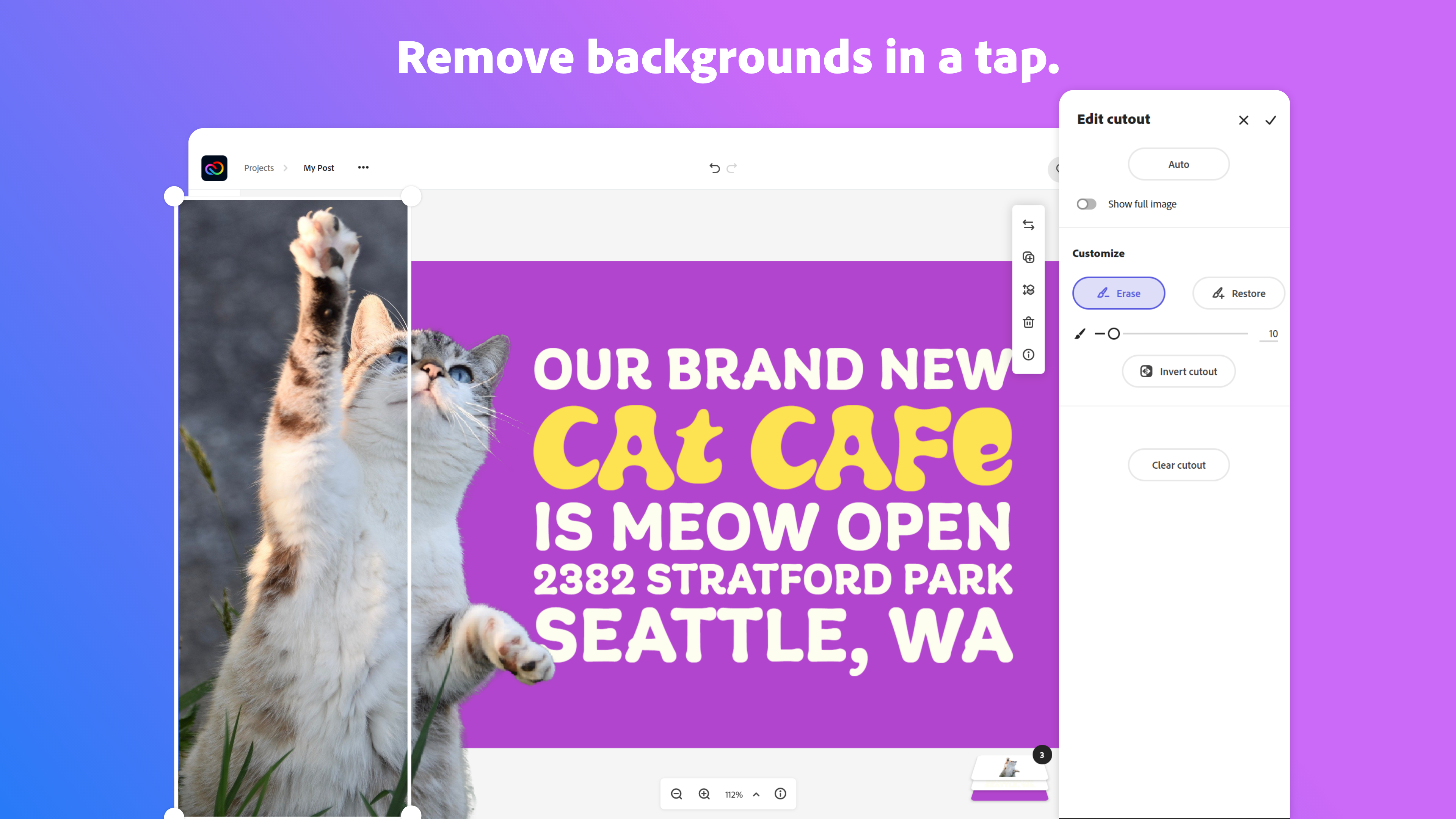    |



